
01Ad Manager, explained
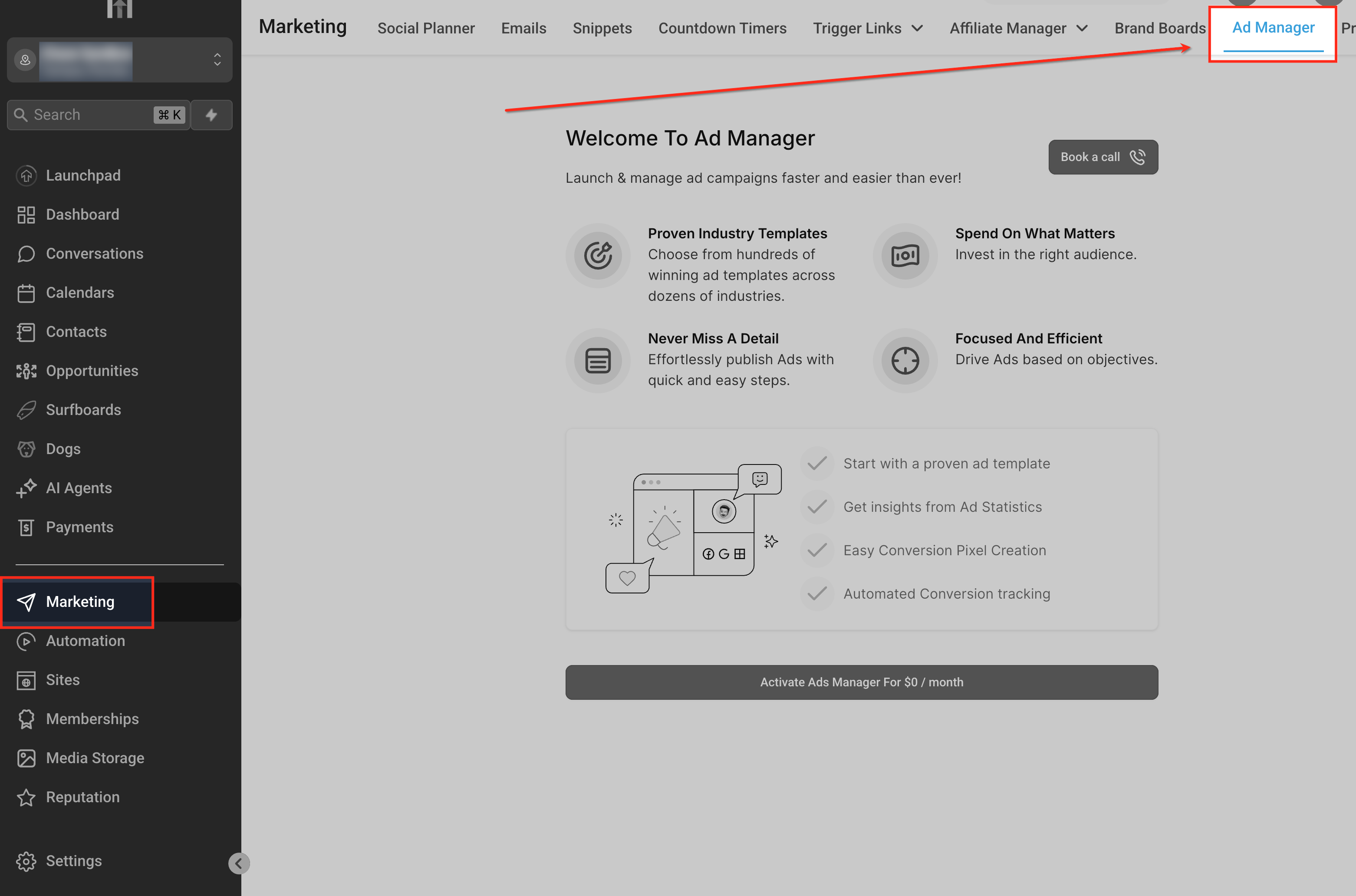
Ad Manager is a centralized dashboard inside HighLevel that brings Meta (Facebook and Instagram), Google and LinkedIn advertising together. Users can create campaigns, set audience targeting, budgets and schedules, and monitor key performance metrics such as impressions, clicks, conversions and spend. All from a single view.
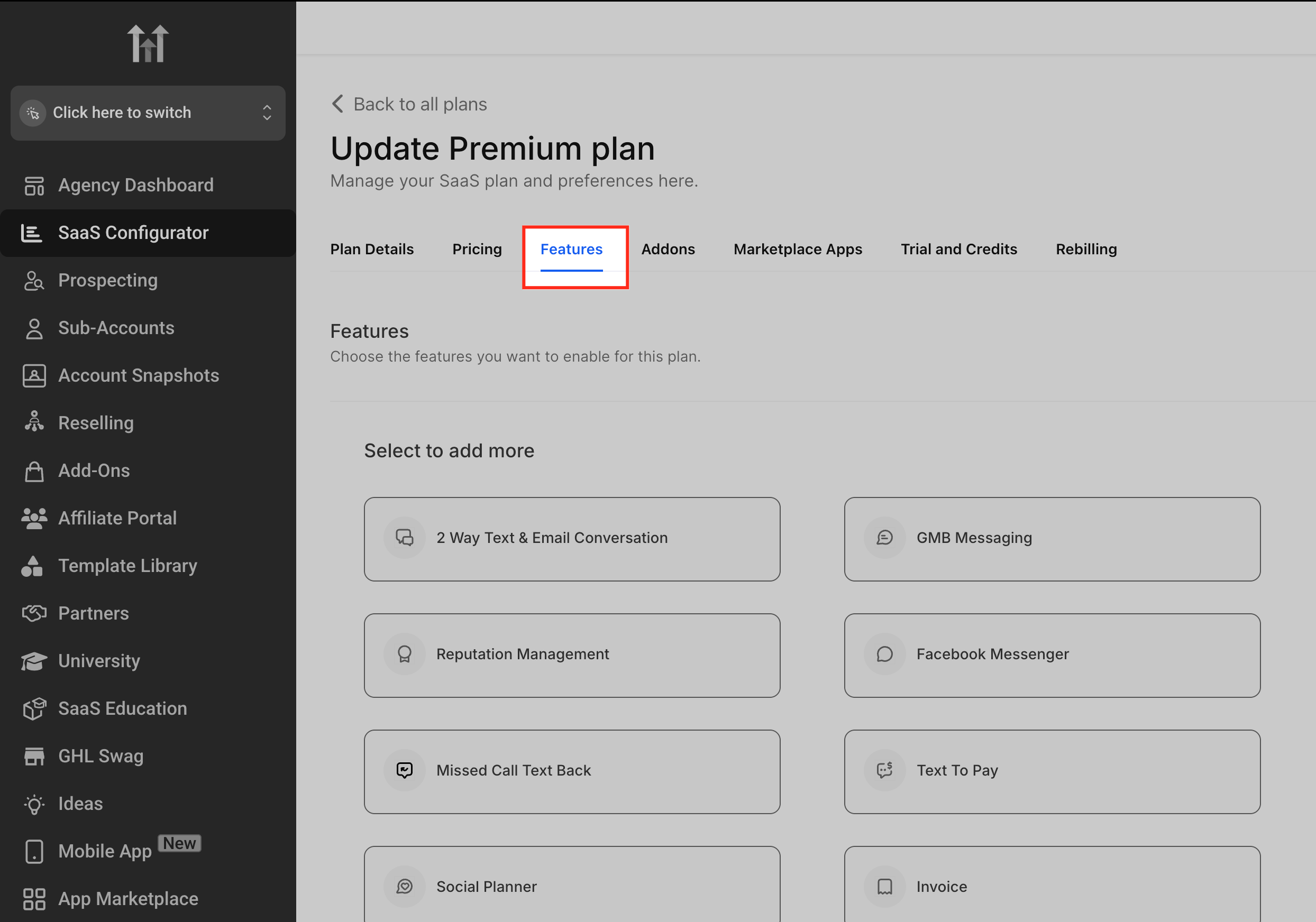
The tool also offers reusable campaign templates, conversational AI assistance for supported advertising workflows, and API access for automation. Agencies can manage multiple client accounts, control access for subaccounts, and resell the feature as a revenue generating service.
02How businesses use Ad Manager
- Multiplatform campaign creation. Select the desired platform, choose an objective like lead generation or traffic, and upload creative assets. The dashboard configures the campaign settings and creates the ads within HighLevel.
- Performance monitoring. View real time metrics such as impressions, clicks, conversions and spend on the Ad Manager dashboard.
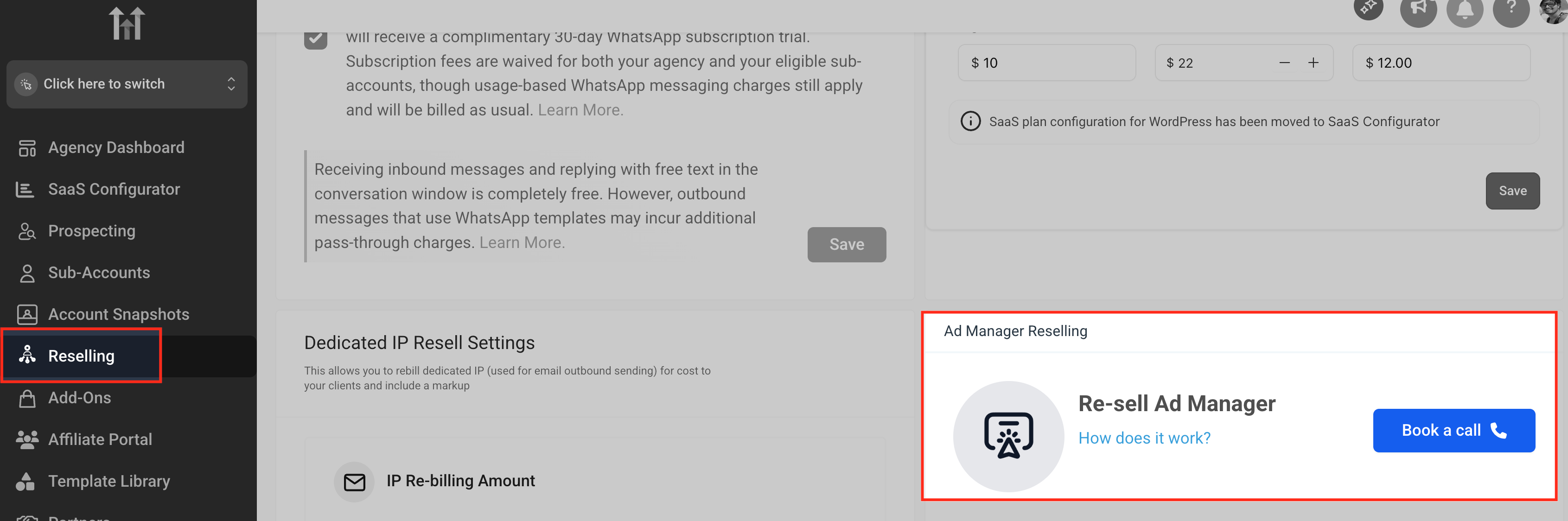
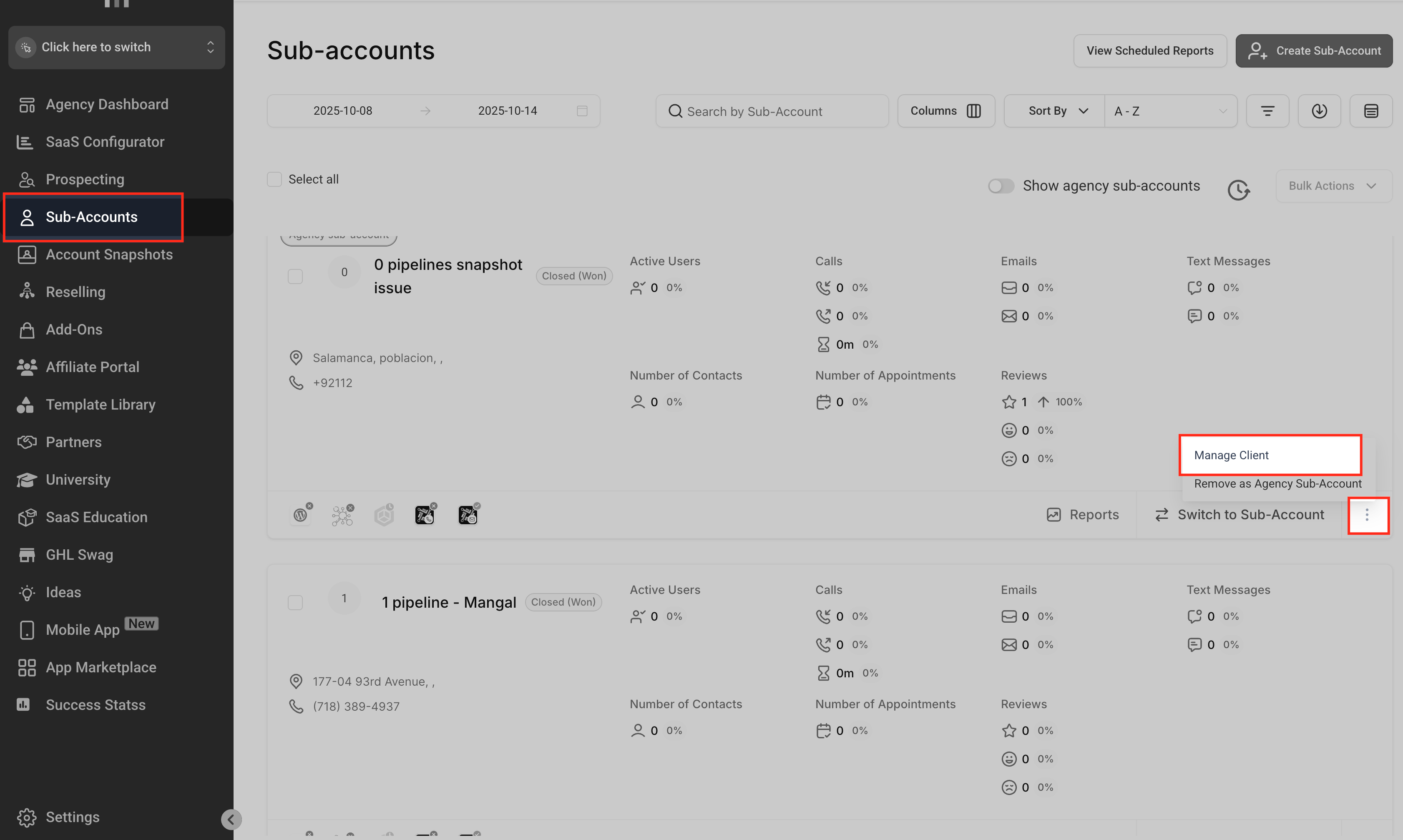
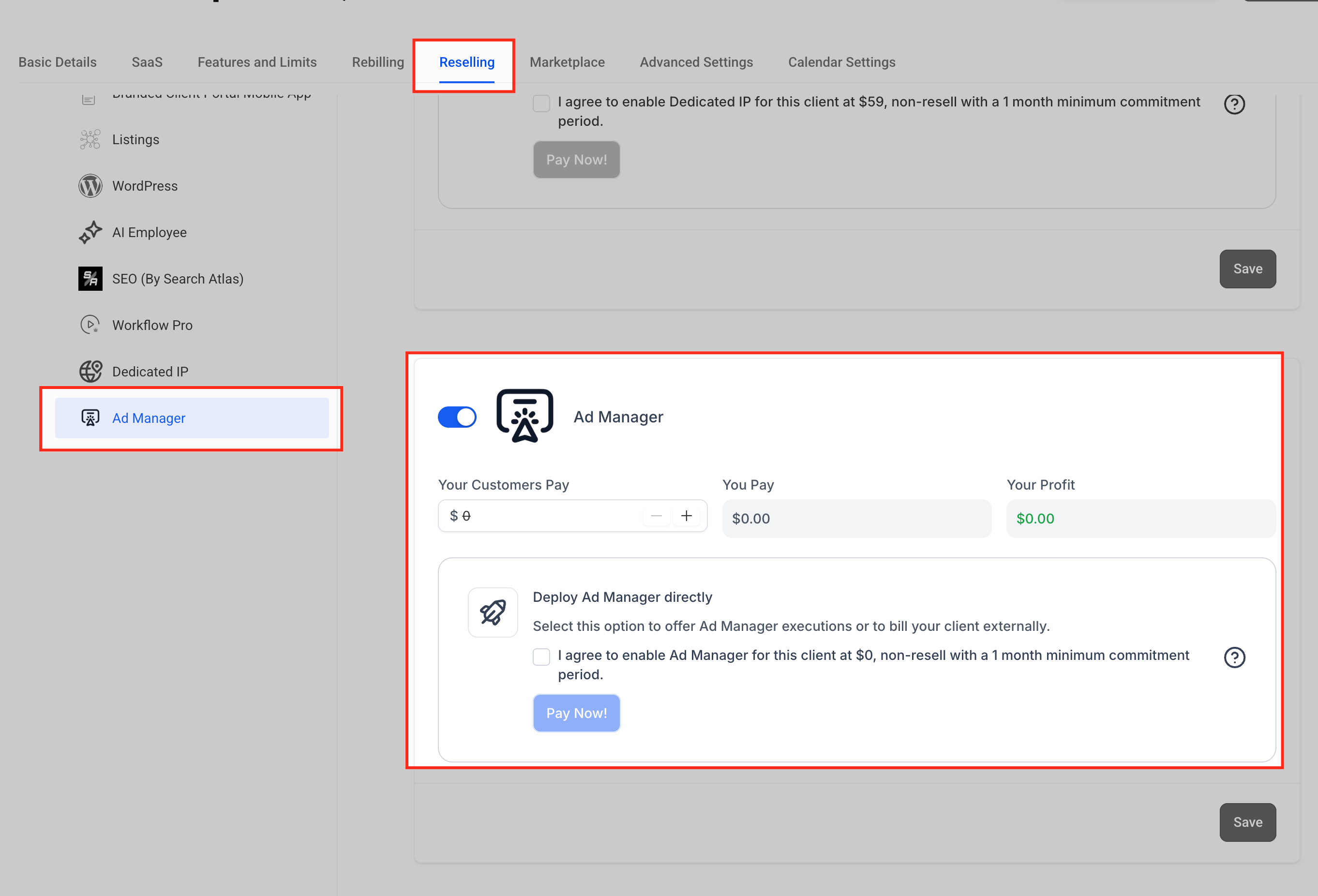
- Agency reselling. Agencies enable Ad Manager for subaccounts, set a resale price in the Reselling tab, and collect profit on the markup while the base cost remains $0.
03The numbers and rules that matter
- Supported platforms: Meta (Facebook & Instagram), Google Ads, LinkedIn Ads.
- Meta formats: Single Image, Video, Carousel (up to 10), Lead Forms, Conversation Forms.
04How to set up and use Ad Manager in HighLevel
Set up ad manager
- From your HighLevel dashboard, navigate to Marketing > Ad Manager.
- Click Connect Accounts and follow the prompts to link your Facebook, Instagram, Google, or LinkedIn Ads account.
- Ensure the correct permissions are granted for creating and managing campaigns.
- Choose the platform, define the campaign objective, set audience targeting, budget and schedule.
- Track performance metrics such as impressions, clicks, conversions and spend in the Ad Manager dashboard.
05What it looks like in HighLevel
Michael's take

The feature is free for agencies, and the only cost is the ad spend you already have to cover. I make sure the proper permissions are set for each connected platform, then create a simple lead generation campaign to verify that the data flows correctly.
Once the basics are solid, I explore the reusable campaign templates and the AI assistance to speed up future launches. It’s a good idea to test one platform at a time, confirm the reporting looks right, and then scale to the other networks.