
01Who this is for
- Marketing managers, need reliable inbox delivery for campaigns and must ensure authentication passes.
- Ecommerce store owners, rely on order confirmations and promotional emails to reach customers without landing in spam.
- SaaS Founders, require consistent delivery of onboarding and notification emails to maintain user trust.
02Emails going to spam, explained
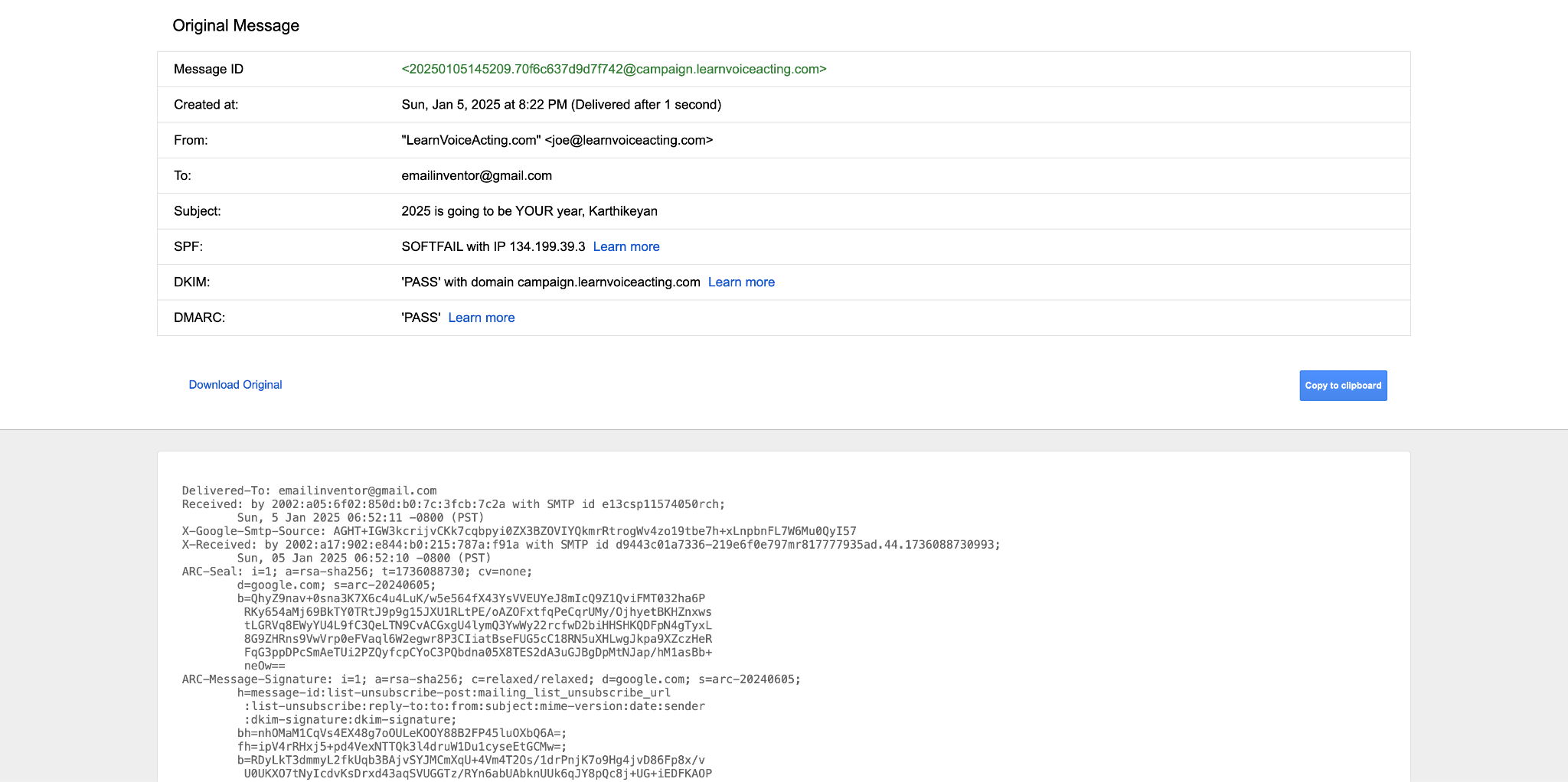
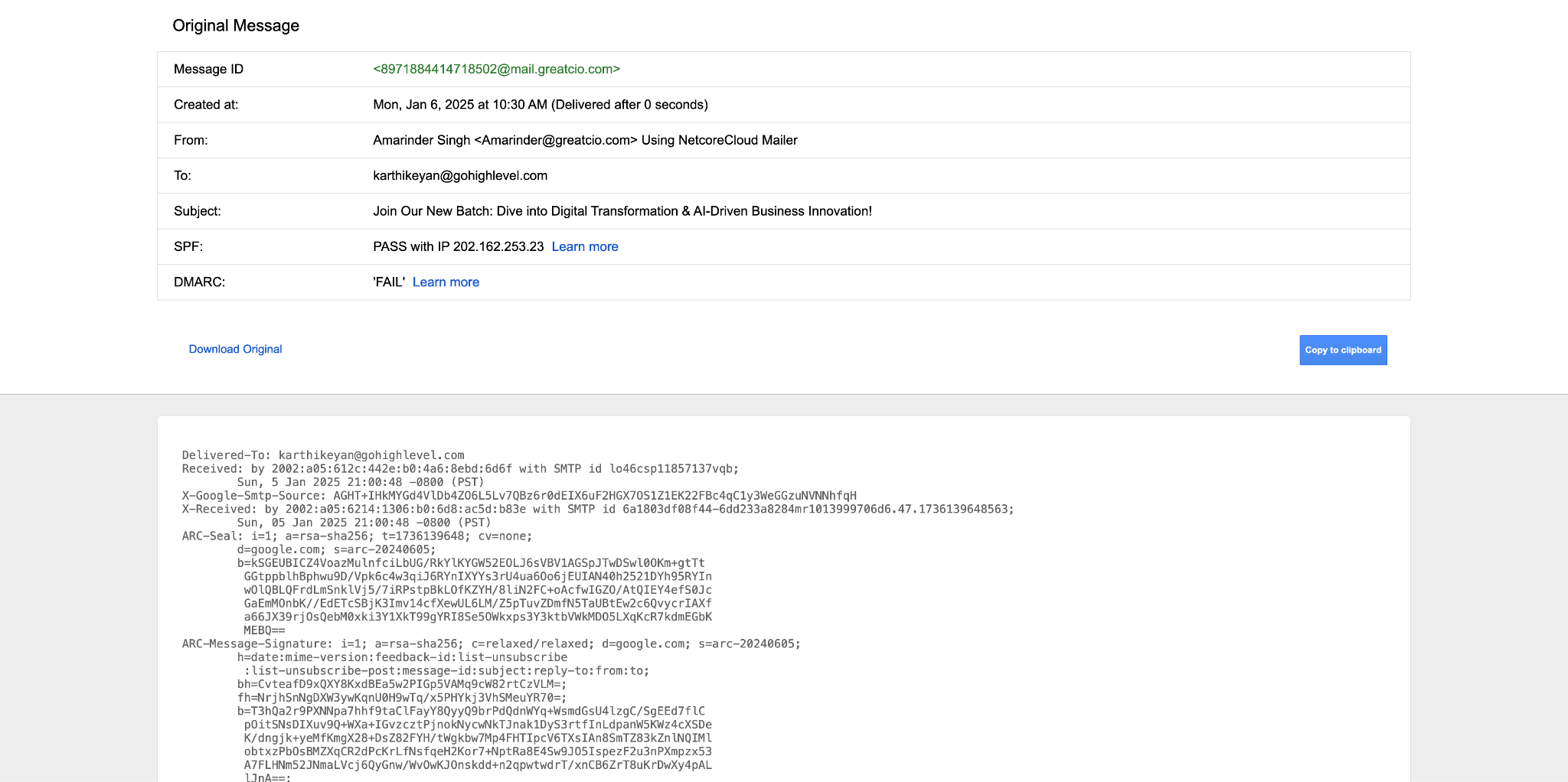
The guide explains how to audit an email’s header to see if SPF, DKIM and DMARC records are passing. It shows where these checks live: you send a test email to Gmail, view the original message, and read the authentication results.
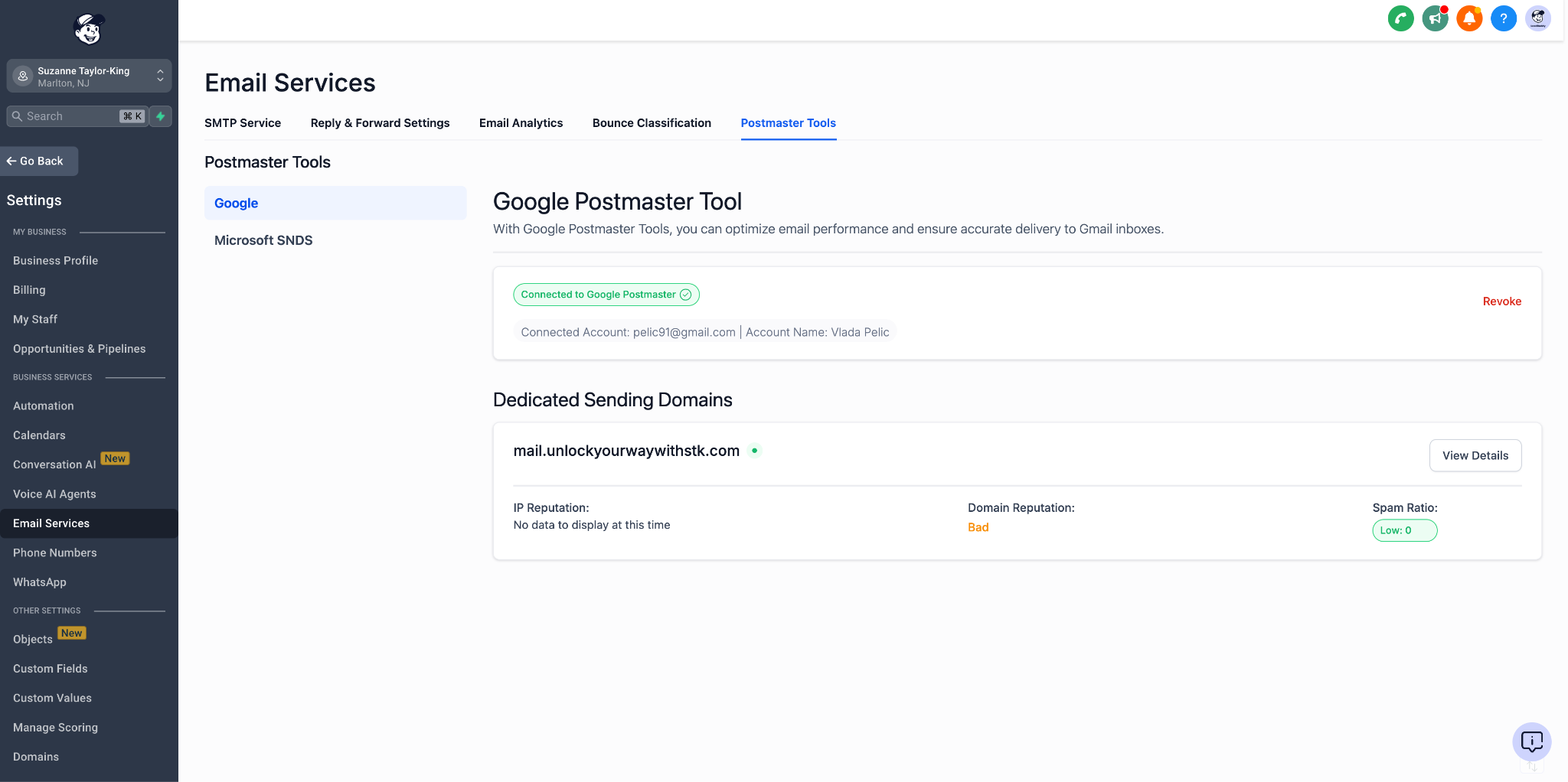
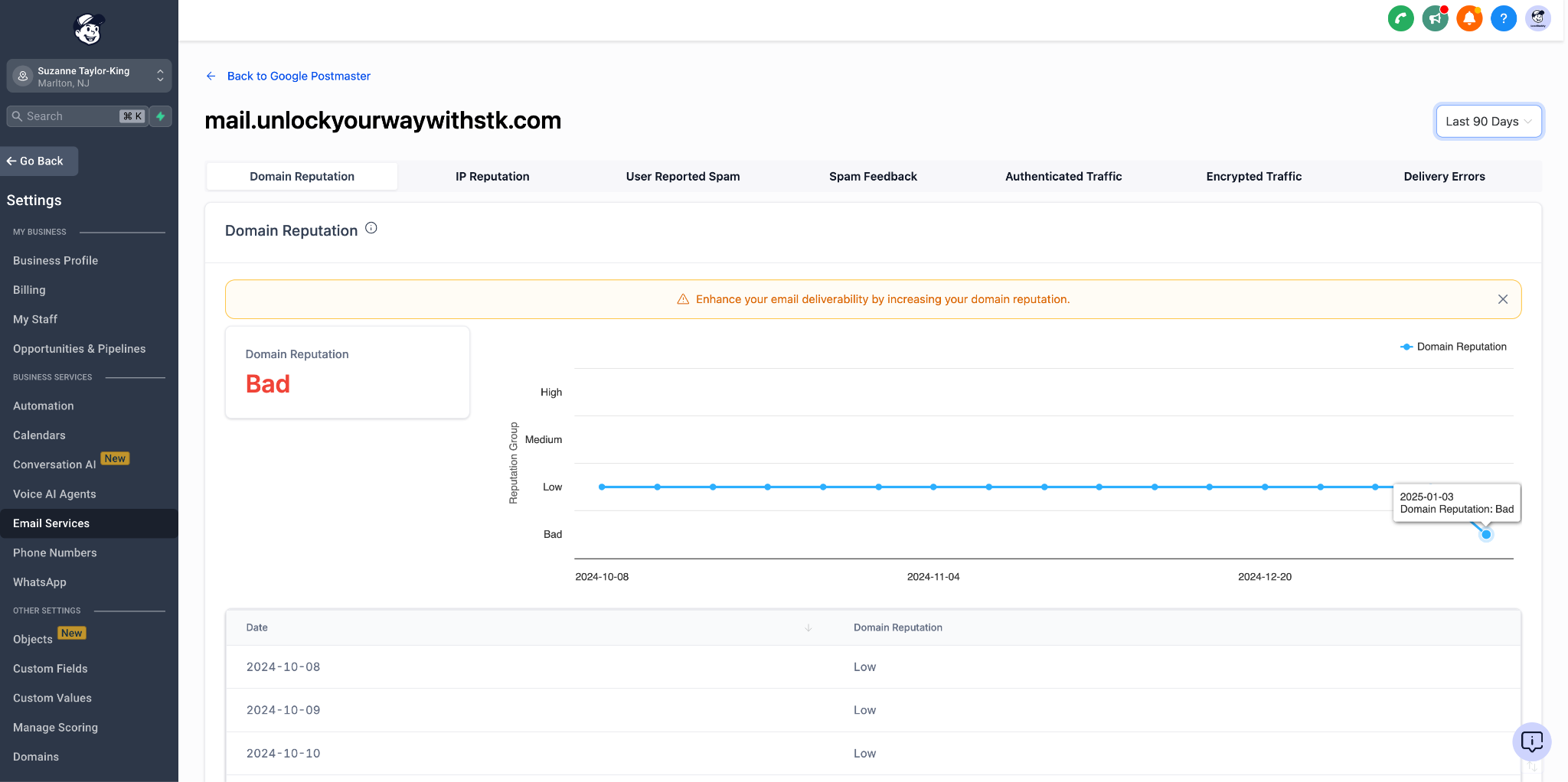
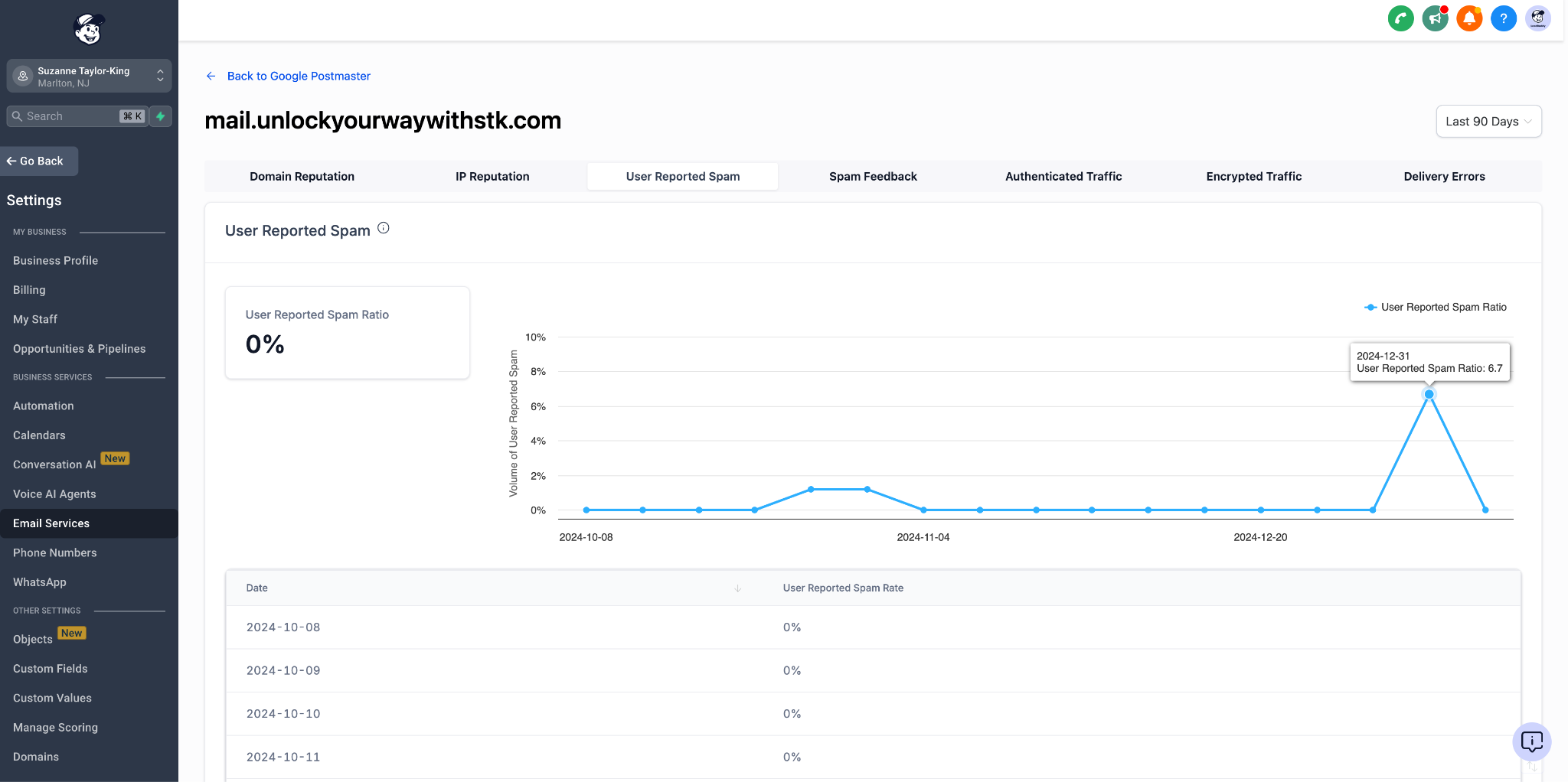
If any authentication fails, the guide tells you how to add or correct DNS records in your domain and re verify the setup inside the platform’s Email Service settings. It also covers using Google Postmaster Tools to view domain reputation when authentication looks good.
All steps are performed inside HighLevel under Settings > Email Service and related sections, using the platform’s built in email sending domain management and verification tools.
03How businesses use emails going to spam
- Digital marketing agency. The agency sends a test email to a Gmail inbox, opens the original message, and checks the SPF, DKIM and DMARC results. If any show FAIL, they add the required DNS records and re verify the domain in Email Service settings.
- Online retailer. The retailer reviews the header after a test send, sees a DMARC FAIL because the sending domain differs from the From address, then either aligns the domains or changes the DMARC policy to none in their DNS.
- Consulting firm. The firm accesses Google Postmaster Tools via Settings > Email Service > Postmaster Tools, examines domain and IP reputation, and uses the insights to decide whether to pause cold outreach while the reputation improves.
04The numbers and rules that matter
- Spam complaint rate above roughly 0.3% triggers aggressive filtering.
- Bounce rate above 5% triggers aggressive filtering.
- Subject lines under ~50 characters work best for mobile rendering.
- Clean your list every 6 to 12 months.
- Remove unengaged subscribers (no opens/clicks in 90+ days).
05How to set up and use emails going to spam in HighLevel
Inspect the email header (SPF, DKIM, DMARC)
- Send a test email to a Gmail inbox you control.
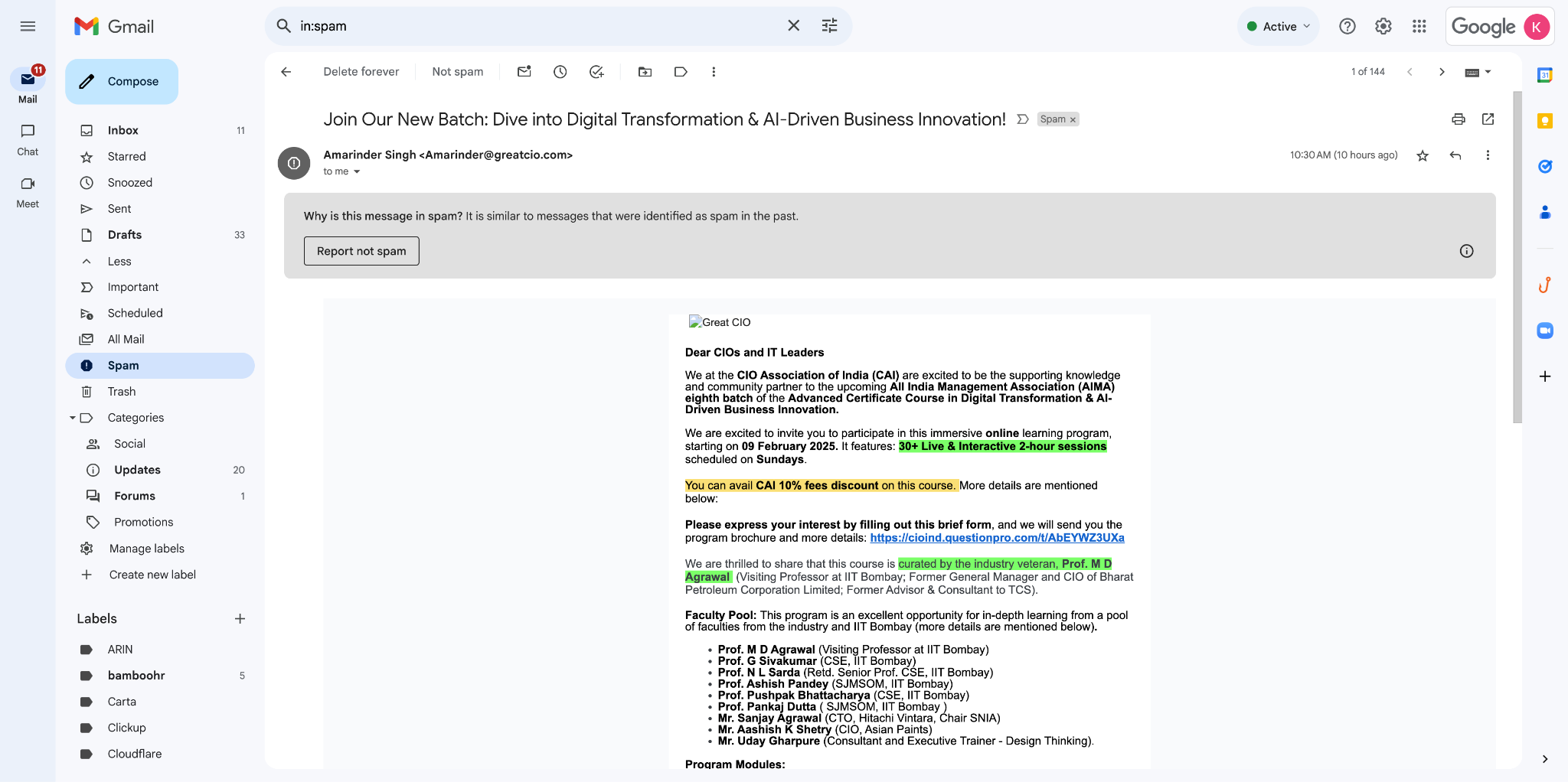
- In Gmail, click the three vertical dots next to the Reply button.
- Choose "Show original" from the menu.
- Review the header window that appears.
- Confirm that SPF, DKIM and DMARC results are marked PASS.
Fix email header (authentication) failures
- Add the SPF and DKIM DNS records provided by your SMTP provider, then re verify the domain inside Email Service settings.
- If the sending domain differs from the From address and DMARC policy is reject or quarantine, either send from the same domain or change the DMARC policy to none.
- If both domains match but DMARC still fails, use Dmarcian to examine the DMARC record and update it on root and subdomains to "v=DMARC1; p=none;".
06What it looks like in HighLevel
07Settings that matter
- Email Service settings. Controls domain verification, SPF/DKIM record entry, and enables the List Unsubscribe header for LC Email sends.
- Postmaster Tools. Provides access to the Google Postmaster dashboard where you can view domain and IP reputation data.
08Things to know before you rely on it
- Sending from free public domains (gmail.com, yahoo.com, outlook.com) causes messages to be routed to spam because their DMARC policies block third party sends.
- SPF, DKIM or DMARC failures are strong spam signals; all three must show PASS for a clean authentication status.
- High complaint rates above roughly 0.3 % or bounce rates above 5 % damage sender reputation and increase spam filtering.
- Sudden spikes in sending volume or frequency can trigger spam filters, especially for new or dormant domains.
09If something goes wrong
- SPF fails. Add the SPF record listed by your SMTP provider to your domain’s DNS and re verify the domain in Email Service settings.
- DMARC fails when sending and From domains differ. Send emails from the same domain as the From address or change the DMARC policy to "none".
- DMARC fails even though domains match. Use Dmarcian to diagnose the DMARC record and update it on both root and subdomains to "v=DMARC1; p=none;".
10How it connects to the rest of HighLevel
- Basics of email deliverability in HighLevel Email deliverability basics
- Set up a dedicated sending domain for HighLevel Dedicated domain setup
- Guidance on warming up domains and DMARC configuration Email warm up guide
Michael's take

If your HighLevel emails keep landing in the spam folder, you need a systematic fix.
Skip it if you never send bulk email or only use HighLevel for internal communications.