
01Who this is for
- Agency admins who oversee multiple client subaccounts, because they must keep each account’s bounce rate low to maintain sending capability.
- Marketing managers that run bulk email campaigns, as high bounce rates can halt outreach and delay promotions.
- Sales teams relying on email outreach, because a suspension interrupts their ability to contact prospects.
02Email bounce suspensions, explained
The bounce suspension feature monitors the bounce rate of every email sent from a subaccount. When the rate passes defined thresholds, the platform first sends warning emails, then applies two 12 hour temporary blocks, and finally imposes a permanent block that stops all outbound email until Support intervenes. During a suspension only outbound email sending is disabled; all other tools, SMS, calls, workflows, continue to work.
03How businesses use email bounce suspension
- Digital marketing agency. When a client subaccount is blocked, the agency opens a Support ticket with the subaccount ID and a screenshot of the error. After review, the agency may receive an unblock or further remediation instructions.
- Ecommerce retailer. The retailer runs the Email Verification Service on its contact list to purge invalid addresses, then pauses any scheduled bulk promotions until the bounce rate falls below the suspension threshold.
- Insurance brokerage. The brokerage reviews the bounce statistics, discusses the issue with the client, and temporarily stops cold email campaigns while the list is cleaned to avoid further blocks.
04The numbers and rules that matter
- Healthy bounce rate: 0 to 3%.
- Preblock warning email sent at 3% bounce rate.
- Email sending suspended at 5% bounce rate.
- First and second temporary blocks last 12 hours each.
- Bounce block table thresholds: 3% warning, 5% suspend.
- Bounce AUP Lock minimum send floor changed from 50 to 500.
- Bounce AUP Lock minimum bounce count changed from 15 to 25.
05How to set up and use email bounce suspension in HighLevel
Request permanent email unblock
- Open a Support ticket to start a manual review request (permanent unblocking cannot be automated).
- Include the subaccount ID and a screenshot of the permanent block error in the ticket.
- Submit the ticket and wait for Support to evaluate the request; approval is not guaranteed.
Remediate after a suspension
- Run the Email Verification Service on the contact list to remove invalid addresses.
- Discuss the suspension with the client and advise them to stop bulk or cold email sends.
- Pause any bulk sending activities until the bounce rate is back within acceptable limits.
- Note: Not following recommended remediation may lead to further restrictions on email capabilities.
06What it looks like in HighLevel
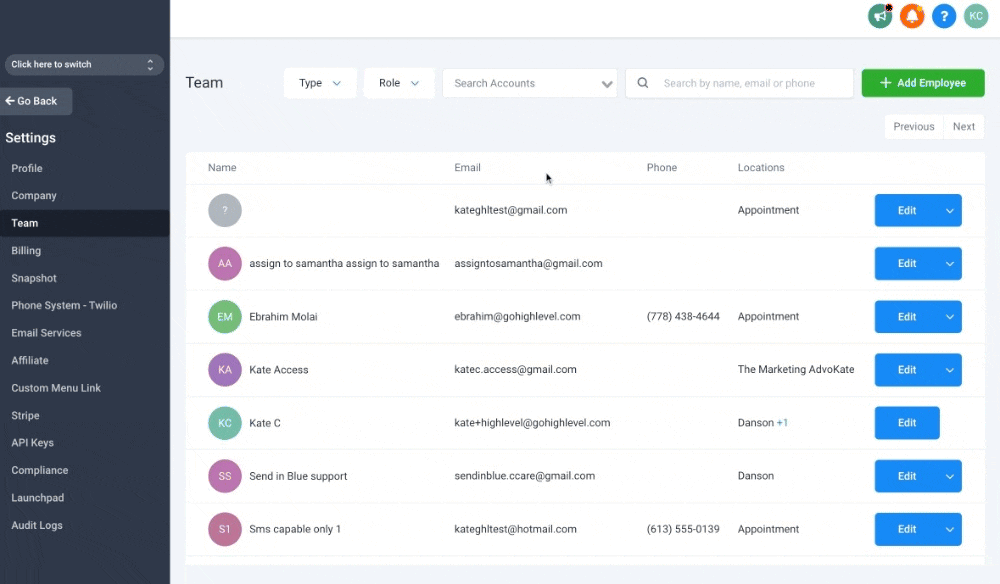
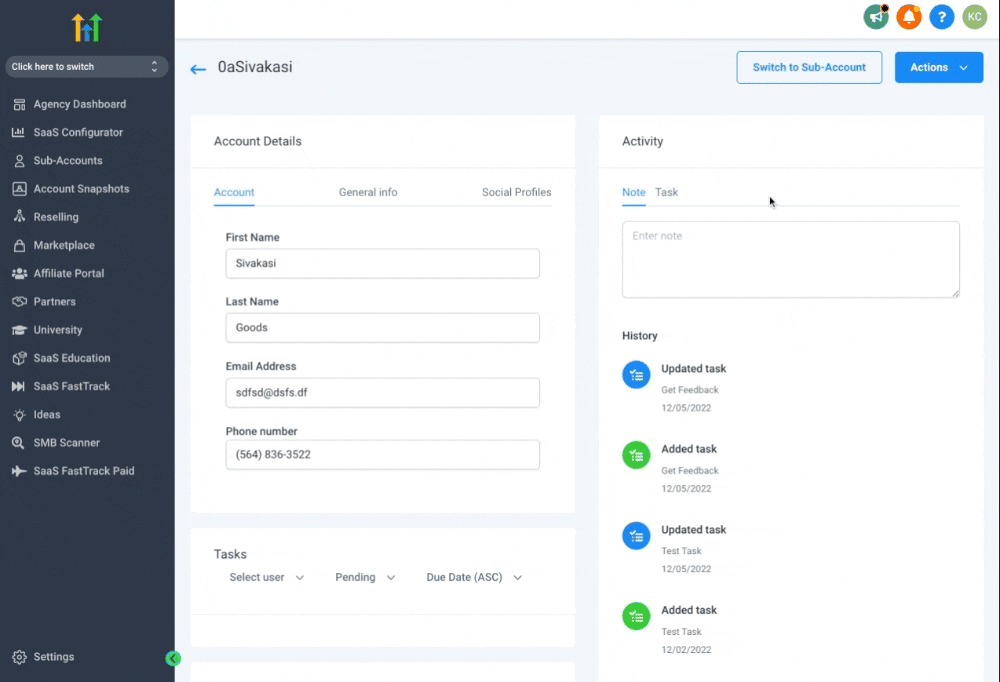
07Settings that matter
- Enable Re, verification for 90 days. Automatically re checks contacts every 90 days and marks newly invalid addresses, helping to keep bounce rates low.
08Things to know before you rely on it
- A bounce rate above 5 % triggers a 12 hour email sending suspension.
- Three escalation levels exist: two temporary 12 hour blocks followed by a permanent block that requires manual Support review.
- The permanent block shows an error directing users to enable the Email Verification Service or contact Support.
- Effective August 13 2026, the system requires at least 500 sends and a minimum of 25 bounces before a lock can be applied.
09If something goes wrong
- Permanent block error displayed. Enable the Email Verification Service to lower the bounce rate, or open a Support ticket with the required details to request a manual unblock.
10How it connects to the rest of HighLevel
- Set up and use the Email Verification Service Email verification guide
- Learn about LC Email limits and upgrades LC Email limits
- Configure a dedicated sending domain for better deliverability Dedicated domain setup
Michael's take

Michael ReimerFounder of CRM Pros, HighLevel Commander and Certified Admin
Email bounce suspension can feel like a small inconvenience that pushes you to clean up bad addresses and adopt better sending habits.
From my experience, it encourages more disciplined list management.
Get More InformationOpens on HighLevelPublished November 2, 2026 · Updated November 16, 2026