
01Who this is for
- Clients or users who need a defined signing sequence can enable signing order to ensure each party signs before the next receives a request.
- Clients or users who prefer faster turnaround can disable signing order so all recipients receive the signing request simultaneously.
02Signing order, explained
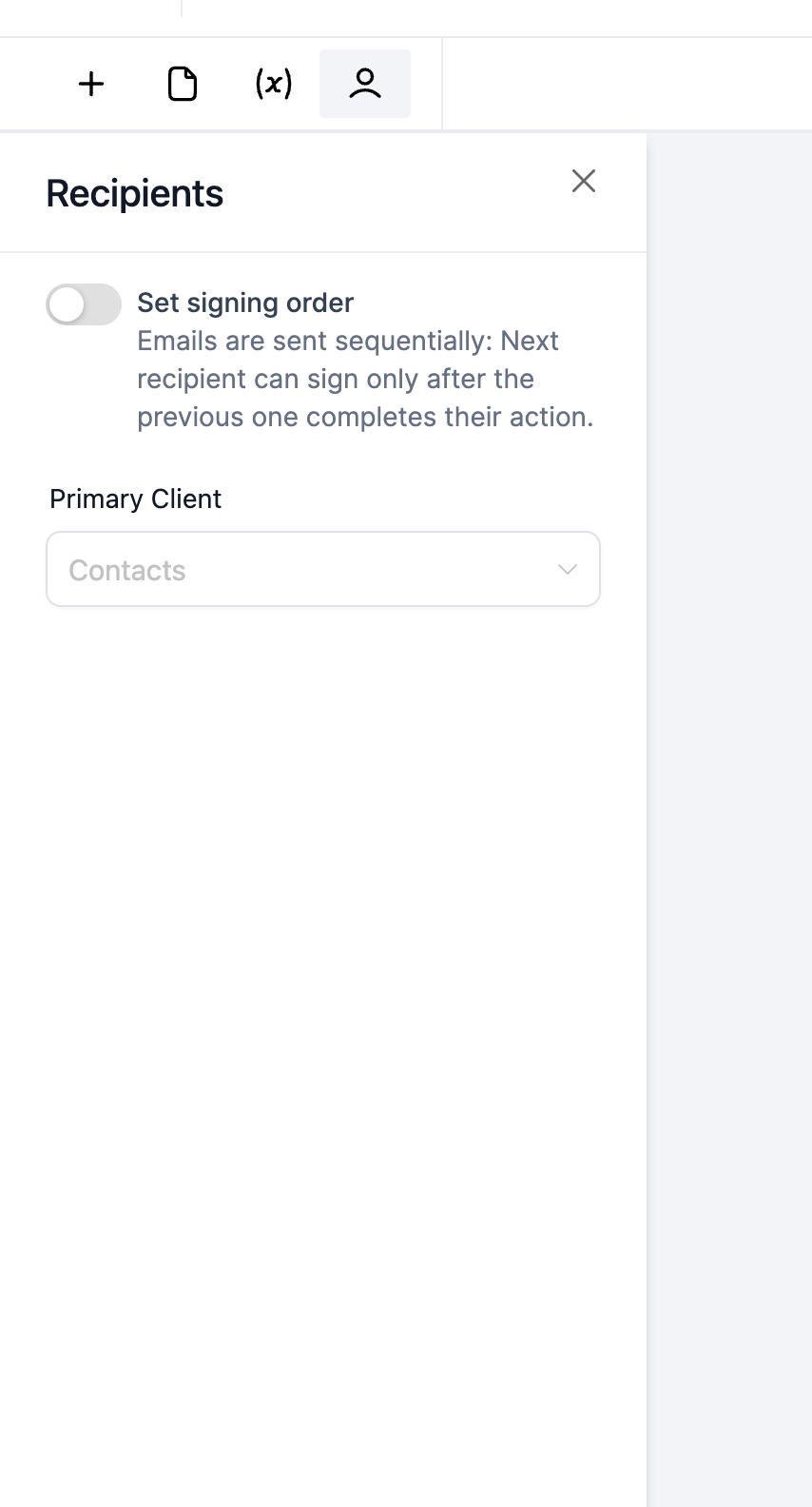
The signing order feature adds a switch to the document or contract sending screen. Turning the switch on enforces a predefined sequence for recipients, while turning it off allows all recipients to receive the request at the same time.
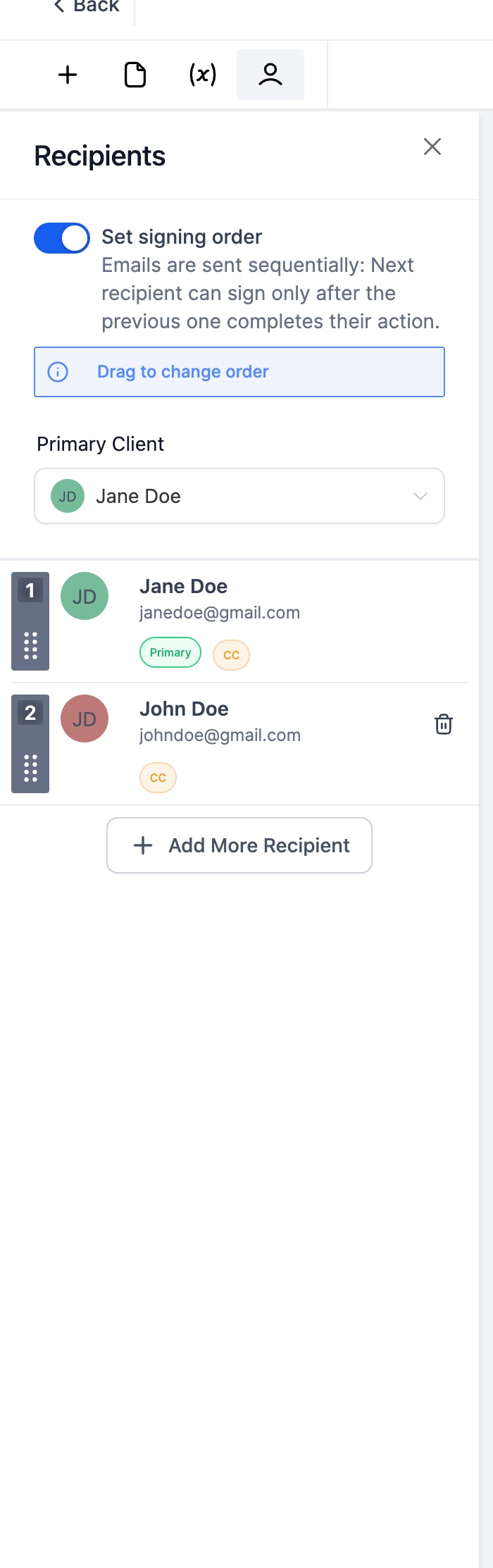
When the feature is active, recipients appear in a list that can be rearranged by dragging a name to a new position. The order you set determines the order in which the platform sends email invitations. If the switch is off, the platform disregards the list order and emails every recipient together.
This functionality lives inside the Documents & Contracts area of HighLevel, directly where you compose and send a document or contract.
03How businesses use signing order
- Legal department. The department enables signing order so that the junior lawyer signs first, followed by the senior counsel, ensuring the proper review sequence.
- Sales team. The team disables signing order for a sales proposal so that the client, legal, and finance reviewers all receive the signing request at the same time, speeding up the closing process.
- HR onboarding. HR uses drag and drop to reorder internal approvers on an employment contract, placing the recruiter first, then the manager, then the HR director before sending.
04How to set up and use signing order in HighLevel
Enable or disable signing order
- Open the document or contract sending interface.
- Find the Signing Order switch on the screen.
- Toggle the switch on to enforce order or off to allow simultaneous signing.
Reorder signers or recipients
- Click and hold the name of the signer or recipient you want to move.
- Drag the name to the desired spot in the list.
- Release the mouse button to set the new order.
Manage email triggering based on signing order
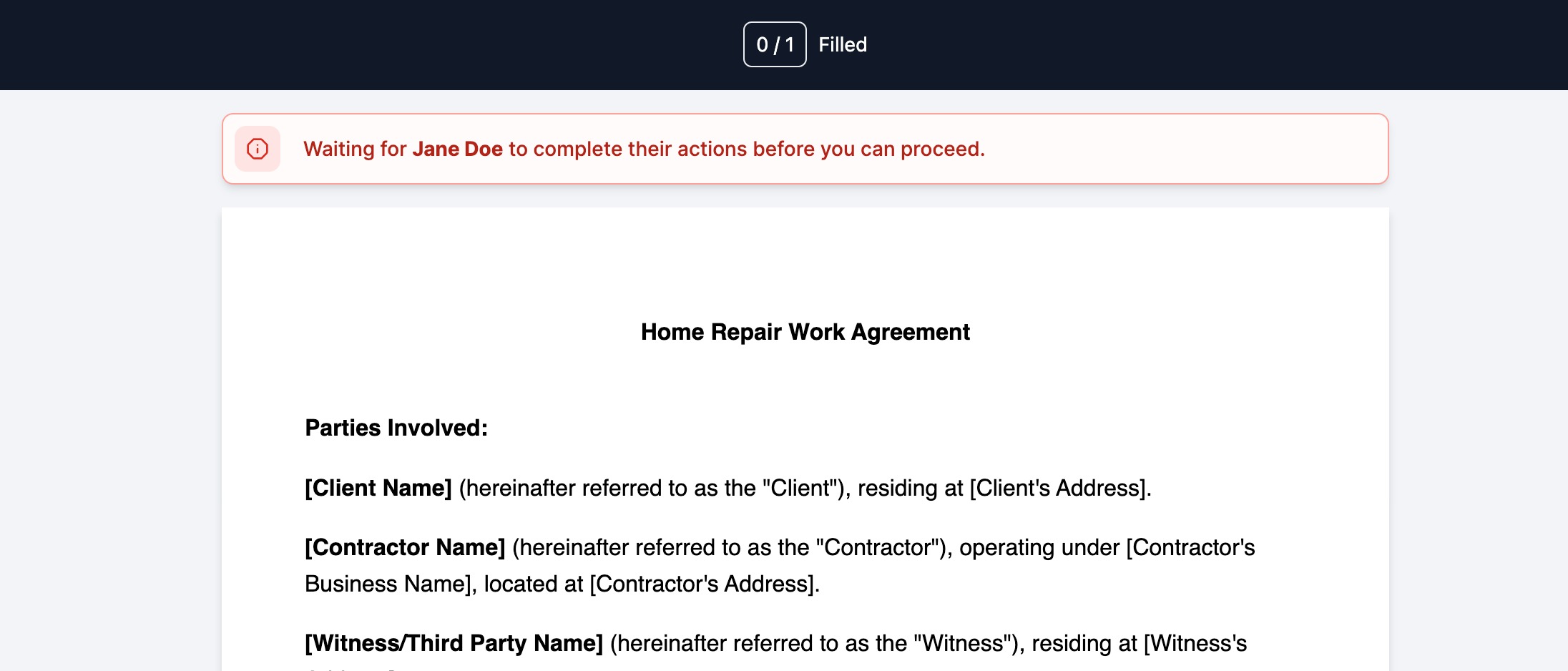
- When Signing Order is enabled, the platform sends email invitations one after another following the list order.
- When Signing Order is disabled, the platform sends email invitations to all recipients at the same time.
05What it looks like in HighLevel
06Settings that matter
- Signing Order. Controls whether the platform enforces a sequential signing process and sends emails one by one, or allows all recipients to receive emails together.
07Things to know before you rely on it
- Sequential email delivery occurs only when Signing Order is enabled; disabling the switch changes delivery to simultaneous.
- Drag and drop reordering works only within the document or contract sending interface before the document is sent.
08How it connects to the rest of HighLevel
- Create and send document templates automatically in a workflow. Workflow templates
- Set up email templates and team alerts for document signing. Email templates
- Explore all features available in Documents & Contracts. All features
Michael's take

Signing order is handy for businesses that need a strict review chain, but it adds an extra step you may not need.
Skip it if your contracts are simple and all parties can sign at once.