
01Who this is for
- Integrations engineers benefit because the APIs let them embed document actions directly into external platforms.
- Onboarding managers use the APIs to automatically deliver contracts when a new client is added in another system.
02Documents & Contracts: Public APIs, explained
The Documents & Contracts public APIs are a set of HTTP endpoints that expose core document actions. They operate within a specific HighLevel location, meaning all returned records belong to that account area. The endpoints cover listing documents, sending an existing document, listing templates, and creating plus sending a document from a template.
Developers call these endpoints after authenticating with either a Private Integration or an OAuth flow. The APIs return JSON responses that can be used to trigger further workflow actions, such as reminders or status updates, within HighLevel.
All actions are performed programmatically, so no manual clicks in the HighLevel UI are required. The feature is part of the broader Documents & Contracts experience and is intended for developer led automation.
03How businesses use documents & Contracts: Public APIs
- Real estate agency. The agency calls the Send Template endpoint to generate a lease agreement from a saved template and email it directly to a prospective tenant. The API creates a new document for each client and sends it in a single request.
- SaaS onboarding team. The team uses the List Documents endpoint to pull the current inventory of onboarding agreements from HighLevel. The list is displayed in an internal dashboard to verify which contracts are already available.
- Marketing firm. When a proposal is ready, the firm triggers the Send Document endpoint to deliver the pre built proposal PDF to a contact, bypassing the need to open HighLevel manually.
04The numbers and rules that matter
- Supported actions: Listing documents, sending an existing document, listing templates, creating and sending a document from a template.
05Before you start
- Documents & Contracts must be enabled and the required documents or templates must already exist in the appropriate HighLevel location.
06How to set up and use documents & Contracts: Public APIs in HighLevel
Set up Documents & Contracts public APIs
- Verify the Documents & Contracts feature is active and that needed documents or templates exist in the target location.
- Review the HighLevel API Documentation for endpoint details and authentication requirements.
- Select the appropriate authentication method, such as a Private Integration or OAuth via the Marketplace.
- Configure API calls to include the correct location identifier for the intended account data.
- Test the request flow for the required action, list documents, send a document, list templates, or send a template.
- Optionally connect the API send to workflow triggers that react to document events like sent, viewed, signed, or completed.
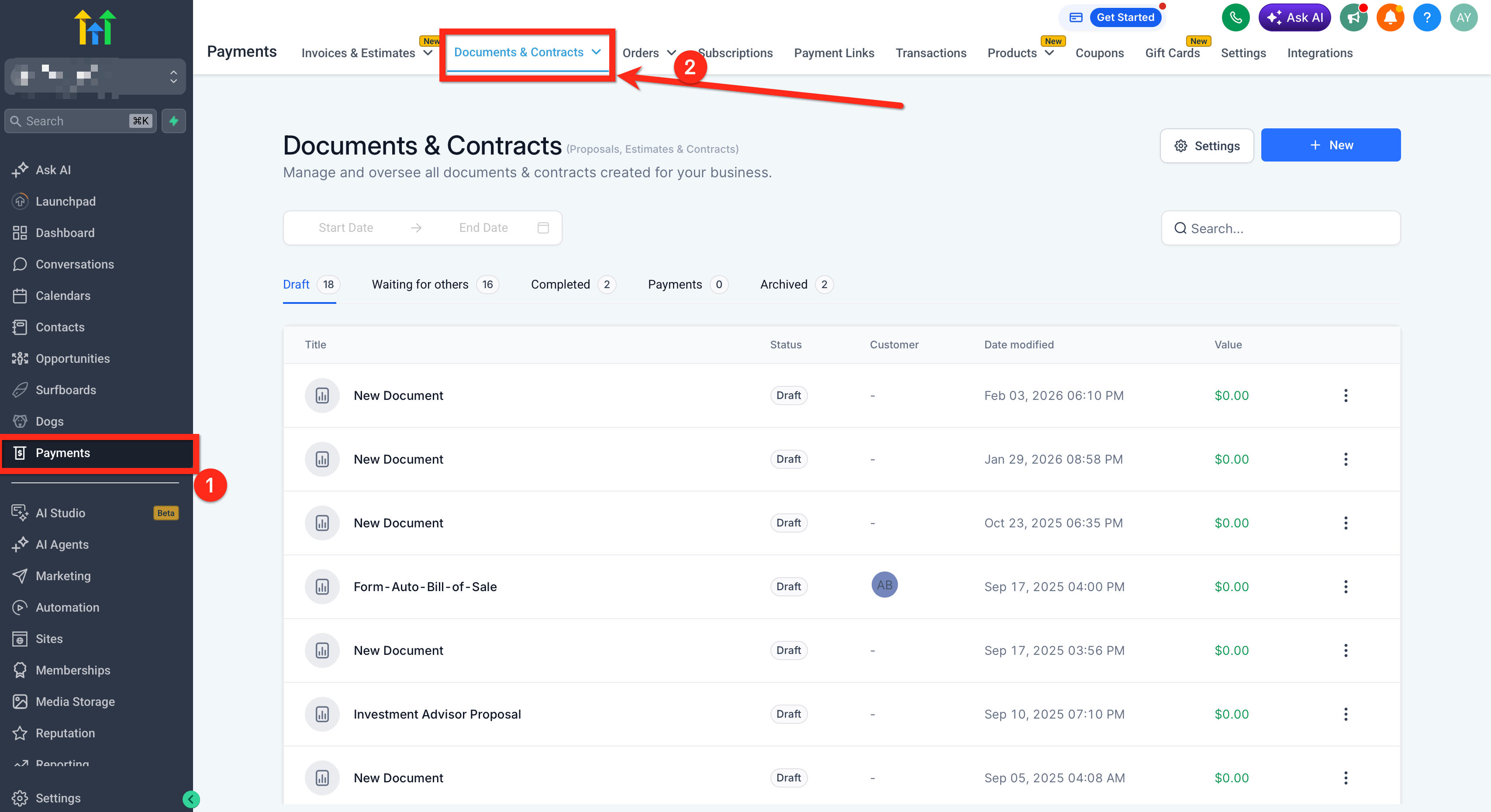
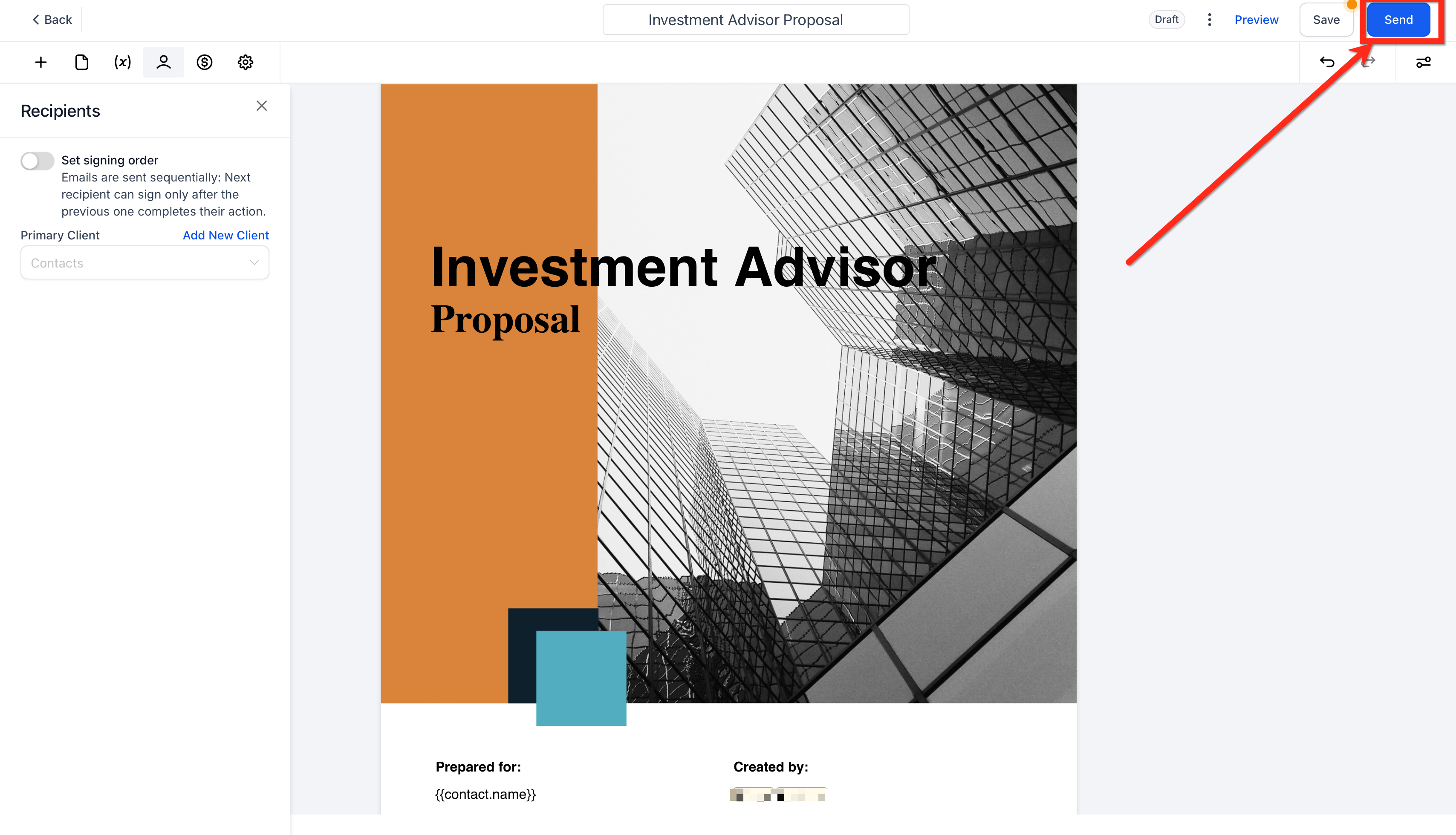
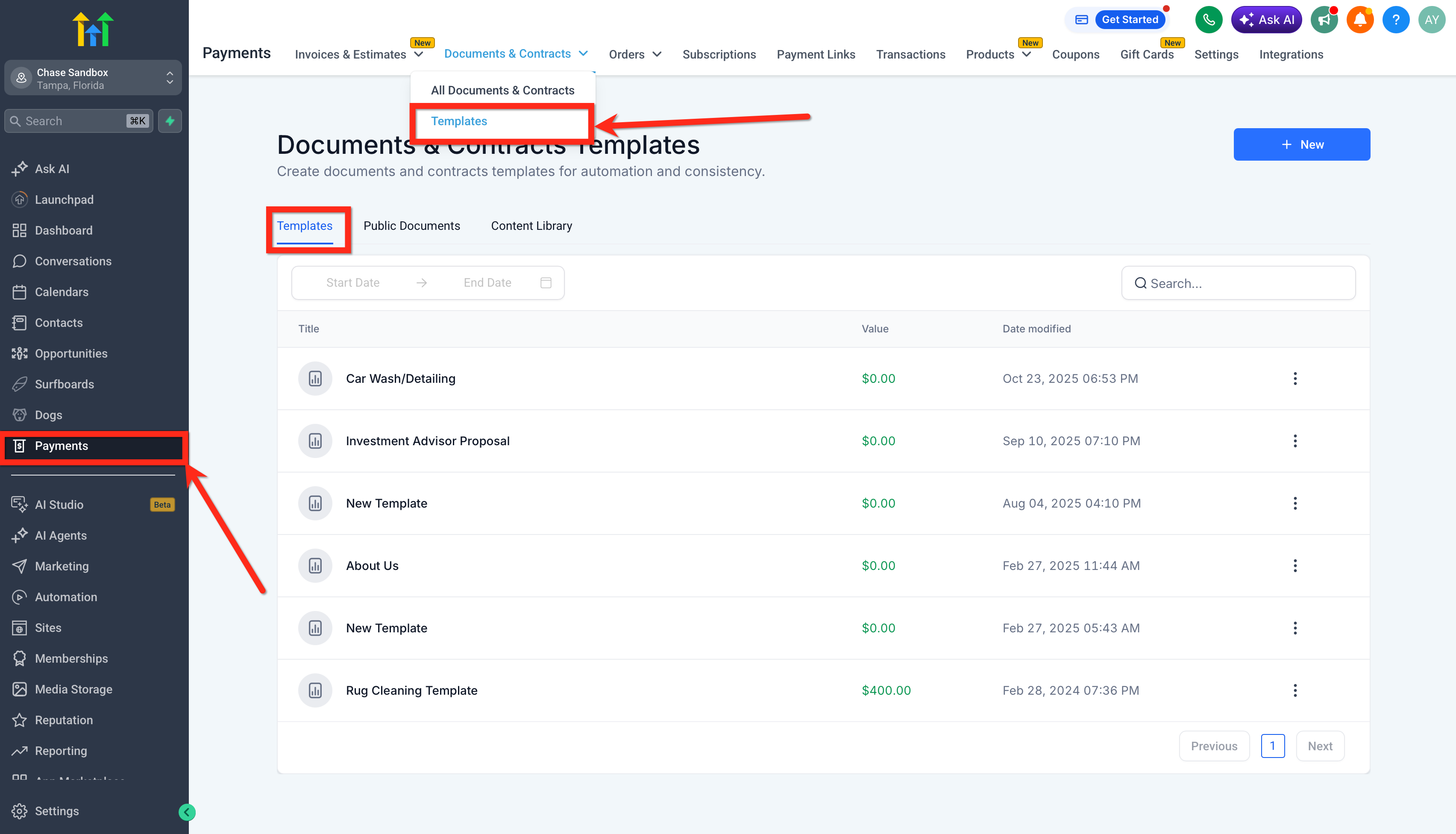
07What it looks like in HighLevel
08Things to know before you rely on it
- The public APIs currently support only listing and sending actions for documents and templates; other document operations are not covered.
09How it connects to the rest of HighLevel
- Explore all Documents & Contracts capabilities All Documents & Contracts features
- See how to create, clone and send documents manually Create and send documents
- Review HighLevel pricing and plan options HighLevel pricing
Michael's take

When you have a steady flow of contracts, proposals, or onboarding paperwork that originates in another system, the API can reduce manual steps. A programmatic hand off keeps data in sync and can trigger document delivery from an external form, portal, or app.
If your business only sends a handful of documents per month and you already use HighLevel’s built in workflows, adding an API layer may be overkill. The extra time spent on authentication setup and maintaining code could outweigh the benefits when a simple no code automation would do the job.