
01Who this is for
- Anyone with access to a subaccount dashboard can add the widget to monitor key sales metrics.
- Team members can use the widget to view performance for individual users or specific pipelines.
02Sales efficiency widgets, explained
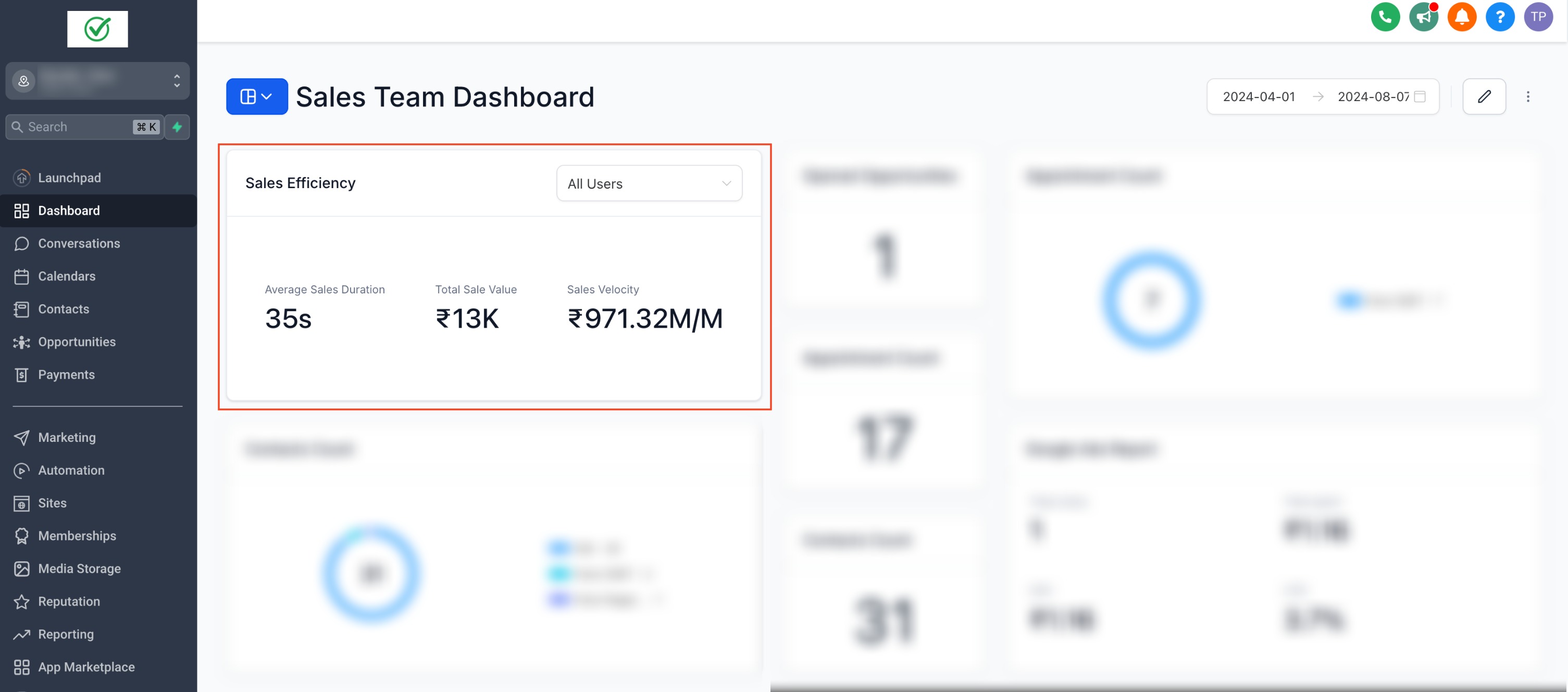
The Sales Efficiency widget aggregates three figures: average sales duration, total sales value and sales velocity.
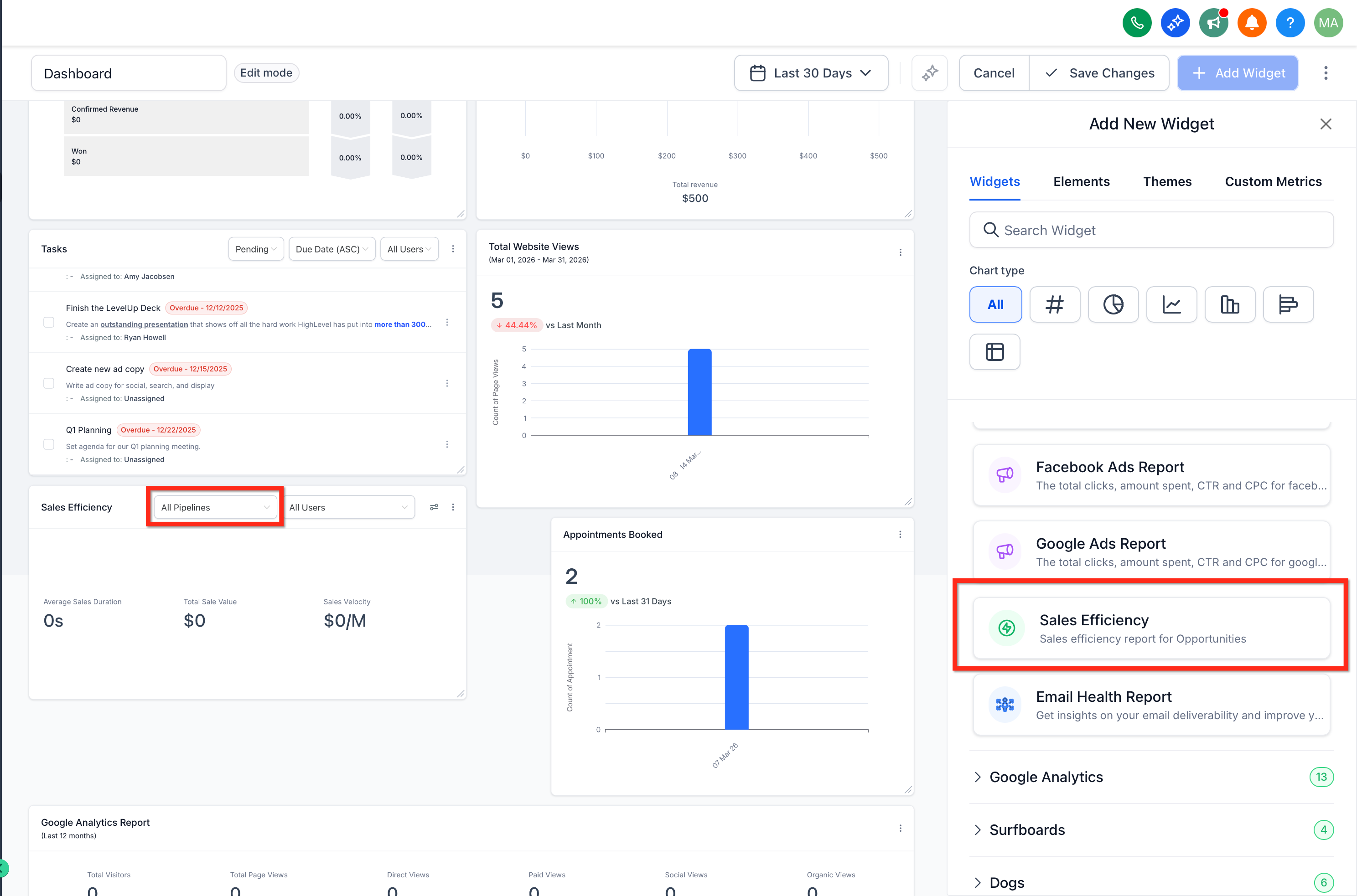
By default the widget combines data from all pipelines, but a dropdown inside the widget lets you select a single pipeline or filter by individual users for more granular insight.
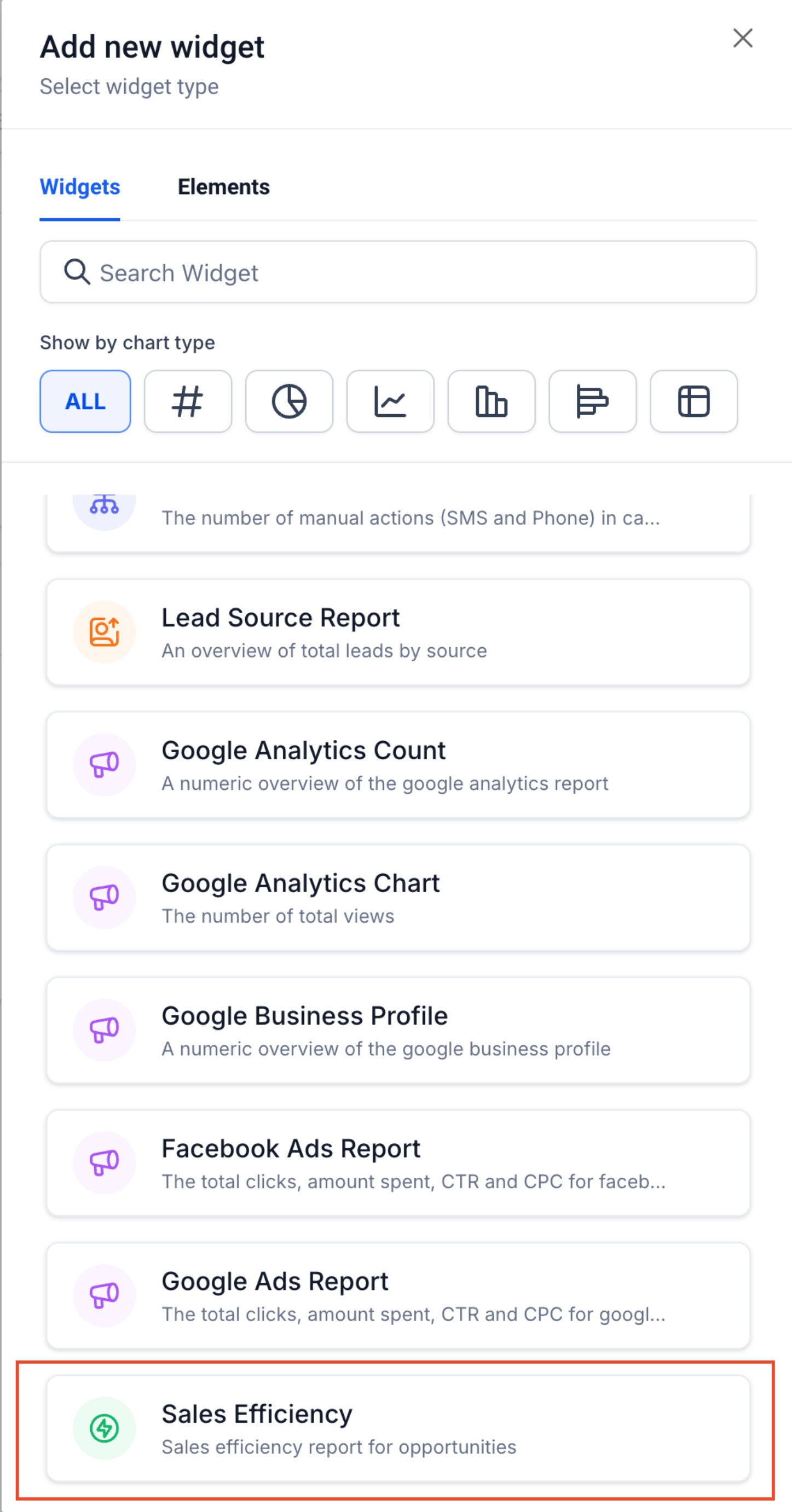
The widget is listed under the General Widgets section on any subaccount dashboard.
03How businesses use sales efficiency widgets
- Track average sales duration. Add the widget and view the average time it takes for opportunities to close across the selected view.
- Monitor total sales value. Use the widget to see the cumulative value of closed deals for the chosen pipeline or user set.
- Assess sales velocity. Observe how quickly opportunities move through the funnel by reviewing the sales velocity metric in the widget.
04How to set up and use sales efficiency widgets in HighLevel
Filter the Sales Efficiency widget by a specific pipeline
- Open the dashboard for the relevant subaccount.
- Find the Sales Efficiency widget among the displayed widgets.
- Click the Pipeline dropdown that appears inside the widget.
- Choose the pipeline you want the widget to display.
05What it looks like in HighLevel
06Things to know before you rely on it
- The widget shows combined metrics for all pipelines unless a specific pipeline is chosen via the dropdown.
- User filtering is optional and provides individual performance data when selected.
07How it connects to the rest of HighLevel
- How to add and customize dashboard widgets in HighLevel Add widgets guide
- Customizing dashboard widgets in HighLevel Widget customization
- HighLevel dashboard permissions and user specific widget settings Permissions guide
Michael's take

The sales efficiency widget adds three numbers to your dashboard that show where the process is smooth and where it drags, giving you a quick sense of performance.
A coaching firm that runs multiple sales pipelines will find it handy. They can drop the widget onto each subaccount dashboard, filter by the specific pipeline they’re reviewing, and see at a glance which coach’s reps are closing faster or generating more value.