
01Who this is for
- Agency teams that manage many client locations can script agent creation to speed onboarding.
- SaaS product developers can embed Conversation AI setup into their platform to deliver AI features without manual configuration.
02Conversation AI API, explained
The API mirrors the capabilities found in the Conversation AI UI, including creating agents, attaching actions, and retrieving generation details. It works inside a HighLevel subaccount, so every call is limited to that location's context.
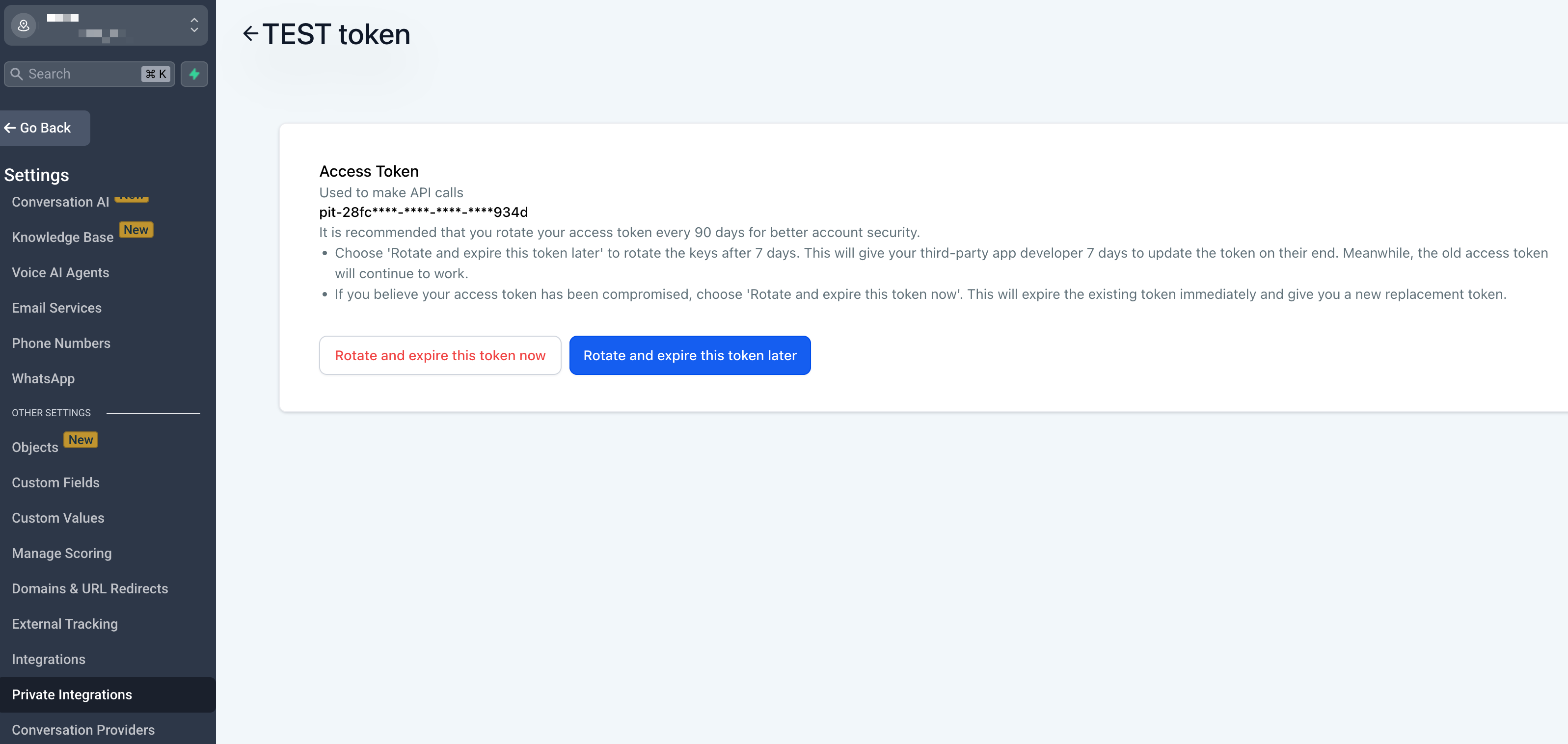
Authentication is handled with either a Personal Integration Token (PIT) or a JSON Web Token (JWT). PITs are generated directly in the Private Integrations area and can be scoped to specific Conversation AI permissions. JWTs support OAuth flows for larger applications.
All endpoints are grouped by function: Agents, Actions, and Generations. Use the Agents group to create or modify bots, the Actions group to manage what the bot does, and the Generations group to pull message level response data for analytics.
03How businesses use Conversation AI API
- Digital marketing agency. The agency creates a PIT with Conversation AI scopes, then runs a script that creates a new bot for each client location and attaches standard lead capture actions.
- Online education platform. Developers generate a JWT for the platform’s backend, call the Generations endpoint after each student interaction, and store the AI response details in their own reporting database.
- Software developer. A developer uses a PIT to automate the provisioning of Conversation AI agents across multiple subaccounts, ensuring consistent configuration for each deployment.
04Before you start
- Access to a HighLevel subaccount where Private Integrations can be managed.
- A need to decide between PIT (simple server to server) or JWT (OAuth) authentication.
05How to set up and use Conversation AI API in HighLevel
Create a Personal Integration Token
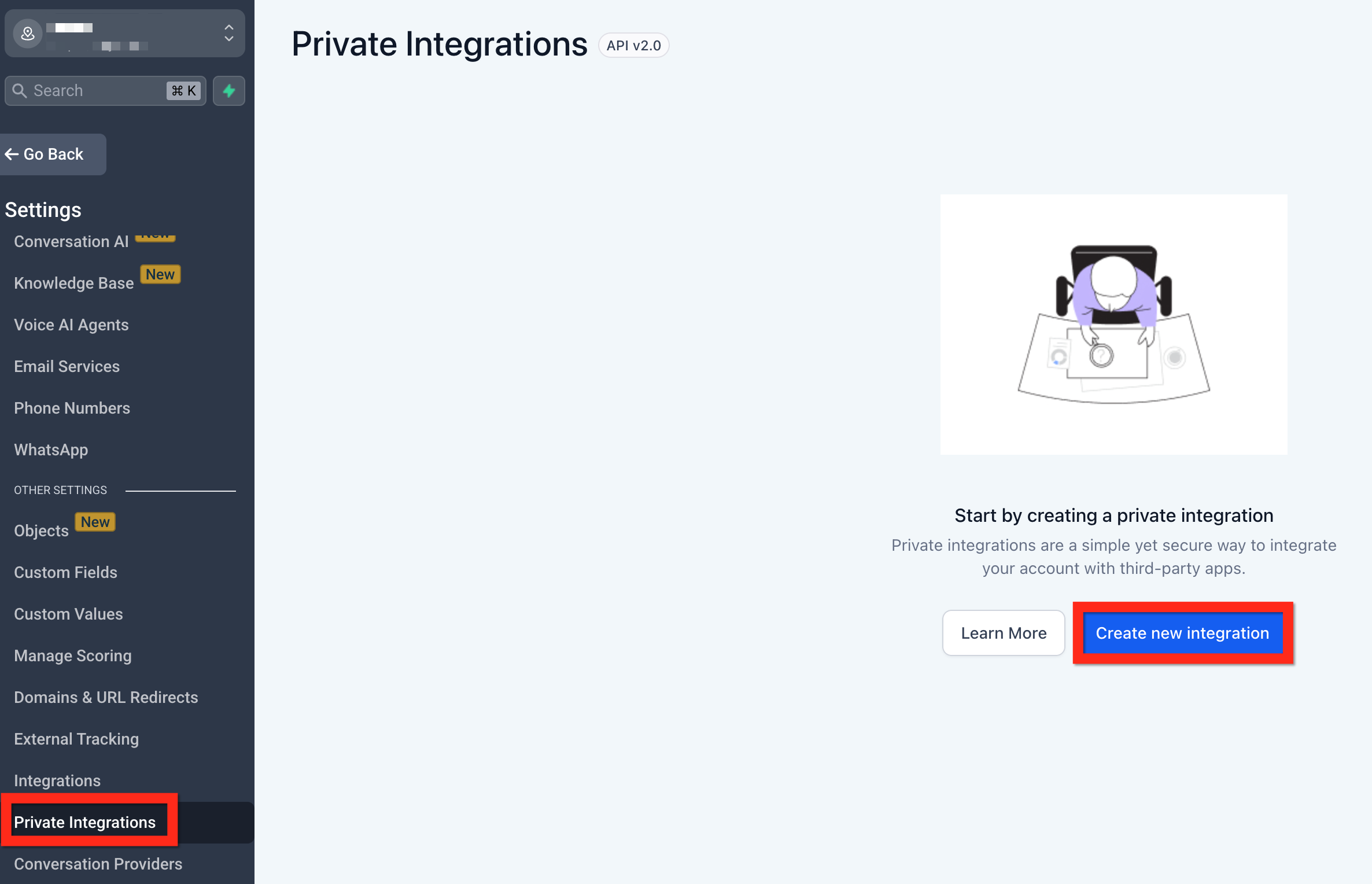
- Open Settings > Private Integrations in the desired subaccount.
- Enter a name and description for the integration.
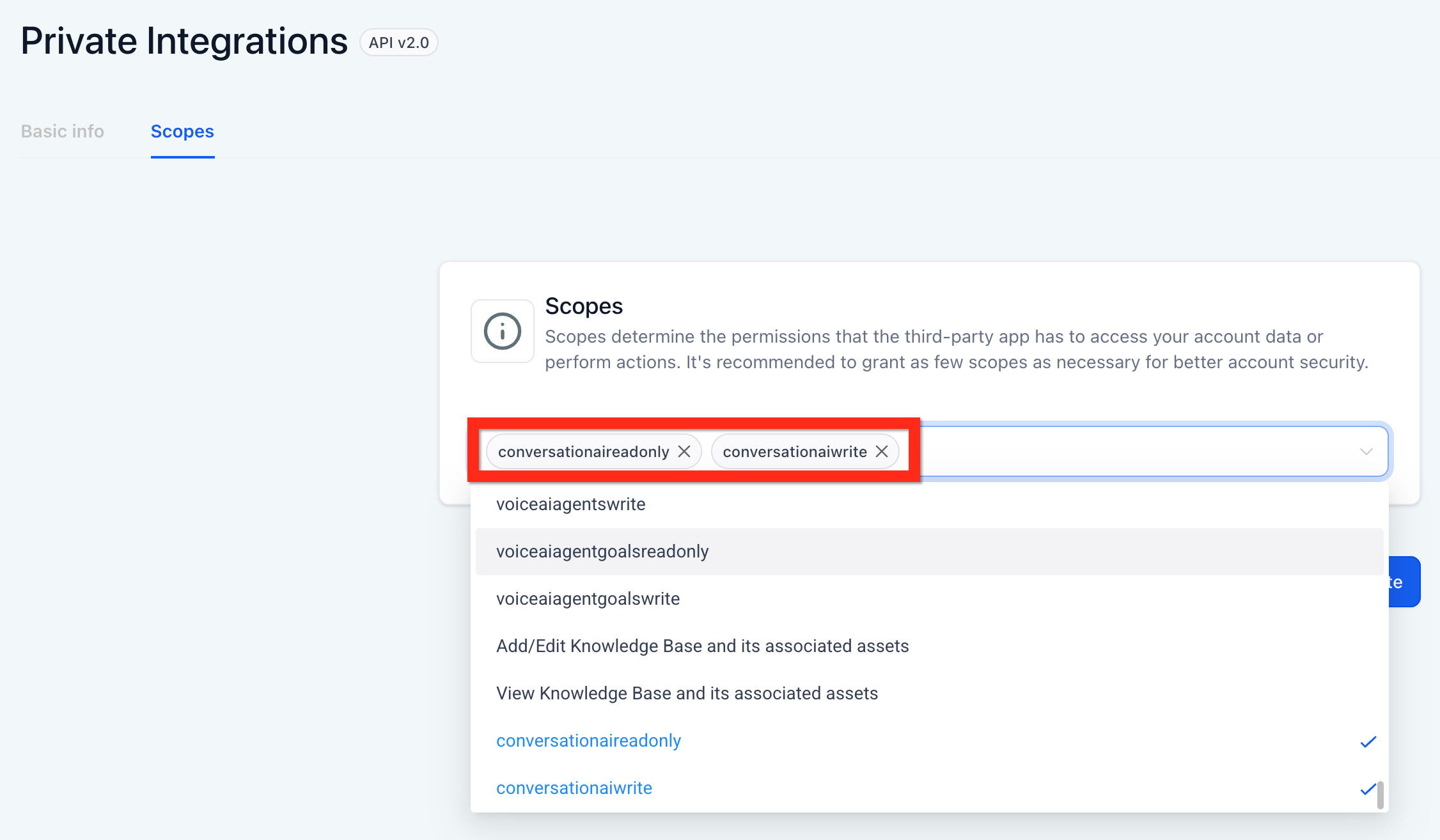
- Select the Conversation AI scopes required for the integration.
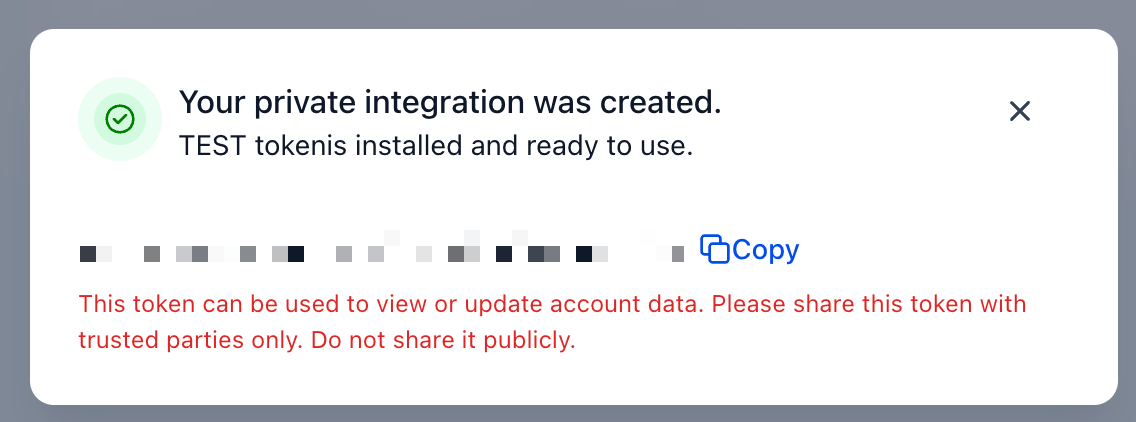
- Create the token and copy the generated value for later use.
06What it looks like in HighLevel
07Settings that matter
- Conversation AI scopes. These define which API actions the token can perform, such as creating agents, updating actions, or reading generation data.
08Things to know before you rely on it
- Calls must use a Subaccount token; using an Agency token will not place calls in the correct location context.
- A 403 error indicates missing scopes or insufficient permissions for the requested operation.
09If something goes wrong
- Receiving a 403 error. Verify that the token includes the necessary Conversation AI scopes and that it belongs to the correct Subaccount.
10How it connects to the rest of HighLevel
- View the Conversation AI Agents dashboard for performance insights Agents dashboard
- Set up a Conversation AI flow builder to design bot interactions Flow builder
- Check HighLevel pricing and plans for API access details Pricing
Michael's take

The Conversation AI API can help automate agent creation and action updates across subaccounts, keeping configurations consistent.