
01Who this is for
- Agencies that serve home service providers can locate more qualified prospects because SABs appear in regular searches.
- Local marketing teams handling consultants or field service firms gain accurate Google Business Profile scores without a storefront address.
- Sales reps focused on regional service markets can generate audit reports and heatmaps for prospects that serve customers across neighborhoods.
02Service area businesses, explained
Service Area Business support expands the Prospecting tool to surface businesses that operate from a service region rather than a physical address. When a prospect is identified as a SAB, the audit engine treats the address field as not applicable, avoiding misleading pass/fail indicators.
The feature lives inside the Prospecting Tool under the standard reporting section. Users search with their usual category and location terms, add the result as a prospect, and can right away generate a Marketing Audit Report and a Local SEO Heatmap. All steps follow the same workflow used for storefront businesses.
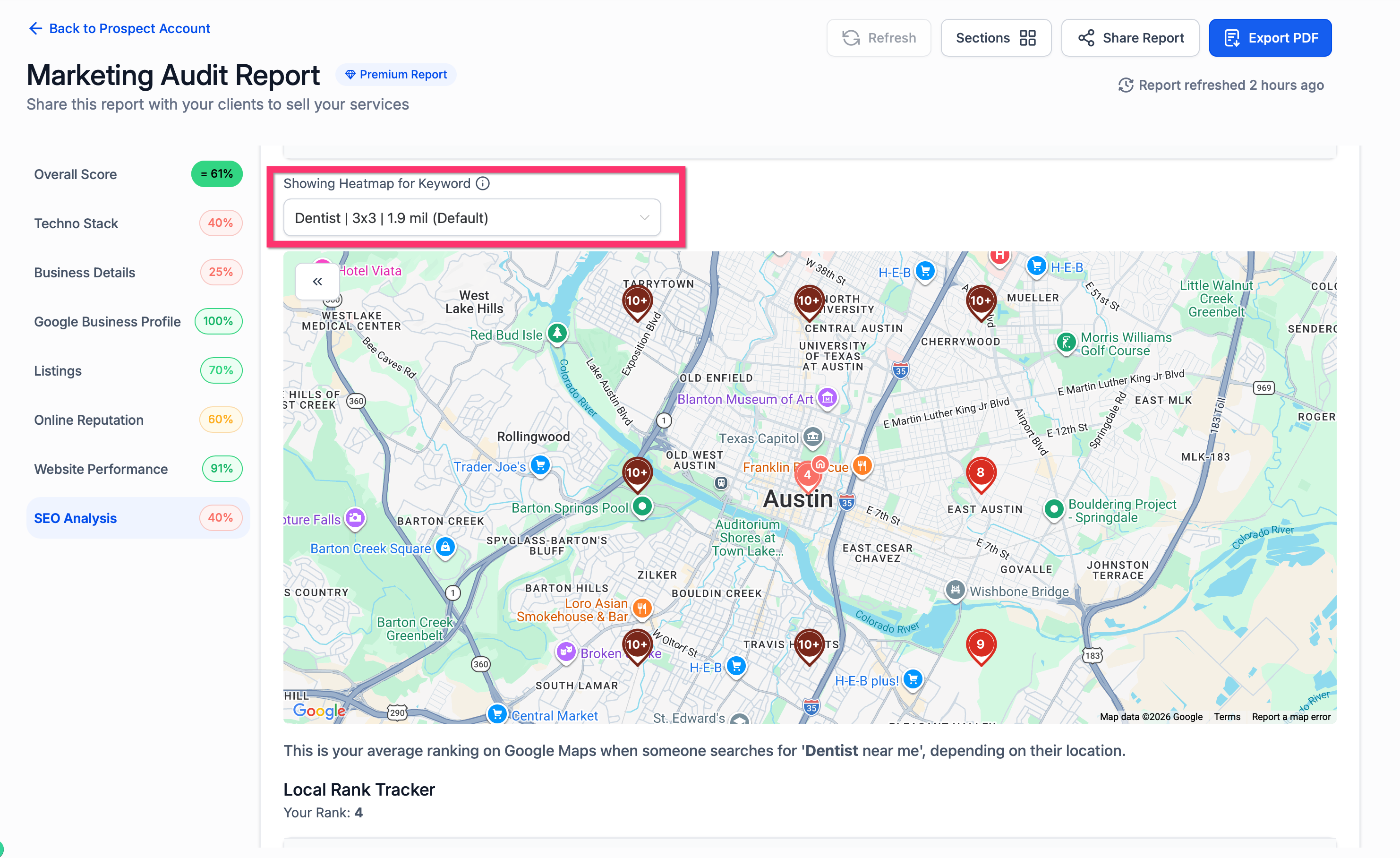
Heatmap generation no longer blocks service area businesses. The workflow lets users set the service area parameters, produce a visual ranking map, and review visibility across the chosen region.
03How businesses use service area businesses
- Home cleaning service. The agency searches using cleaning keywords and a city name, finds the cleaning company listed without an address, adds it as a prospect, and creates a Marketing Audit Report. They then run a Local SEO Heatmap to see where the cleaning company ranks across neighborhoods.
- Mobile IT consulting firm. A sales rep searches for IT consultants in a metropolitan area, adds the consulting firm that operates from client sites, and generates a full audit report. The heatmap helps illustrate the firm’s search strength across the service region.
- Landscaping contractor. The marketing team locates landscaping businesses that serve multiple suburbs, adds them as prospects, and runs both the audit and heatmap. The audit skips the address score and marks it as not applicable, keeping the overall rating fair.
04How to set up and use service area businesses in HighLevel
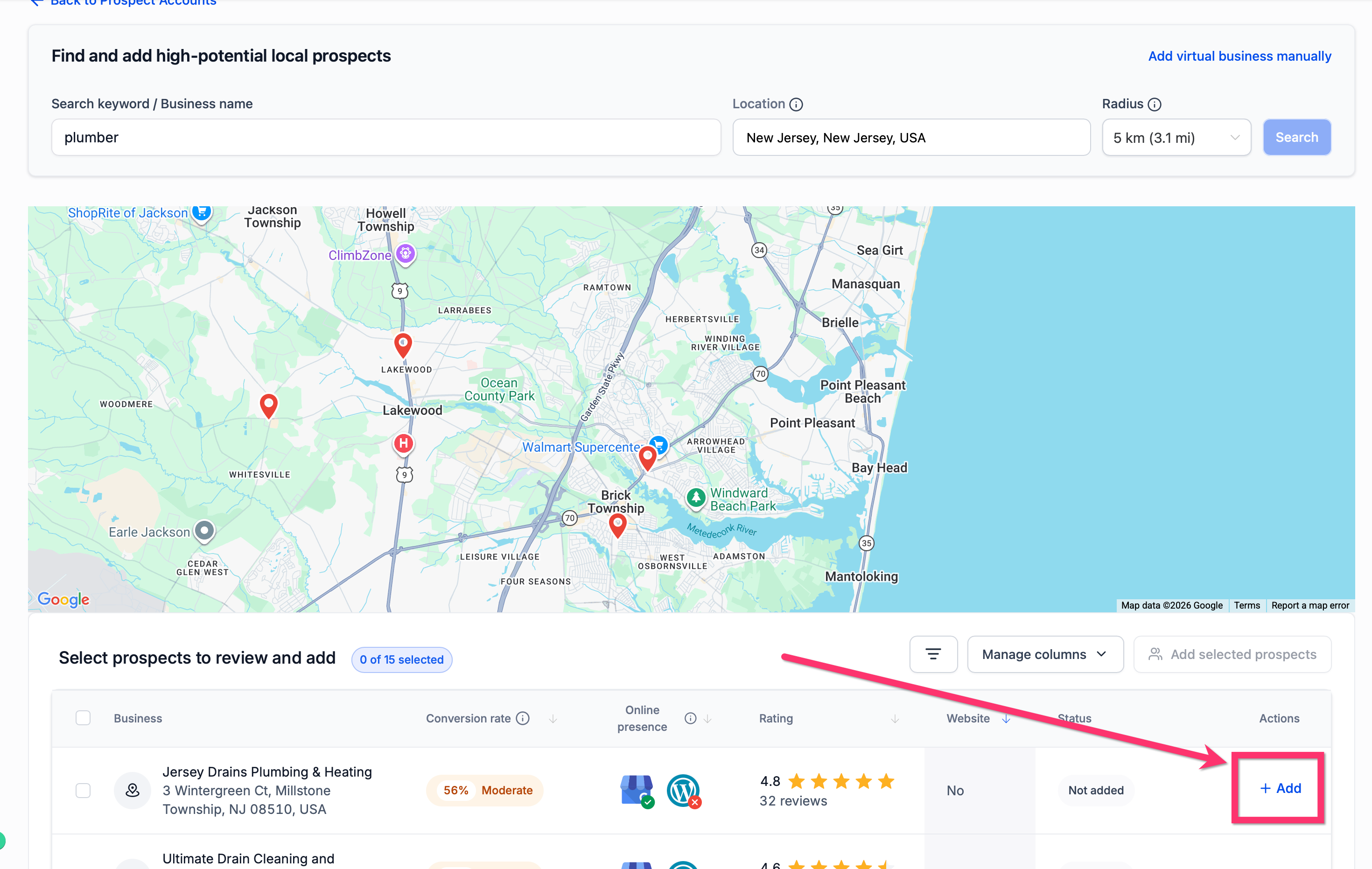
Search for service area businesses
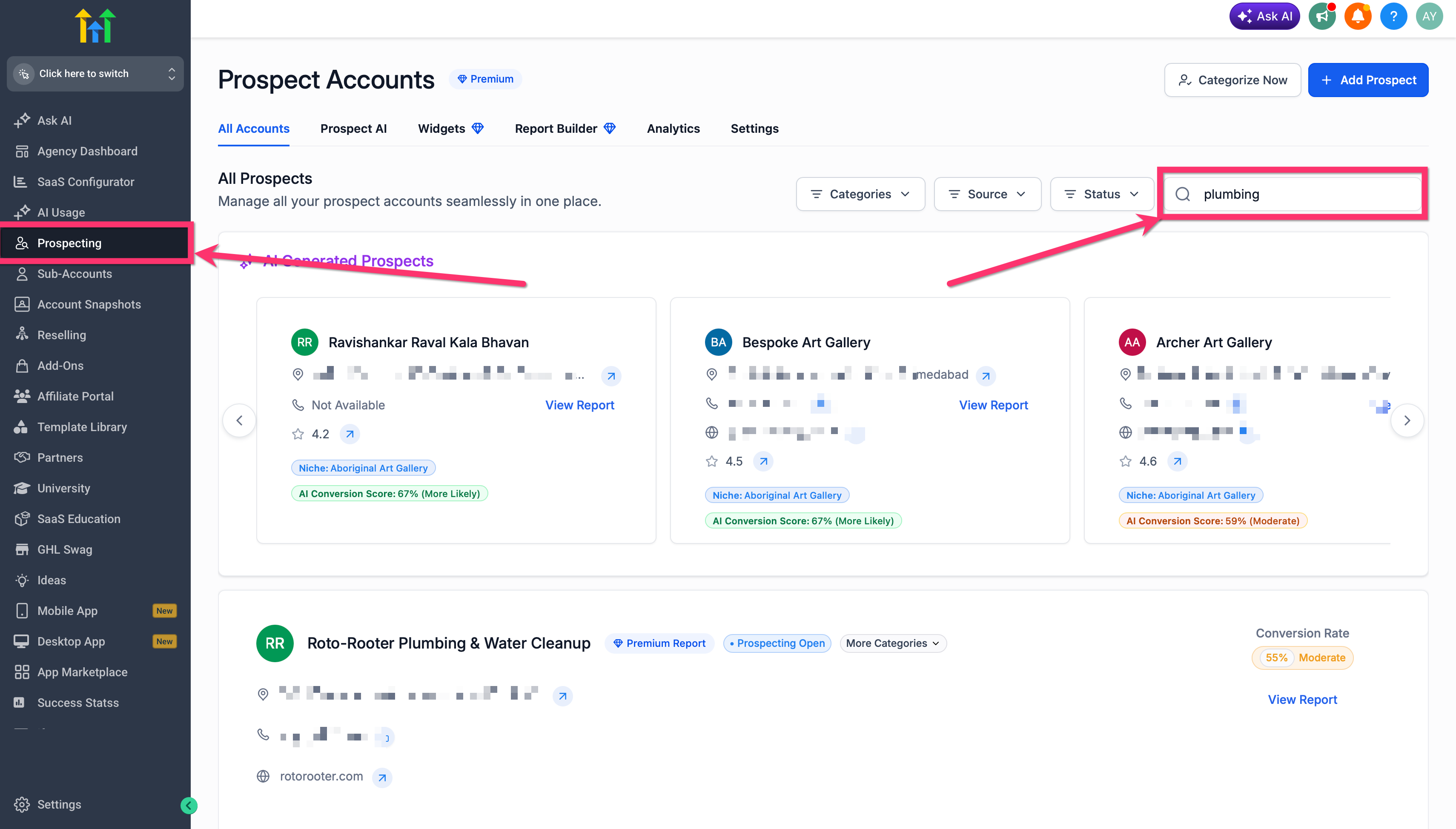
- Enter your usual business category and location keywords in the Prospecting search box.
- Examine the returned list of prospects as you normally would.
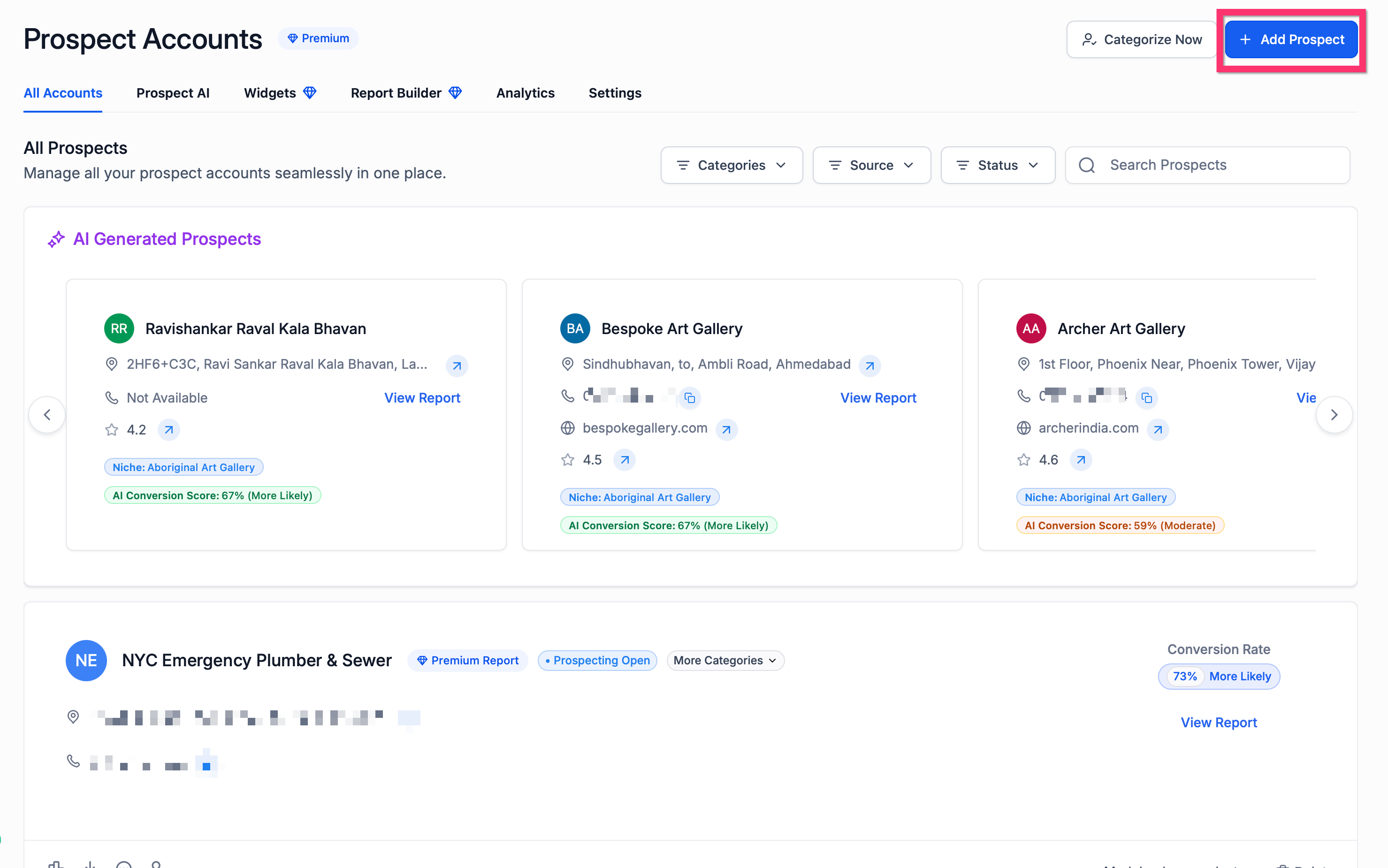
- Select any service area business that meets your targeting criteria and add it to your prospect list.
Add and audit a service area business prospect
- Open the Prospecting Tool and locate the chosen business.
- Click to add the business as a new prospect.
- Trigger the generation of a Marketing Audit Report for that prospect.
- Read through the report sections to assess digital presence, listings, reputation, SEO, and website performance.
Generate a local SEO heatmap
- Open the prospect record you wish to analyze.
- Start the Local SEO Heatmap workflow from the prospect’s options.
- Set the heatmap parameters based on the prospect’s service area and target market.
- Create the heatmap and review the visibility map for the selected region.
Set up service area business prospecting
- Navigate to Reporting and launch the Prospecting Tool.
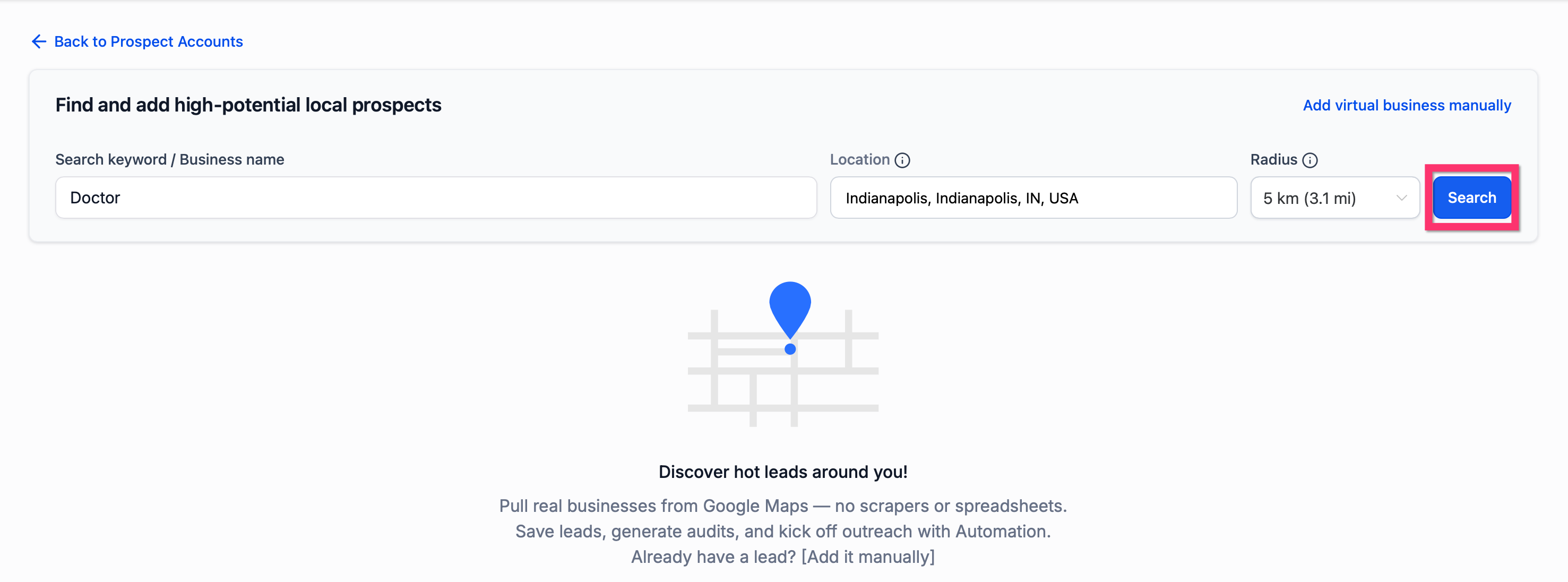
- Input your target keyword and location to begin the search.
- Scan the results and pick a Service Area Business that fits your criteria.
- Add the selected business as a prospect.
- Create a Marketing Audit Report for the newly added prospect.
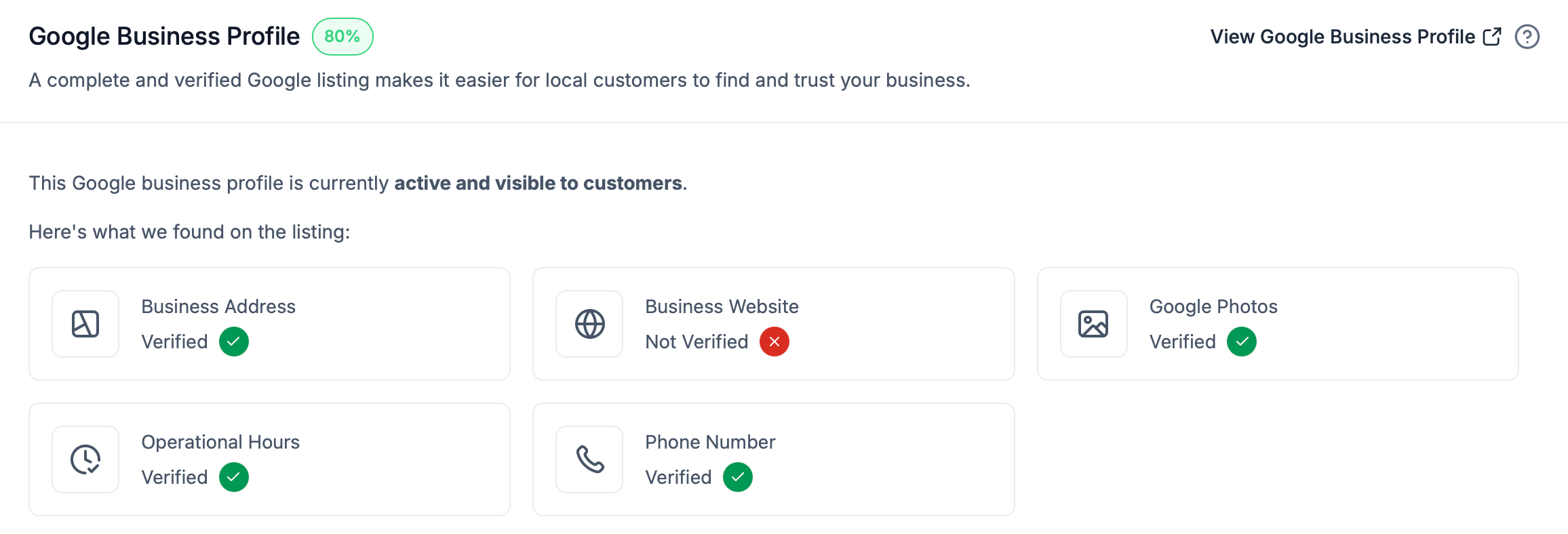
- Check the Google Business Profile section for a "Not applicable (service based business)" label on the address field.
- If needed, run the Local SEO Heatmap workflow to see ranking distribution.
- Share the completed report with the prospect or incorporate it into your sales process.
05What it looks like in HighLevel
06Things to know before you rely on it
- Service Area Businesses appear in the regular Prospecting search; no separate workflow is required.
- The Business Address field is marked as Not applicable for SABs, and no red or green pass/fail status is shown.
- Heatmap generation is now available for SABs, removing previous restrictions.
07How it connects to the rest of HighLevel
- How to generate leads using the HighLevel prospecting tool Prospecting lead generation
- Create and customize prospecting widgets for your website in HighLevel Prospecting widgets
- Customize and reorder sections in HighLevel prospect reports Report layout customization
Michael's take

The address field will show a neutral “Not applicable (service based business)” status, so don’t expect the usual red or green indicators.
This feature lets agencies work with businesses that don’t have a physical storefront, expanding the range of prospects you can audit and heat map.