
01Who this is for
- Agency owners who need unlimited audits and AI generated leads for multiple client accounts.
- Marketing consultants looking for detailed website, SEO heatmap and reputation insights to pitch services.
- Small firms testing lead generation who want basic business listings and Google profile analysis without cost.
02Prospecting, explained
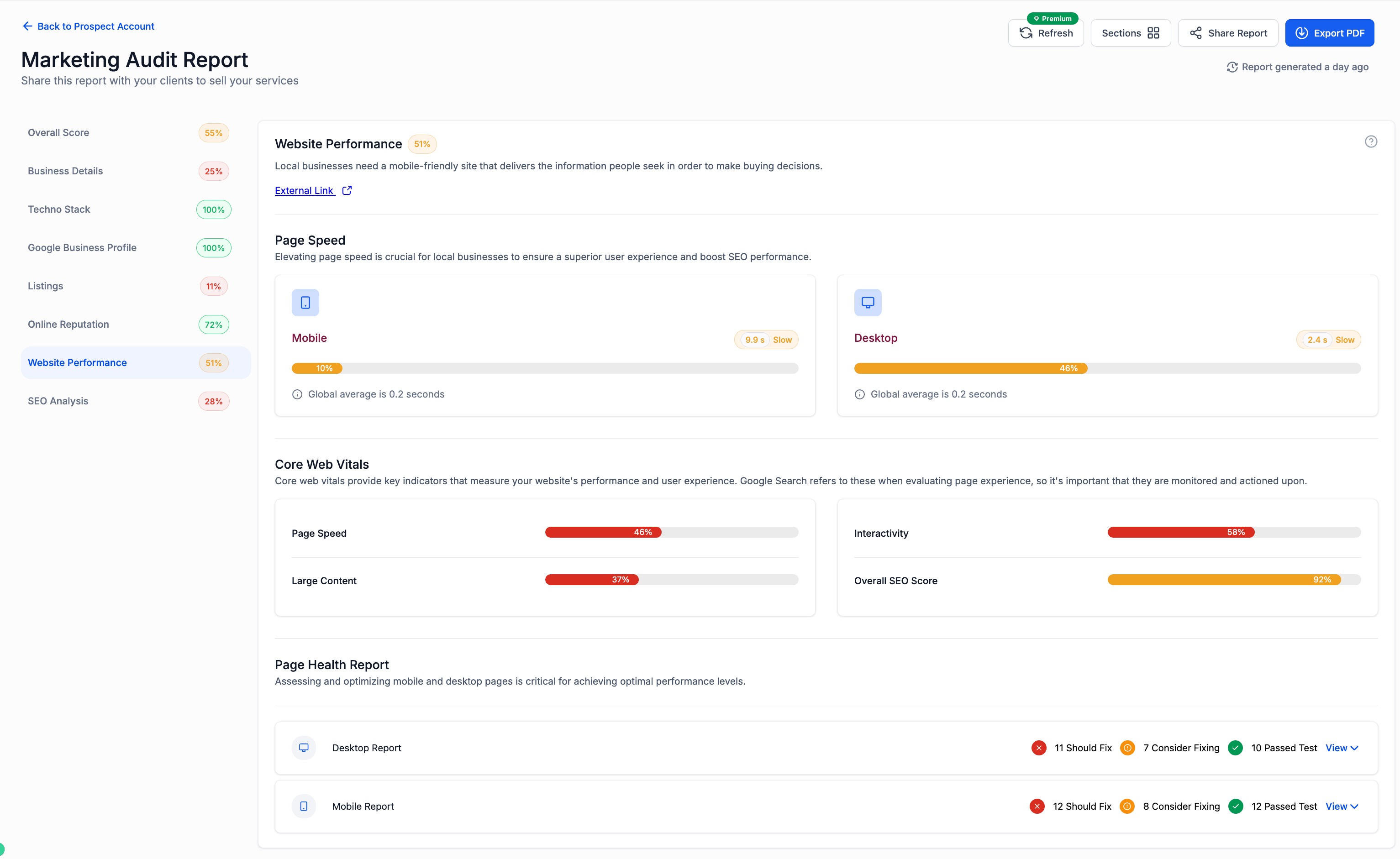
The Prospecting feature in HighLevel scans public business data and uses AI to surface qualified leads. It automatically builds audit reports that highlight marketing gaps, such as missing SEO or reputation signals.
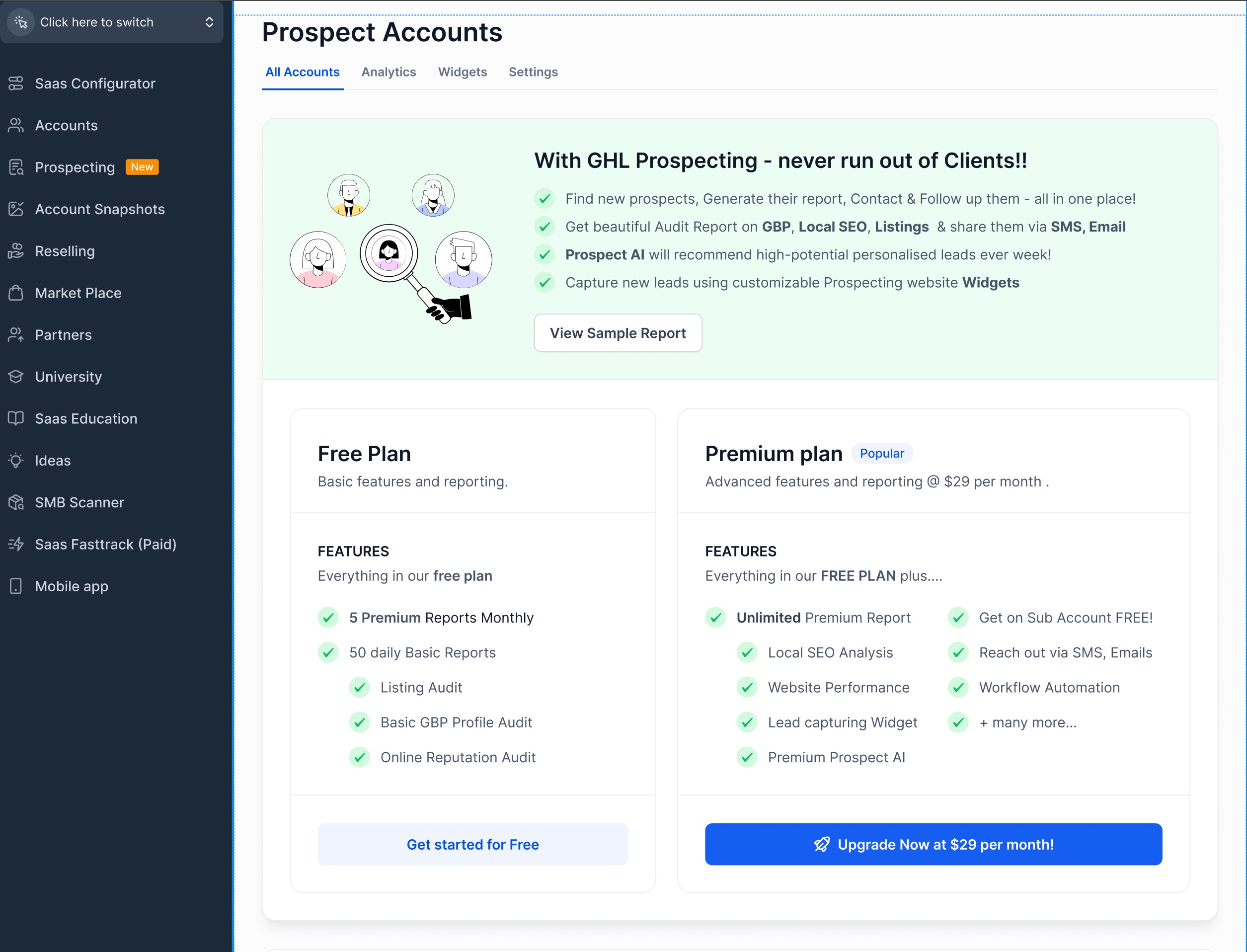
In the free version, users can run up to five premium type reports each month and fifty basic reports per day, but the tool is only accessible from the agency dashboard. The premium subscription removes report caps, refreshes reports weekly, and adds advanced website performance audits.
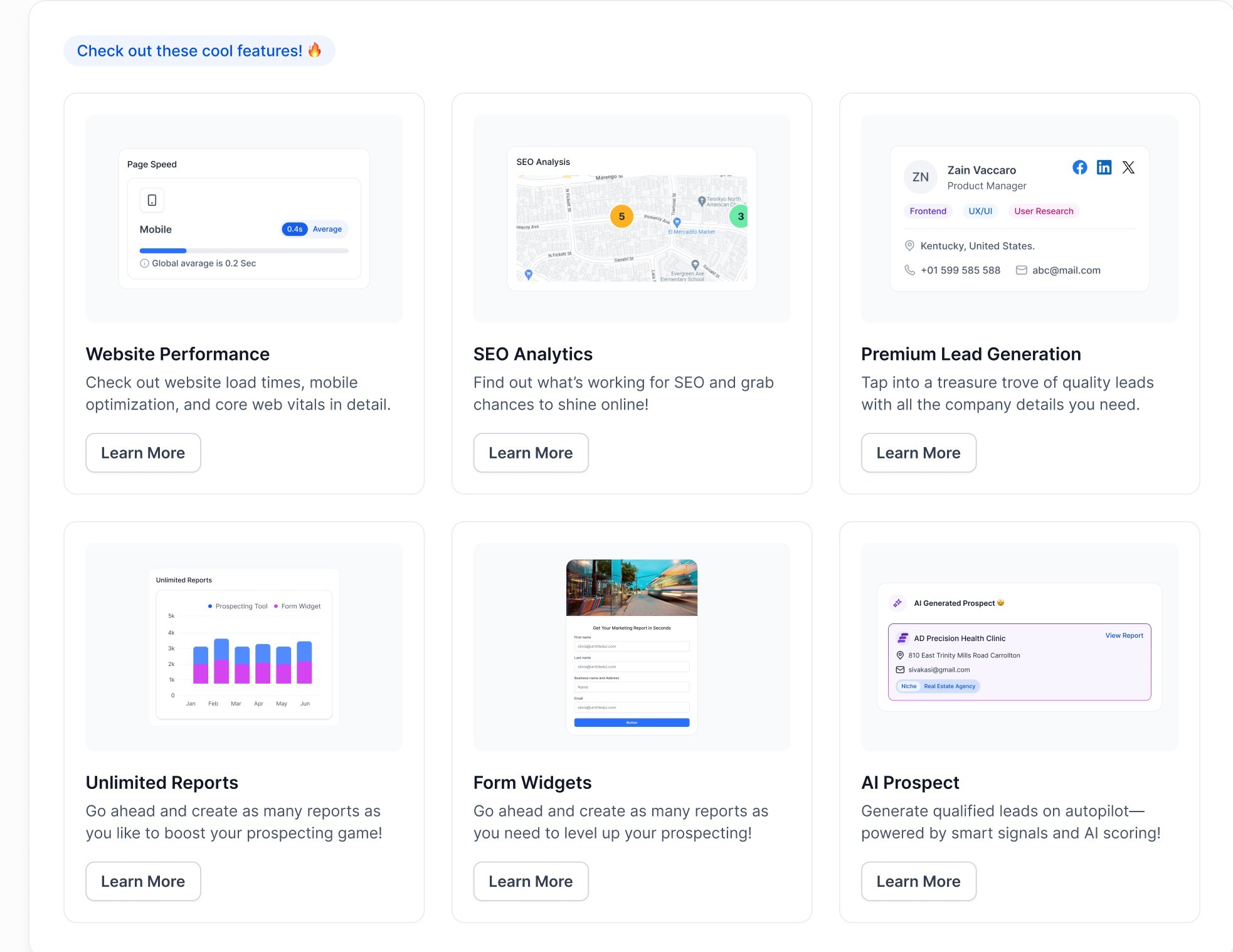
Premium also unlocks integrations: prospects can flow into the platform’s CRM, trigger email or SMS outreach, and start automation workflows. A lead generation widget can be embedded on a website to capture visitors and deliver audit reports directly.
03How businesses use prospecting
- Digital marketing agency. Activate premium prospecting to let AI locate new businesses in target niches. Generate unlimited audit reports and push each prospect into the agency’s CRM pipeline, then trigger follow up workflows automatically.
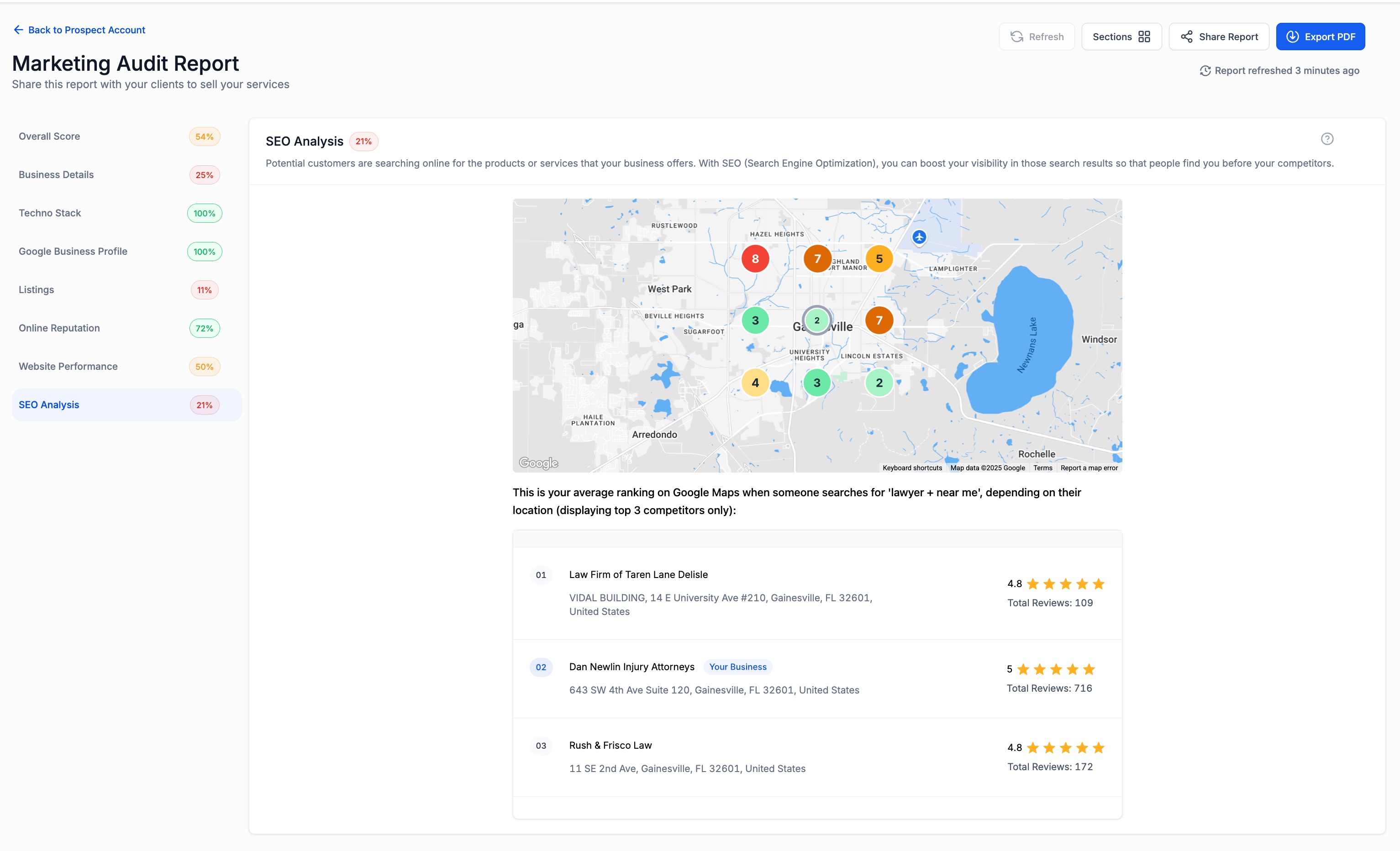
- Local SEO consultancy. Run website performance audits and SEO heatmaps for each prospect. Use the detailed findings to illustrate optimization opportunities during sales calls.
- Lead gen startup. Add the prospecting lead generation widget to the startup’s landing page. Visitors receive a free audit report, which the startup collects as a qualified lead for further nurturing.
04The numbers and rules that matter
- 5 Premium Reports/month.
- 50 Basic Reports/day.
- Free Prospecting in subaccounts requires the subaccount be marked as ‘Agency subaccount’ and the $497 plan (per HighLevel's help center, checked November 2026).
- $29/month for Premium Prospecting (per HighLevel's help center, checked November 2026).
- Premium includes Unlimited Reports per Month.
- Report refresh once per week.
- Website Performance Audits, Local SEO Heatmaps, Lead Generation Widget, CRM & Outreach Integrations, Automation Support are available only in Premium.
05Before you start
- The agency must have access to the Agency Dashboard.
- Subaccounts must be labeled as “Agency Subaccount” and be on the $497 plan to see free prospecting (per HighLevel's help center, checked November 2026).
- Premium prospecting requires a paid subscription at $29 per month (per HighLevel's help center, checked November 2026).
06How to set up and use prospecting in HighLevel
Activate Premium Prospecting for the agency
- Open the Prospecting tab from the left navigation menu.
- Select the “Unlock Premium” button at the top right or click “Upgrade Now”.
- Complete the payment and follow the setup prompts.
Enable Premium Prospecting for subaccounts
- In Agency view, go to the Reselling tab.
- Turn on Prospecting for the chosen subaccount(s).
- Enter a resale price if you intend to bill the subaccount.
- Log in to each subaccount dashboard and activate Premium Prospecting there.
07What it looks like in HighLevel
08Settings that matter
- Pricing. Controls the resale amount you set for subaccounts when you enable Prospecting for them.
09Things to know before you rely on it
- Free tier provides up to five premium reports each month and fifty basic reports daily.
- Free prospecting is only available at the agency level, not in subaccounts.
- Premium Prospecting costs $29 per month (per HighLevel's help center, checked November 2026).
- Premium removes report caps, offering unlimited reports per month.
- Report refresh is limited to once per week for premium reports.
- AI driven lead discovery, CRM integration, automation and lead gen widgets are exclusive to the premium tier and work only in subaccounts.
10How it connects to the rest of HighLevel
- Set up workflow triggers for new prospects Workflow trigger guide
- Create and customize a lead generation widget for your site Lead gen widget guide
- View pricing and plan options for Premium Prospecting Pricing page
Michael's take

Finding qualified leads without spending hours on manual research is a daily headache for agency owners. The first thing I would get right is the prospecting tier. Make sure the agency is on the Premium plan if you need unlimited reports, AI driven leads and the ability to push prospects straight into your HighLevel account.
Once the tier is set, link a subaccount so your team can pull reports directly from their dashboards. This saves time and keeps everyone on the same data, which is essential when you’re scaling outreach.