
01Who this is for
- Agency owners who need a consistent way for new team members to learn Snapshot basics, reducing training effort.
- Marketing consultants launching client accounts, because the guided steps speed up initial snapshot setup.
- Support staff responsible for onboarding new users, as the in app help reduces repeated questions.
02Integrated onboarding for snapshots, explained
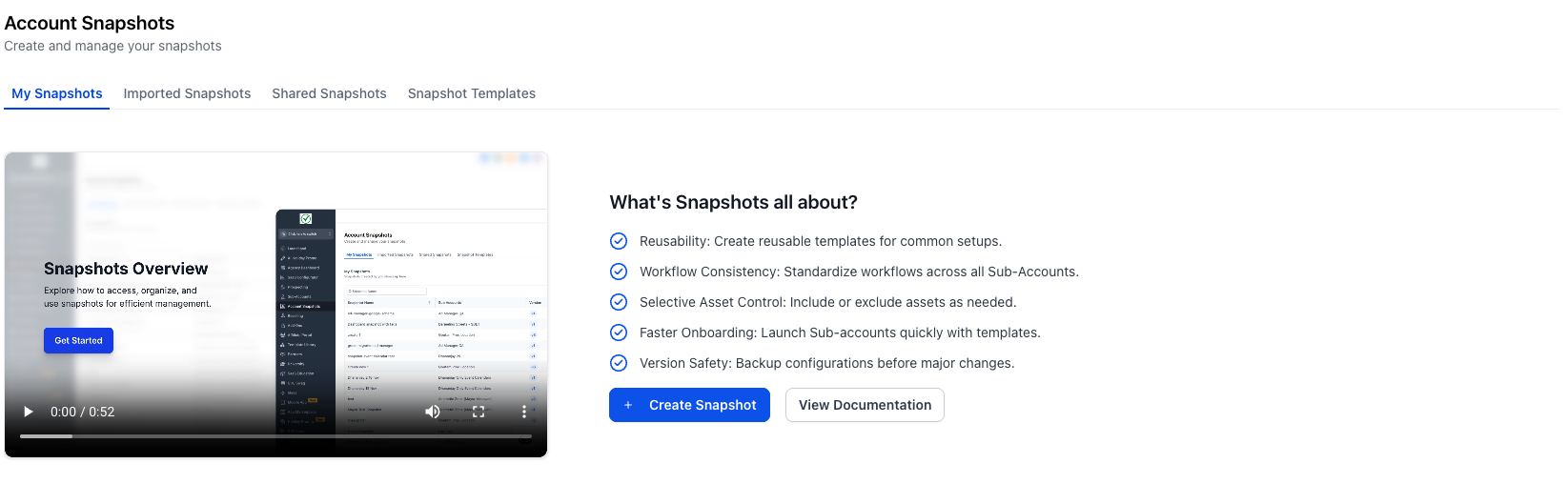
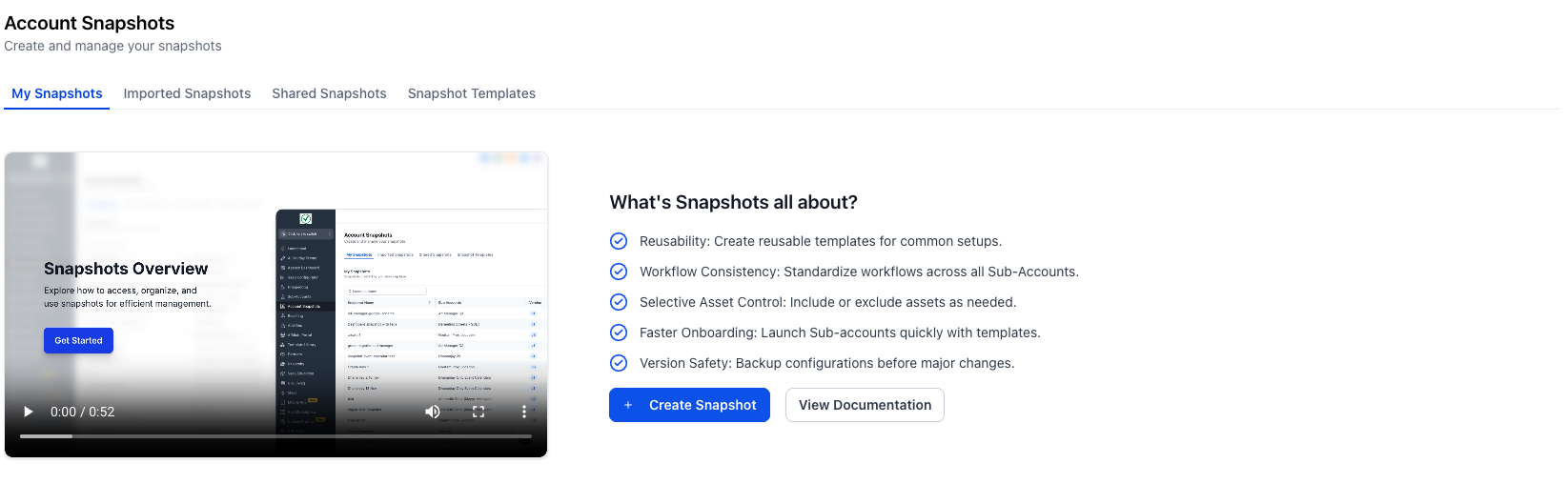
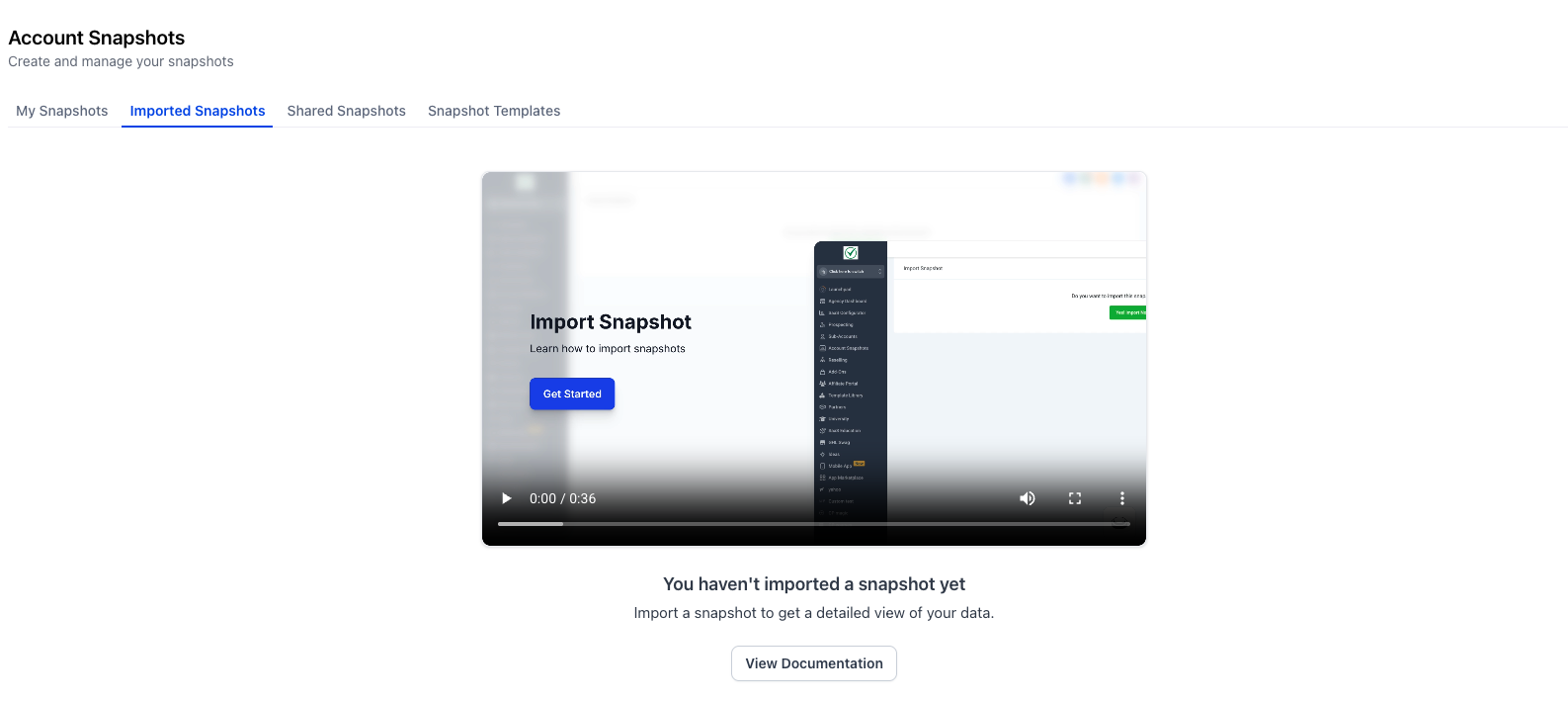
The feature places a learning overlay inside the Snapshot module. When you open Agency View > Account Snapshots and the list is empty, a First Interaction Helper appears with a brief explainer and a primary action to start a snapshot workflow.
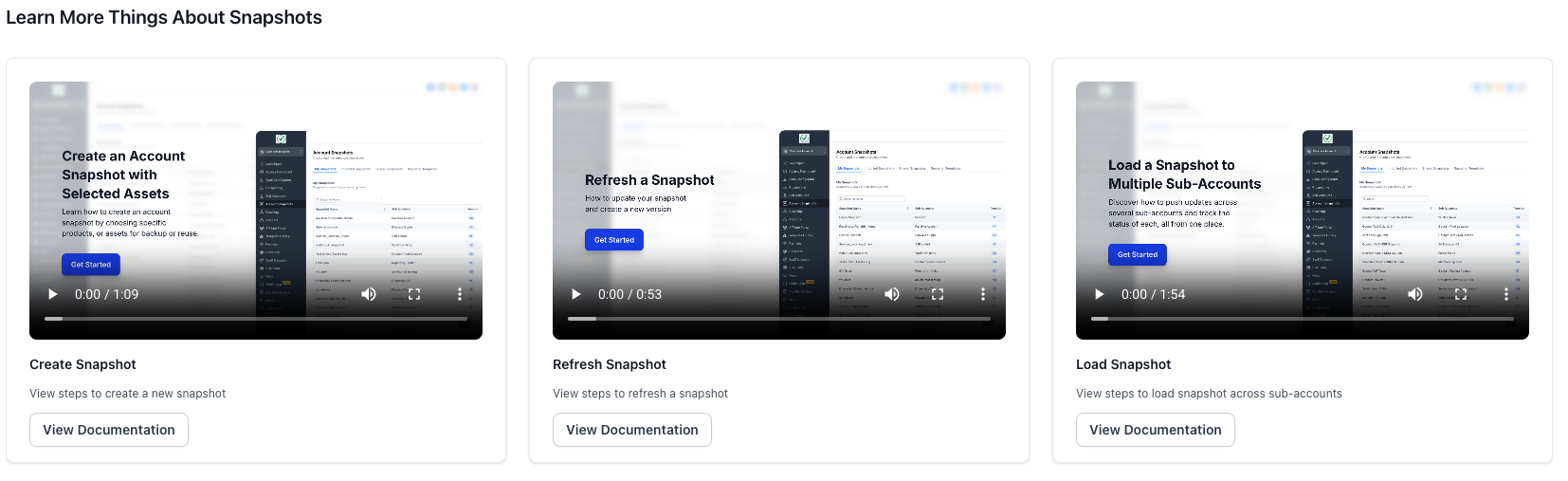
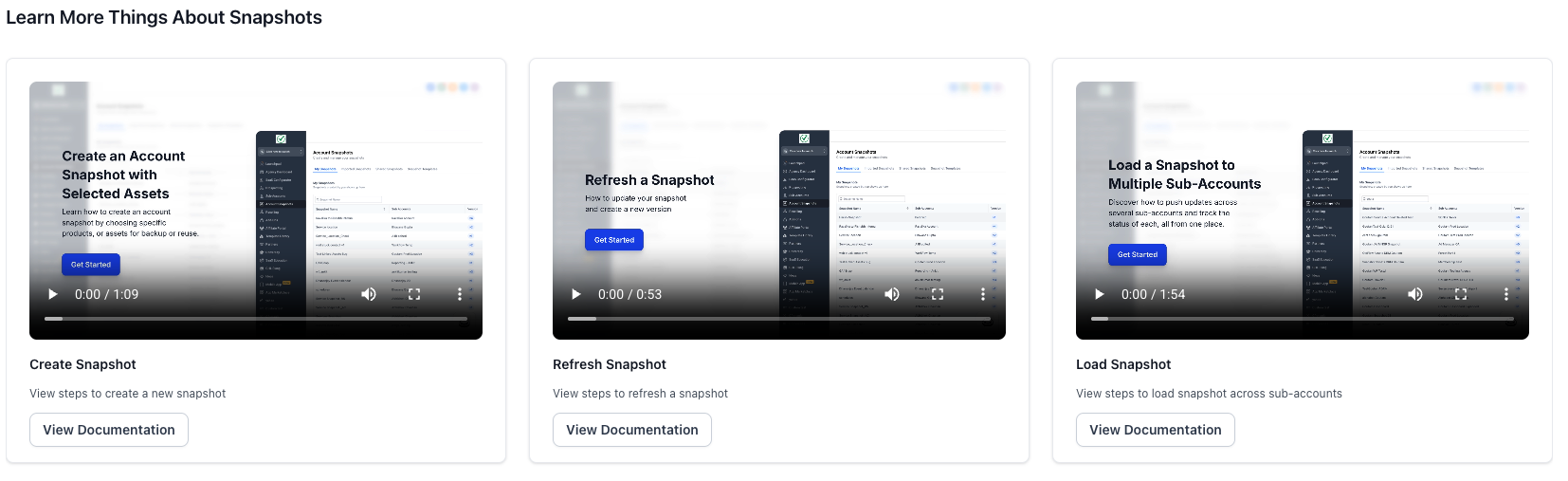
The overlay also provides quick links to deeper knowledge base articles and short videos for each core action: create, import (load), share, refresh and push updates. After the first snapshot is completed, a compact On Demand Learning Panel remains available in each sub section so you can revisit tips or watch videos without leaving HighLevel.
All guidance lives within the Snapshot interface, so you never need to switch to external tabs. The onboarding layer disappears automatically once you have at least one snapshot, but can be reopened via the learning panel.
03How businesses use integrated onboarding for snapshots
- Digital marketing agency. The agency opens Agency View > Account Snapshots, sees the First Interaction Helper, and follows the guided wizard to create a new snapshot for a client. Later they use the On Demand Learning Panel to learn how to share that snapshot with a subaccount.
- Coaching business. A new coach accesses the Snapshot module, watches the introductory video, and imports an existing snapshot using the guided Import (Load) option. The help wizard in the Imported Snapshots tab provides reference steps for future imports.
- Real estate brokerage. The brokerage’s admin creates its first snapshot through the guided wizard, then opens the On Demand Learning Panel to view short videos on refreshing and pushing updates, ensuring the snapshot stays current across multiple offices.
04Before you start
- User must have access to Agency View > Account Snapshots.
- No snapshots should exist in the account, so the First Interaction Helper can appear.
- User’s role/permissions must allow viewing the Snapshot module.
05How to set up and use integrated onboarding for snapshots in HighLevel
Use integrated onboarding for Snapshots
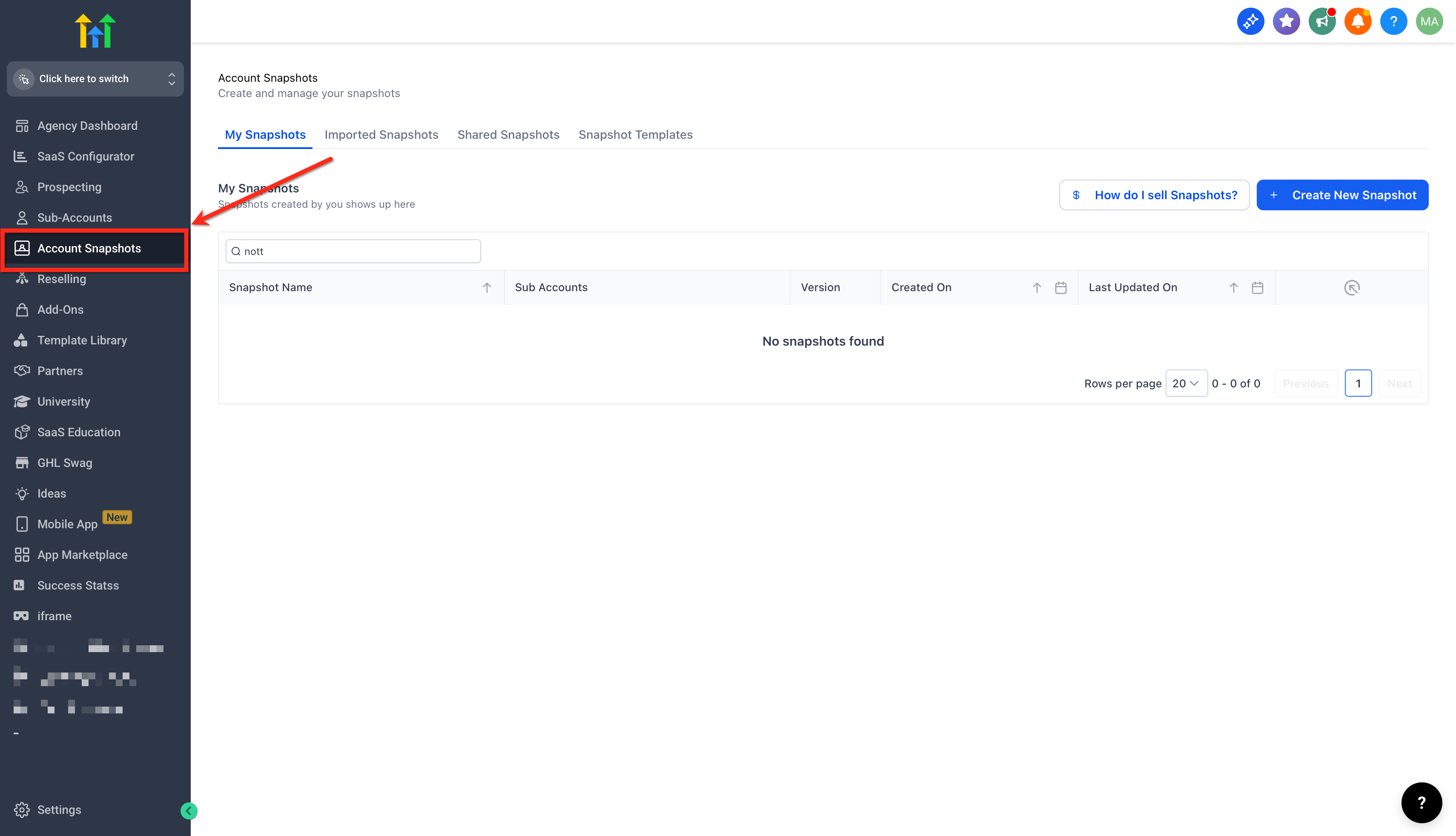
- Open Agency View > Account Snapshots.
- Notice the First Interaction Helper appear because the snapshot list is empty.
- Choose Create Snapshot or Import/Load and run the standard wizard.
- Complete the wizard to finish your first snapshot.
- Find the Help wizard inside My Snapshots, Imported Snapshots, and Shared Snapshots to access learning material.
- Open the On Demand Learning Panel to explore Share, Refresh, and Push Updates topics.
06What it looks like in HighLevel
07Things to know before you rely on it
- The onboarding overlay only shows when the snapshot list is empty; it disappears after a snapshot is created.
- Guidance does not alter the core snapshot actions; it only provides tips and links.
08If something goes wrong
- Integrated Onboarding does not appear. Verify that the user has a role or permission that grants access to Agency View > Account Snapshots.
09How it connects to the rest of HighLevel
- Create a new snapshot in HighLevel Create snapshot guide
- How to share snapshots Share snapshots
- Refresh or update snapshots Refresh snapshots
Michael's take

The onboarding only appears when the Snapshot list is empty, so it won’t pop up for seasoned users. That means new teammates get the guidance, but you won’t be distracted once the list is populated.
When it does show, it provides a quick way to get anyone up to speed on creating, importing, sharing, refreshing or pushing updates. It keeps the help docs inside the app, so the team stays focused.