Home/HighLevel/Features/Account Snapshots/Replicate documents and contracts in HighLevel snapshots

Workflows and Automation

Replicate documents and contracts in HighLevel snapshots

In short

Documents and contracts in HighLevel snapshots let agencies copy document templates from one account to another, speeding onboarding and keeping a consistent user experience.

AreaAccount Snapshots · Snapshots
Used forOnboarding new client accounts
Setup steps5 steps in 1 task
Last updatedNovember 3, 2026

01Documents and contracts, explained

Snapshots now support Documents and Contracts, allowing agencies to save time during onboarding and ensure consistent document templates across locations.

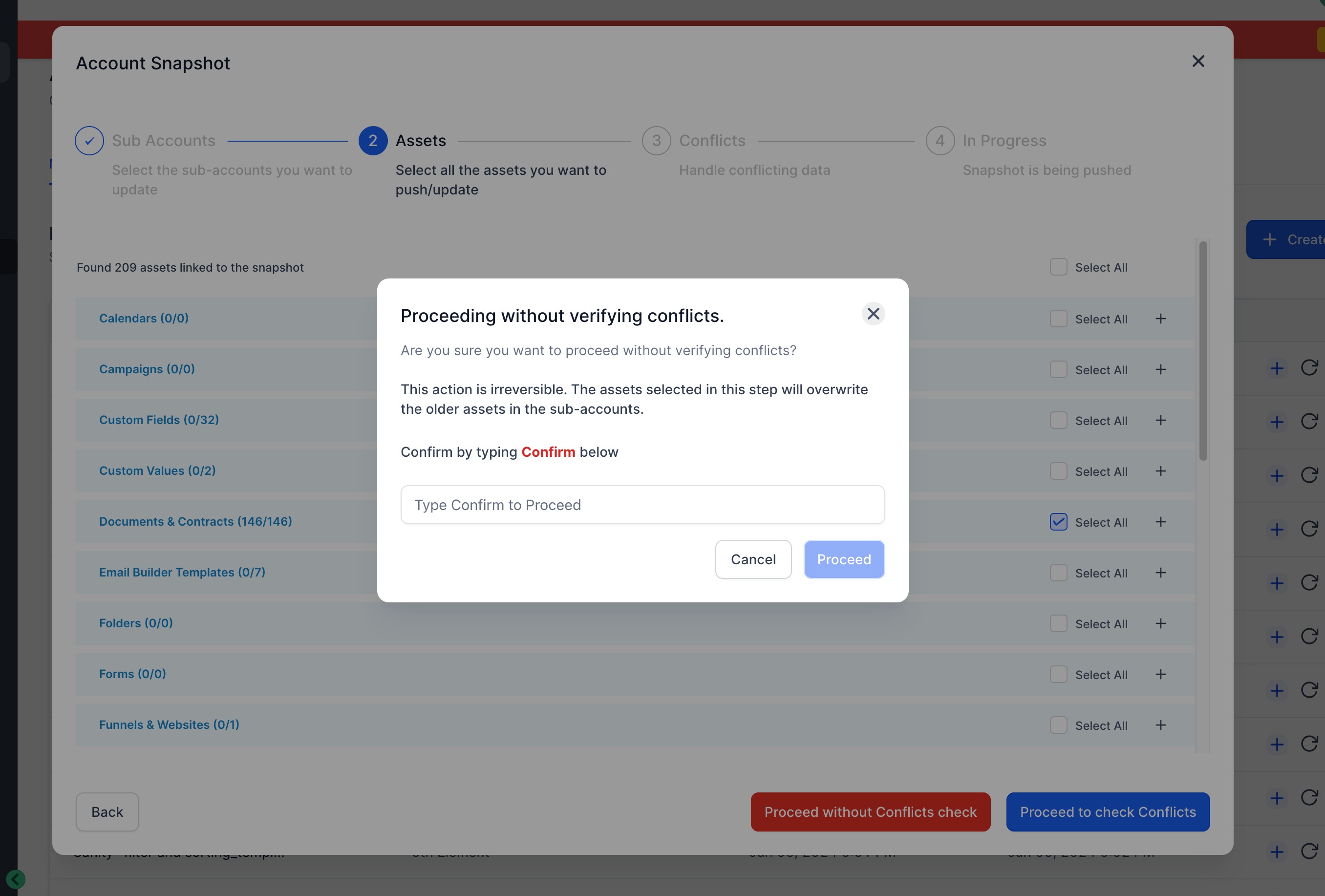
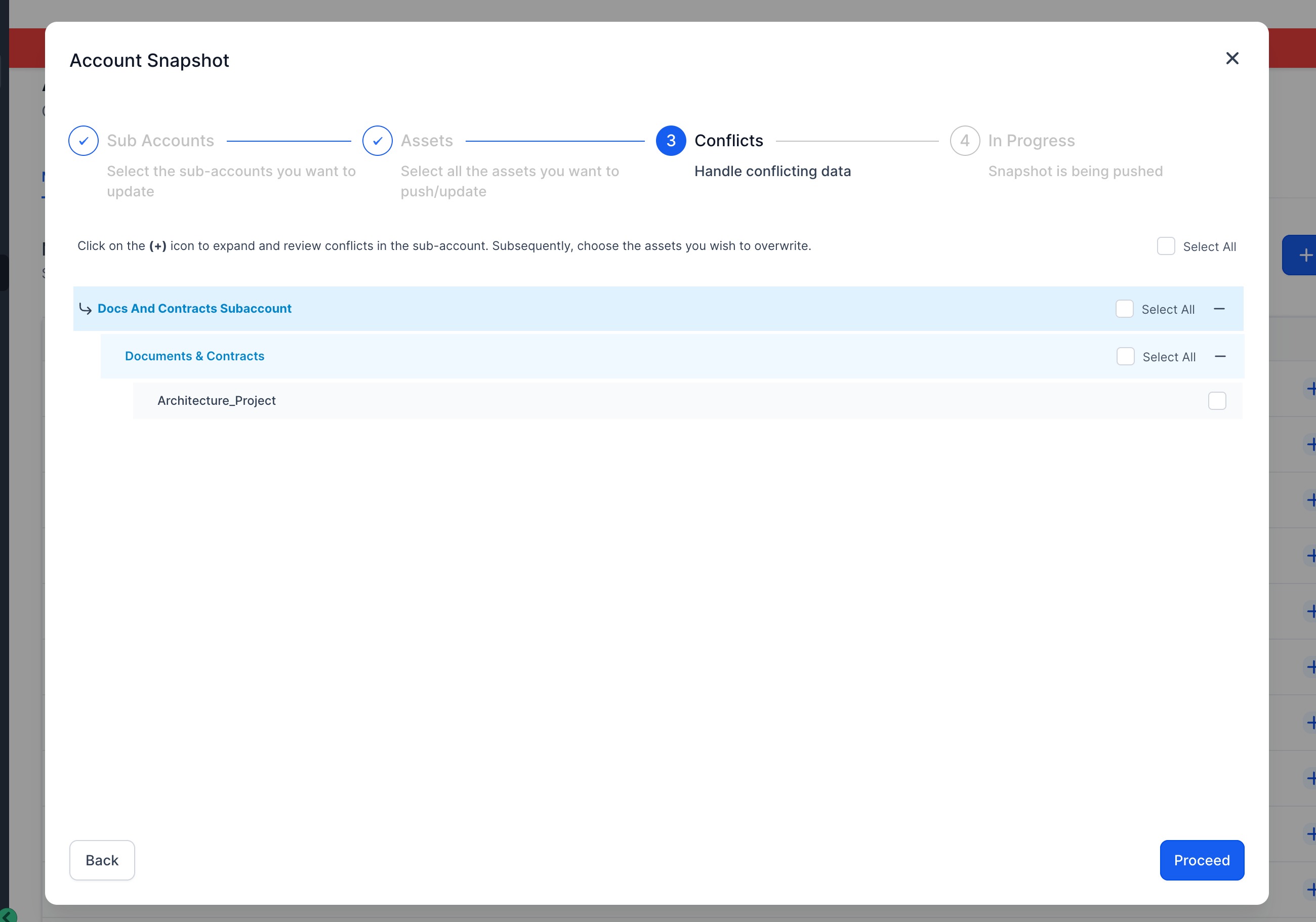
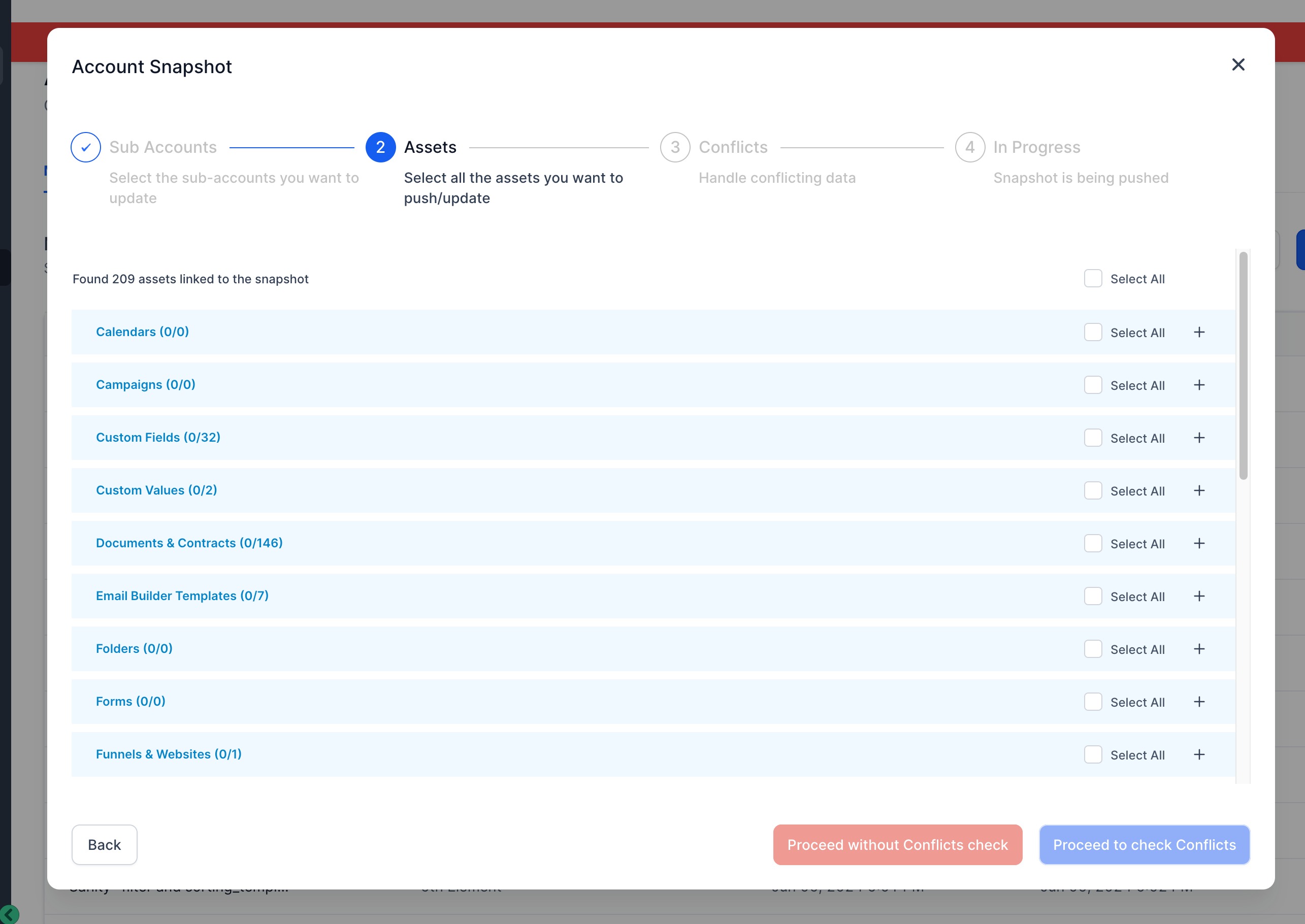
Loading a snapshot into a subaccount and selecting the document templates lets the agency provide the same preconfigured templates to the client.

02How businesses use documents and contracts

  • Onboarding new client accounts. After creating a snapshot from a master account, the agency loads it into a fresh subaccount and selects the needed document templates, providing the client with the same contracts and forms as other clients.

03How to set up and use documents and contracts in HighLevel

Replicate documents and contracts

  1. Navigate to Account Snapshots in Agency View.
  2. Create a new snapshot and choose the source account.
  3. Save the snapshot.
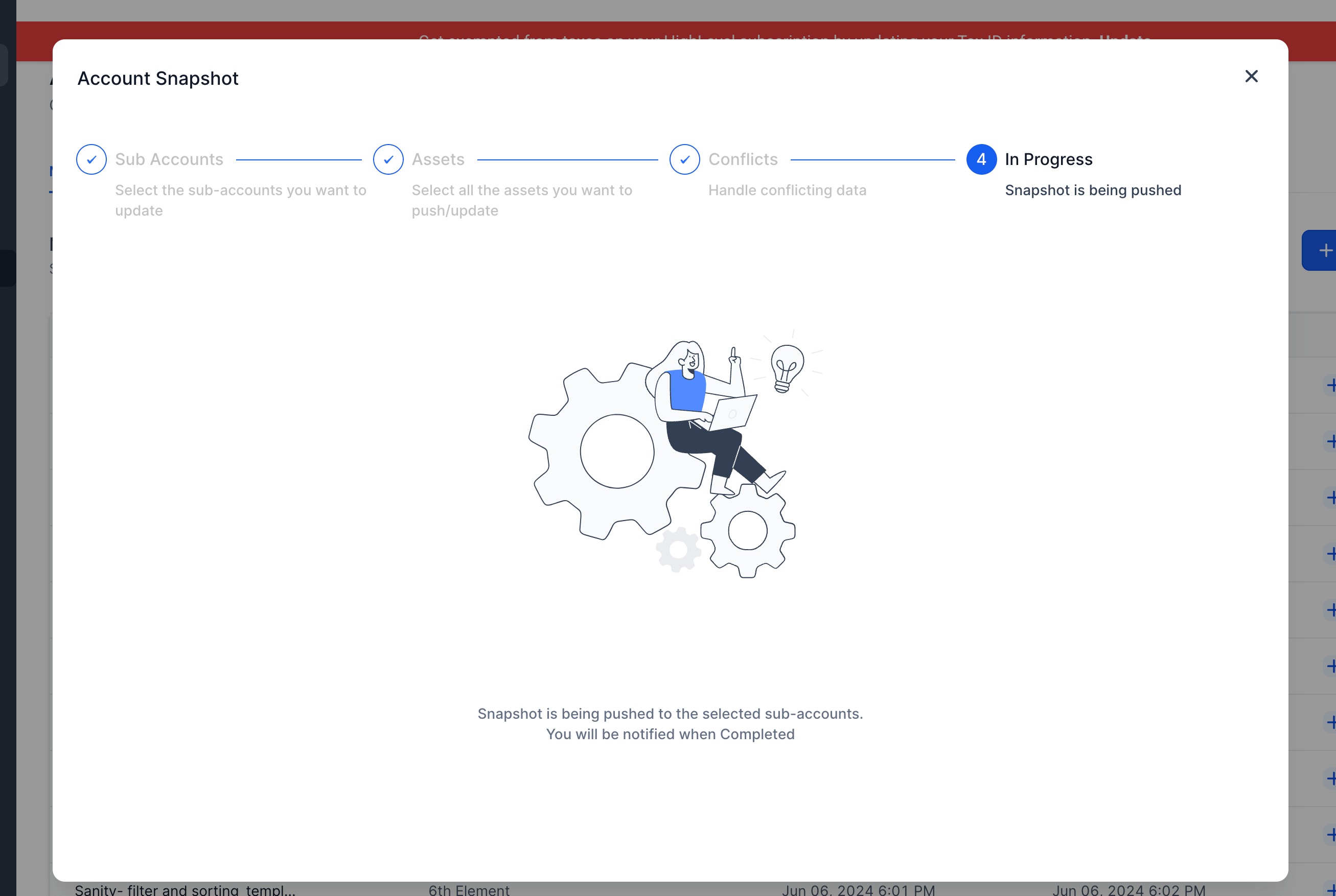
  4. Load the snapshot into the desired subaccount.
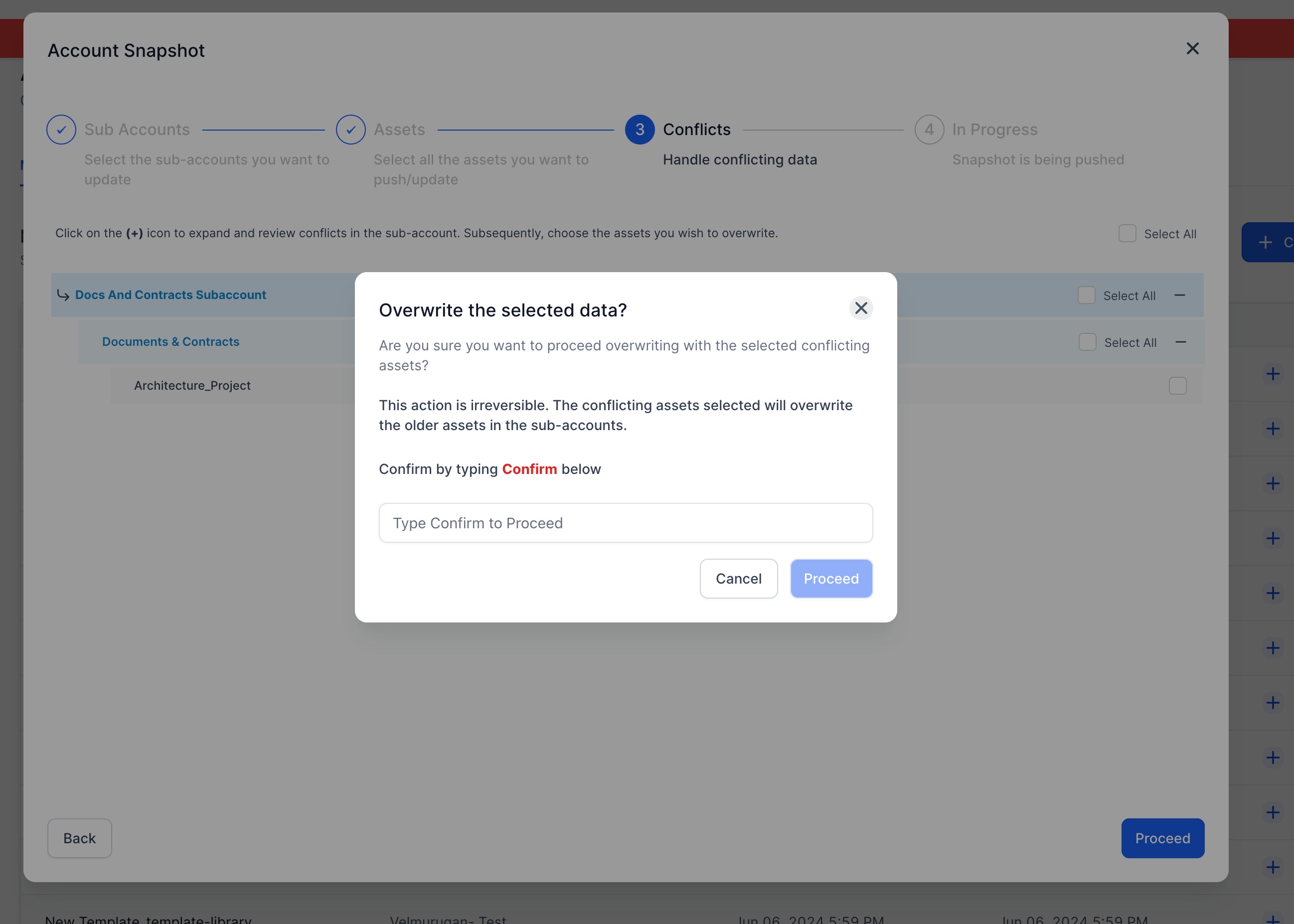
  5. Select all the Document Templates you want to load into the desired location.

04What it looks like in HighLevel
Michael's take

Michael Reimer
Michael ReimerFounder of CRM Pros, HighLevel Commander and Certified Admin

Copying document and contract templates across accounts is a huge time saver for a small agency, turning a repetitive setup task into a few clicks.

Don’t forget to double check that the right templates are selected when you load the snapshot.

Get More InformationOpens on HighLevelPublished November 2, 2026 · Updated November 3, 2026

Common questions

Common questions about documents and contracts.

How do I copy document templates to another account in HighLevel?

Create a snapshot from the account that holds the templates, then load that snapshot into the target subaccount and select the templates you want to copy.

Can I choose only certain document templates when loading a snapshot?

Yes, during the load step you can select the specific Document Templates you need for that location.

Does this feature work for all agency accounts?

The feature is available in the Snapshots section for agencies.

Next step

Pick the features that matter. Then get the plan that unlocks them.

Explore the features you want, start with the five at the top, and upgrade through my link when you are ready. The bonuses and the team come with it.

The features directory explains every HighLevel feature in plain English. Browse it to see what the platform can do.

Back to the FeaturesSee the full details
⌃

Site preview

Explore the next page

This destination is reserved in the page inventory and is not built yet.