
01Who this is for
- Agency admins can capture a set of contact layouts once and reuse them across client subaccounts, reducing manual configuration.
- Sales managers can ensure every client subaccount uses the same sales focused contact view, keeping the information they need consistent.
- Support team leads can distribute a support oriented contact layout to multiple accounts, so agents see the same fields and panels.
02Custom contact views, explained
The feature records custom Contact Detail Page views from a source subaccount and stores them inside an Account Snapshot. When the snapshot is applied, the selected views are added to the destination subaccount as additional custom layouts. The default Contact Detail View in the destination remains untouched.
The views are imported as custom layouts; they do not carry the default view status from the source. If a field used in a view does not exist in the destination, HighLevel skips that field during the import. After import, an admin can assign the new view to users or groups within the destination subaccount.
03How businesses use custom contact views
- Digital marketing agency. The agency builds a Sales contact view in one client subaccount, captures it in a snapshot, and pushes the snapshot to every new client subaccount. This avoids recreating the layout for each client.
- SaaS support team. A support manager creates a Support contact view with ticket related fields, adds it to a snapshot, and updates all support subaccounts. The view appears alongside the default view for agents to use.
- Real estate brokerage. The brokerage designs a Deal contact view with property fields, includes it in a snapshot, and distributes it to each office subaccount. Each office can then assign the view to its agents.
04The numbers and rules that matter
- Each subaccount includes 1 default Contact Detail View.
- Admins can create or import up to 4 additional custom Contact Detail Views, for a total of 5 views per subaccount.
05Before you start
- The source subaccount must already contain the custom Contact Detail Page views you want to copy.
- The subaccount must not exceed the limit of five total Contact Detail Views (one default plus up to four custom).
06How to set up and use custom contact views in HighLevel
Create snapshot with custom contact views
- Switch to Agency View.
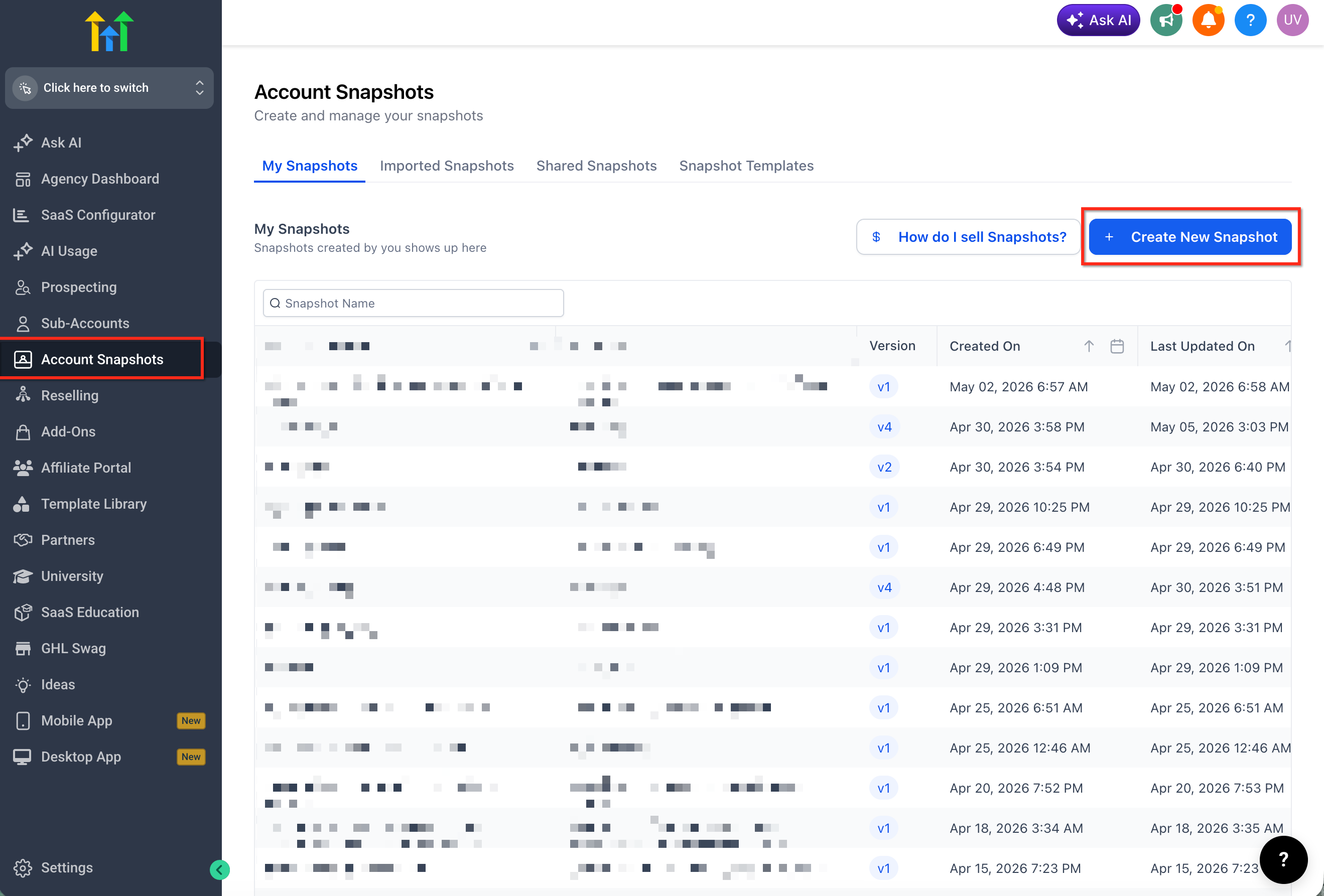
- Click Account Snapshots in the navigation.
- Click Create New Snapshot.
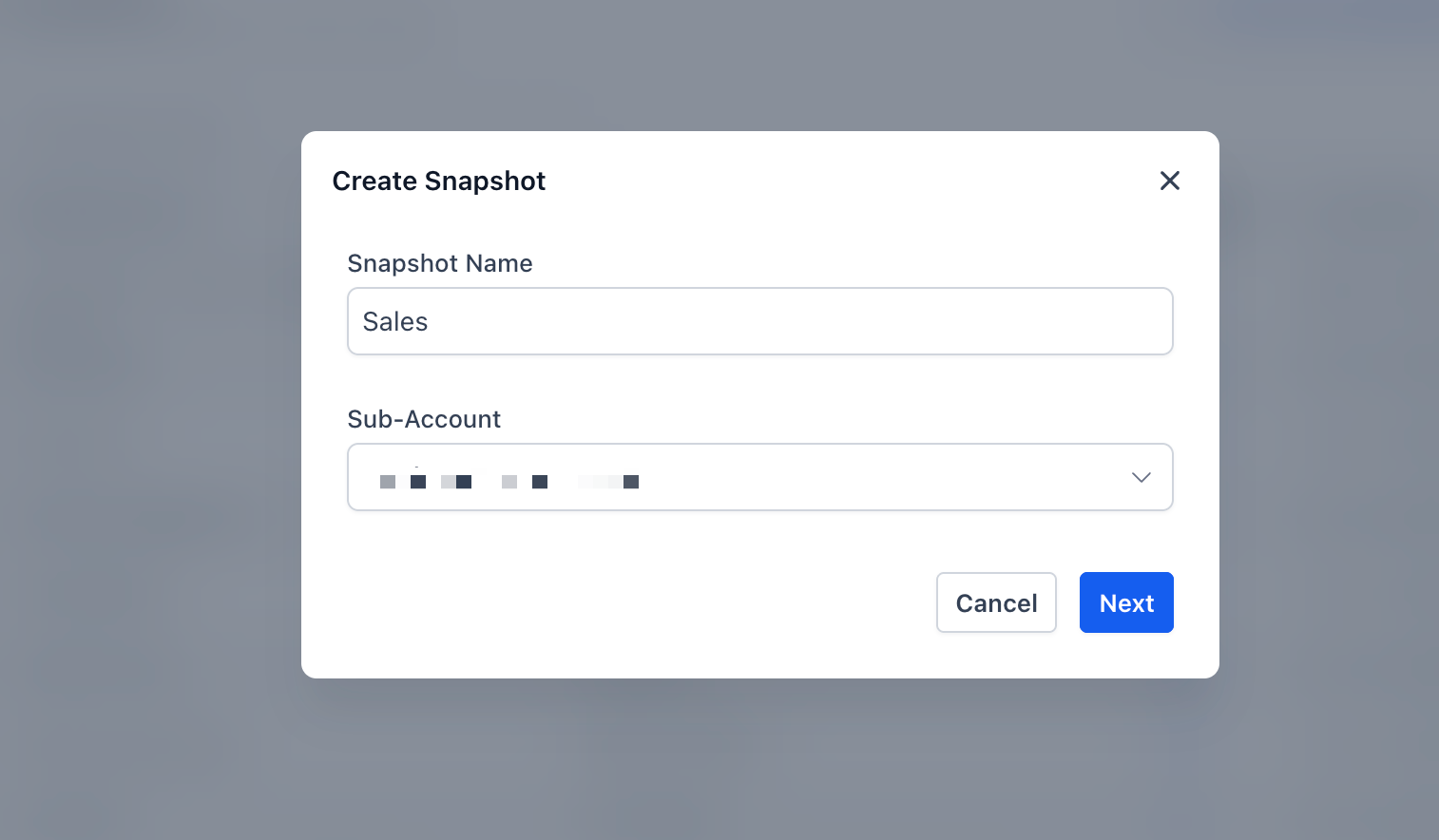
- Enter a descriptive name for the snapshot.
- Select the source subaccount that contains the custom views.
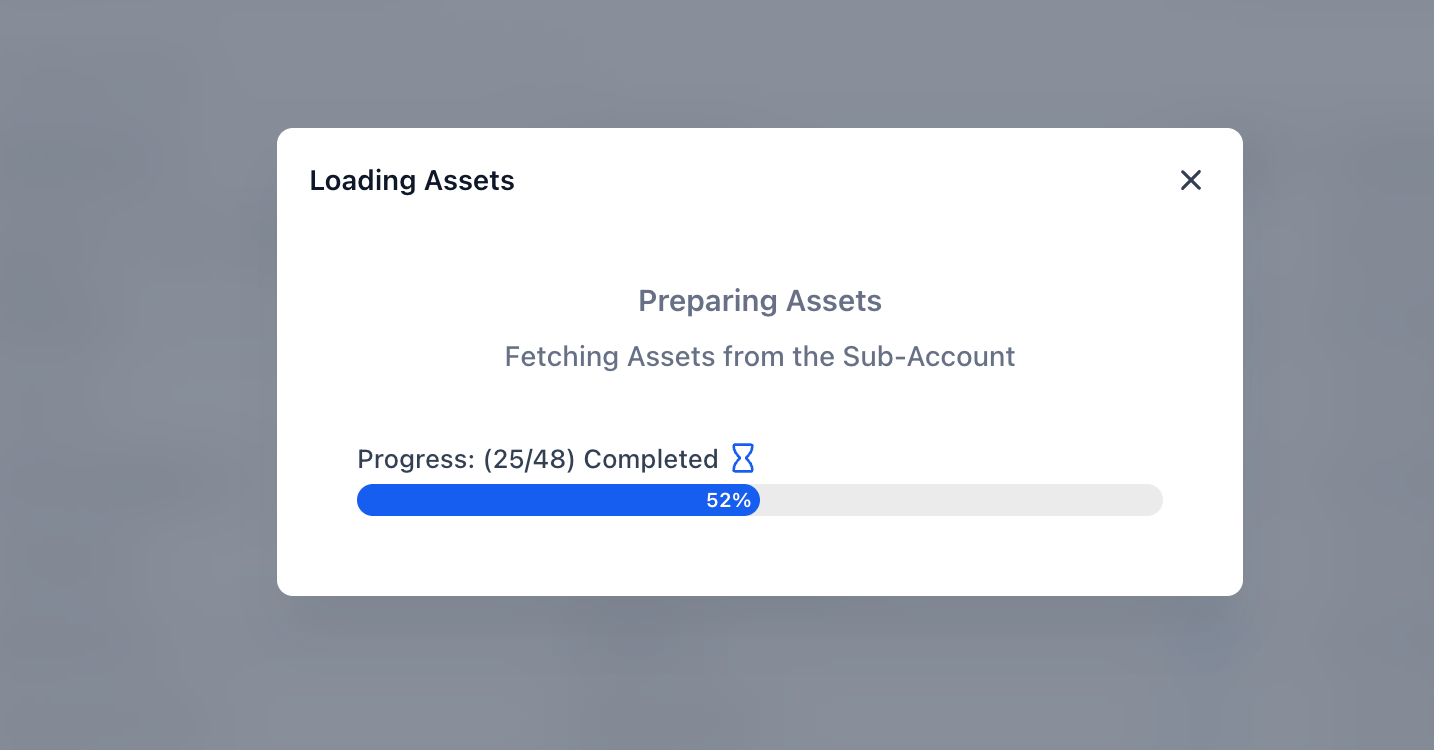
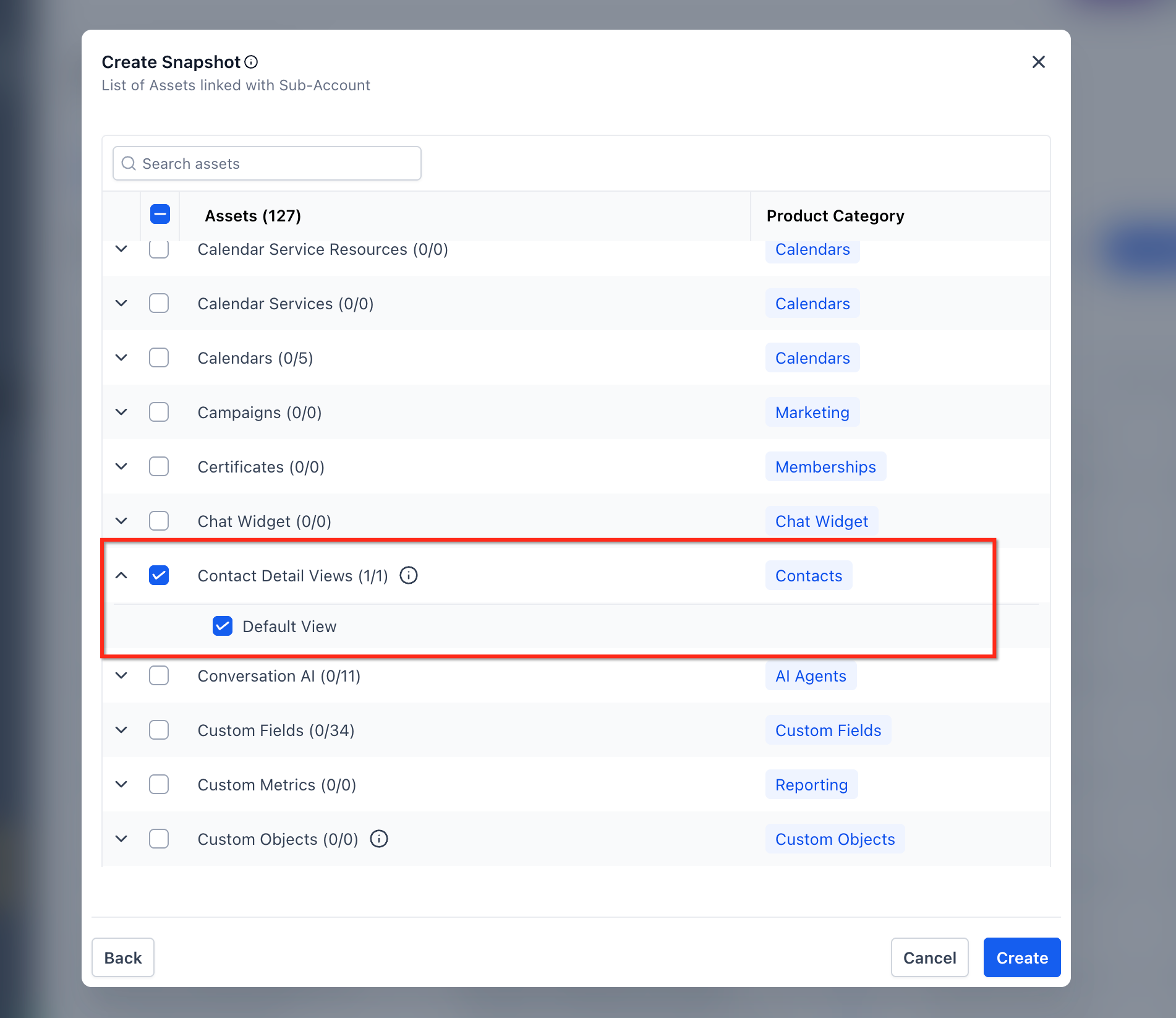
- In the asset selection screen, expand Contact Detail Views, select the desired custom views, and click Create.
Push snapshot update to linked subaccounts
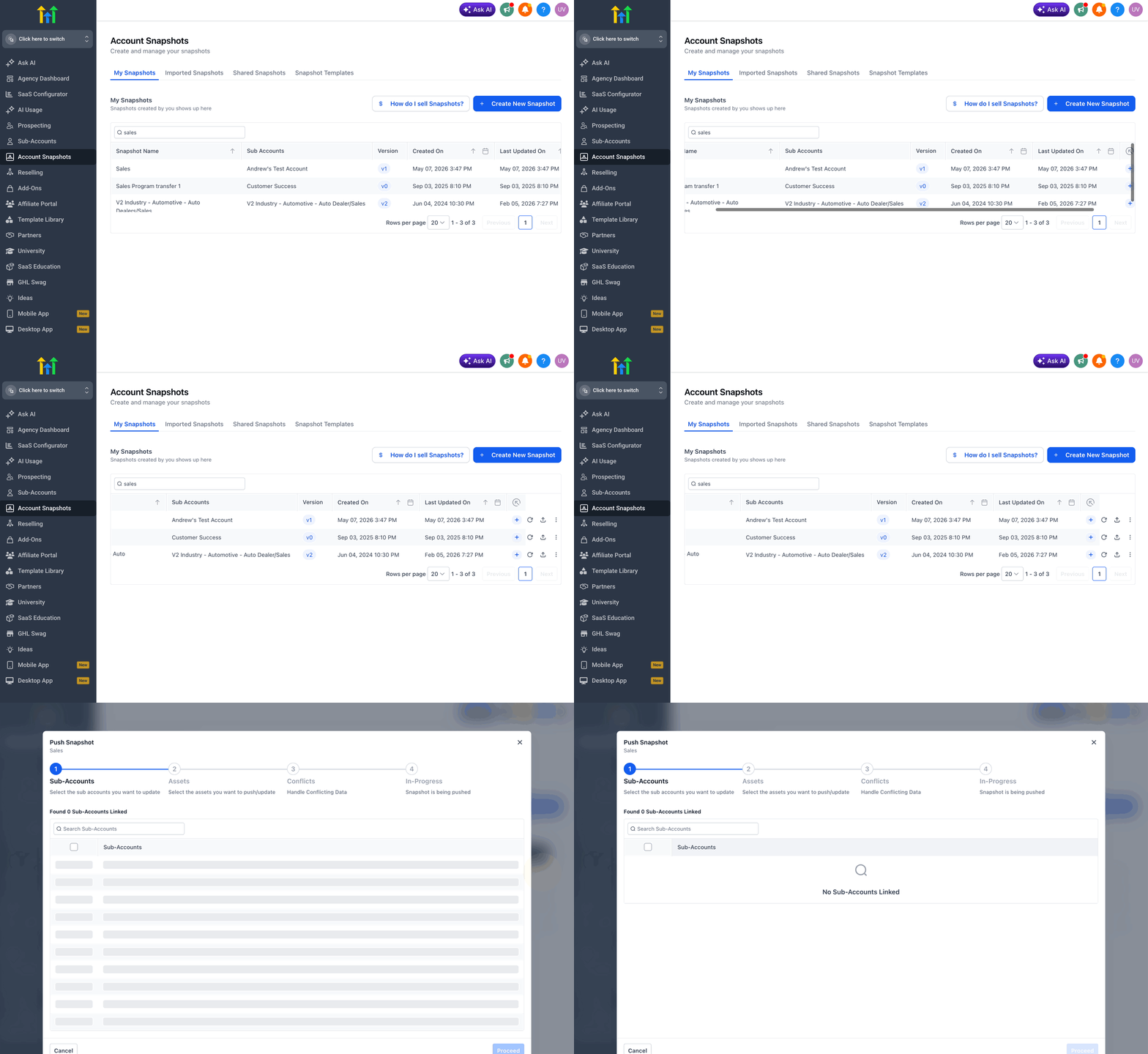
- Open the snapshot that holds the selected Contact Detail Views.
- Choose the option to push the update.
- Select the linked subaccount or subaccounts that should receive the custom views.
- Confirm the update.
Verify imported views in destination subaccount
- Open the destination subaccount.
- Navigate to Contacts.
- Open the Contact Detail Page customization area.
- Locate the imported custom views in the view list.
- Review the layout to ensure fields, panels, modules and view structure appear as expected.
07What it looks like in HighLevel
08Settings that matter
- Override. Controls how conflicting imported configurations are handled; it does not change which view is the default in the destination subaccount.
- Contact Detail Views selection. Allows the admin to choose which custom views to include when creating or updating a snapshot.
09Things to know before you rely on it
- Each subaccount includes one default Contact Detail View and can have up to four additional custom views, for a total of five.
- Imported views are added as custom layouts and never replace the built in default view.
- When a field used in the source view is missing in the destination, the field is skipped; the import does not fail.
10If something goes wrong
- The copied view does not appear in the destination subaccount.. Confirm the view was selected under Contact Detail Views, ensure the snapshot update was pushed to the correct subaccount, assign the view to users or groups, and verify any required custom fields exist.
- Missing fields in the imported view.. Create the missing custom fields in the destination subaccount, then update the view as needed.
11How it connects to the rest of HighLevel
- Overview of Account Snapshots Account snapshots overview
- How to create a new snapshot in HighLevel Create new snapshot
- How to load a Snapshot into an existing subaccount Load snapshot
Michael's take

Copying custom contact views with snapshots can feel risky if you haven’t verified that the source layout matches what you need. Missing fields or a view that never becomes the default can leave teams confused and require a quick fix.
When it works, you get a single, vetted contact page that rolls out to every client account without rebuilding it each time, keeping teams looking at the same information in the same way.