
Home/Videos/MCP workflow setup

Video walkthrough · MCP workflow

Control HighLevel by Voice With an MCP Automation Workflow

Call a voice agent, say what you need and let the workflow's tools do it in the CRM.
The video plays here, loaded from YouTube when you press play.Watch on YouTube

In this short video Michael Reimer shows an MCP automation workflow that lets a GoHighLevel voice agent control the CRM. You call the agent, and it uses tools to run CRM tasks, send an email or place an outbound call. He shows the two parts of the build and how to import the file. The install takes some work.

The video was recorded for people who asked for the workflow file. It comes with a document of step by step instructions and some resources for anyone who gets stuck. Because many viewers have never seen the automation platform it runs on, Michael opens his own n8n server and shows what is inside.

What are the two parts of the MCP workflow?

There are two workflows in the folder, server part one and server part two. Part one is the main agent, which acts as the client. Double click it and you find the prompt. Michael has included his prompt in the file, and he says to feel free to modify it.

Part two is where the tools are. Each tool is a function that can be performed in GoHighLevel. A few are external. He points out a maps scraper, an outbound call to a voice AI agent and Gmail, which can send emails for you. His example is the simplest one: call in on your voice agent and say you want to send an email to one of your contacts. You dictate the email and it is delivered. You can expand the workflow and add other tools as much as you like.
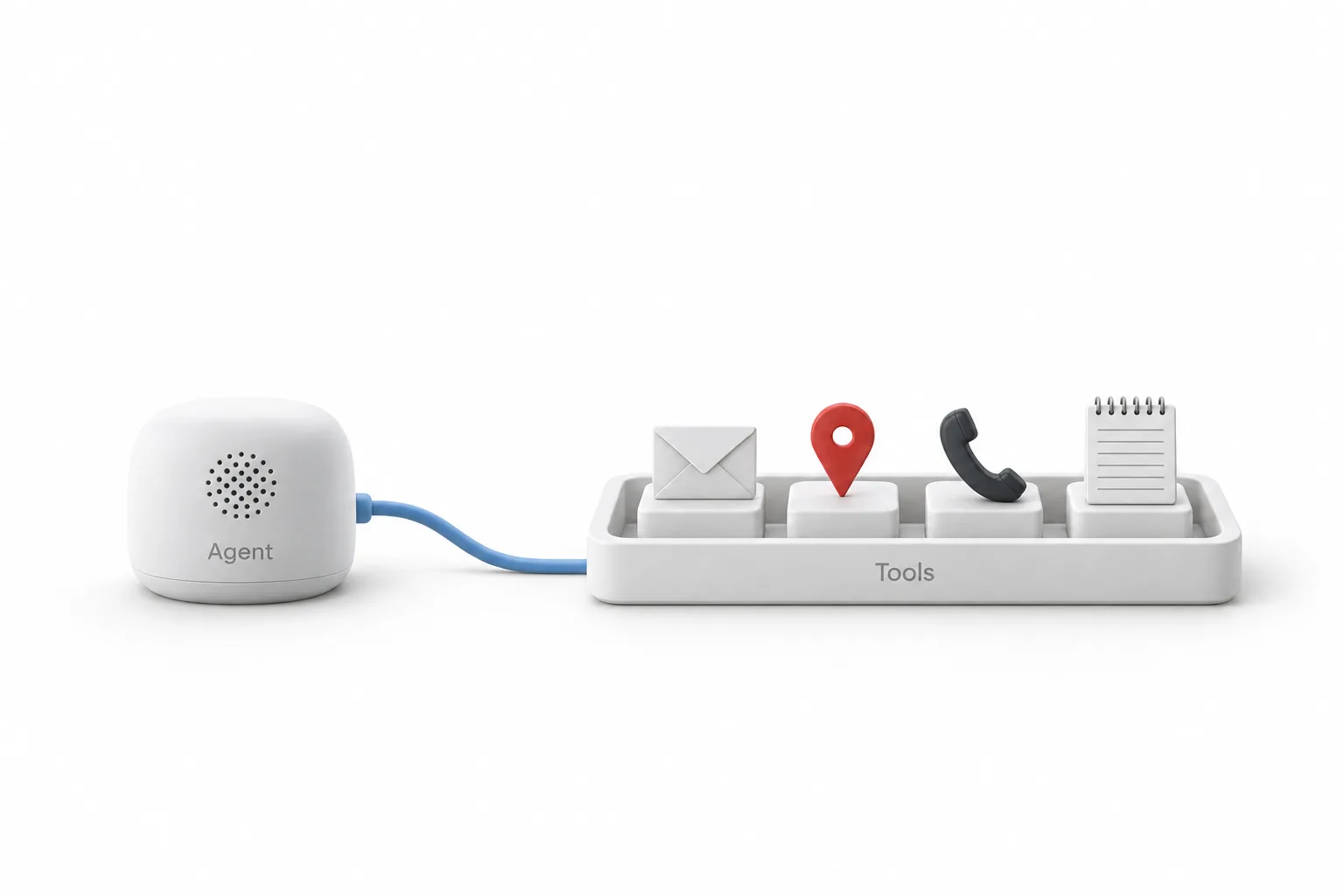
A white module labeled Agent connected by a cable to a tray labeled Tools holding an envelope, a map pin, a phone handset and a notepad

What credentials do you need to add?

All of them. Michael removed his credentials from the file before sharing it. You have to set up your own, which means authorization for the tools and a private integration key for HighLevel. The guide to creating a private integration token covers the HighLevel side.

How do you import the workflow file?

There are two ways, and both start in the upper right corner of the n8n screen. Click Create workflow, then grab the file and drop it right onto the canvas. Or click the three dots in the upper right, choose Import from file and pick the file. Either way the workflow populates on the canvas the way it looks in his account. The n8n and HighLevel page explains how the two connect.

How do you get the voice agent workflow running?

The order from the video.

  1. Import the file. Create a new workflow and drop the file onto the canvas.
  2. Or use the menu. Open the three dots in the upper right and choose Import from file.
  3. Open part one. Review or edit the agent prompt.
  4. Add your credentials. Set up your own, including a HighLevel private integration key, since all credentials were removed.
  5. Check the tools. Review the tools in part two and add others as needed.
  6. Test by voice. Call the voice agent and dictate an email to a contact.
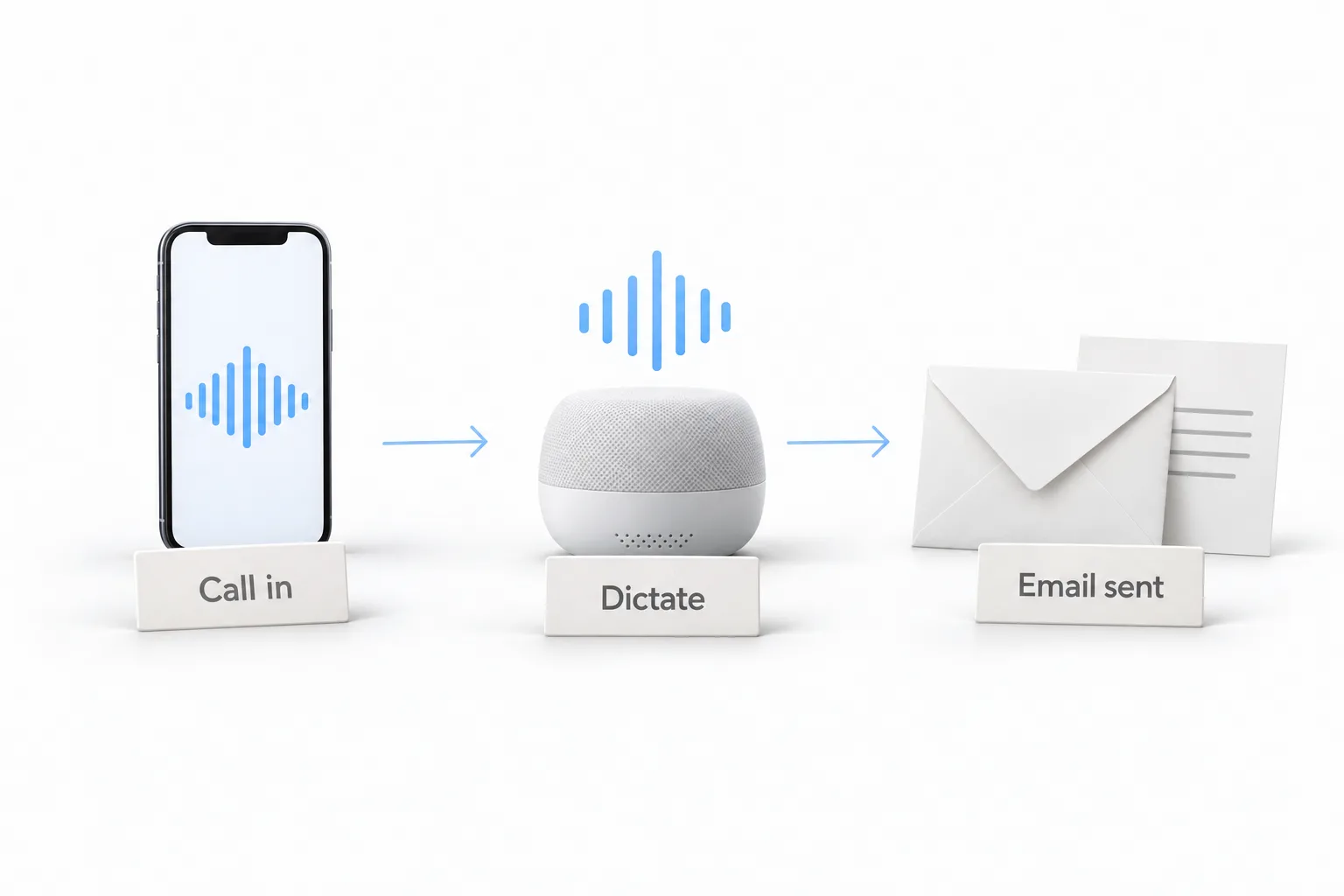
A phone labeled Call in, a speaker labeled Dictate and an envelope labeled Email sent, joined left to right by arrows

What changes once the voice agent can reach your CRM?

You dial in and run the CRM by talking. Sending an email, starting an outbound call or running a CRM function becomes something you say, not something you click through.

Michael is honest about the effort. Once it is up and running it is pretty seamless, but the install is involved, and he says he does not have the time or resources to support every install. He suggests the written instructions and outside tutorials for anyone who gets stuck. For the idea behind it, watch Voice AI and the MCP server, and for more on MCP see Claude and MCP with HighLevel.

You need a HighLevel account before the workflow can do anything, so start a GoHighLevel 30 day trial through Michael's link. Still deciding on the platform? Read whether HighLevel is worth it.

This article was written from the video transcript. Michael Reimer is a HighLevel Commander and a sponsored affiliate, which means he earns when people sign up through his link.

Questions

MCP workflow questions.

What does this workflow do?

It lets you call a HighLevel voice agent and control your CRM by talking. The agent uses MCP tools to run CRM functions, send an email or place an outbound call. Michael's simplest example is calling in, saying you want to email one of your contacts and dictating the message, which is then delivered.

Are credentials included?

No. Michael removed his credentials from the file before sharing it, so you add all of them yourself. That means authorization for each tool and a private integration key for HighLevel. His prompt is included in the main agent, and he says to feel free to modify it for your own use.

Is installation support offered?

No. Michael is honest about the effort. Once the workflow is up and running it is pretty seamless, but the install is involved, and he says he does not have the time or resources to support every install. The file comes with step by step instructions, and he suggests outside tutorials if you get stuck.

Which tools are included in the workflow?

Each tool is a function that can be performed in HighLevel, plus a few external ones. Michael points out a maps scraper, an outbound call to a voice AI agent and Gmail, which can send emails for you. The tools live in server part two, and you can expand the workflow and add others.

How do you import the workflow file?

There are two ways, and both start in the upper right corner of the n8n screen. Click Create workflow, then drop the file right onto the canvas. Or click the three dots, choose Import from file and pick the file. Either way the workflow populates on the canvas, ready for your credentials.

More questions

More questions about MCP and HighLevel.

Does GoHighLevel have an MCP server?

Yes. HighLevel runs its own MCP server, also called the LeadConnector MCP server. It connects AI assistants such as Claude, ChatGPT, Codex and Cursor to an account through an OAuth sign in, and they work only in the subaccounts and scopes you approve. The workflow in this video runs on an n8n server and uses a private integration key for HighLevel. The page on Claude and MCP with HighLevel covers the official server.

Does the HighLevel MCP server work with Claude?

Yes. You add HighLevel's MCP server in Claude as a custom connector, sign in with OAuth and approve what Claude may do. There is no API key to copy. Then you select the subaccounts Claude may use and ask for work in plain language, such as looking up a contact or adding a task. Each request runs against one subaccount. The guide to Claude with the HighLevel MCP server has the steps.

Does GoHighLevel work with n8n?

Yes, in two ways. The HighLevel MCP connection lets n8n workflows read and act on account data without a custom plugin. HighLevel can also take a workflow exported from n8n as JSON and build a Managed Agent from it, then report what carried over, what it adapted and what needs attention. The workflow in this video goes the other direction: it is a file you import into n8n.

What is a private integration key in GoHighLevel?

It is a token that gives a tool or developer API access to one HighLevel agency or subaccount, limited to the scopes you choose. HighLevel calls it a private integration token. You create it under Settings, then Private Integrations, name it, select only the scopes the integration needs and copy the token. This workflow needs one because Michael removed his own before sharing the file.

How do you keep a private integration token safe?

Treat it like a password. Store it in a password manager or secrets store and never paste it into public code, chats or documents. Use one token per integration, so you can revoke one without breaking the others, and select the fewest scopes the tool needs. If a token is exposed, rotate or delete it right away and create a new one. Delete tokens you no longer use.

What is the difference between an MCP assistant and a Managed Agent in HighLevel?

An assistant connected through MCP works from outside HighLevel and acts when you ask, within what you approved. It suits analysis, housekeeping and one off jobs. A Managed Agent lives inside HighLevel and runs on its own when an event happens in the account, so it suits jobs that repeat. The voice agent in this video works like the first kind: it acts when you call in and ask.

Next step

See it in your own account. Thirty days, every feature.

Start a 30 day trial through Michael's link, build the first system and test it before the first invoice. Usage fees for phone, SMS, email and AI can apply during the trial.

HighLevel has three plans at a flat monthly price, each with unlimited users and contacts. See what each one includes and what it costs.

Compare the PlansStarter, Unlimited and Founder
⌃

Site preview

Explore the next page

This destination is reserved in the page inventory and is not built yet.