

GoHighLevel Ask AI phone dispatch gives Ask AI its own phone number that a user can call or text to work the CRM. In this video Michael Reimer shows the setup with a six digit PIN, explains the limits and describes how agencies can package it for clients with AI Employee plans, rebilling and spending limits.
Michael opens with a client walking out of a meeting, laptop still in the bag. They call one number and say their six digit PIN so it knows who is calling. They ask what appointments they have today and who is next. The answer comes back by text, so they have it in writing. Then they text the same number to add a note to a contact or move a deal to the next stage before the next meeting starts. Calls and texts share one conversation, so they can start on a call and finish by text.
What is Ask AI phone dispatch in HighLevel?
It is the same Ask AI that already sits inside your GoHighLevel account, except now it has its own number. Michael's point is that clients do not sit in a dashboard all day. They live on their phones. Every client you set up gets an assistant that works from any phone, with nothing new to download.
He also separates it from a general chat assistant. Keep one of those for thinking out loud. This one already lives inside your contacts, your calendar and your pipeline. If your clients would rather press a button than dial a number, the Ask AI action button video covers that route.
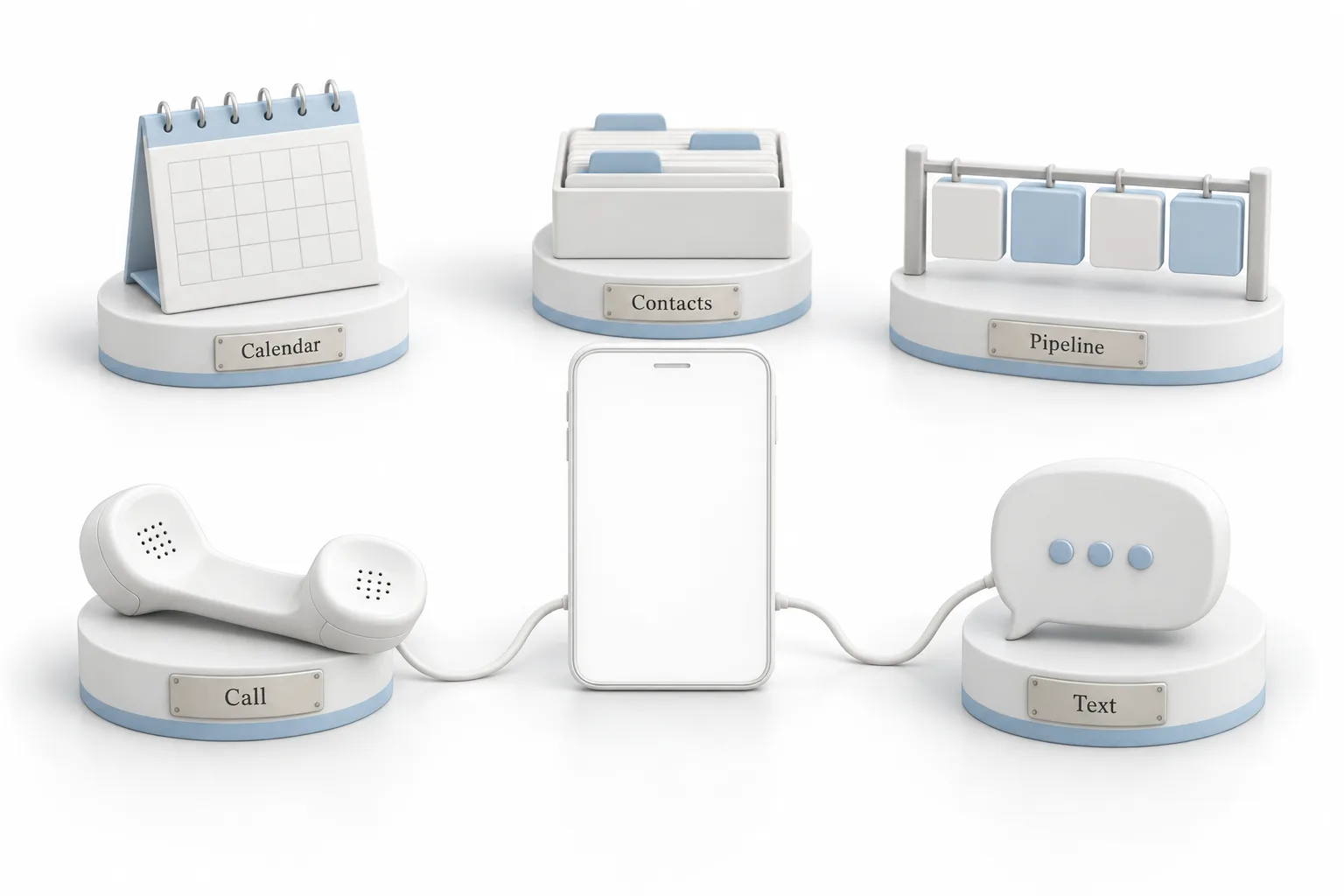
What do people actually ask it?
Michael gives three owners using it in the same week. A gym owner walking the floor texts it to summarize the morning's trial signups, then moves the hot ones to the next stage before class starts. A dental office manager on her lunch break asks for tomorrow's appointments, then has it add a note that the first patient needs a reminder call. A real estate agent parked between showings calls it to add a note on the buyer she just walked through a house.
None of them opened a laptop. His favorite use is a recurring task. You say, every Monday at 9:00, summarize my new leads, and it runs each week without being asked again. You can also text it a photo or a file when that is easier than explaining.
What will Ask AI phone dispatch not do?
Michael is plain about this so you can set expectations with clients. It is not your phone system. It will not change call routing or an IVR, and it will not edit campaigns. Custom skills are documented for text conversations, so test them before you promise them on a call.
It works with US numbers, with one number per location. The connection belongs to the person who set it up, so nobody else can take it over. And the six digit call PIN cannot be recovered if you forget it.
How do agencies offer Ask AI phone dispatch to clients?
A client's own users get Ask AI through an AI Employee plan, or they pay per use. Michael calls the phone number the easiest demo for that plan, because the client feels it work on their own phone first. His advice is to stop pitching it as a feature and present it as an assistant the client can call. Software people have to log in to gets forgotten. An assistant they can text gets used.
HighLevel lets an agency resell the AI Employee plans to clients at its own price, so the plan becomes its own line on the client's invoice. On the Founder Plan you can also rebill AI usage with your own markup. Ask AI usage can be rebilled by subaccount, and you can choose to bill only what the client used, so your own setup work stays off their bill. The HighLevel AI pricing overview lays out the plans.
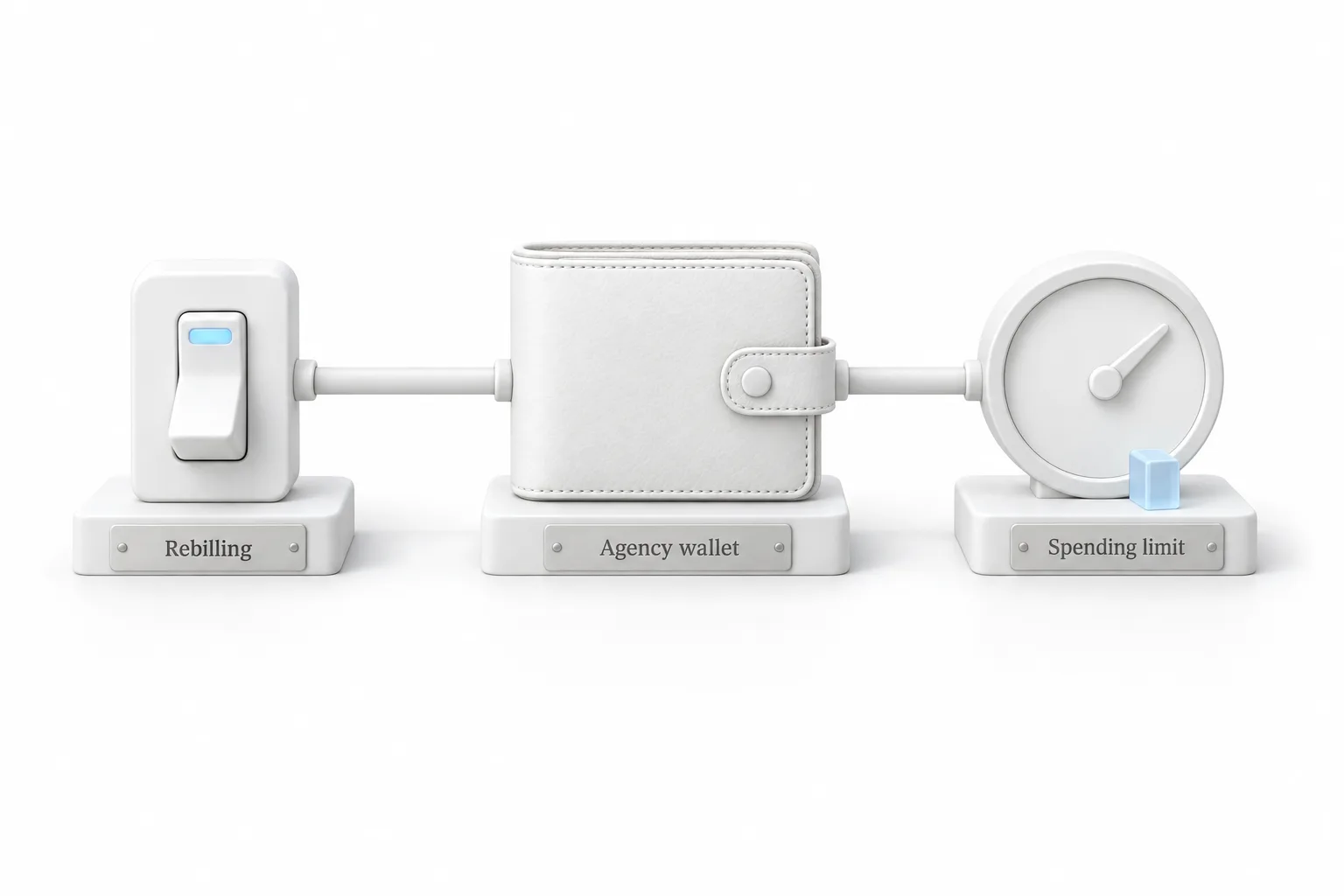
The part he says will save you money is rebilling. If you do not turn it on, a client's Ask AI usage is charged to your agency wallet. Before you hand this to anyone, open your AI spending limits and set them to block AI at the limit. You can also control what each user may do with Ask AI and turn dispatch on or off, so only the clients you are ready to support get it. The guide to set up rebilling walks through the switches, and the rebilling glossary entry explains the term.
How do you set up Ask AI phone dispatch?
Michael calls the setup quick. The last two items are the ones he adds for agencies.
- Open dispatch. Open Ask AI, click Customize, then Dispatch. You land on WhatsApp first, so choose Phone under connected channels.
- Connect your phone. Click Connect Phone, enter your US mobile number and confirm the code HighLevel sends by text.
- Create the PIN. Create a six digit call PIN and store it somewhere safe, because it cannot be recovered.
- Save the number. Copy the Ask AI number and save it as a contact in your phone. View Dispatch Sessions keeps the history of what you asked.
- Set a recurring task. Ask for something on a schedule, such as a summary of new leads every Monday morning.
- Protect the wallet. Turn on rebilling and set AI spending limits before giving clients access.
- Install it with the client. Connect each client's phone with them on a short call, then text them five things to ask it that week.
What changes once a client can call their CRM?
Michael's line is that the feature is a phone number, but the business is the habit it builds. The first time a client calls their CRM from the car and gets the answer back by text, you stop being the agency that set up some software. You are the agency that gave them an assistant. The thing a client uses every day is the last thing they cancel.
He treats the setup call itself as the product. Get on a short call while the client is logged in as themselves. Connect their phone together and set the PIN while they are on the line. Have them save the number, then text them five things to ask it that week.
It also opens the next conversation. Ask AI is the assistant your client calls. Voice AI is the agent their customers call. Once a client is texting their own assistant, the natural next step is to build a Voice AI agent that answers their customers.
Ask AI dispatch is for the owner's own phone. Dispatching technicians to jobs is a different feature, covered in the field services dispatch and route optimization video. To connect your own number, start a GoHighLevel 30 day trial through Michael's link, and see HighLevel plans compared to check which plan fits.