

In this video Michael Reimer shows how he uses GoHighLevel outbound Voice AI calling for proactive client check ins. He covers the mistake he made with generic reminder calls, a five step setup, a sample workflow and the calling limits on the outbound call action. It is for agencies and service businesses with existing clients to look after.
The starting point is a habit most service businesses share. They wait for clients to call. Small issues sit until they turn into last minute emergencies, and the business is always reacting. Michael's answer is to have a voice agent place the call first, to clients who have a real reason to hear from you. His running example is his own marine company, where customers need annual maintenance done on their vessels.
Why do generic AI reminder calls fall flat?
Michael made this mistake in his first few days with HighLevel's outbound AI calling. He went for appointment reminders. He loaded 100 contacts from his client list and used a generic script that only confirmed an upcoming appointment.
It did not go well. Clients asked to opt out, and there were no meaningful conversations, because the call sounded like every other automated reminder they had ever received. His read on it is that agencies treat AI like a cheap notification system when it can be a relationship tool. Sending everyone the same robotic message leads to poor engagement, annoyed clients who feel like just another number and compliance issues that can get campaigns flagged.
Which clients should an outbound voice agent call, and what should it say?
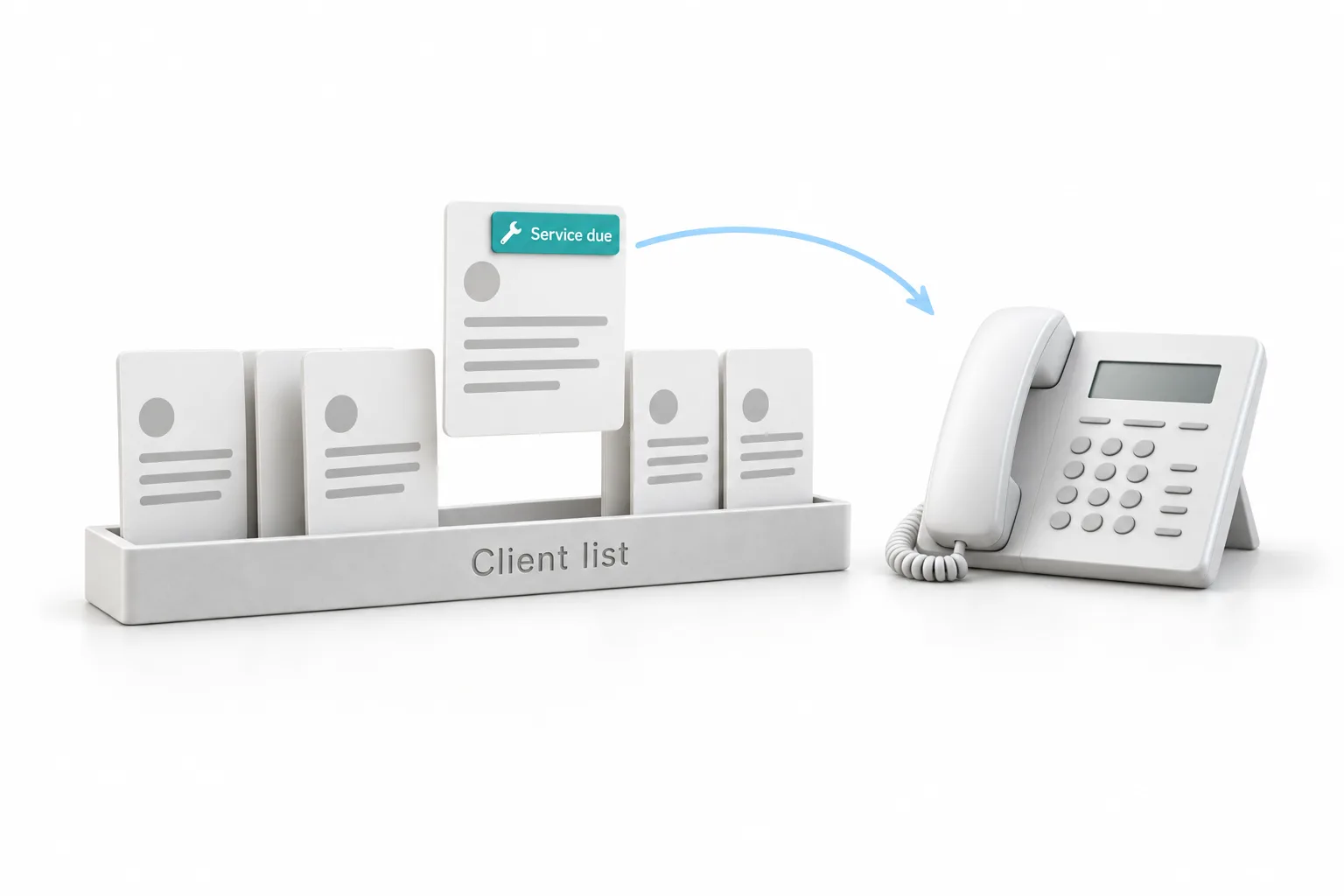
The first of his five steps is targeting. Use the HighLevel CRM to identify clients by their service history, their last contact date and their product usage, and flag the ones with a likely service need. Calling a client about something specific and relevant shows you are paying attention to them. He works from daily segmented lists where every contact has a clear reason for the call. In the marine example, the reason is annual maintenance that is due on the vessel.
The second step is the prompt. Write it around adding value. In his example, the point of the call is making sure the family vacation goes well without a breakdown, which is very different from a generic check in. Then choose a voice that sounds familiar and professional. If you are writing a prompt from scratch, the voice agent prompt framework on this site is a good companion.
What settings and follow up does outbound calling need?
Step three is configuration. Set the proper caller ID, the compliance settings and the call timing restrictions, so calls respect each client's schedule and present the business professionally. The page on AI compliance and consent covers what the business is responsible for.
Step four is the one Michael calls very important. Connect the call results to workflows, so HighLevel automatically sends a summary email, creates a task for an account manager or adds a note to the client's record. Most clients appreciate a written summary, and the task makes sure your team follows through on what was said.
Step five is review. Look at the call data to find the best performing prompts, the best calling times and the client segments that respond, then adjust the campaigns.
What does the outbound calling workflow look like?
Michael opens a basic workflow in his account. The trigger is a tag. An AI On tag gets assigned to a contact who has been cleared against the do not call list, and that tag lets the workflow proceed.
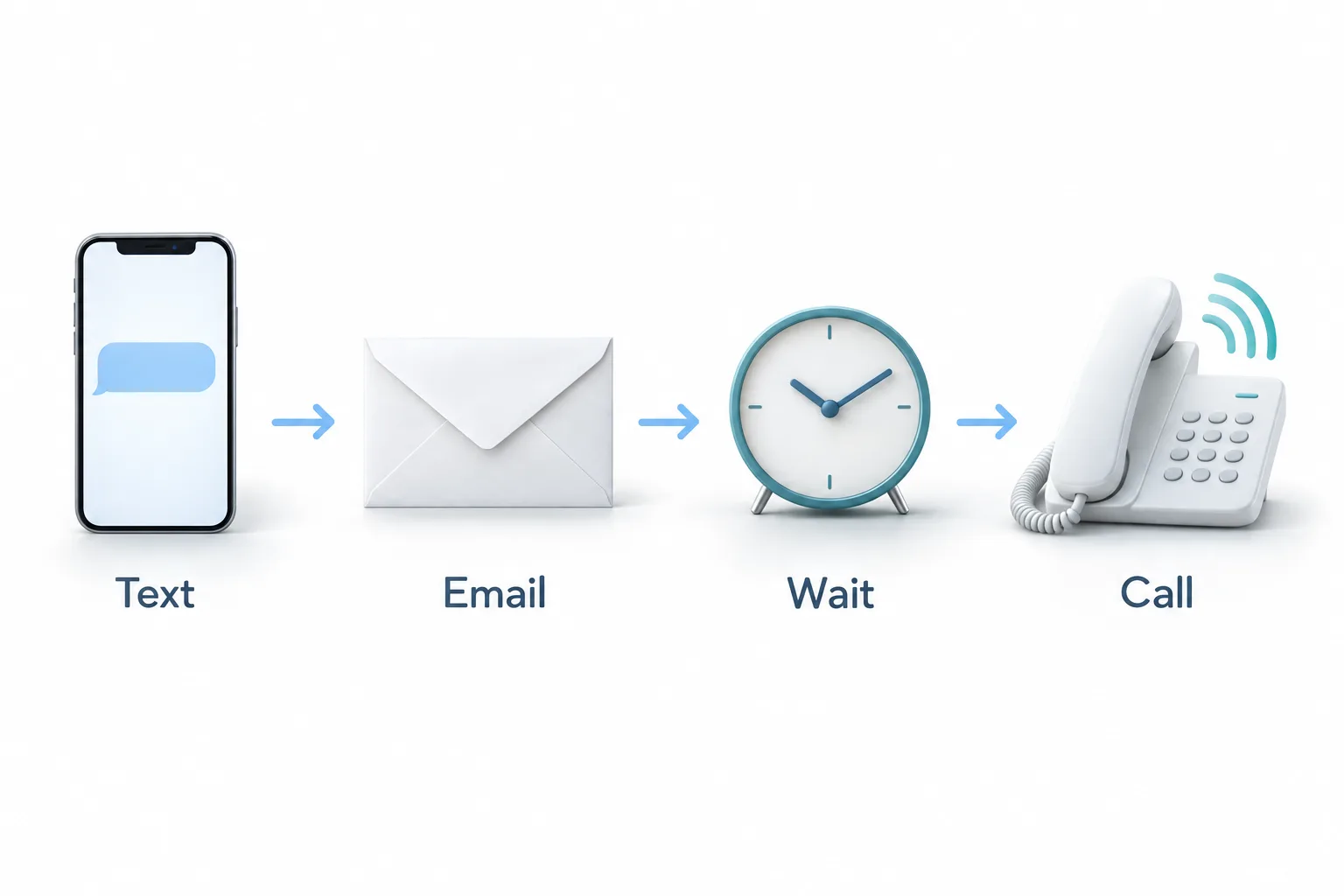
Next is a five minute wait step. Then an SMS goes out to the client saying the company would like to speak with them about service, and the client can book right from that text. An email goes out as well. Both are sent at 8:00 a.m., and the workflow waits until 10:00 a.m. to give the client time to respond.
If there is no response, the workflow reaches the new Voice AI outbound call action. After the call there is another short wait. If the client booked, they get an appointment follow up by SMS and by email. Michael is clear that this is one example and that you could build it many different ways.
What are the limits on the HighLevel outbound call action?
The action itself lists its rules, and Michael reads them out. A location can place one call per minute. Each location can make 100 calls per day. Each phone number can be dialed only once per day, and any additional call is scheduled for the next day on its own. Each number can be called no more than four times in a two week period, which he says basically eliminates spam. Calls can only be scheduled between 10:00 a.m. and 6:00 p.m., which is why his workflow waits until 10:00.
The rest of the action is short. You give it a name, pick the AI agent and pick the phone number. Any voice agent in the Voice AI section of the account can be chosen, and the number can be any number you own. His is a dedicated outbound number. This video was published in September 2025, so check the HighLevel help center for the current limits. If a call does not go out when you expect, see why a Voice AI outbound call is delayed or blocked.
How do you set up proactive check in calls in GoHighLevel?
Put the five steps and the sample workflow together and you get this order.
- Pick clients with a reason. Use your HighLevel CRM to find existing clients by service history, last contact date or a maintenance item that is due.
- Write a useful prompt. Build the agent prompt around something that helps the client, and choose a familiar, professional voice.
- Configure the calling system. Set caller ID, compliance settings and calling hours so calls respect each client's schedule.
- Start with a text and an email. Build a workflow that only runs for contacts cleared to be called, and message them before any call.
- Add the outbound call. If the client has not replied, add the Voice AI outbound call action and choose your voice agent and outbound phone number.
- Connect the results. Have the workflow send a summary or appointment follow up, create a task for your team or add a note to the contact.
- Review and adjust. Look at the call results for the prompts, calling times and client groups that work best, then change your campaigns.
What changes when the business calls first?
The business stops waiting by the phone. Clients with a recurring need hear from you before a small issue becomes an emergency, and the call is about something that matters to them. Michael frames it as using AI calling to build loyalty, not to react to problems.
The follow through gets documented too. A summary goes to the client, a task goes to the account manager and a note lands on the record, so what was said on the call does not get lost. Michael adds that the AI was better at reaching out consistently than his team was.
If you have not built an agent yet, start with the guide to setting up a Voice AI agent, then come back to the outbound workflow.
If you are still choosing where client records should live, the guide to client management software covers what to look for. To build the tag triggered workflow yourself, start a GoHighLevel 30 day trial through Michael's link, and see HighLevel plans compared for what each plan includes.