

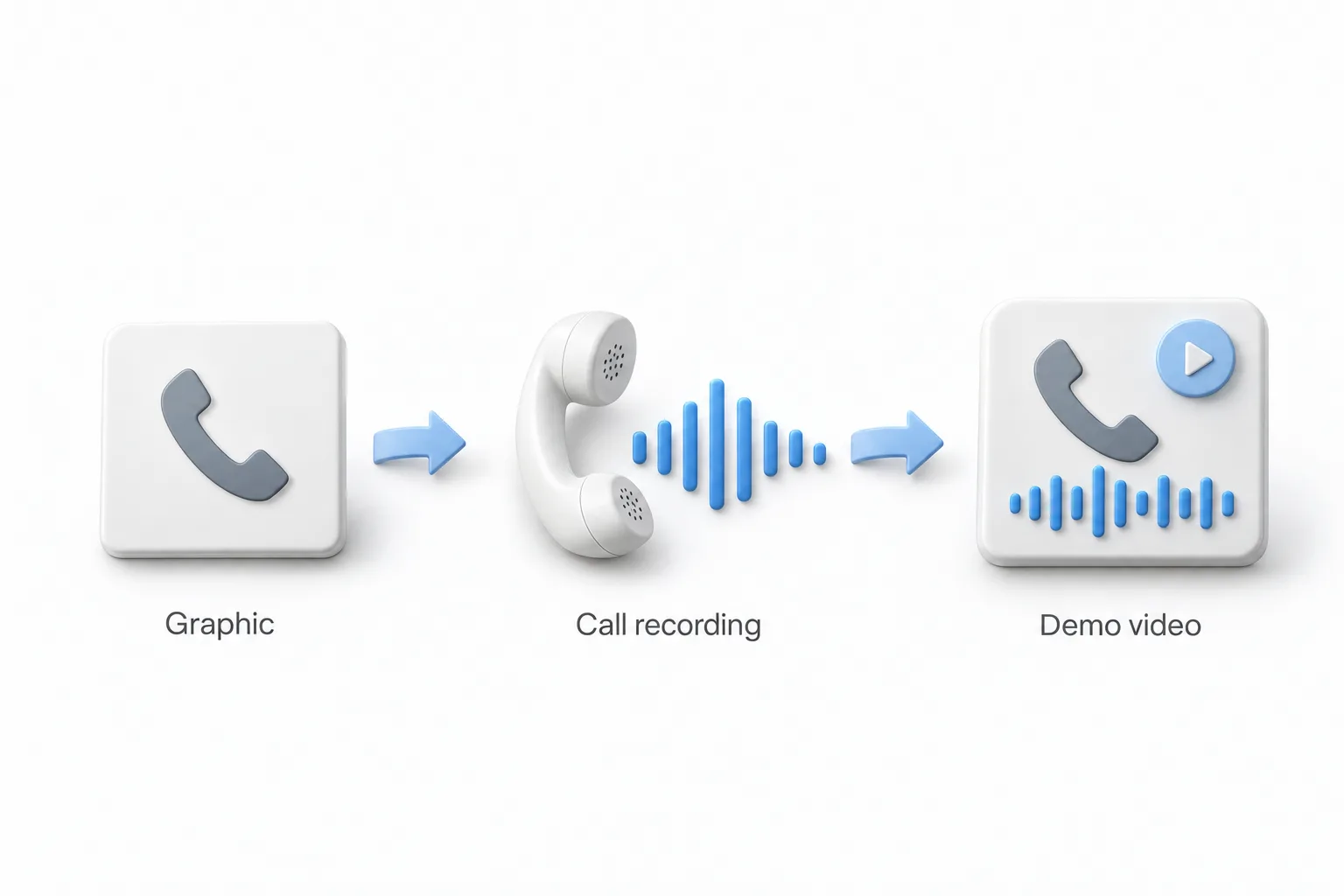
In this recorded live session Michael Reimer shows how he makes the short Voice AI demo videos he uses in ads and on his website. He pairs a branded phone graphic with the recording of a real test call to a GoHighLevel voice agent, then adds an animated waveform. It is for agencies that sell voice agents.
The session came out of questions. Michael had been posting these demos in a community group, and people kept asking how they were made. He says he got more questions about the template than about anything else. He built it for one purpose, to run ads, and he walks through the whole process live, from the graphic to the exported video.
How do you design the graphic for a Voice AI demo video?
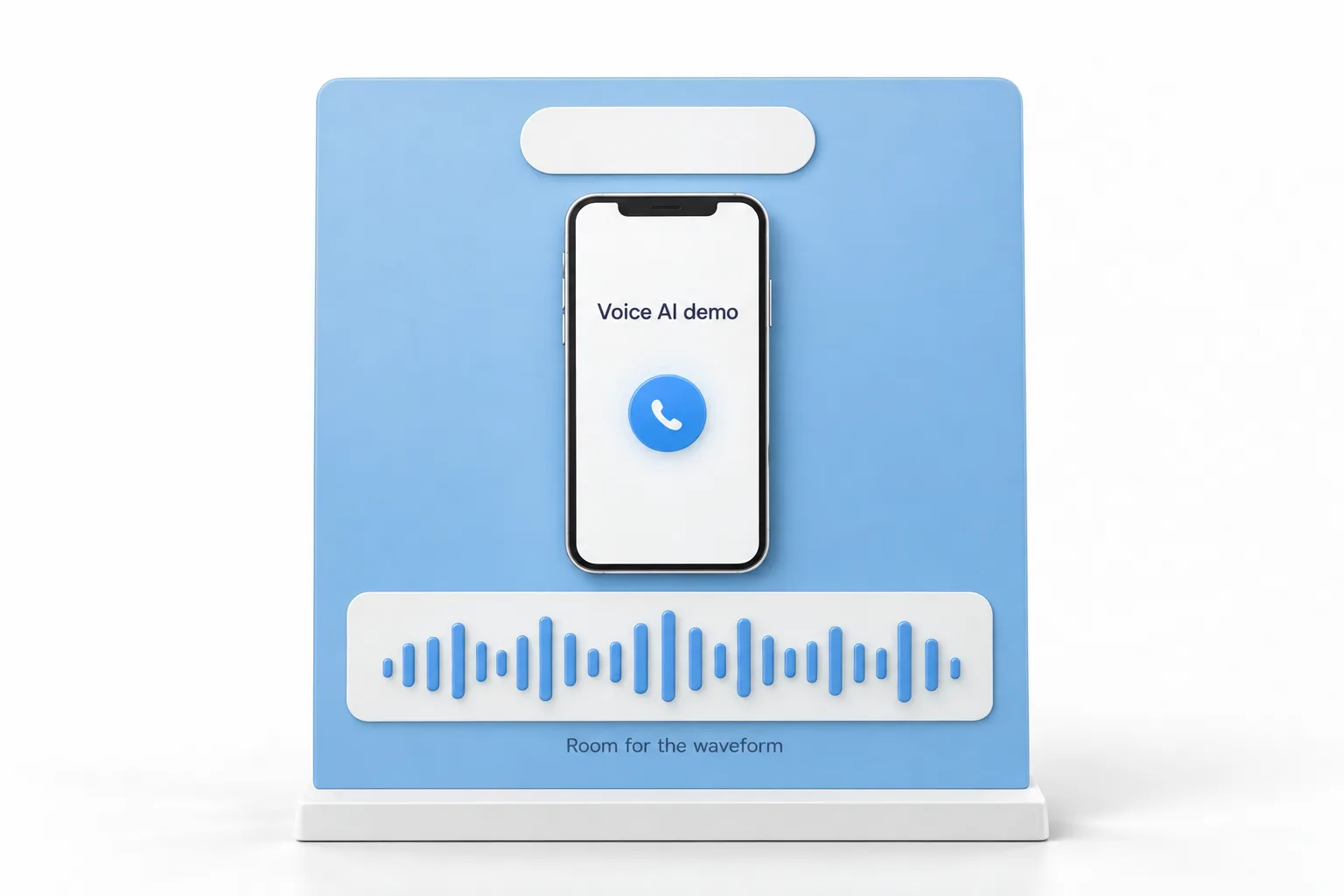
Michael builds his in Photoshop, where the text, the logo and each icon sit on their own layer. The file is square. Once the template exists, a new demo only needs a different middle graphic and a different logo.
One detail matters more than it looks. Everyone likes the sound bars along the bottom, so you have to leave some room there. If you do not, the waveform overlaps your text.
The editing software he uses will not accept layers. So the first step after designing is to flatten the image from the layer menu, then export it or save it as a single image file. For people who do not use Photoshop, he converted the same template to Canva and to PowerPoint. He is open that he is not a power user in Canva, but he found phone mockups in its elements library that make the phone part easy.
How do you get the call recording?
The audio is a real call to a real agent. Michael builds a simple voice agent on the spot from one of his short niche prompt templates, in this case for a hair loss clinic. He fills in the company details and the phone number, selects a voice and assigns a phone number. The initial message ends with an open ended question, and call recording is turned on for the number.
Then he places a test call. For testing he generally calls from a line where he can use a proper microphone, because the recording comes out clearer. When the call is done, the recording is on his own contact record in GoHighLevel, ready to download. If you have not built an agent before, the guide to building a voice AI agent covers the setup.
How do you edit the call audio in Descript?
Michael does most of the production in Descript. He starts a video project, adds the audio and the flattened graphic, and sets the canvas to square. The image snaps to the borders when he sizes it.
Two passes clean up the call. He opens Underlord at the top right and clicks Remove filler words, which found ten in his recording. Then he opens Underlord again and clicks Shorten word gaps, because there is always a second or two of blank audio in a recorded call. He also trims the dead air, so the demo starts when the agent picks up and ends when the call ends.
How do you add the waveform sound bars?
This is the question he gets most. In Descript, go to waveforms and click one, and it drops onto the canvas. Michael then drags it down into the space he reserved at the bottom of the graphic and resizes it so the bars fit. After that it is File, then Export. The play bar you see in a media player does not appear when the video is used on the web.
Can you make the demo with an avatar?
Yes, and he shows a version. The avatar tool he uses accepts a slide the same size as a PowerPoint slide, which is why he made the PowerPoint version of the template. He brings in an avatar, moves the elements around so the sound bar still fits along the bottom, and exports the video. Then he brings it into Descript and lays the waveform over it the same way.
What did Michael say about prompts in the questions at the end?
The session closes with questions on prompting. Michael keeps his prompts well short of the maximum length, because long prompts are more likely to contain conflicting instructions, and those cause problems such as hang ups.
On telling callers they are speaking with AI, he treats the wording as a preference but never has the agent claim to be human. For inbound calls he has the agent send a booking link, and the fields it captures trigger a workflow that confirms the appointment and starts follow up. The voice agent prompt framework goes deeper on structure.
How do you make your own Voice AI demo video?
The production steps, in order.
- Design the graphic. Make a square, branded phone graphic in Photoshop, Canva or PowerPoint and leave space along the bottom for the waveform.
- Flatten and export. Flatten the layered graphic and export it as a single image file.
- Build the agent. Create the voice agent in HighLevel from a short niche prompt, end the initial message with an open ended question, choose a voice and assign a phone number with call recording turned on.
- Record a call. Place a test call to the agent, then download the recording from your own contact record.
- Edit in Descript. Start a video project, add the audio and the graphic, set the canvas to square and use Underlord to remove filler words and shorten word gaps.
- Trim the ends. Cut the dead air so the demo starts when the agent picks up and ends when the call ends.
- Add the waveform. Drop in a waveform element, size it to the space you reserved, then export the video for ads or your website.
What changes when prospects can hear the agent?
A prospect hears a real call, handled by a real agent, with their kind of business on the screen. That is a different conversation from describing what Voice AI could do. Because the template is reusable, each new niche only needs a new graphic, a new logo and a new test call.
Michael built these to run as ads, and the same file works on a website. The companion video on turning a test call into a branded demo shows a version with the prospect's own logo, and writing Voice AI prompts with a framework covers the prompt behind the call.
To build a voice agent and record your own test call, start a GoHighLevel 30 day trial through Michael's link. For a wider look at the platform, read Michael's GoHighLevel review.