
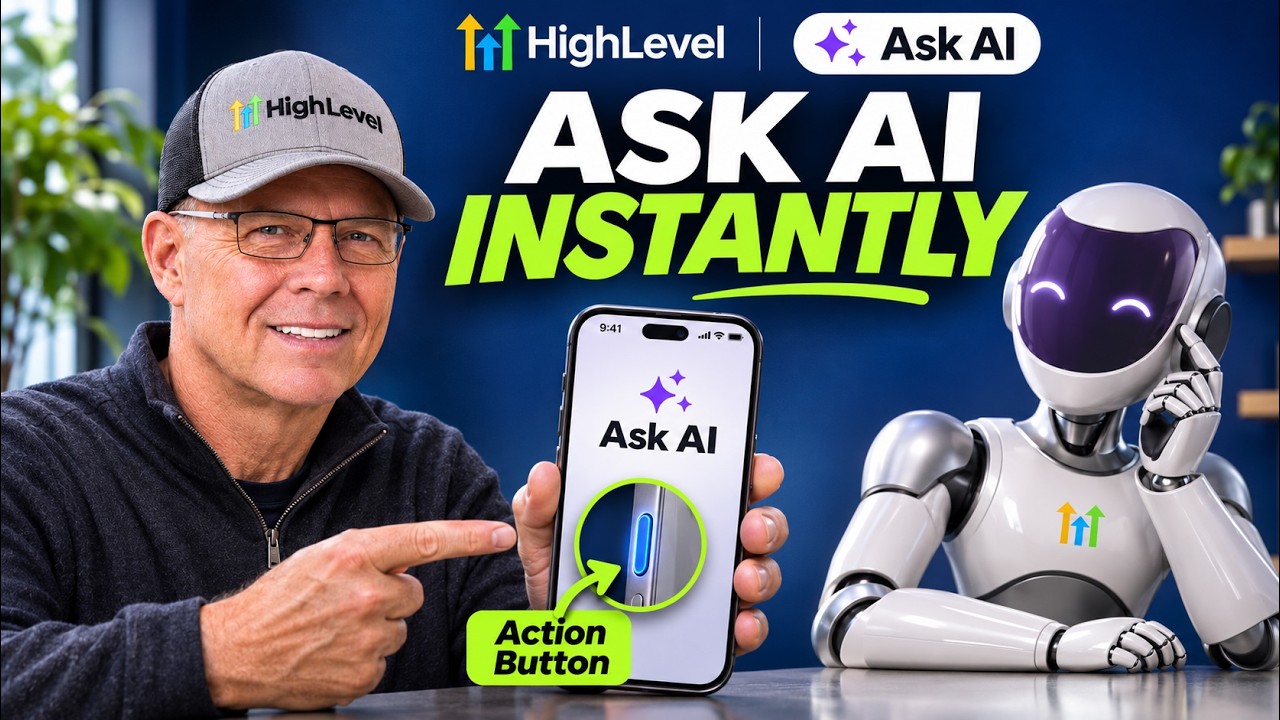
In this video Michael Reimer shows the new Ask AI shortcuts in the GoHighLevel mobile app. The iPhone action button opens Ask AI from a locked phone. There is also a home screen widget, a quick action, Ask AI inside a contact and connectors. He covers setup, limits and how agencies can offer it to clients.
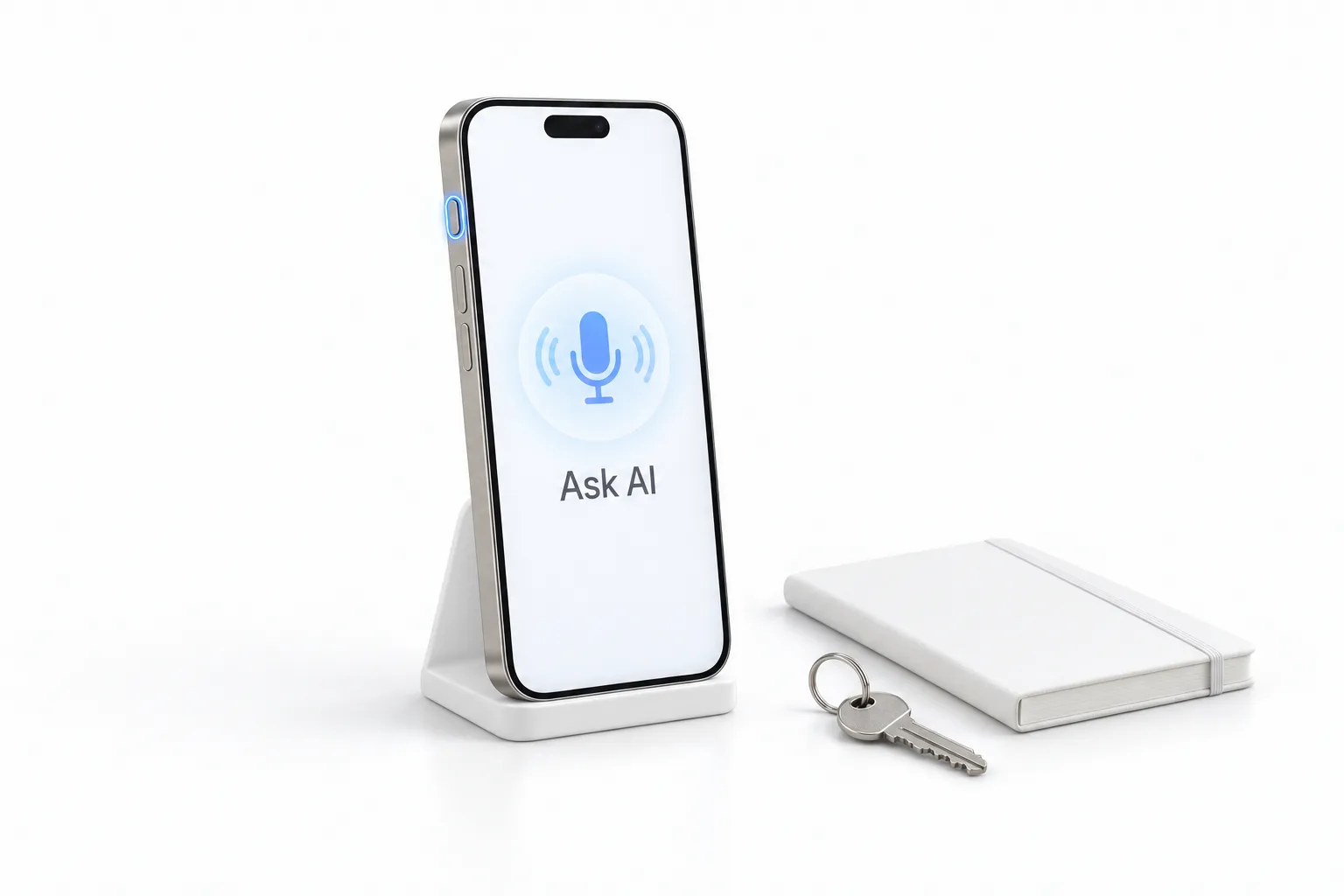
His starting point is a habit, not a feature. Michael says clients do not stop using software because it is bad. They stop because it is five taps away. So he pictures a client climbing into the car after a meeting with the phone still locked. They press and hold the side button and Ask AI opens a fresh chat, ready to listen. They ask it to log a note that the client approved the quote and to set a follow up task. Ask AI shows an approval card before anything is saved. They tap yes and it is done.
What are the five Ask AI shortcuts in the HighLevel mobile app?
The first is the action button. You choose what it starts: a new chat, dictation or voice mode. Voice mode is a two way conversation you can interrupt. If your phone has no action button, the same shortcuts work through Siri and Spotlight.
The second is a home screen widget with a chat bar, a voice button and a camera button. The camera is Michael's favorite. You snap a photo and Ask AI waits for your question about it. The third is a quick action: long press the app icon and you get New Ask AI Chat. Each of these opens a brand new chat, so an old topic does not bleed into a new answer.
The fifth is connectors. Your clients can plug in the apps they already use, right from the phone. Michael names Google Drive and Zapier. They sign in, then tick exactly which tools Ask AI may use. All five work in the HighLevel mobile app and in an agency's own app. The guide to using the HighLevel mobile app covers the rest of what the app does.
What does Ask AI show when you open it inside a contact?
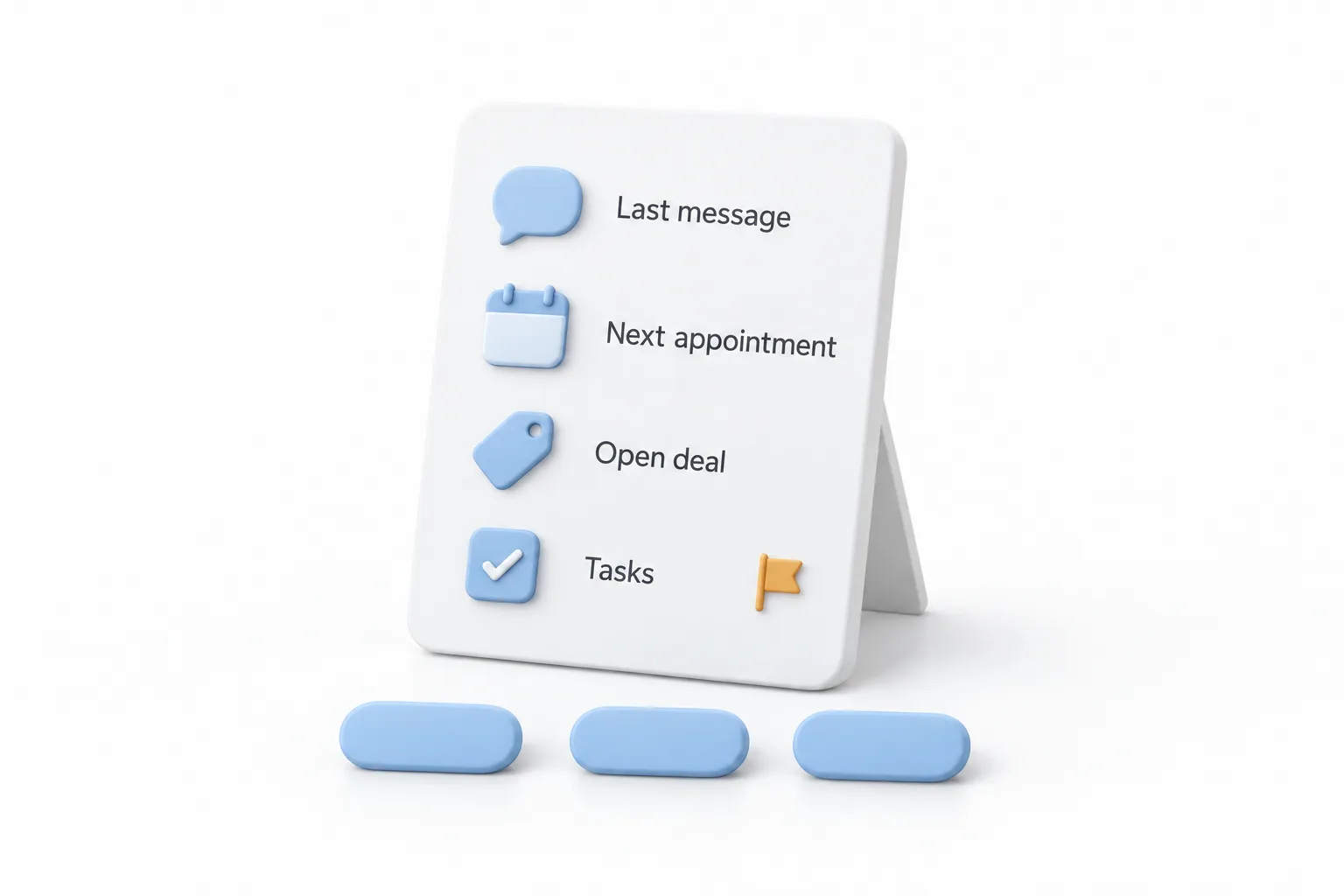
The fourth shortcut is the one Michael says he would use every day. Open any contact and tap the Ask AI icon at the top. You get a summary card with the contact's last message and next appointment. It shows their biggest open deal and any open tasks, with overdue ones flagged. He points out that the card is built from your real data. It is not written by AI.
Three buttons sit under the card. One preps you for the next appointment. One summarizes the whole relationship. The third turns your dictated words into a proposed note, plus a task if one is needed. Nothing saves until you approve it.
How would a business owner use it during the day?
Michael gives three owners in the same week. A fitness studio owner presses the side button between classes and asks how many trial signups came in today. She has it move the two hottest ones to the next stage. A med spa manager taps the camera on her widget, snaps a new price sheet from a supplier and asks for a promo email template for the month. A real estate agent parked outside a showing opens her buyer and taps the button that preps her for the next appointment. After the walkthrough she dictates a note on what the buyer loved.
None of them dug through tabs. He also draws a line between tools: keep a general chat assistant on your phone for brainstorming, because this one already knows your contacts, your calendar and your pipeline.
Which phones and plans does the Ask AI shortcut need?
Michael is direct about the limits of the GoHighLevel shortcuts. The action button needs an iPhone 15 Pro or newer. Siri and Spotlight need iOS 16.6 or newer. The widget also runs on Android. Full voice mode does not run inside a contact chat, so you use dictation to add a note there.
Every user still needs Ask AI access, because none of the shortcuts show up without it. On an agency's own app, the widget stays off until it is switched on for your company. Client users get Ask AI through an AI employee plan or they pay per use. The HighLevel AI pricing overview explains how those plans and metered usage fit together.
How do you set up Ask AI on the iPhone action button?
Michael calls the setup quick. He gives the first move himself, which is to update the app, and the setting most people skip, which is voice mode on the action button. The rest of this list comes from the limits he names and the client call he describes.
- Update the app. Install version 4.27 or newer of the HighLevel mobile app, because the new shortcuts need it.
- Check access. Make sure each user has Ask AI access, since none of the shortcuts show up without it.
- Set the action button to voice mode. The point is talking to Ask AI while your hands are busy. Without an action button, the same shortcuts work through Siri and Spotlight.
- Add the widget. Put the Ask AI home screen widget on the phone. It has a chat bar, a voice button and a camera button.
- Open a contact. Tap the Ask AI icon at the top to see the summary card and the three next step buttons.
- Connect your apps. Sign in to the apps you already use, such as Google Drive or Zapier, and tick exactly which tools Ask AI may use.
- Prepare a branded app. On an agency's own app, have the widget switched on for your company, and turn on rebilling before rollout so client usage does not land on your agency wallet.
What changes for an agency once clients have the shortcut?
The old path was unlock the phone, open the app, find Ask AI, start a new chat and tap the mic. Michael's line is that by the time you get there, the thought is gone. Now it is one press. He sums it up this way: five taps is a feature, one press is a habit.
For agencies with a branded app, the brand comes along. The widget uses your app's colors in light and dark mode. When a client picks a shortcut for the action button, they find your app's name, and Siri answers to that name too.
He would package the install as a service. HighLevel lets an agency resell the AI employee plans to clients at its own price, so the plan becomes a line on the client's invoice. Turn on rebilling first, so client usage does not land on your agency wallet. The guide to set up rebilling has the steps. Then book a short call while the client holds their own phone. Update the app, set the action button, add the widget, and open their busiest contact so they see their own summary card. Connected accounts stay private to whoever connects them, so the client signs in to those. Finish by texting them three things to press the button for that week. From there he would offer a connector setup, and the Ask AI phone dispatch setup from his previous video for moments when they cannot touch the screen.
To set this up on your own phone, start a GoHighLevel 30 day trial through Michael's link and install the mobile app. For a wider look at the platform, read Michael's GoHighLevel review.