
Home/HighLevel/Integrations/PayPal
Integrations · PayPal
HighLevel PayPal integration. Another way for customers to pay.
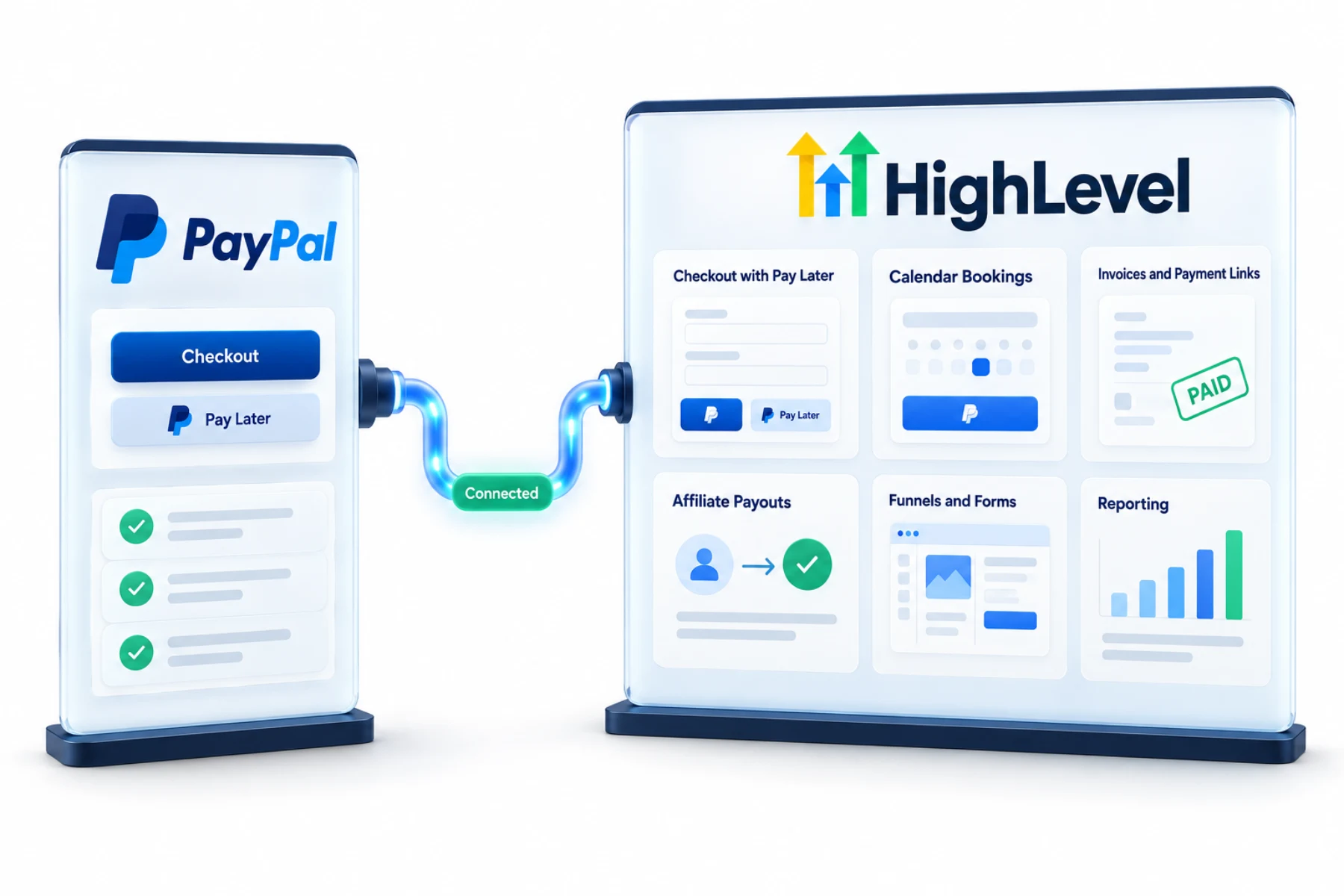
Some customers prefer PayPal. The GoHighLevel PayPal integration lets you offer PayPal at checkout on forms, invoices, payment links, stores and calendars, and even pay affiliates through PayPal payouts.
The short answer
The GoHighLevel PayPal integration connects in HighLevel's payment integrations to add PayPal and Pay Later buttons to forms, invoices, payment links and ecommerce stores and to enable PayPal on calendars. Businesses that run their own affiliate program can also pay affiliates with PayPal auto payouts from Affiliate Manager.
Michael is a sponsored HighLevel affiliate. Links to HighLevel use his partner link at no extra cost to you. HighLevel prices and product facts on this page come from HighLevel's own pricing page and help center, checked on the date above.
Connect
How do you connect PayPal to HighLevel?
PayPal sits beside your card processor, not in place of it. Most accounts connect Stripe for cards and add PayPal as a second way to pay. You need a PayPal business account. In HighLevel, or GoHighLevel as it is still widely called, you connect it from the subaccount's payment integrations.
- Go to Payments, then Integrations, in the subaccount.
- Connect your PayPal business account.
- Add PayPal buttons to payment elements on forms, invoices or stores.
- Enable PayPal on calendars that take payment.
- Test a payment.
Uses
What can you do with PayPal and HighLevel?
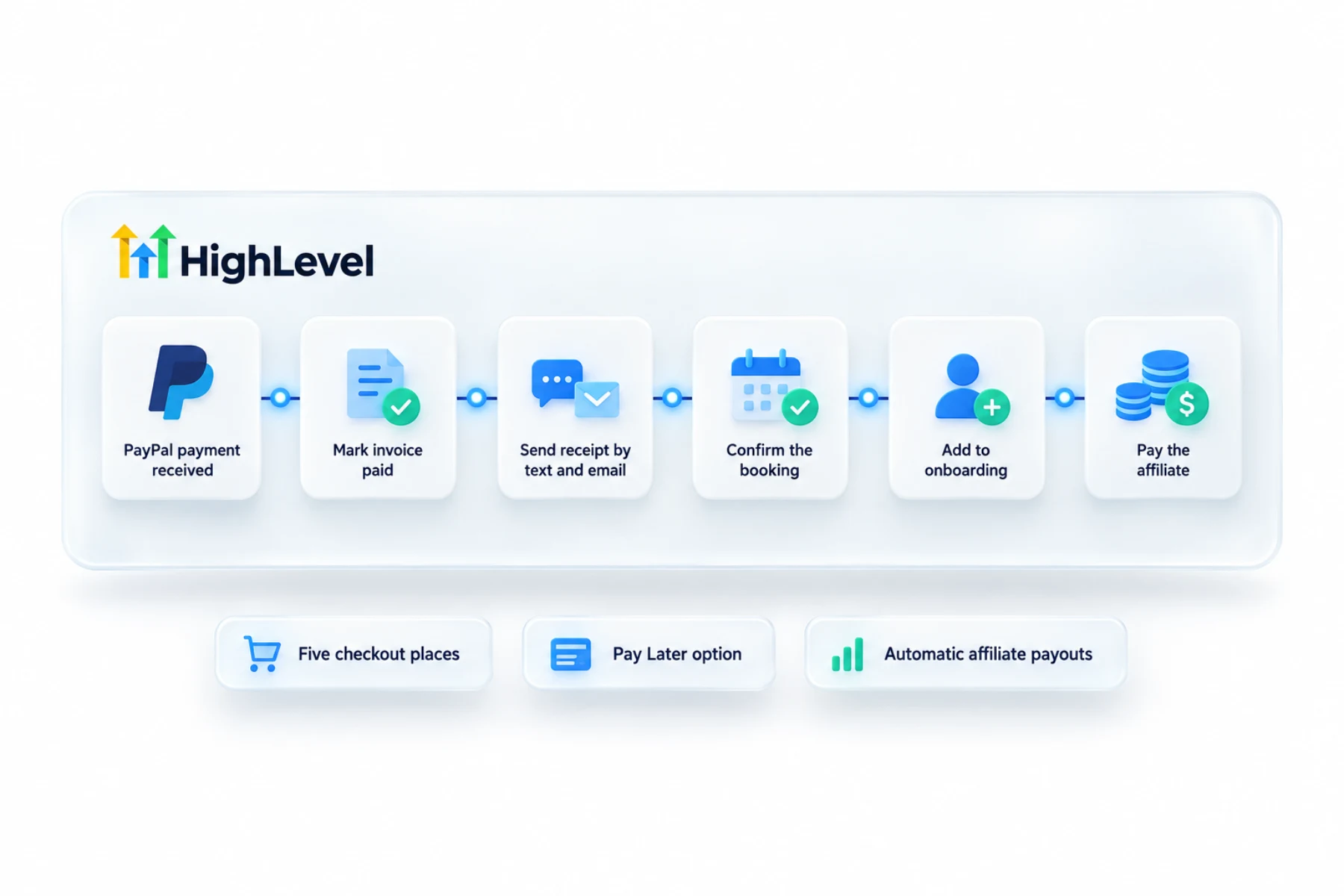
Once connected, PayPal shows up where customers pay. That covers forms, invoices, payment links, ecommerce stores and calendars that take payment. PayPal buttons can include Pay Later, which is PayPal's option for paying over time. And if the business runs its own affiliate program in HighLevel, Affiliate Manager can pay affiliates through PayPal auto payouts.
- PayPal and Pay Later at checkout
- PayPal on calendar bookings
- Invoices and payment links
- Affiliate auto payouts
Roles
What does PayPal handle and what stays in HighLevel?
PayPal processes the payment and applies its own fees and terms. Check PayPal's site for the rates and for where Pay Later is offered. HighLevel is where you build the form, invoice, store or calendar, and where the payment is recorded against the contact so a workflow can follow up.
Limits
What are the limits to know about?
I could not verify from HighLevel's help center every place PayPal can or cannot be used, such as each subscription setup, so test the exact checkout you plan to use before you promote it. Run a real payment and refund it.
Pay Later availability and affiliate payouts both depend on PayPal's own rules for your country and account. Confirm those with PayPal.
In practice
When is PayPal worth adding?
Add it when your buyers ask for it. Online stores and course sellers hear that request often. A buyer reaches the order form, sees a card field and a PayPal button, and picks the one they trust. Offering both covers each kind of buyer.
For invoices, see send your first invoice. For selling from a page, see build a funnel. If you pay partners, run an affiliate program inside HighLevel covers Affiliate Manager.
Test
How do you test PayPal before you rely on it?
Treat it like any payment setup. In the subaccount, open Payments, then Integrations, and confirm PayPal shows as connected. Add the PayPal button to one payment element, such as a form or an invoice. Then pay as a customer would, from a different PayPal account than the one receiving the money. Check that the payment appears against the contact in HighLevel and in the PayPal business account.
Do the same for each place you plan to offer it. A calendar that takes payment is a different checkout from an invoice, so test both. Then decide where PayPal sits on the page. A common layout leads with the card field and shows PayPal as the alternative. Tell your bookkeeper as well, because money now arrives in two places, and the QuickBooks integration or Xero integration only helps if the records are kept consistent.
To test the PayPal connection in your own account, use the 30 day trial through Michael's link. GoHighLevel pricing lists what each plan costs, and if you are still comparing tools, the best HighLevel alternatives page is a fair place to start.
Taking payments with Square? Read does GoHighLevel integrate with Square.

Offer PayPal alongside cards. Some buyers will only check out with it.
Questions
Common questions.
Does HighLevel support PayPal?
Yes, as a payment integration. You connect a PayPal business account in the subaccount under Payments, then Integrations. After that you can add PayPal buttons to payment elements on forms, invoices, payment links and stores, and enable PayPal on calendars that take payment. PayPal sits beside your card processor.
Where can PayPal be used?
Forms, invoices, payment links, ecommerce stores and calendars that take payment. Each one is a different checkout, so test every place you plan to offer it. Run a real payment and check that it appears against the contact in HighLevel and in the PayPal business account.
Can I offer Pay Later?
Yes, through PayPal buttons. PayPal buttons can include Pay Later, which is PayPal's option for paying over time. Availability depends on PayPal's own rules for your country and account, so check PayPal's site for where Pay Later is offered and for the rates before you promote it.
Can I pay affiliates with PayPal?
Yes, with PayPal auto payouts in Affiliate Manager. This applies to a business that runs its own affiliate program inside HighLevel. Affiliate payouts depend on PayPal's own rules for your country and account, so confirm those with PayPal. The affiliate program guide on this site covers Affiliate Manager.
Should I use PayPal or Stripe?
Most businesses connect both, so customers can pay by card or with PayPal. PayPal sits beside your card processor, not in place of it. A buyer reaches the order form, sees a card field and a PayPal button, and picks the one they trust. Offering both covers each kind of buyer.
Does PayPal work on HighLevel calendars?
Yes. You can enable PayPal on calendars that take payment. A calendar that takes payment is a different checkout from an invoice, so test both. Pay as a customer would, from a different PayPal account than the one receiving the money, and confirm the payment is recorded against the contact.
What account type do I need for PayPal?
A PayPal business account. You connect it in the HighLevel subaccount under Payments, then Integrations, and confirm it shows as connected. PayPal processes the payment and applies its own fees and terms, so check PayPal's site for the rates that apply to your account and country.
Next step
See it in your own account. Thirty days, every feature.
Start a trial, build the first system and test it before the first invoice. Usage fees for phone, SMS, email and AI can apply during the trial.
HighLevel has three plans at a flat monthly price, each with unlimited users and contacts. See what each one includes and what it costs.
Compare the PlansStarter, Unlimited and Founder