
Home/HighLevel/Integrations/QuickBooks
Integrations · QuickBooks
HighLevel QuickBooks integration. Invoices and customers, in sync.
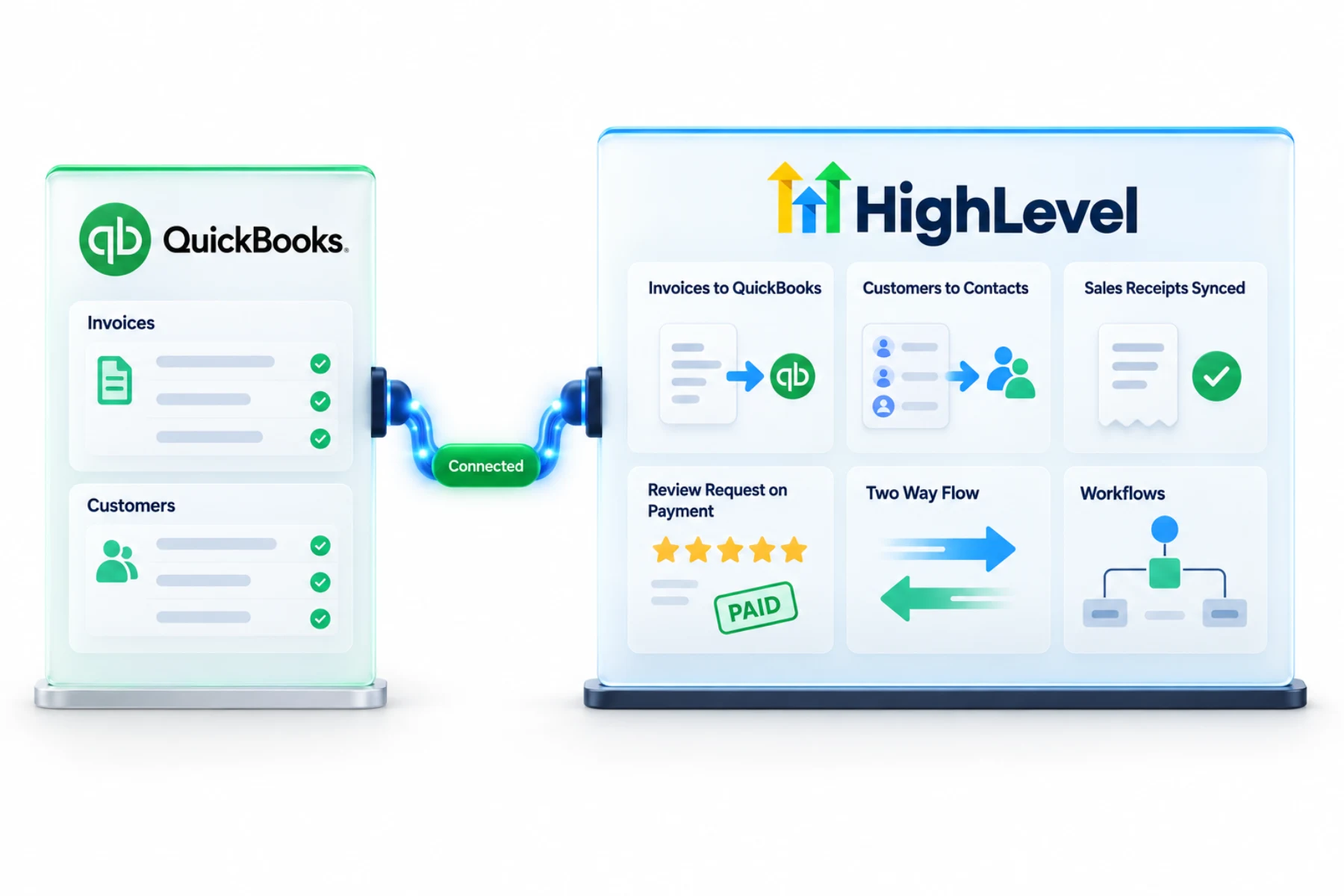
The GoHighLevel QuickBooks integration keeps HighLevel and your books aligned. Invoices created in HighLevel go to QuickBooks, and customers come from QuickBooks into HighLevel.
The short answer
The GoHighLevel QuickBooks integration syncs customers, sales receipts and invoices, pushing new invoices and updates from HighLevel to QuickBooks while contacts flow from QuickBooks into HighLevel. It can also send an automatic review request when a contact's first invoice is paid in full.
Michael is a sponsored HighLevel affiliate. Links to HighLevel use his partner link at no extra cost to you. HighLevel prices and product facts on this page come from HighLevel's own pricing page and help center, checked on the date above.
Connect
How do you connect QuickBooks to HighLevel?
Decide one thing before you connect: whether to import the invoices already in QuickBooks. That choice is made with a toggle during the first connection. If you leave it off, only new invoices created in HighLevel after connecting will sync. The process is the same whether you call the platform HighLevel or GoHighLevel.
- In the subaccount, go to Settings, then Integrations.
- Click the QuickBooks connect button.
- Turn on Import invoices if you want existing QuickBooks invoices brought in.
- Turn on the review request option if you want it.
- Log in to QuickBooks and accept the permissions.
- Send a test invoice from HighLevel and check it in QuickBooks.
Uses
What can you do with QuickBooks and HighLevel?
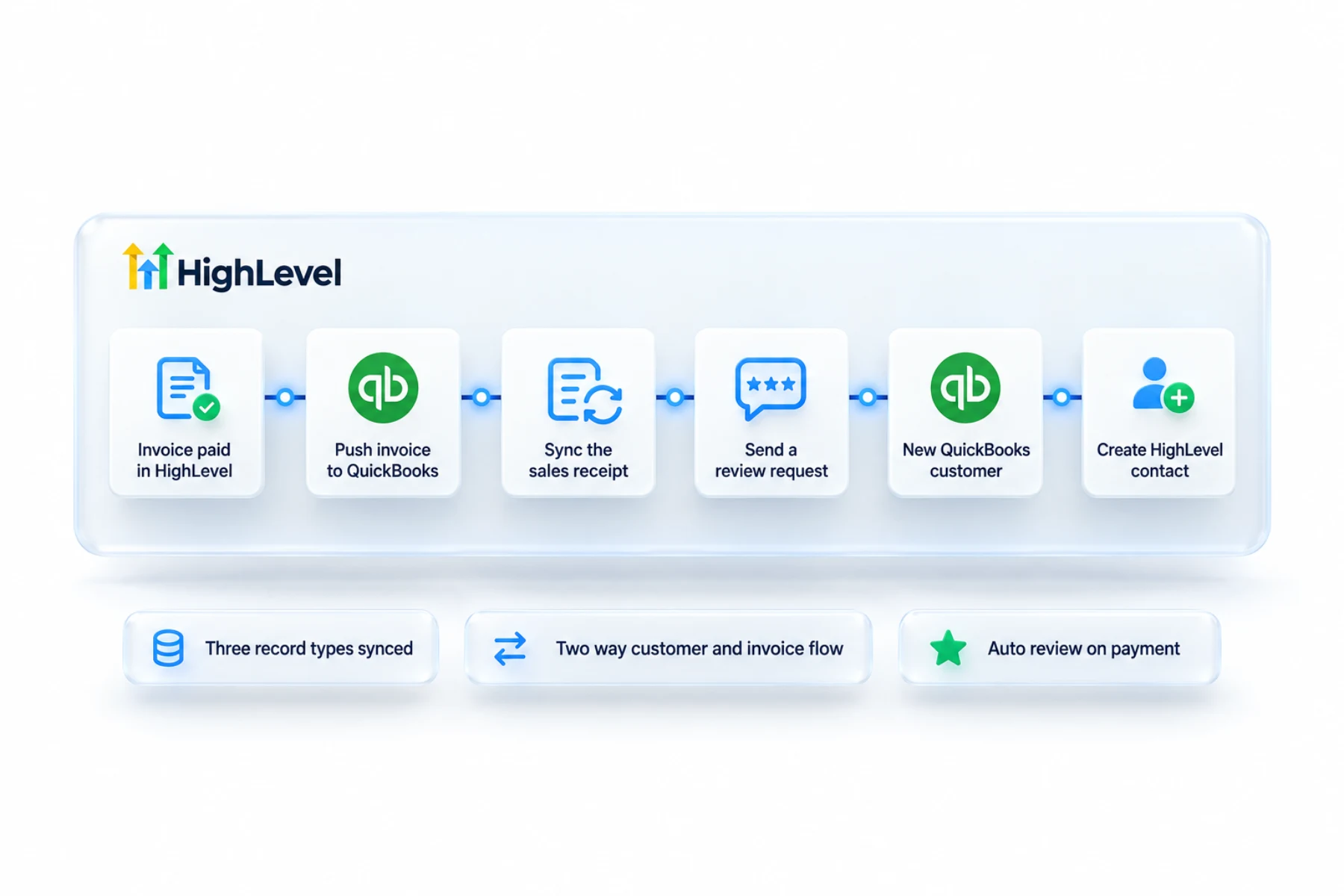
The point is to stop typing things twice. Your team sends invoices and takes payments in HighLevel, where the customer conversation lives, and the books update in QuickBooks. Payments taken through order forms, subscriptions, membership checkouts and calendar payments are recorded in QuickBooks as sales receipts, matched by the contact's email.
- Push HighLevel invoices to QuickBooks
- Bring QuickBooks customers into HighLevel
- Sync sales receipts
- Review request when an invoice is paid
Data
What syncs and what does not?
From HighLevel to QuickBooks: invoices, once they are marked as sent, with updates continuing to sync. That includes the invoice number, status, issue and due dates, contact, billing email, total, amount paid and line item names, along with taxes and discounts. Sales receipts for payments go the same way.
From QuickBooks to HighLevel: your existing contacts are imported and new ones follow, which can take up to five minutes. Existing invoices come too, if you turned on the import toggle.
What does not sync: draft invoices, invoices that existed in HighLevel before you connected, and edits you make in HighLevel to an invoice that was imported from QuickBooks. Estimates do not create customers in QuickBooks either.
Limits
What are the limits to know about?
Matching is by email. If a customer with the same email exists in QuickBooks, their record is used. If an invoice is not showing up, check three things: it is not a draft, you clicked Send, and the QuickBooks connection is still active.
The review request fires when a contact's first invoice is paid in full, and you can turn it on or off on the integration card. HighLevel's article does not say which QuickBooks editions are supported, so I will not guess. Check that with your accountant or HighLevel support before you rely on it.
In practice
How does a service business use it?
Picture a contractor. The office sends the invoice from HighLevel by text and email, as in send your first invoice. The customer pays from their phone. The invoice and payment appear in QuickBooks without anyone retyping them, and because it was that customer's first paid invoice, a review request goes out.
You need a payment provider connected first, usually Stripe. If your accountant works in the other system, the Xero integration does a similar job. For a fuller review flow, see build a review request workflow.
To test the QuickBooks connection in your own account, use the 30 day trial through Michael's link. GoHighLevel pricing lists what each plan costs, and is HighLevel worth it weighs that cost against what you replace.
Still choosing the CRM? Read choosing a CRM that integrates with QuickBooks.

Let one system create invoices. Syncing in both directions by hand is where errors start.
Questions
Common questions.
Does HighLevel integrate with QuickBooks?
Yes, syncing customers, sales receipts and invoices. New invoices and updates go from HighLevel to QuickBooks, while contacts flow from QuickBooks into HighLevel. You connect it in the subaccount under Settings, then Integrations. It can also send an automatic review request when a contact's first invoice is paid in full.
Which way does data flow?
Invoices go to QuickBooks and contacts come from QuickBooks. Invoices sync from HighLevel once they are marked as sent, and sales receipts for payments go the same way. Your existing QuickBooks contacts are imported and new ones follow, which can take up to five minutes. Matching is by email.
Can it trigger reviews?
Yes. The review request fires when a contact's first invoice is paid in full, and you can turn it on or off on the integration card. For a fuller review flow with your own timing and wording, build a review request workflow.
Does it replace my accountant?
No. It keeps records aligned. Your team sends invoices and takes payments in HighLevel, and the books update in QuickBooks without anyone typing things twice. HighLevel's article does not say which QuickBooks editions are supported, so check that with your accountant or HighLevel support before you rely on it.
Do draft invoices sync to QuickBooks?
No. Only invoices that have been sent sync. Drafts stay in HighLevel. Invoices that existed in HighLevel before you connected do not sync either, and neither do edits you make in HighLevel to an invoice that was imported from QuickBooks. Estimates do not create customers in QuickBooks.
Will my existing QuickBooks invoices import?
Yes, if you turn on Import invoices during the first connection. That choice is made with a toggle when you first connect. If you leave it off, only new invoices created in HighLevel after connecting will sync. Your existing QuickBooks contacts are imported either way.
Why is my invoice not showing in QuickBooks?
Check that it is not a draft, that you clicked Send and that the QuickBooks connection is active. Only sent invoices sync. Matching is by email, so if a customer with the same email already exists in QuickBooks, the invoice is attached to that customer record.
Next step
See it in your own account. Thirty days, every feature.
Start a trial, build the first system and test it before the first invoice. Usage fees for phone, SMS, email and AI can apply during the trial.
HighLevel has three plans at a flat monthly price, each with unlimited users and contacts. See what each one includes and what it costs.
Compare the PlansStarter, Unlimited and Founder