
Home/HighLevel/Integrations/Xero
Integrations · Xero
HighLevel Xero integration. Your books, kept aligned.
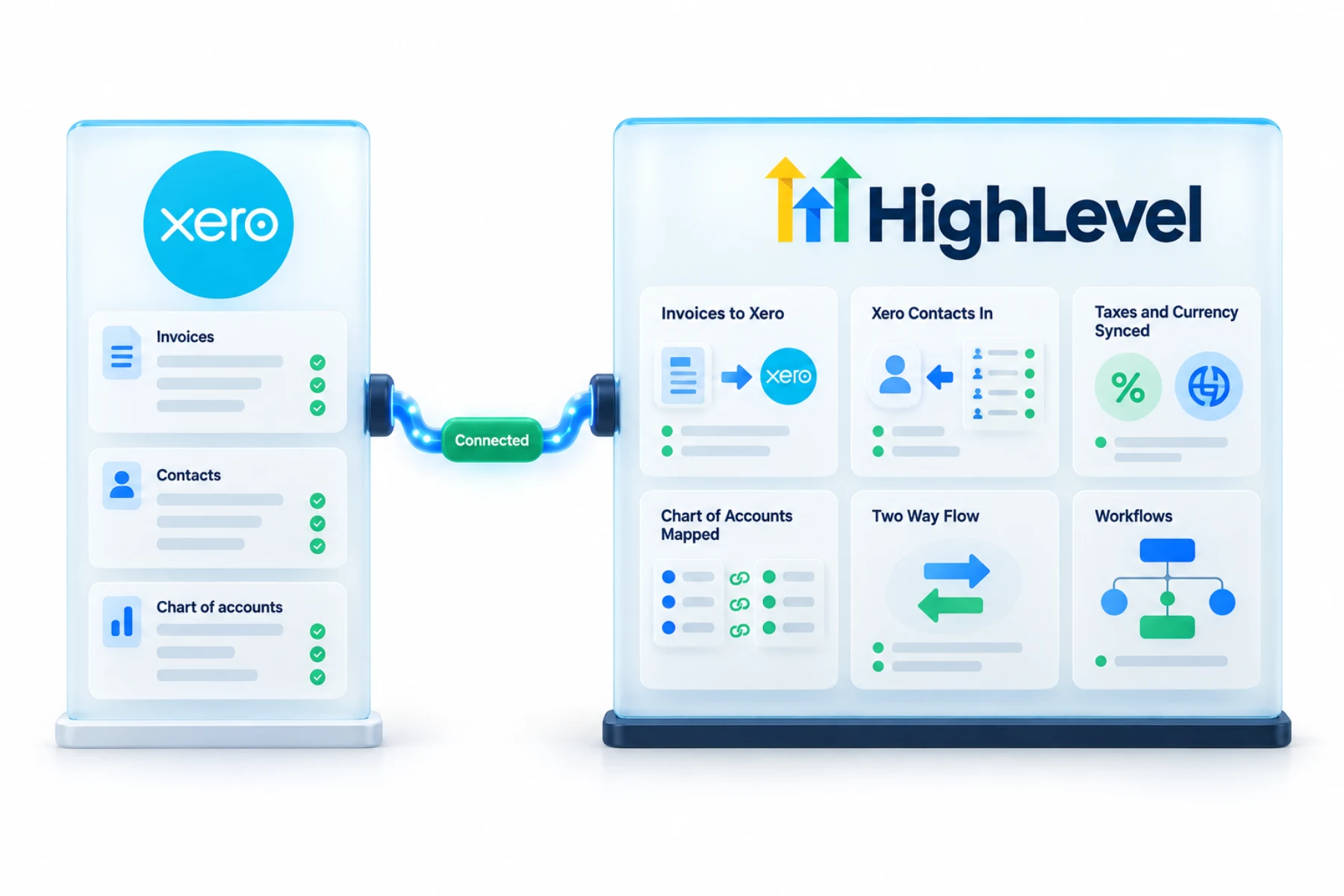
The GoHighLevel Xero integration syncs contacts from Xero into HighLevel and pushes invoices, taxes and currency information from HighLevel to Xero.
The short answer
The GoHighLevel Xero integration syncs contacts from Xero into HighLevel and pushes new invoices, taxes and currency from HighLevel to Xero. If you want to see the full chart of accounts inside HighLevel, enable payments for the account in Xero first.
Michael is a sponsored HighLevel affiliate. Links to HighLevel use his partner link at no extra cost to you. HighLevel prices and product facts on this page come from HighLevel's own pricing page and help center, checked on the date above.
Connect
How do you connect Xero to HighLevel?
Each subaccount connects to one Xero organization at a time. Before you start, agree with your bookkeeper which Xero account invoices should post to. HighLevel, or GoHighLevel as some still say, asks you to choose that default account right after you connect.
- In the subaccount, go to Settings, Integrations, Xero.
- Click Connect and sign in to Xero.
- Select the Xero organization and click Allow access.
- Back in HighLevel, confirm the connected organization and choose the default account for invoices.
- If the chart of accounts does not appear, enable payments for the account in Xero.
- Create a test invoice and check it in Xero.
Uses
What can you do with Xero and HighLevel?
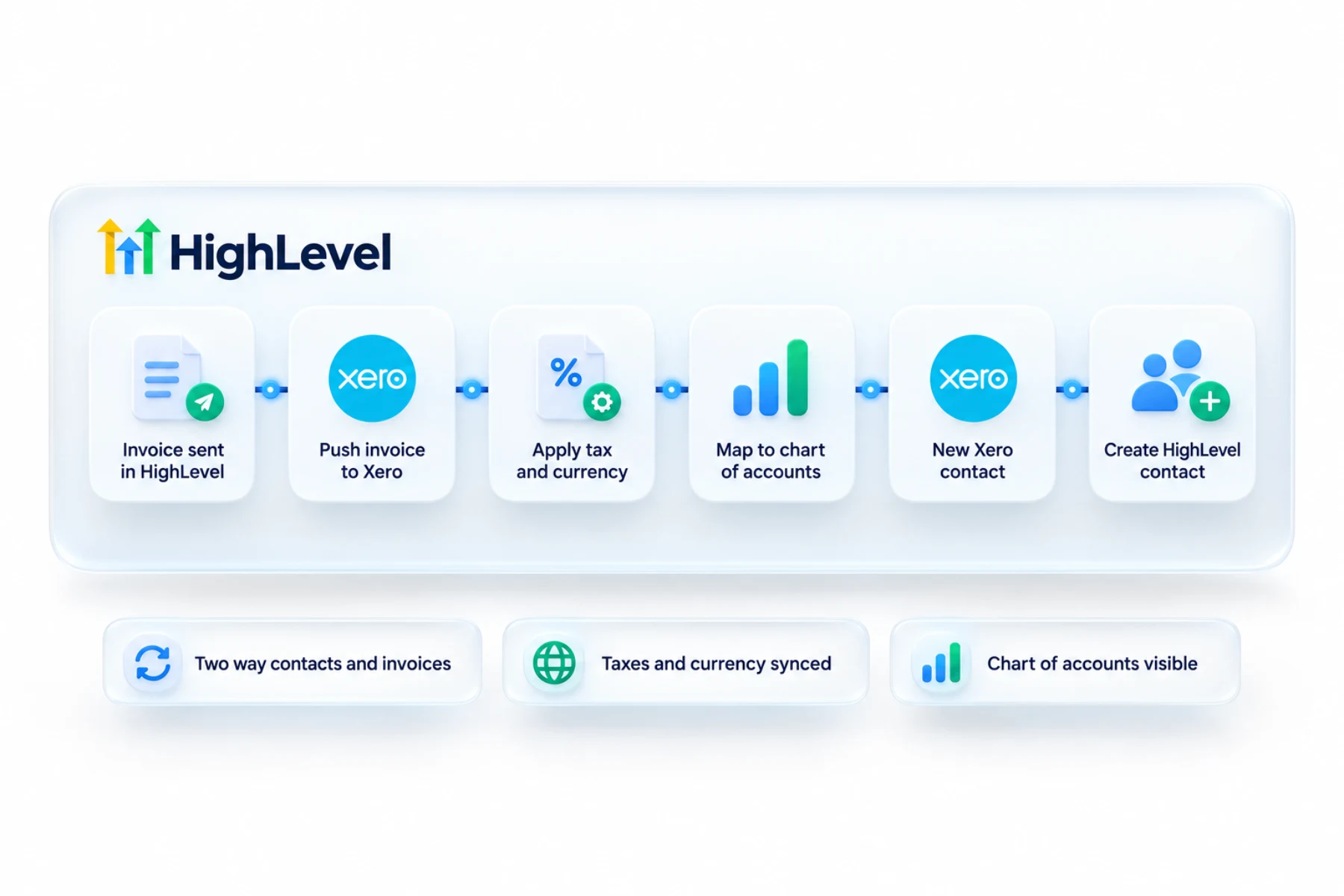
Once it is connected, invoices you create in HighLevel are sent to Xero with their line items and discounts. Status changes follow, such as sent, partially paid and void. So the team can bill from the place where they talk to customers, and the bookkeeper sees it in Xero.
- Push invoices to Xero
- Bring Xero contacts into HighLevel
- Sync taxes and currency
- Map to your chart of accounts
Data
What syncs and what does not?
It is a one way flow in each direction. Active contacts come from Xero into HighLevel. Invoices go from HighLevel to Xero. If an invoice's customer does not match an imported contact, a new contact is created in Xero during the invoice sync.
Taxes and currency are handled for you. Where a matching tax rate exists in Xero it is used, and where it does not, one is created. The invoice currency is passed to Xero and enabled in the organization if needed.
What does not sync: receipts, and products. Line items exist on the invoice only, and no items are created in Xero. Invoices created before you connected typically do not sync.
Limits
What are the limits to know about?
Multi currency has to be supported by your Xero plan. If you see an error saying the organisation is not subscribed to a currency, that is the cause. Enable the currency in Xero and try again.
Avoid mapping bank accounts to line items, which can cause validation errors in Xero. And if the chart of accounts is missing in HighLevel, open the account in Xero's chart of accounts, enable payments for it and save.
In practice
How does a business use it?
A consulting firm bills monthly. The invoice goes out from HighLevel, as in send your first invoice, and appears in Xero under the right account with tax applied. When the client pays part of it, the status in Xero changes to partially paid. Nobody exports a spreadsheet at month end.
Connect a payment provider such as Stripe so clients can pay online. If your accountant prefers the other system, see the QuickBooks integration. Agencies that bill clients for software can read agency cash flow.
Manage
How do you manage the connection later?
Everything is in one place: Settings, Integrations, Xero. From there you can see the connected organization, disconnect it and reconnect it. To reconnect after a disconnect, click Connect again and sign in. After any change, send one test invoice and confirm it appears in Xero with the right account, tax and currency before the team goes back to normal billing.
To test the Xero connection in your own account, use the 30 day trial through Michael's link. GoHighLevel pricing lists what each plan costs, and the Founder Plan hub explains the top tier.
On QuickBooks instead? Read choosing a CRM that integrates with QuickBooks.

Agree with your bookkeeper which system creates invoices before you connect anything.
Questions
Common questions.
Does HighLevel integrate with Xero?
Yes. The Xero integration syncs active contacts from Xero into HighLevel and pushes new invoices, taxes and currency from HighLevel to Xero. You connect it in the subaccount under Settings, Integrations, Xero, select the Xero organization and choose the default account for invoices right after you connect.
What syncs?
Contacts from Xero, and invoices, taxes and currency to Xero. Invoices you create in HighLevel are sent to Xero with their line items and discounts, and status changes follow, such as sent, partially paid and void. Where a matching tax rate exists in Xero it is used, and where it does not, one is created.
Why can I not see my chart of accounts?
Enable payments for the account in Xero. If the chart of accounts is missing in HighLevel, open the account in Xero's chart of accounts, enable payments for it and save. Also avoid mapping bank accounts to line items, which can cause validation errors in Xero.
Xero or QuickBooks?
Both are supported, so use the one your accountant uses. The Xero integration brings contacts in and pushes invoices, taxes and currency out. The QuickBooks integration does a similar job for customers, sales receipts and invoices. Agree with your bookkeeper which account invoices should post to before you connect.
Is the Xero sync one way or two way?
One way in each direction. Contacts come from Xero, and invoices go to Xero. If an invoice's customer does not match an imported contact, a new contact is created in Xero during the invoice sync. Invoices created before you connected typically do not sync.
Are receipts or products synced to Xero?
No. Receipts are not synced and products are not created in Xero. Line items exist on the invoice only, and no items are created in Xero. Invoices created before you connected typically do not sync either, so send a test invoice after connecting and check it in Xero.
Can I connect more than one Xero organization?
No. Each subaccount connects to one Xero organization at a time. You can see the connected organization, disconnect it and reconnect it in Settings, Integrations, Xero. After any change, send one test invoice and confirm it appears in Xero with the right account, tax and currency.
Next step
See it in your own account. Thirty days, every feature.
Start a trial, build the first system and test it before the first invoice. Usage fees for phone, SMS, email and AI can apply during the trial.
HighLevel has three plans at a flat monthly price, each with unlimited users and contacts. See what each one includes and what it costs.
Compare the PlansStarter, Unlimited and Founder