
Home/HighLevel/Glossary/LC Email
Glossary · LC Email
What is LC Email in GoHighLevel? HighLevel's built in email service.
LC Email is HighLevel's built in email service. It sends and receives email in every subaccount without a third party email provider.
HighLevel's built in email service.
The short answer
LC Email is HighLevel's native email service that sends and receives email in every subaccount with no third party setup, includes deliverability monitoring and compliance tools such as automatic unsubscribe links, and costs $0.675 per 1,000 emails sent, billed as usage.
Michael is a sponsored HighLevel affiliate. Links to HighLevel use his partner link at no extra cost to you. HighLevel prices and product facts on this page come from HighLevel's own pricing page and help center, checked on the date above.
In practice
How does LC Email work in HighLevel?
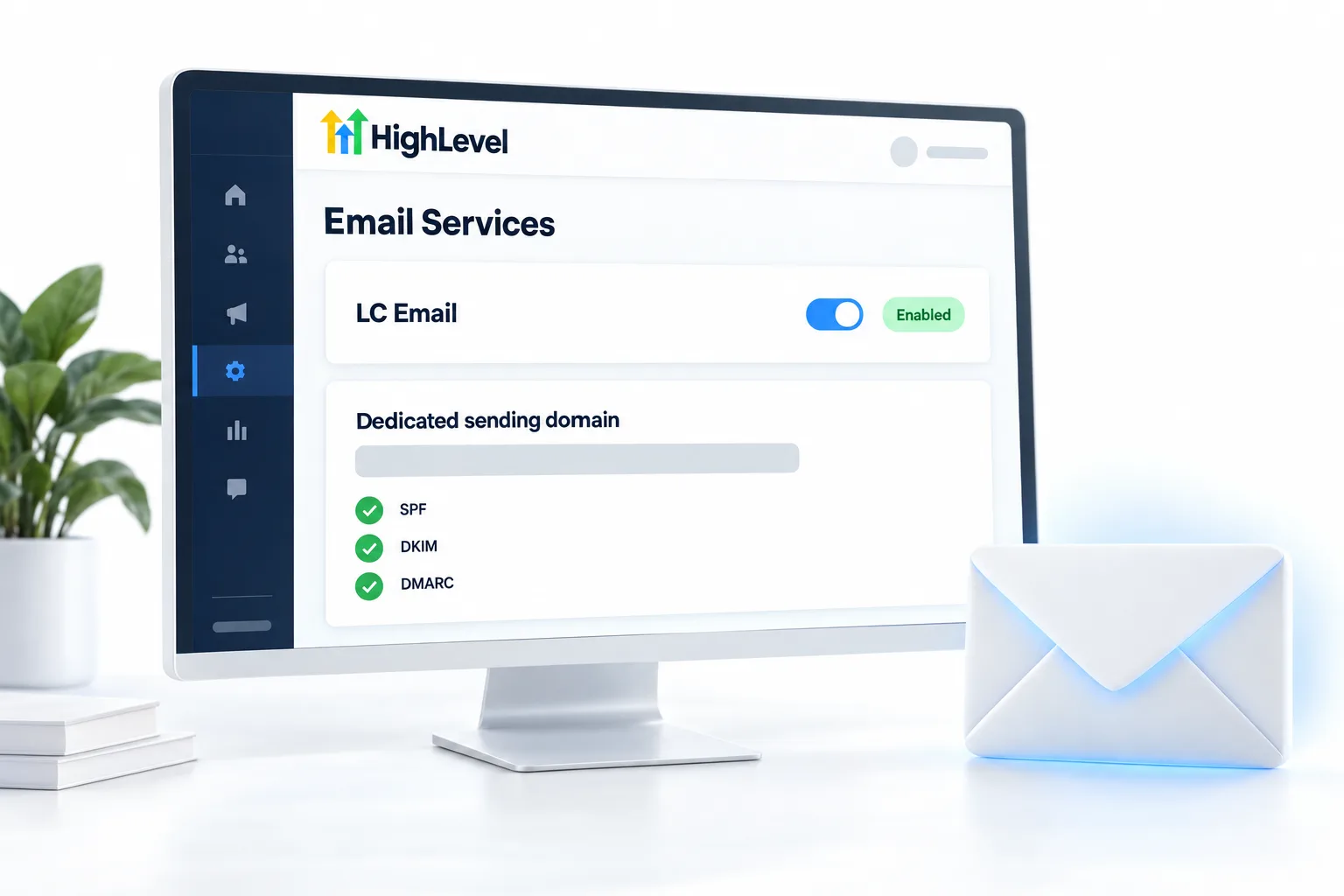
LC Email is switched on in every subaccount, so a new account can send and receive email without signing up for a separate provider. You find it under Settings, Email Services. HighLevel, or GoHighLevel as many still call it, bills it as usage at $0.675 per 1,000 emails sent.
Sending well takes one more step. Add a dedicated sending domain under Settings, Email Services, Dedicated Domain and IP. HighLevel recommends a subdomain such as mail.yourdomain.com. You add the SPF and DKIM records it shows at your DNS provider, add a DMARC record, then click Verify Records. The full steps are in set up SPF, DKIM and DMARC.
LC Email also adds a default unsubscribe link in footers, and agencies get a dashboard for domain health across clients.
- Works without a separate email provider
- Dedicated sending domains for authentication
- Default unsubscribe link in footers
- Agency dashboard for domain health
Example
What does LC Email look like in practice?
A new subaccount sends its first nurture email through LC Email from mail.clientdomain.com.
Here is the fuller version. A new client signs on Monday. You add mail.clientdomain.com as a dedicated domain, copy the records to their DNS and verify. You set the From name and From email from the three dot menu. Then you send to a small list first and build up slowly, as described in warm up a sending domain. By the time the nurture workflow goes live, the domain has a sending history.
Watch for
What mistakes do people make with LC Email?
Sending in volume before the domain is authenticated is the first. Authenticate, then send.
Using a gmail.com or yahoo.com From address is the second. Those providers reject it. Send from your own domain.
Ignoring alignment is the third. If DMARC fails while SPF and DKIM pass, the authenticated domain usually does not match the From domain. Fix emails going to spam covers the checks, and email pricing explains the usage cost. Quick answers to related questions are under GoHighLevel email answers.
Seeing the name LeadConnector on an app, a login screen or a card charge? Read what LeadConnector is. For the design side, read the guide to GoHighLevel email templates. To use your own provider instead, read GoHighLevel SMTP and Mailgun setup.

Authenticate a dedicated domain before you send in volume.
Questions
Common questions.
What is LC Email in GoHighLevel?
LC Email in GoHighLevel is the built in email service that sends and receives email in every subaccount, with no third party provider to set up. It includes a default unsubscribe link in footers and a dashboard agencies use to watch domain health. It is billed as usage at $0.675 per 1,000 emails sent.
Where do I find LC Email in HighLevel?
LC Email is under Settings, Email Services in the subaccount. It is switched on in every subaccount, so a new account can send and receive email straight away. The dedicated sending domain is set up in the same area, under Settings, Email Services, Dedicated Domain and IP.
Do I need my own sending domain?
It is strongly recommended. Add a dedicated sending domain under Settings, Email Services, Dedicated Domain and IP, add the SPF and DKIM records HighLevel shows at your DNS provider, add a DMARC record, then click Verify Records. Authenticate the domain before you send in volume, and never send from a gmail.com or yahoo.com address.
How much does LC Email cost?
LC Email costs $0.675 per 1,000 emails sent. It is billed as usage on top of your plan, so you pay for what each subaccount sends. Agencies can pass that usage on to clients with rebilling. The GoHighLevel pricing hub lists the plans and the other usage rates.
Do I need a separate email provider with LC Email?
No. LC Email sends and receives in every subaccount without a third party provider, so there is no separate email account to sign up for or connect. You still add and verify a dedicated sending domain of your own, because email sent from an authenticated domain is far more likely to reach the inbox.
Should I send from a subdomain?
Yes. HighLevel recommends a subdomain such as mail.yourdomain.com as the dedicated sending domain. Add it under Settings, Email Services, Dedicated Domain and IP, then add the SPF, DKIM and DMARC records at your DNS provider and click Verify Records. The From address should use the same domain you authenticated.
Next step
See it in your own account. Thirty days, every feature.
Start a trial, build the first system and test it before the first invoice. Usage fees for phone, SMS, email and AI can apply during the trial.
HighLevel has three plans at a flat monthly price, each with unlimited users and contacts. See what each one includes and what it costs.
Compare the PlansStarter, Unlimited and Founder