
Home/HighLevel/Integrations/Mailgun and SMTP
Integrations · Mailgun and SMTP
GoHighLevel SMTP and Mailgun. Your own email service, set up right.
GoHighLevel SMTP settings let you send through Mailgun, SendGrid, Gmail or another provider in place of the built in LC Email service. Here is when that is worth doing, how to set it up and what you give up.
The short answer
GoHighLevel SMTP support is built in. Every subaccount sends through LC Email by default, and you can connect Mailgun, SendGrid, Gmail or another SMTP provider under Settings, Email Services, SMTP Service. Add the service, enter the credentials, then set it as active. Only one service sends at a time.
Michael is a sponsored HighLevel affiliate. Links to HighLevel use his partner link at no extra cost to you. HighLevel prices and product facts on this page come from HighLevel's own pricing page and help center, checked on the date above.
Compatibility
Does GoHighLevel work with Mailgun and other SMTP providers?
Yes. HighLevel, which many people still call GoHighLevel or GHL, lets you add your own email service next to the built in one. You pick your provider in the SMTP settings, or choose Other and enter the details for any SMTP compatible service. Mailgun can also connect with a private API key in place of SMTP credentials, which is the route agencies use.
You do not have to connect anything. New accounts send through LC Email, HighLevel's own email service, from the first day. Most new agencies never need Mailgun. It fits agencies that already run their own bulk sending setup.
For a Google or Outlook mailbox, two way email sync is the simpler route. The HighLevel and Google Workspace page covers the Google side, and the HighLevel integrations hub lists every other connection.
The choice
Should you use LC Email or your own SMTP service?
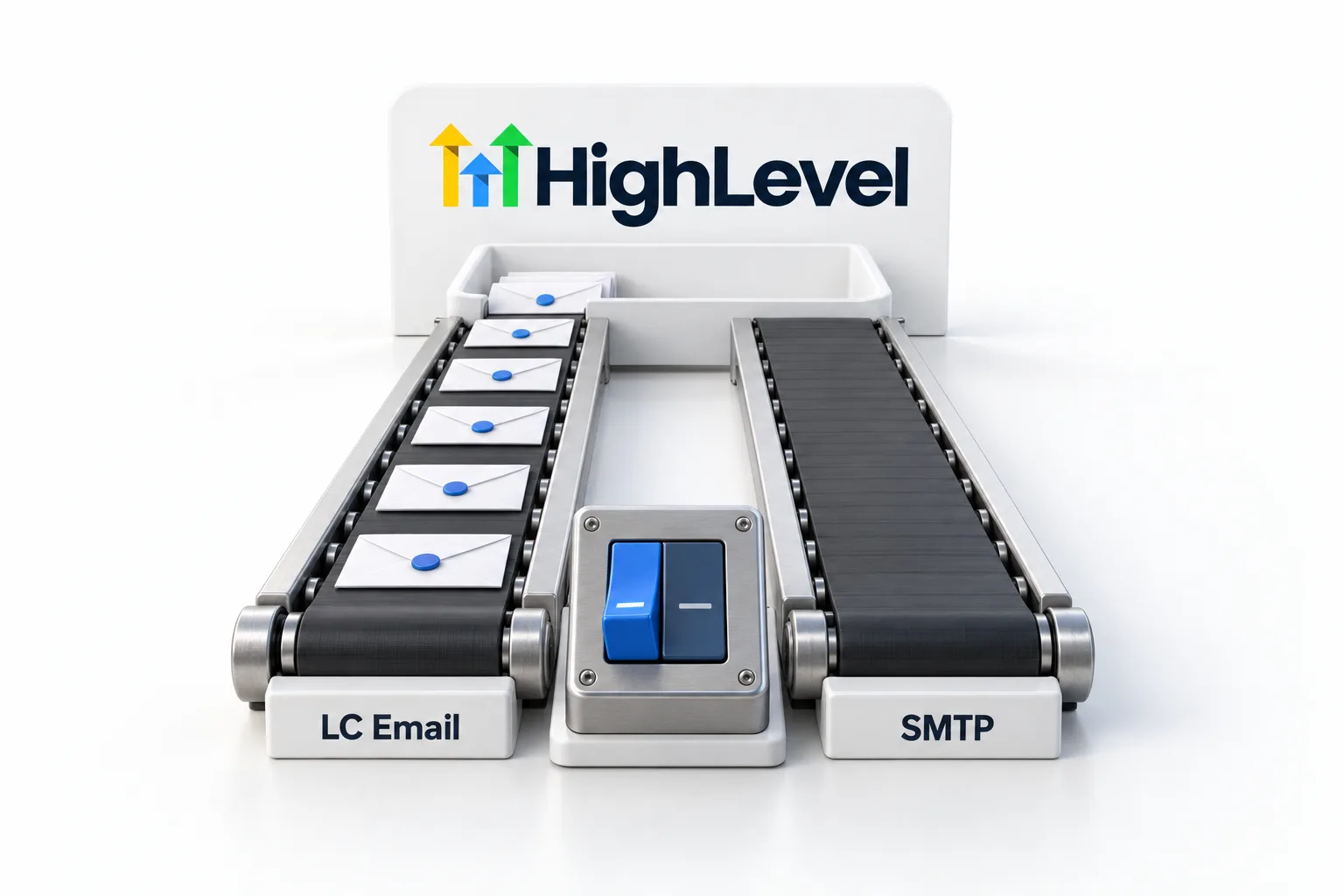
For most accounts, stay on LC Email. It needs no extra setup, it costs $0.675 per 1,000 emails and its deliverability monitoring is built in. Your own SMTP service makes sense when you already send through a provider and want to keep its reputation, its contract or its reporting.
| Point | LC Email | Your own SMTP or Mailgun |
|---|---|---|
| Setup | On by default, no credentials | You add SMTP credentials or an API key |
| Who manages it | HighLevel | You and your provider |
| Cost | $0.675 per 1,000 emails, billed as usage | Your provider bills you at its own rates |
| Sending domain | Added and verified inside HighLevel | Added and verified with your provider |
| Deliverability monitoring | Built in | In your provider's dashboard |
| Best for | Most businesses and agencies | Teams that already send through a provider |
Source for the LC Email rate: HighLevel Pricing Guide, checked November 2026.
The HighLevel email pricing page works that rate through real monthly volumes, and GoHighLevel pricing lists what each plan costs.
Setup
How do you connect an SMTP provider to HighLevel?
You connect it in the subaccount, under Settings, Email Services. Get the SMTP details from your provider first: host, port, username and password or API key.
- Log in to the subaccount and open Settings, then Email Services.
- Open the SMTP Service tab.
- Click Add Service.
- Choose your provider in the list. If it is not listed, pick Other.
- Enter the SMTP host, port, username and password or API key, then the From name and From email.
- Save, then set the new service as active.
- Send a test email to an address you control, from the From email you just connected.
| Provider | SMTP host | Port | Note |
|---|---|---|---|
| Mailgun | smtp.mailgun.org | 587 | Use your Mailgun SMTP credentials |
| SendGrid | smtp.sendgrid.net | 587 | The username is apikey |
| Gmail | smtp.gmail.com | 587 or 465 | Needs an app password when two step verification is on |
Hosts and ports are each provider's own published SMTP settings. Confirm them in your provider's dashboard before you save.
Mailgun
How do you connect Mailgun in the agency account?
Mailgun has a second route that sits in the agency account and uses an API key in place of SMTP credentials. The agency service then acts as the default for subaccounts that have not set up their own.
- In Mailgun, add your sending domain and verify it. A subdomain such as mg.yourdomain.com is the usual choice.
- In Mailgun, copy a private API key that can send for that domain.
- In the HighLevel agency account, open Settings, then Email Services.
- Click Add Service and select Mailgun.
- Paste the API key and choose your verified domain.
- Save, then set the service as active.
Take care with the last step. It changes how email goes out for every subaccount that relies on the agency service. Make the switch at a quiet time and send a test straight after. To go back, set LC Email as active again.
What changes
What changes for sending and tracking?
Your contacts see no difference. They see the From name and From email, not the provider behind them. The changes are on your side.
Statistics can get thinner. A plain SMTP connection does not pass back a delivered event, so an email can sit on Sent until the recipient opens it. LC Email and Mailgun report more.
The sender address gets stricter. The From email has to be an address or domain your provider has authorized, or the provider rejects the message.
Replies need a test. Send an email, reply to it and confirm the reply shows in the contact's conversation before you go live.
Domain work moves to your provider. With Mailgun, you add and verify the SPF, DKIM and MX records in your Mailgun account. If inbox placement drops, the checks in fix email deliverability problems still apply, whichever service sends the email.
Limits
What limits should you know about?
Only one service is active at a time. You can save more than one and switch between them.
Volume depends on your provider, not on HighLevel. A mailbox such as Gmail caps how much you can send in a day. That is fine for one to one email and wrong for campaigns. Check your provider's sending limits before you plan a broadcast.
Billing and support move too. Your provider bills you directly at its own rates, and its support team handles delivery questions on its side.
Cold email
Can you send cold email from GoHighLevel?
You can, and it needs care. Send cold email from a subdomain, so a problem there does not reach the inbox on your root domain.
Connecting your own SMTP provider does not put you outside the rules. In the US, CAN SPAM requires honest sender and subject lines, a physical mailing address and a working way to opt out that you honor promptly. Other countries have stricter rules, and some require consent before any marketing email. Your provider has its own acceptable use terms as well. None of this is legal advice.
Bounces are where cold lists do the damage. A high bounce rate hurts your sending reputation with any provider, and a provider can pause an account that keeps bouncing. Validate addresses before you send, start with small batches and keep the messages personal. HighLevel email validation costs $2.50 per 1,000 addresses. Cold outreach for agencies walks through the approach.
Troubleshooting
What should you check when sending fails?
Check that the service is active first, then the credentials, then the From address. Most failures are one of those three.
- Confirm the service is set as active. A saved service does nothing until you activate it.
- Check the host, port, username and password or API key against your provider's dashboard.
- Make sure the From email matches the address or domain your provider has authorized.
- Use port 587 with TLS first. If it is blocked, try port 465 with SSL.
- For Gmail, use an app password when two step verification is on. For SendGrid, verify the sending domain in your SendGrid account.
- For Outlook or Microsoft 365, an Authentication unsuccessful error usually means SMTP authentication is not enabled for that mailbox.
- For Mailgun, a domain that will not connect is usually not fully verified. Finish the SPF, DKIM and MX records in Mailgun and check that the API key can send for that domain.
You can test both routes in your own account before you commit. The 30 day trial through Michael's link gives you time to send through LC Email, connect a provider and compare. For short answers on this topic, see GoHighLevel email answers.

Stay on LC Email unless you have a real reason to leave. If you already have a healthy Mailgun domain, connect it and keep what works.
Questions
Common questions.
Does GoHighLevel have SMTP?
Yes. GoHighLevel sends email through its built in LC Email service by default, and each subaccount can add its own SMTP provider under Settings, Email Services, SMTP Service. You click Add Service, choose the provider, enter the host, port, username and password or API key, then set the service as active.
Does GoHighLevel work with Mailgun?
Yes. Mailgun connects in two ways. You can enter its SMTP credentials with the host smtp.mailgun.org and port 587. Or you can paste a Mailgun private API key and choose a verified sending domain, which is the route agencies use to set a default for their subaccounts.
Should I use LC Email or Mailgun in GoHighLevel?
Use LC Email unless you already run your own sending setup. LC Email needs no extra setup, costs $0.675 per 1,000 emails and has deliverability monitoring built in. Mailgun suits agencies that already run bulk sending there and will manage domains and billing with Mailgun directly.
Can I use GoHighLevel for cold email?
Yes, with care. Send it from a subdomain to protect your root domain. The law applies whichever service sends the message. In the US, CAN SPAM requires honest sender and subject lines, a physical mailing address and a working opt out. Some countries require consent first.
Why do my emails stay on Sent with an SMTP provider?
That is expected with a plain SMTP connection. It does not pass back a delivered event, so the email shows as Sent until an open is recorded. LC Email and Mailgun report more detail.
Next step
See it in your own account. Thirty days, every feature.
Start a 30 day trial through Michael's link, build the first system and test it before the first invoice. Usage fees for phone, SMS, email and AI can apply during the trial.
HighLevel has three plans at a flat monthly price, each with unlimited users and contacts. See what each one includes and what it costs.
Compare the PlansStarter, Unlimited and Founder