
HighLevel explained
What is Lead Connector? LeadConnector is HighLevel under another name.
LeadConnector is a name GoHighLevel uses for parts of its own platform. You see it on the LeadConnector mobile app, in LC Phone and LC Email (LC stands for Lead Connector), and in tools such as Zapier. If a business you deal with runs on HighLevel, LeadConnector is that same software under a neutral name.
The short answer
Lead Connector, usually written LeadConnector, is not a separate product. It is the name HighLevel, also known as GoHighLevel, puts on its mobile app, on LC Phone and LC Email, and on its Zapier listing. You sign in with a HighLevel login, and any charge or message under the name traces back to a HighLevel account.
Michael is a sponsored HighLevel affiliate. Links to HighLevel use his partner link at no extra cost to you. HighLevel prices and product facts on this page come from HighLevel's own pricing page and help center, checked on the date above.
Two names, one platform
Is LeadConnector the same as GoHighLevel?
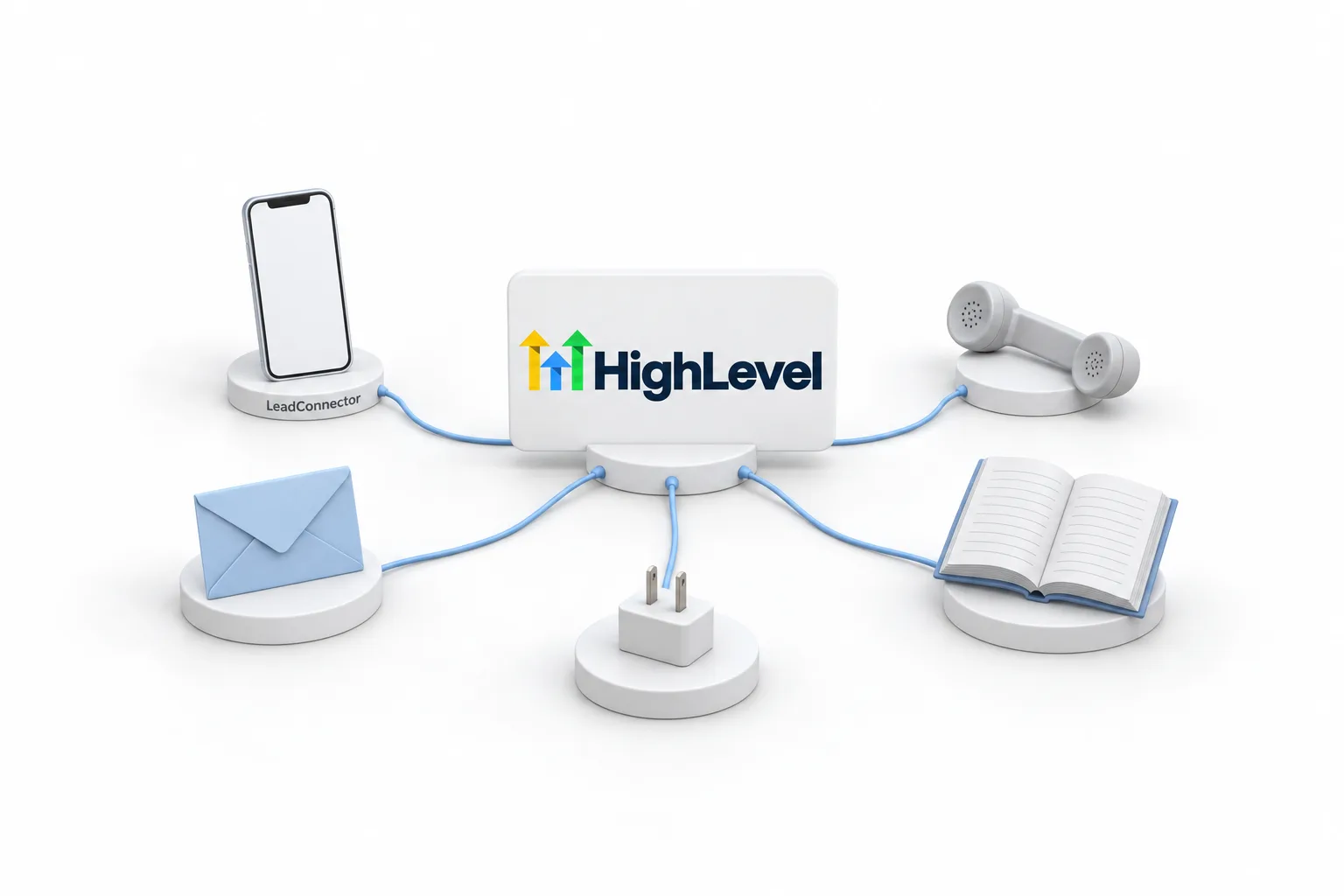
Yes, for practical purposes. LeadConnector is not a separate product you buy. It is a name HighLevel puts on pieces of its own platform, which many people still call GoHighLevel, go high level or GHL. The GoHighLevel overview explains the platform itself. The name shows up on a mobile app, on the phone and email services, in the Zapier listing and on a version of the developer documentation.
The reason for the second name is reselling. Agencies can sell HighLevel to their own clients under the agency brand, which is called white label. Reselling it as software is part of the Founder Plan. A client of that agency may never see the word HighLevel. A neutral name gives HighLevel something to put on shared pieces, such as an app or a documentation site, without showing its own brand to those clients.
| Where you see the name | What it is | What to do |
|---|---|---|
| App Store or Google Play | The LeadConnector mobile app, which signs in to a HighLevel account | Log in with your normal email and password |
| Phone and email settings | LC Phone and LC Email, the calling, texting and email services built into HighLevel | Nothing. They are part of the account |
| Zapier | The app name HighLevel is listed under | Search for LeadConnector, not HighLevel |
| Developer documentation | API documentation hosted on a LeadConnector domain | Nothing, unless you build integrations |
| msgsndr.com in the sender details of an email | A shared sending domain HighLevel uses for email | Read the msgsndr section below |
Sources: the LC Phone, LC Email, mobile app and Zapier guides on this site, which were checked against the HighLevel help center.
The Zapier row trips people up most, because a search for HighLevel there does not show the app you need. The steps are in connect Zapier to HighLevel.
The app
What is the Lead Connector app?
The Lead Connector app is a mobile app for iOS and Android that signs in to a HighLevel account. HighLevel has two apps by name, the HighLevel app and this one. An agency may also give its clients a branded app under the agency name.
| Detail | What the store listings show |
|---|---|
| App name | Lead Connector |
| Seller | LeadConnector LLC |
| Where to get it | The App Store for iPhone and iPad, and Google Play for Android |
| Price | Free to download. You sign in with an account that already exists |
| What it does | View opportunities and move them between pipeline stages, add leads, call leads, create invoices, add leads to campaigns and reply from your phone |
Source: the Lead Connector listings on the App Store and Google Play, checked on November 16, 2026. Neither listing mentions HighLevel by name.
From the app you can reply to texts, emails and chats, make and take calls, check the calendar and move opportunities. Building workflows, funnels and websites is still a desktop job. Think of the app as the place you run the business from, and the web as the place you build it.
Which one should you download? The one your agency or employer tells you to use. If nobody told you, ask before you install anything, because you sign in with the email and password of an account that already exists. The setup steps are in use the GoHighLevel mobile app.
- Runs on iOS and Android
- Same email and password as the web login
- Conversations, calls, calendar and opportunities
- Turn on notifications so new leads reach you
The company name
What is LeadConnector LLC?
LeadConnector LLC is the company name shown as the seller of the Lead Connector app. It appears on the App Store listing and in the developer details on Google Play. Neither listing uses the HighLevel name.
The link between the two shows up elsewhere. The app signs in to HighLevel accounts. HighLevel's own website loads its forms and images from leadconnectorhq.com addresses. And the phone and email services inside a HighLevel account, LC Phone and LC Email, carry the initials. So when you see LeadConnector LLC on a store listing, read it as the company name behind the same platform.
Sign in
How do you log in to Lead Connector?
You log in to LeadConnector with the same email and password as your HighLevel account. There is one account behind both names.
- Find the invitation email from the business or agency that set you up. It shows the email address your user was created under.
- On a phone, open the LeadConnector app, or the branded app your agency named, and sign in with that email and password.
- On a computer, use the web address your agency gave you. If you signed up with HighLevel directly, sign in at app.gohighlevel.com.
- If two factor authentication is on, choose where the code goes and enter it.
- Choose the subaccount you want to work in.
Most login trouble comes down to the wrong address, the wrong email or a code going to an old phone. The GoHighLevel login guide walks through each fix. If you are a client of an agency, ask the agency first. They can see your user record.
Calls, texts and email
What are LC Phone and LC Email?
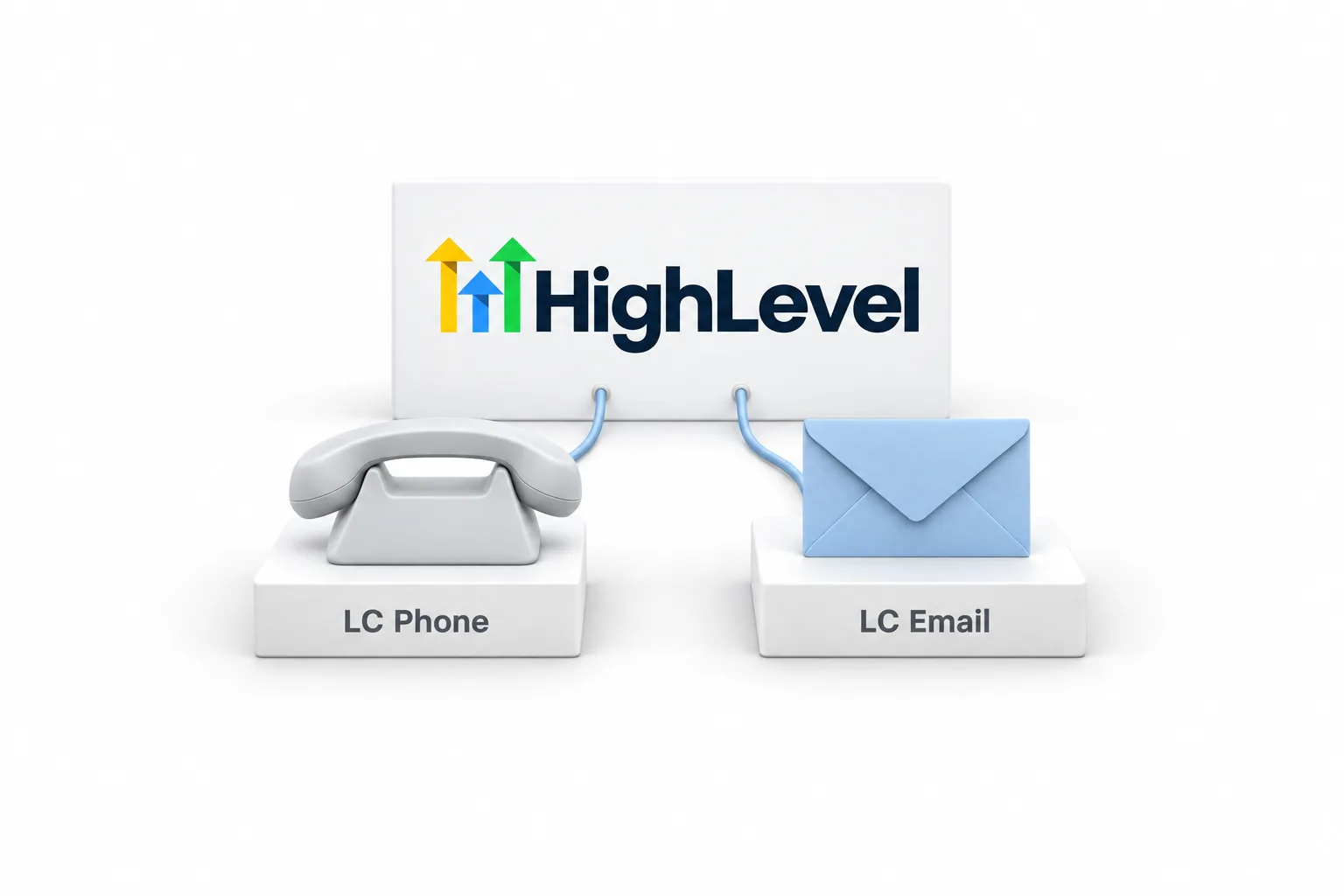
LC Phone and LC Email are the messaging services built into HighLevel, and the LC stands for Lead Connector. LC Phone is HighLevel's own phone system for calls and texts, and it works without a Twilio account. Twilio is still supported if you prefer it. LC Email does the same job for email, so an account can send without signing up for a separate email provider.
| Service | What it does | Usage price |
|---|---|---|
| LC Phone | Calls and texts from numbers you buy inside the account | About $1.15 a month for a US local number and $0.00747 per SMS segment |
| LC Email | Sends and receives email in every subaccount | $0.675 per 1,000 emails sent |
Usage prices match this site's LC Phone and LC Email pages, which were checked against the HighLevel help center. Usage is billed on top of the plan.
If you run the account, these two names are the ones you will meet in settings every week. Read what LC Phone is and what LC Email is for setup and the mistakes to avoid.
Messages
Why did you get a text or email from LeadConnector?
If a message or its sender details mention LeadConnector, a business that uses HighLevel sent it. The business wrote the message and chose to send it. HighLevel is the system that carried it.
So deal with it the way you deal with any business message. If you know the business, reply to it directly. If you do not want more messages, opt out. LC Phone has opt out and do not disturb handling built in, and LC Email adds an unsubscribe link to email footers by default.
If you do not recognise the sender at all, do not tap links or share personal details. That applies to any message, whatever system sent it.
Trust
Is LeadConnector legit or a scam?
LeadConnector is legitimate software. It is the name on a real app in the App Store and on Google Play, and on the phone and email services inside HighLevel accounts that businesses pay for every month.
The name does not vouch for the sender, though. It tells you which system carried a message. It does not tell you who wrote the message or whether you agreed to receive it. Judge a text or an email by the business that sent it, and trace a charge to the account behind it with the steps in the next section.
To stop messages, reply to the business and ask to be removed, or use the opt out the message offers. LC Phone has opt out and do not disturb handling built in, and LC Email adds an unsubscribe link to email footers by default, so a business on HighLevel has the tools to honor that request.
Other products have similar names. If the app, charge or message you are tracing does not lead back to a HighLevel account, or to a business that uses one, you may be looking at a different product.
Billing
Why is there a LeadConnector charge on your card?
There are two places to look: a HighLevel account in your name or your company name, or an agency that bills you for software it runs on HighLevel. Work through these steps to trace it.
- Compare the amount with the plan prices. GoHighLevel pricing is $97 a month for Starter, $297 for Unlimited and $497 for the Founder Plan.
- Remember usage. Phone numbers, texts, calls, email sending and some AI features are billed as usage on top of the plan, so some amounts are small and irregular.
- Ask your team. A partner, employee or contractor may have started an account or a trial on the company card.
- Check whether you pay an agency for a CRM, a website or a marketing system. Agencies can pass usage through to their clients, which HighLevel calls rebilling.
- If you find the account, sign in and review it there. If you cannot find one, contact HighLevel support through the help center, and talk to your card issuer about any charge nobody can explain.
Links and addresses
What is msgsndr?
msgsndr is a domain name HighLevel uses behind the scenes, and the place most people notice it is email. When an account sends through HighLevel's shared sending domain instead of its own, the sender details can show msgsndr.com.
So an email that shows msgsndr.com in its sender details came from a business using the shared email setup in HighLevel. A business that wants its own name there adds a dedicated sending domain under LC Email.
Links are a separate setting. HighLevel also creates links for forms, surveys, calendars and payments, and an agency can put its own domain on those. Treat a msgsndr link like any other link: open it only if you recognise the business that sent it.
Next
Do you need your own HighLevel account?
Only if you want to run the software yourself. If you are a client of an agency or an employee of a business, you already have a login and there is nothing to buy.
If you are a business owner who found LeadConnector while looking into the tool behind a text, an app or a booking page, you can try the whole platform. HighLevel's standard free trial is 14 days. The 30 day trial through Michael's link gives you your own account, your own login and time to test the phone and email services described above.

When you see LeadConnector, read it as HighLevel. Same account, same login, different label.
Questions
Common questions.
What is LeadConnector?
LeadConnector, also written Lead Connector, is a name GoHighLevel uses for parts of its own platform. It appears on the LeadConnector mobile app, in the LC Phone and LC Email services, where LC stands for Lead Connector, and as the app name in Zapier. It is not a separate product. It is HighLevel under a neutral name.
Is LeadConnector the same as GoHighLevel?
Yes, for practical purposes. LeadConnector runs on the same HighLevel account, with the same email and password. HighLevel uses the name on shared pieces such as a mobile app and a documentation site, so agencies that resell the platform under their own brand do not have to show the HighLevel brand to clients.
How do I log in to LeadConnector?
Log in with the email and password for your HighLevel account. On a phone, open the LeadConnector app or the branded app your agency named. On a computer, use the web address your agency gave you, or app.gohighlevel.com if you signed up with HighLevel directly. Then choose your subaccount.
Is the LeadConnector app the HighLevel mobile app?
The LeadConnector app is one of the mobile apps that sign in to a HighLevel account. There is a HighLevel app and a LeadConnector app, and some agencies offer a branded app as well. Download the one your agency or employer uses and sign in with your normal login.
Why did I get a text from LeadConnector?
A business that uses the HighLevel phone system sent it. The business wrote and sent the message, and HighLevel carried it. If you know the business, reply to it directly. If you do not want more messages, opt out. LC Phone has opt out and do not disturb handling built in.
What is a LeadConnector charge on my card?
Look in two places: a HighLevel account in your name or your company name, or an agency that bills you for software it runs on HighLevel. Plans start at $97 a month, and usage such as texts, calls and email is billed on top. If nobody can explain the charge, contact support and your card issuer.
What is msgsndr.com?
msgsndr.com is a domain HighLevel uses behind the scenes. You mostly see it in email. When an account sends through HighLevel's shared sending domain, the sender details can show msgsndr.com. A business that wants its own name there sets up a dedicated sending domain under LC Email.
What does LeadConnector cost?
LeadConnector has no price of its own. It is part of HighLevel, where plans are $97 a month for Starter, $297 for Unlimited and $497 for the Founder Plan. Usage such as texts, calls and email is billed on top. HighLevel's standard free trial is 14 days, or 30 days through Michael's link.
Next step
See it in your own account. Thirty days, every feature.
Start a trial, build the first system and test it before the first invoice. Usage fees for phone, SMS, email and AI can apply during the trial.
HighLevel has three plans at a flat monthly price, each with unlimited users and contacts. See what each one includes and what it costs.
Compare the PlansStarter, Unlimited and Founder