
01Who this is for
- Coaches who run online programs can offer members a single login to access lessons, community chat and payment details, keeping the brand front and center.
- Course creators hosting public lessons benefit from SEO ready pages that search engines can index while still protecting private content.
- Membership clubs that manage community forums and resource libraries gain faster navigation and easier discovery for members.
02Unified Client Portal, explained
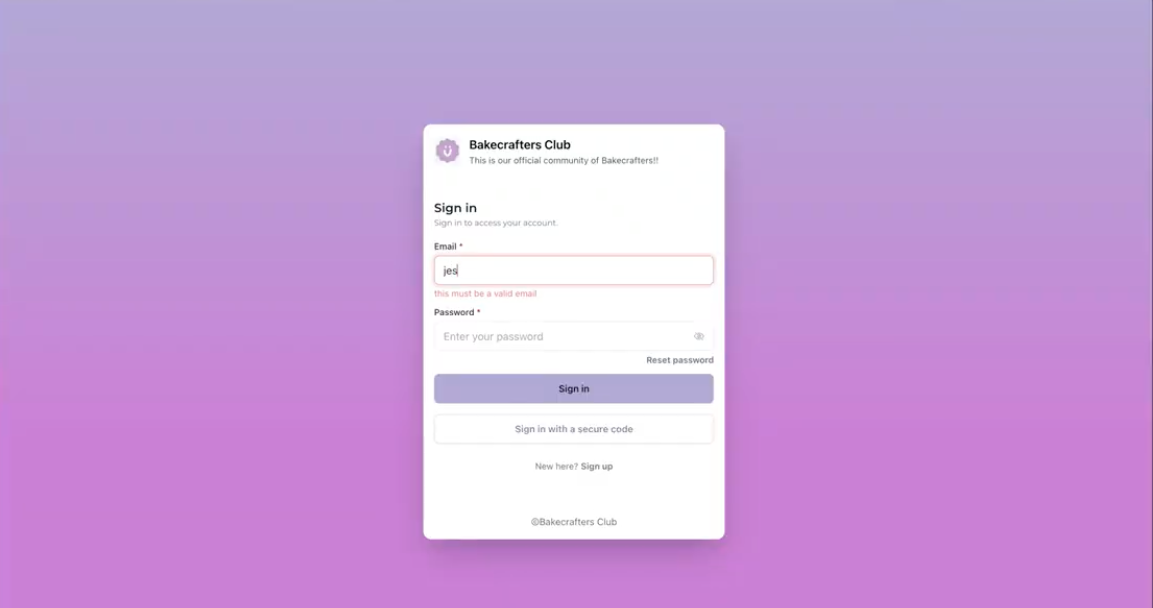
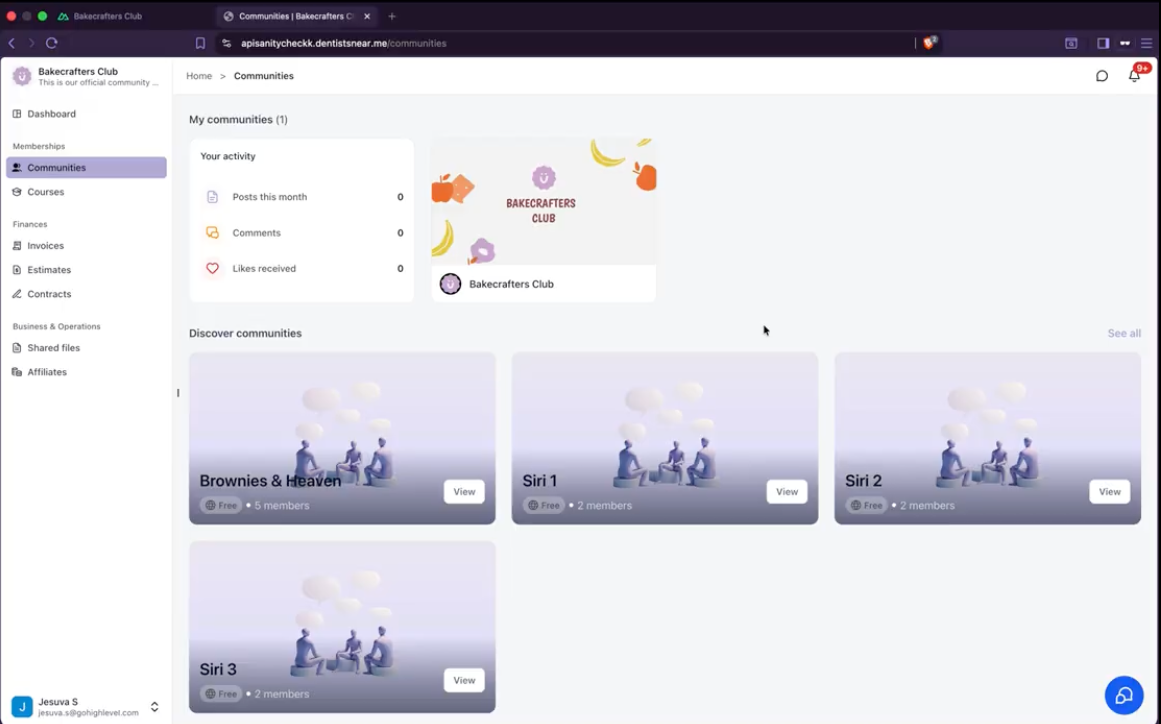
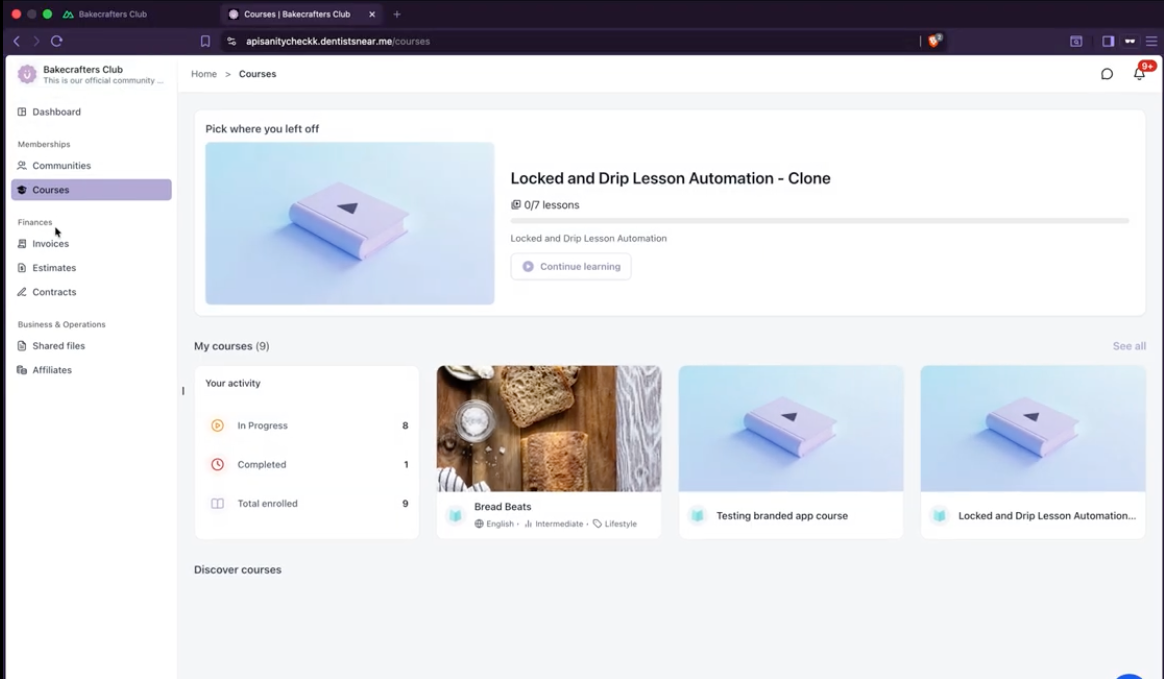
The unified client portal brings Dashboard, Courses, Communities, billing, shared files, and account settings together in one connected, branded experience. Members move between these areas without opening new tabs, and the existing login method remains unchanged.
From the HighLevel app, go to Memberships > Client Portal > Dashboard and click the enable button. After activation, the portal appears for all members automatically; no additional routing changes are needed.
03How businesses use Unified Client Portal
- Online coaching business. The coach enables the unified portal, then members log in once to view training modules, join community discussions, pay invoices and download resources. All interactions stay inside the branded portal.
- Digital course platform. The platform turns on the portal, allowing students to watch courses, see progress, access public community threads and view billing history without leaving the site. Public pages become searchable by Google.
- Fitness membership community. The gym activates the portal so members can check class schedules, interact in community groups, upload workout files and manage subscriptions from a single dashboard that matches the gym’s branding.
04How to set up and use Unified Client Portal in HighLevel
Enable the unified client portal
- Open the HighLevel app and go to Memberships > Client Portal > Dashboard.
- Locate the button to enable the unified portal experience and click it.
- Customers can now begin using the combined portal; no further routing changes are required.
05What it looks like in HighLevel
06Things to know before you rely on it
- The portal is a Labs feature and may be adjusted based on user feedback.
- Only eligible public Course and Community pages are indexed by search engines; private or gated content stays hidden.
- Duplicate contacts are not merged automatically; they must be combined manually if needed.
07How it connects to the rest of HighLevel
- All Sites features overview All Sites features
- HighLevel pricing and plans Pricing
- Start a 30 day HighLevel trial 30 day trial
Michael's take

Michael ReimerFounder of CRM Pros, HighLevel Commander and Certified Admin
Turning on the unified portal button activates the single, consistent, branded home for every customer.
After activation, you can preview the portal to see the unified navigation and verify that public content is SEO ready.
Get More InformationOpens on HighLevelPublished November 2, 2026 · Updated November 17, 2026