
01Who this is for
- Marketing managers can time form appearance to match user behavior, improving lead capture.
- Ecommerce store owners can deactivate forms after a set number of displays to create urgency for limited time offers.
- Event organizers can use custom modal heights to ensure forms fit on external pages without overflow.
02Embedding options for forms, explained
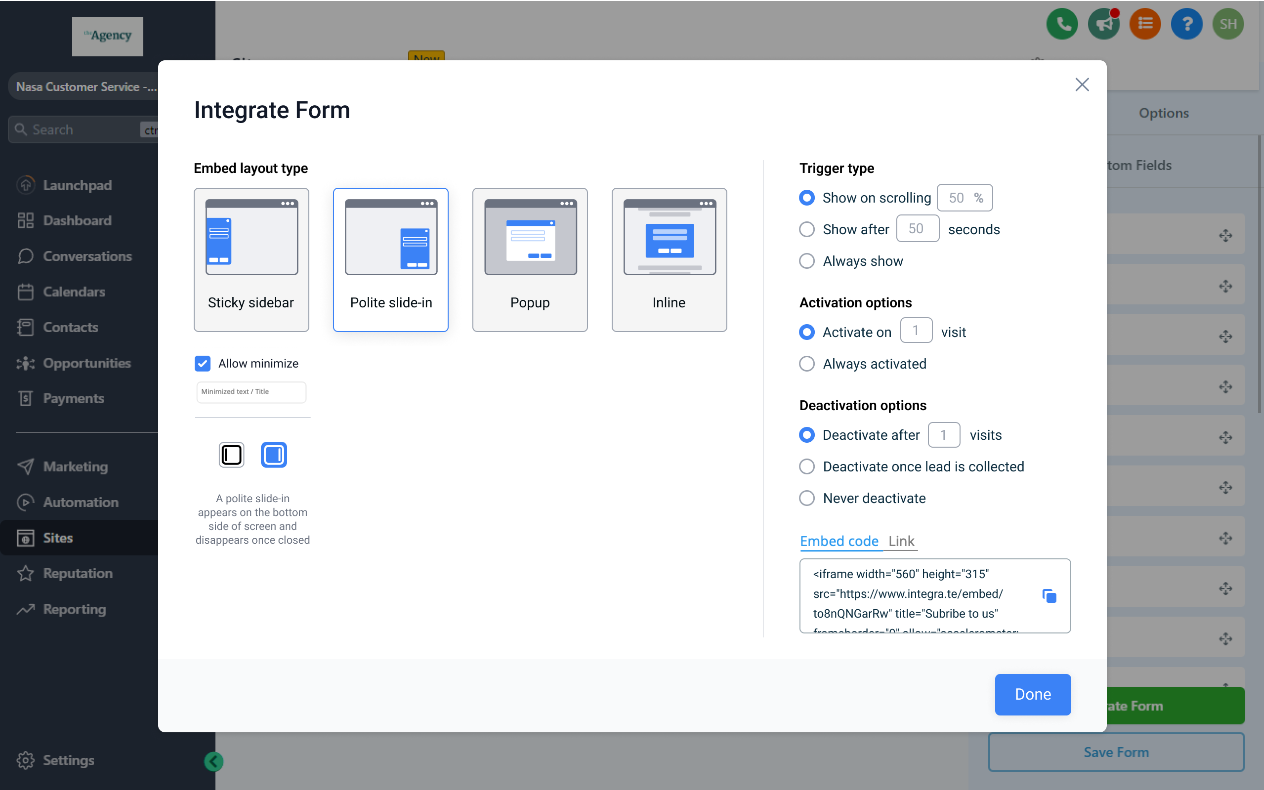
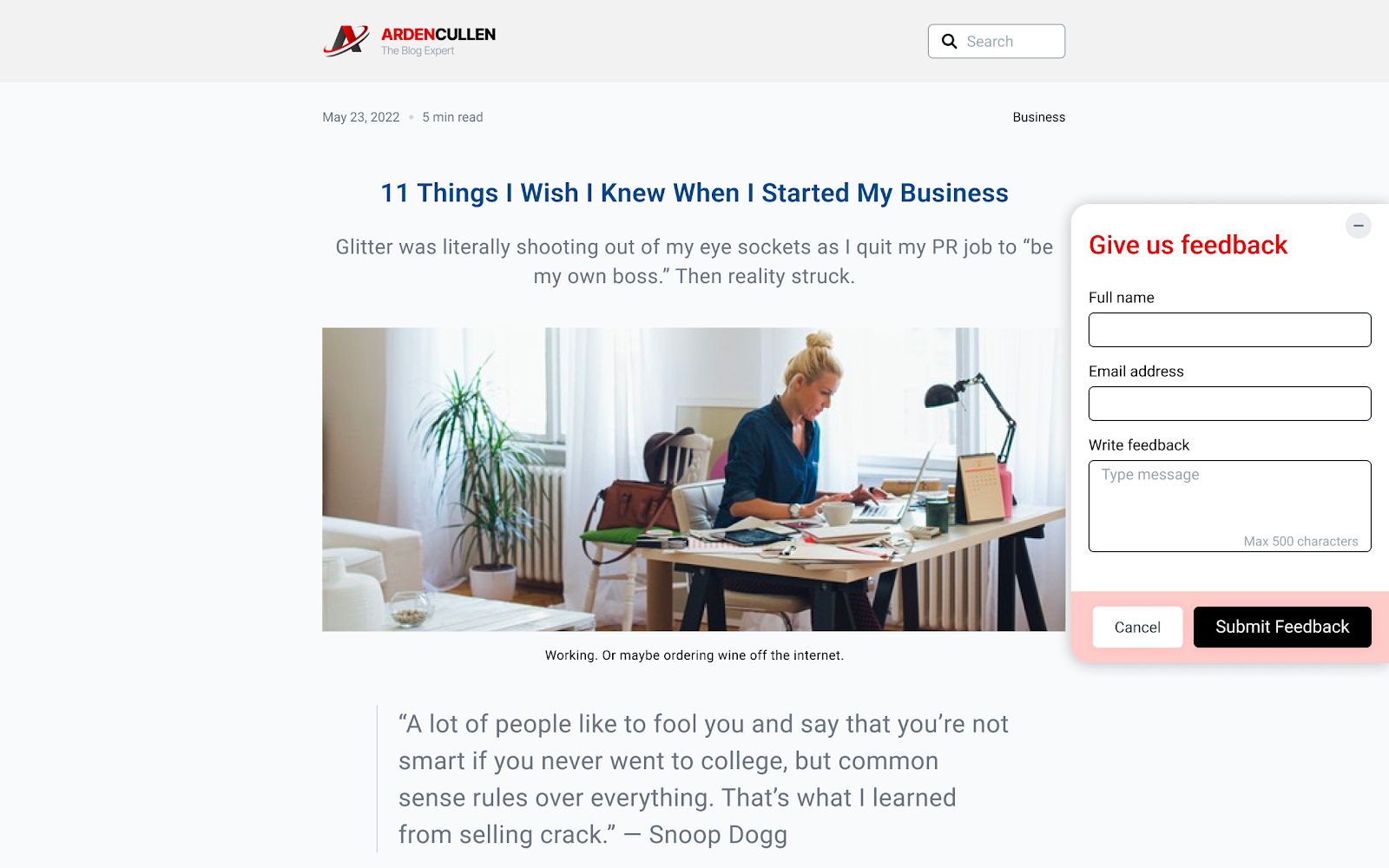
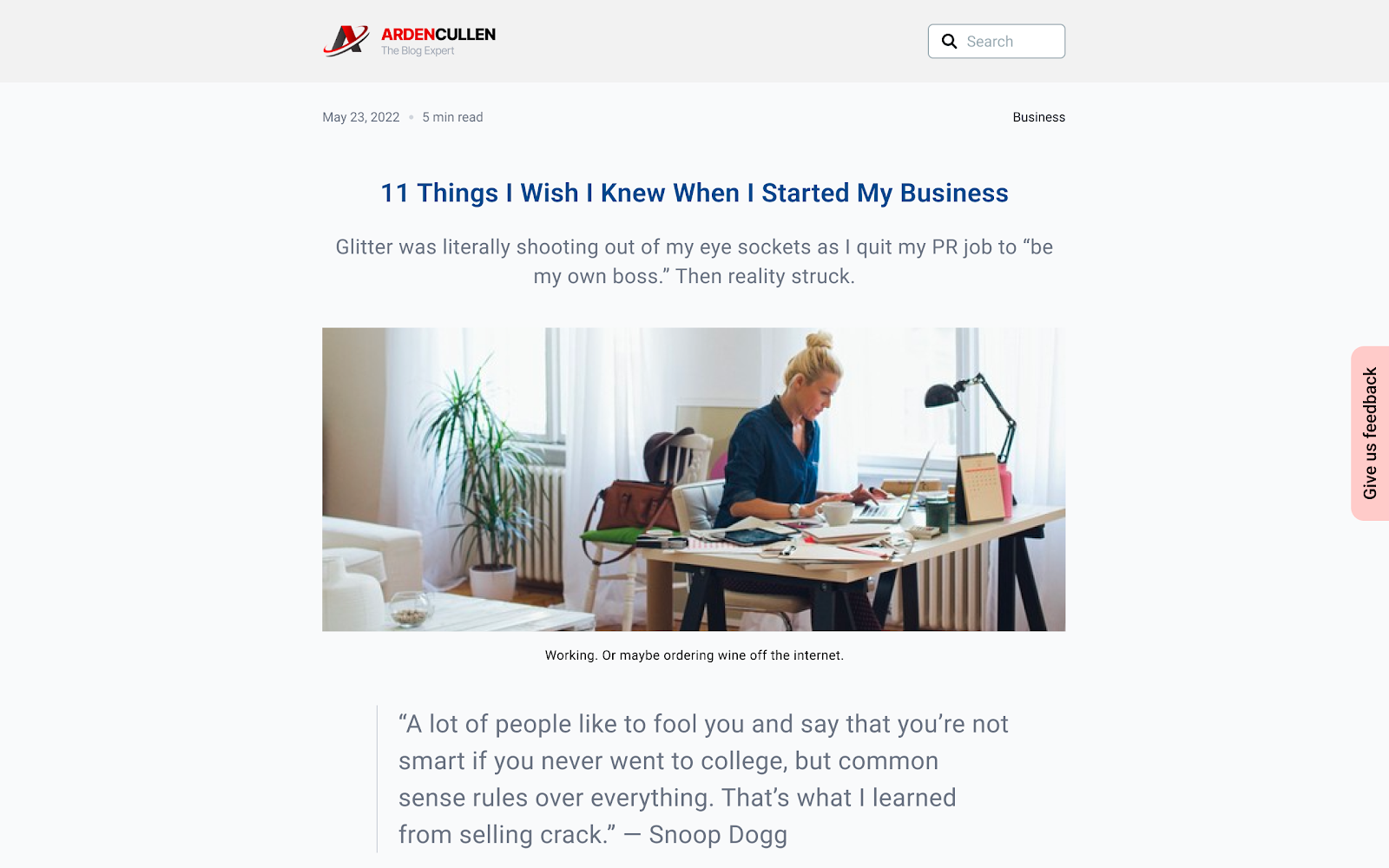
The Embedding Options for Forms feature gives control over how a form appears on a website or funnel. You choose an embed layout, sticky sidebar, polite slide in, popup, or inline, and can set a custom modal height for the three non inline layouts.
Trigger settings decide when the form becomes visible, while activation and deactivation rules determine how often and under what conditions it stays on the page. All changes are applied by generating a fresh embed code and replacing the previous one on the site.
03How businesses use embedding options for forms
- Digital marketing agency. The agency creates a lead capture form, selects a slide in layout, and sets a scroll trigger at 50 %. It also configures deactivation after three displays for a time limited campaign, then copies the new embed code into client sites.
- Online retailer. The retailer builds a popup incentive form, defines a custom modal height, and activates the form only after the third visit. Deactivation is set to occur once a lead is collected, and the updated embed code replaces the old one on the storefront.
- SaaS startup. The startup uses an inline sign up form, chooses the always show trigger, and keeps the form active indefinitely. Because the layout is inline, no modal height is needed, and the embed code is inserted directly into the product landing page.
04The numbers and rules that matter
- The default modal height is 500 px.
- The field accepts any whole number 1 or greater.
05Before you start
- A form must already exist in HighLevel before accessing the embedding options.
06How to set up and use embedding options for forms in HighLevel
Set a custom modal height
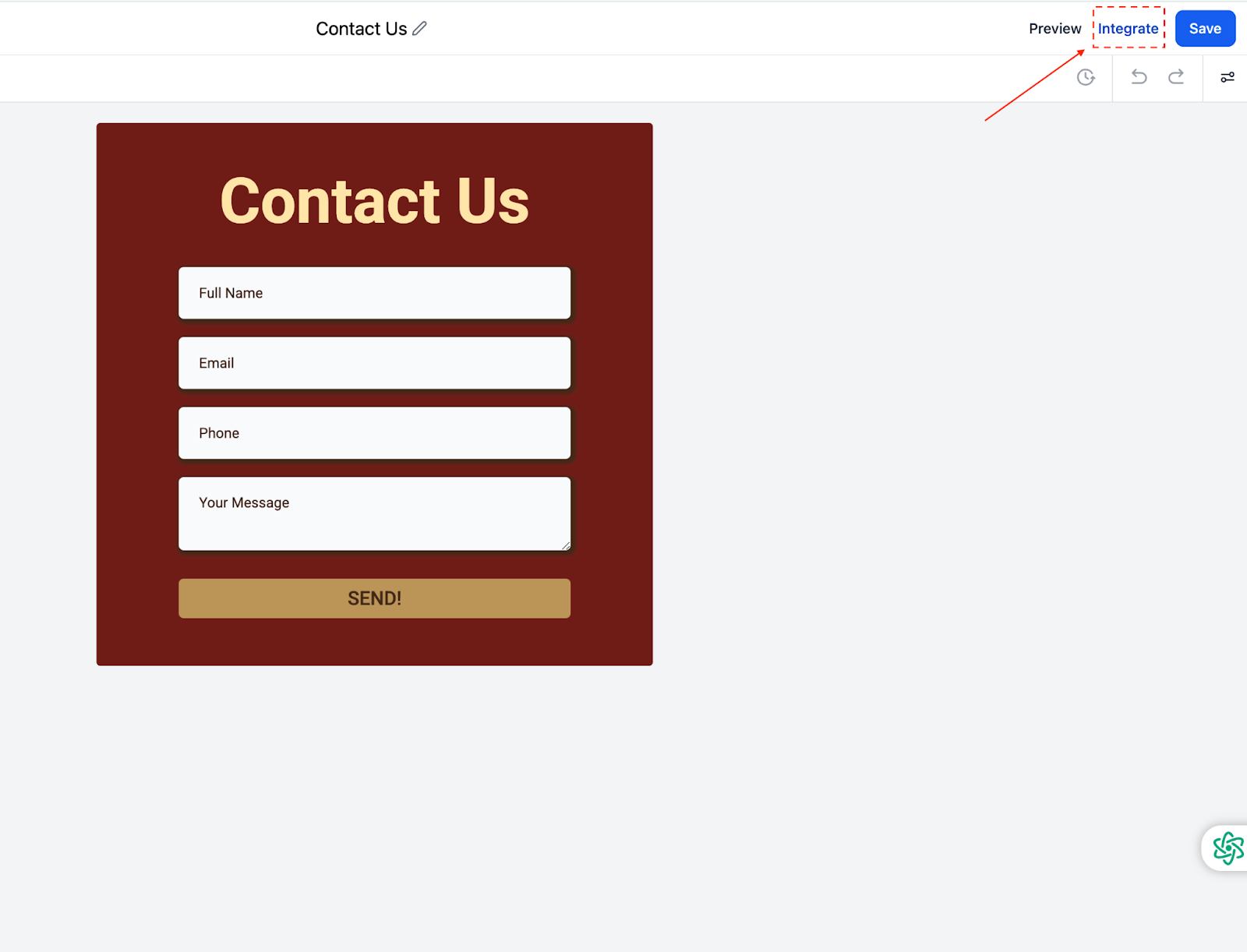
- Open the desired form and click Integrate after it loads.
- Select the Embed Code option.
- Choose Popup, Polite Slide in, or Sticky Sidebar as the layout.
- Enter the preferred height value in the Modal height field.
- Click Copy embed code and place the snippet on the website.
Configure trigger options
- In the Integration Settings, locate the Trigger Options section.
- Select one of the options: Show on Scrolling, Show After Seconds, or Always Show.
- Enter the desired percentage or number of seconds if required.
- Save the settings.
Set activation options
- In the Integration Settings, find the Activation Options area.
- Choose Activate on X Visit or Always Activated.
- Specify the number of visits if applicable.
- Save the settings.
Set deactivation options
- In the Integration Settings, locate the Deactivation Options section.
- Select Deactivate After Showing X Times, Deactivate Once Lead Is Collected, or Never Deactivate.
- Enter the number of displays if you chose the first option.
- Save the settings.
Copy and embed the form
- Click the Copy Embed Code button to obtain the HTML snippet.
- Paste the snippet into the HTML of the page where the form should appear.
- Optionally click Copy Form Link to get a direct URL for use in emails or social posts.
07What it looks like in HighLevel
08Settings that matter
- Modal height. Controls the pixel height of popup, slide in, and sticky sidebar embeds; accepts any whole number 1 or greater.
- Trigger options. Determines when the form becomes visible, such as after a scroll percentage, a time delay, or always.
- Activation options. Sets the condition for the form to become active, either after a specific number of page visits or all the time.
- Deactivation options. Specifies when the form stops showing, like after a set number of displays, once a lead is collected, or never.
09Things to know before you rely on it
- The default modal height is 500 px.
- The Modal height field is hidden for Inline layout embeds.
- Existing embeds without a modal height setting continue to work unchanged.
- Embed codes are static; any option change requires generating and replacing the code on the site.
10If something goes wrong
- Form behavior does not reflect new trigger or deactivation settings. Generate a fresh embed code from the Integrate Form section and replace the old code on the website.
- Embedded form does not change after adjusting options. Update the embed code by copying the new version and overwriting the previous snippet on the page.
11How it connects to the rest of HighLevel
- Learn how to make a form stay visible as users scroll with sticky contact. Sticky contact feature
- Find instructions for placing HighLevel forms on external website builders. Embedding on other sites
- Review plan options and pricing before adding form embedding to your workflow. Pricing and plans
Michael's take

For many small businesses the embed layout selector feels like a small convenience that can still shift conversion rates. A simple popup that appears after a few seconds can capture attention without overwhelming a visitor, while a sticky sidebar lets you stay visible as they scroll.
I would set the modal height to keep the popup looking tidy on the partner’s site, then generate the new embed code and swap it in. Testing the timing on a few pages first helps confirm the experience before rolling it out sitewide.