
01Who this is for
- Marketers who run webinars can store the recording directly in a funnel and track viewer engagement.
- Course creators can host lesson videos without external platforms and control playback speed for learners.
- Small ecommerce sites can embed product demos and use the redirect toggle to capture leads from video viewers.
02Hosted video player, explained
The feature adds a new video element type called Hosted Video. After placing the element on a funnel page, you choose a video from the Media Library or upload a new file. The system encodes the file so viewers can pick between 480p, 720p, 1080p or Auto quality.
Playback controls appear as toggle options in the element settings. You can turn on or off autoplay, play/pause buttons, speed selection, full screen mode, progress bar and pending time. An additional toggle redirects visitors who are not yet contacts to a designated opt in page.
The Hosted Video element lives inside the funnel editor under Video Settings. All major browsers support playback, and videos up to 4 GB in any mainstream format are accepted.
03How businesses use hosted video player
- Digital marketing agency. The agency adds a Hosted Video element to a client’s funnel, uploads a recent case study video, and enables autoplay muted on desktop. They also activate the redirect toggle so prospects who click the video URL are sent to a lead capture form before returning to watch.
- Online fitness trainer. The trainer embeds a workout video in a funnel, allows playback speed control so members can slow down moves, and shows the progress bar. The video is encoded to offer 720p and 1080p options for different connection speeds.
- SaaS startup. The startup uploads a product demo, enables full screen toggle and pending time display, and disables seeking to keep viewers watching in order. They set the redirect toggle to capture email addresses from visitors who land directly on the video page.
04The numbers and rules that matter
- Play videos in 480P, 720P, 1080P, Auto.
- Change playback speed 0.5x 0.75x 1x 2x.
- Supports videos up to 4 GB on all major formats.
05How to set up and use hosted video player in HighLevel
Add hosted video to funnel
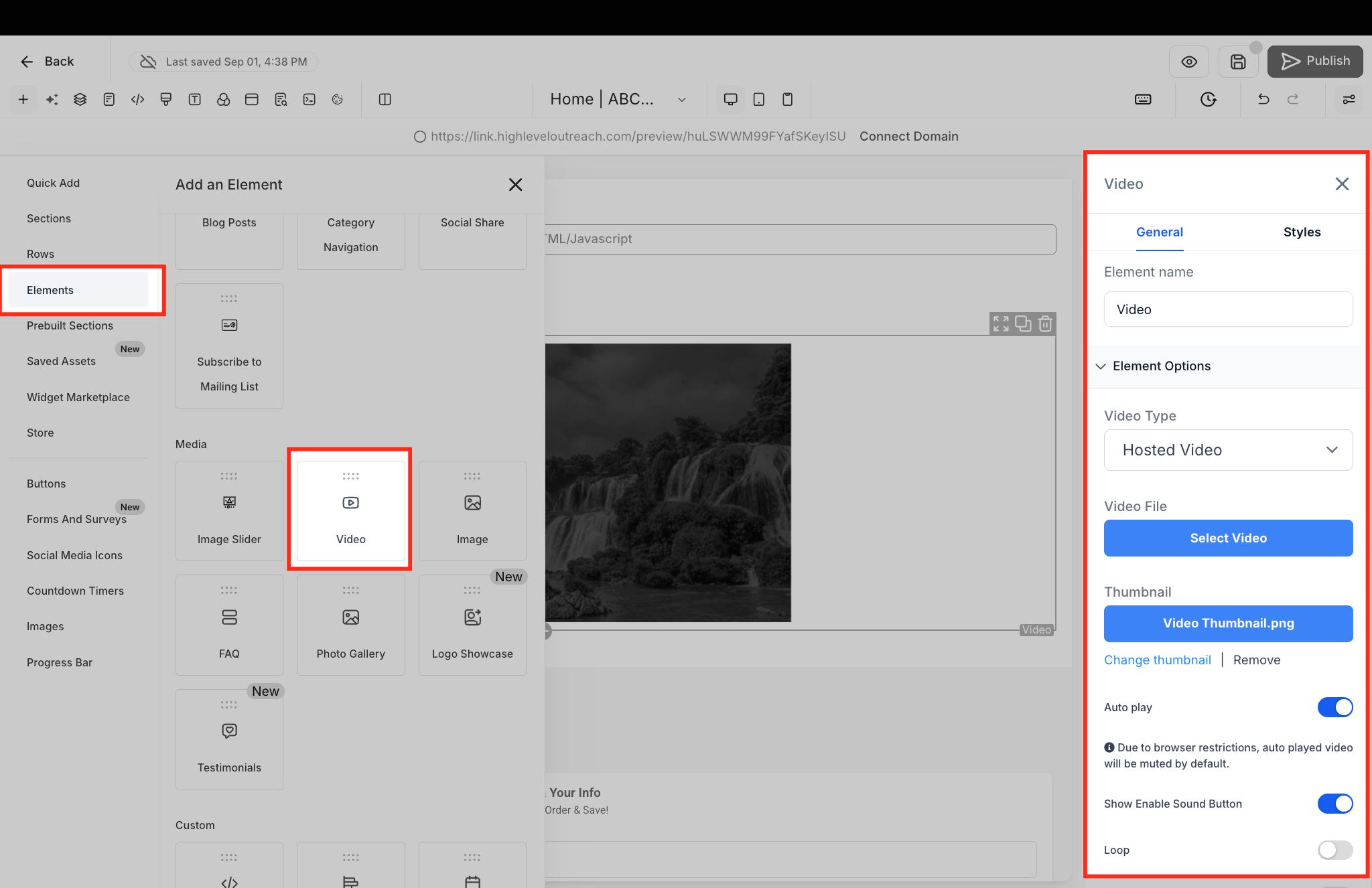
- Add a Video element to the desired funnel page.
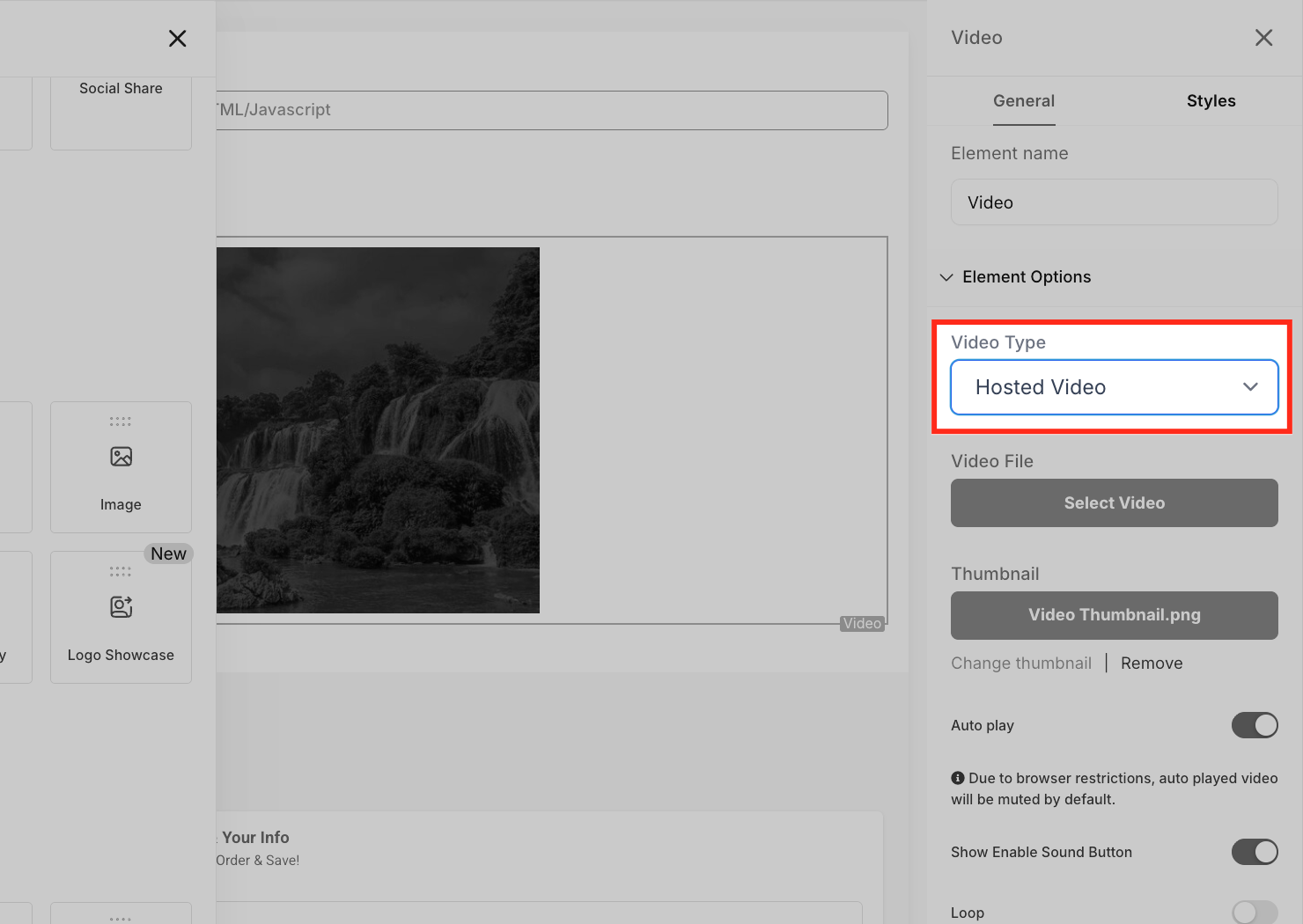
- Select the element, open Video Settings on the left, scroll to Video Type and choose Hosted Video.
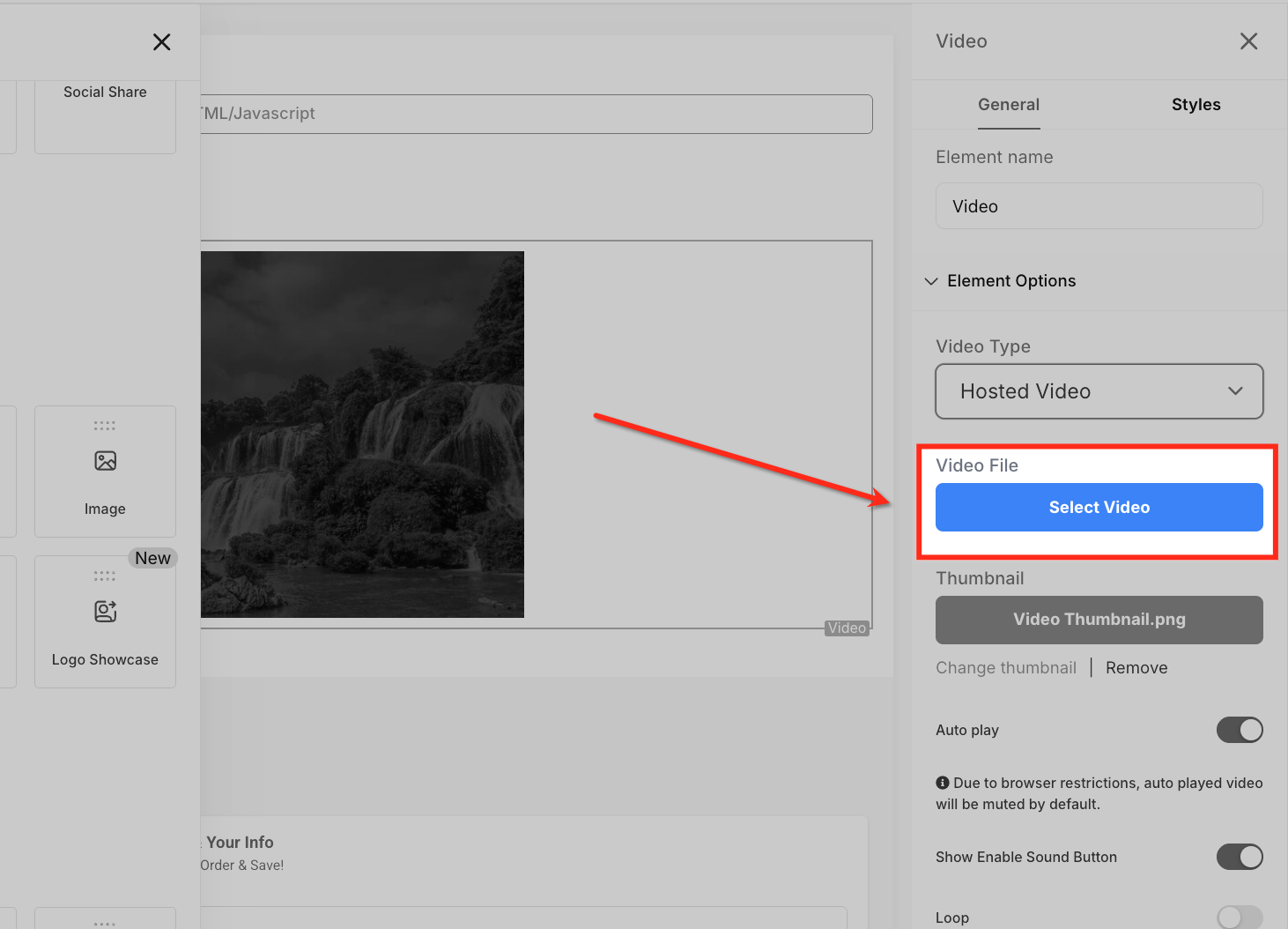
- Click Select Video to open the Media Library.
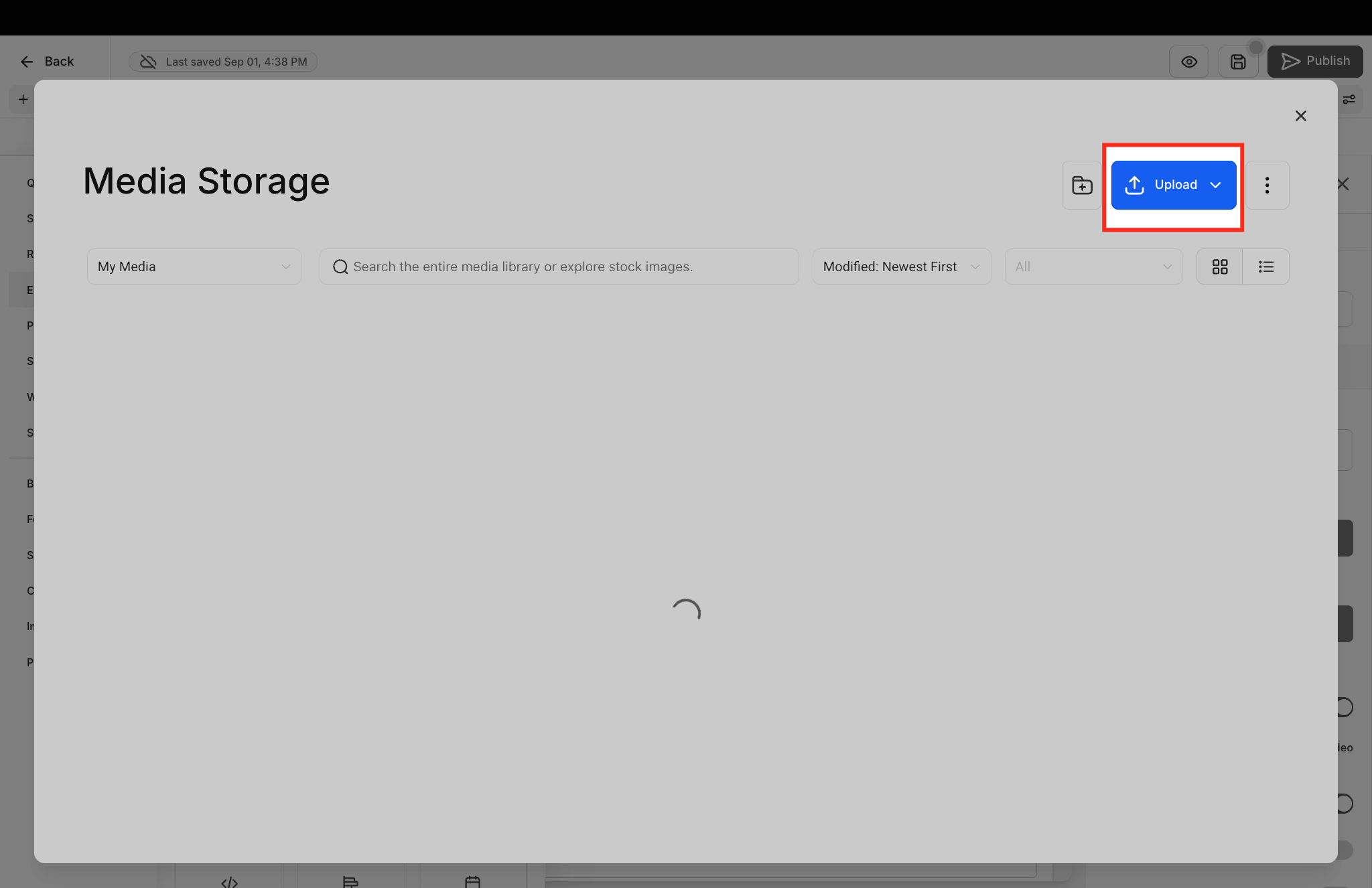
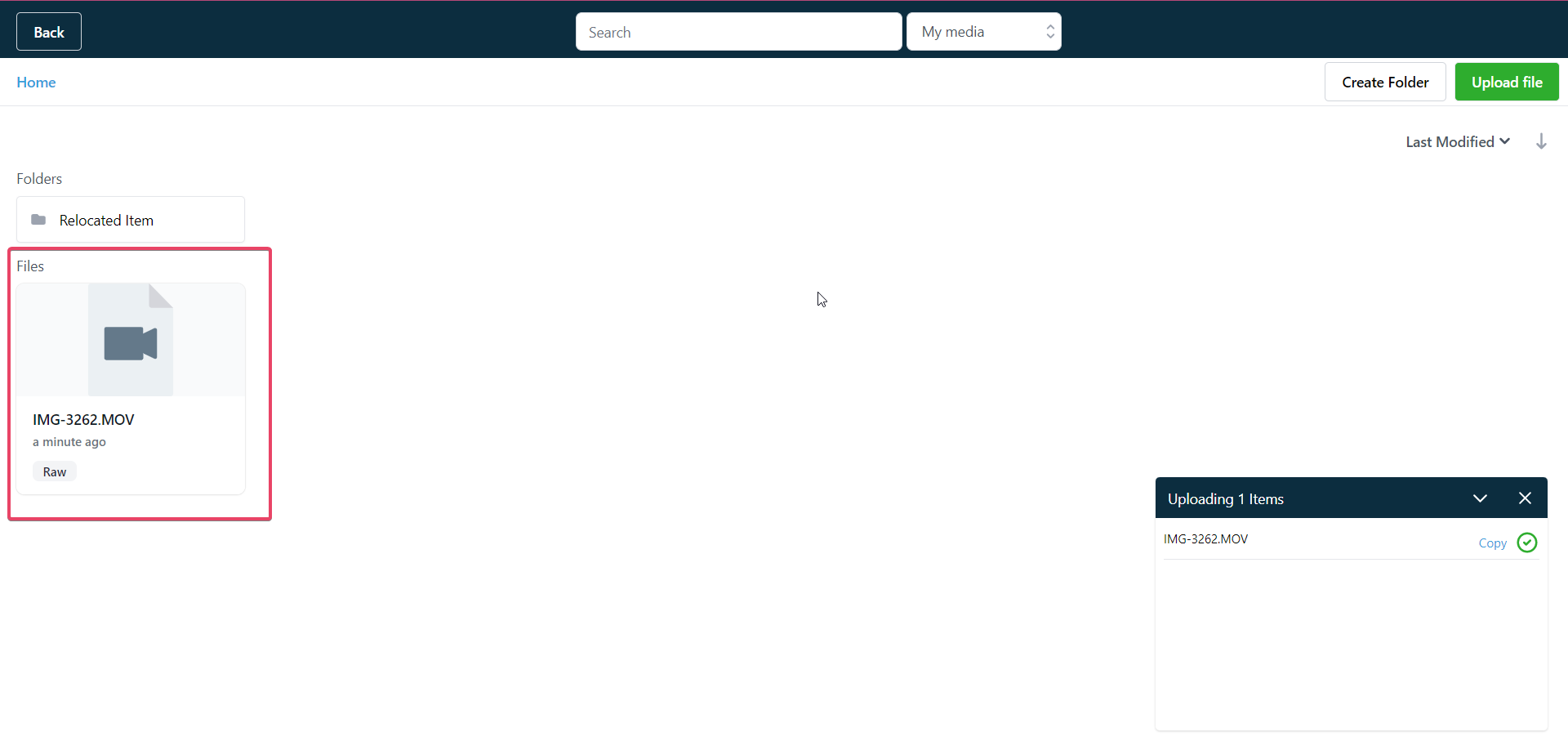
- If the needed video is absent, upload a file in any mainstream format under 4 GB.
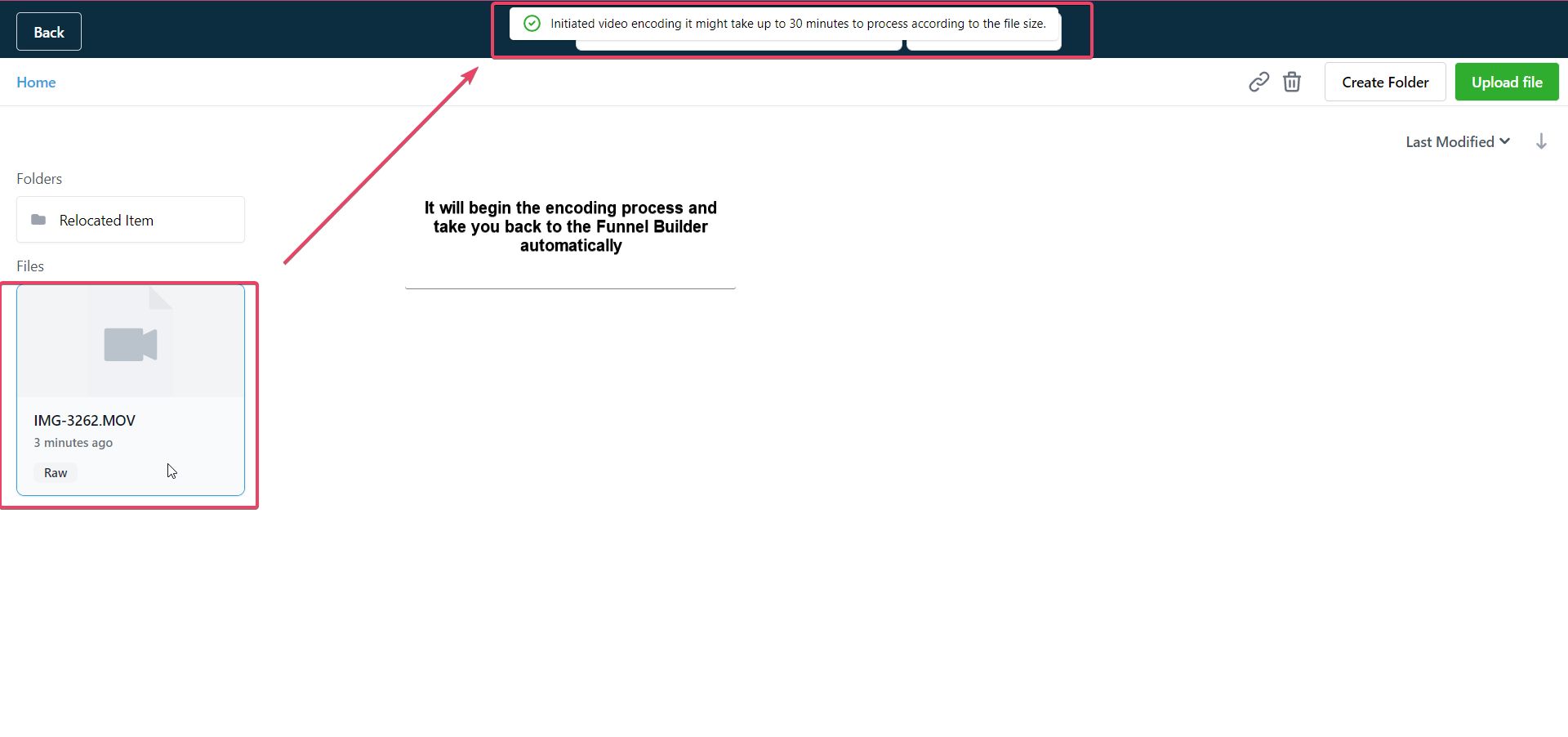
- After upload finishes, double click the video file to start encoding; re select if encoding fails.
06What it looks like in HighLevel
07Settings that matter
- Video Type. Specifies that the element will use a Hosted Video from the Media Library.
- Autoplay. Starts video playback automatically; browsers require muted playback on iOS, Safari, Chrome, Android, Firefox and Edge.
- Allow Play/Pause. Shows or hides the play and pause buttons for the viewer.
- Allow Playback Speed Control. Lets viewers choose speeds such as 0.5x, 0.75x, 1x or 2x.
- Show Pending Time. Displays the time remaining before the video starts.
- Show Full, Screen Toggle. Provides a button for viewers to switch to full screen mode.
- Show Progress Bar. Shows or hides the bar that indicates how much of the video has played.
- Redirect Unregistered Visitors. Sends viewers who are not contacts to a chosen page with an opt in form before returning them to the video.
08Things to know before you rely on it
- Videos must be under 4 GB and in a mainstream format such as .mp4.
- Encoding that remains longer than one day automatically changes to a failed state.
- Autoplay works muted on supported browsers due to manufacturer policies.
- The feature is supported in all major browsers.
09If something goes wrong
- Encoded video not selectable. Wait a few minutes for encoding to finish, refresh the editor or Media Library, retry encoding by re selecting the file, and verify the file format and size meet the requirements.
10How it connects to the rest of HighLevel
- Set up a funnel page to host the video HighLevel website setup
- Add tracking code for video view analytics Add tracking code
- Redirect unregistered visitors to an opt in page Redirect visitors
Michael's take

The Hosted Video player is a practical way for a small business to keep videos on its own funnel pages and it gives you enough control to match viewer preferences.
Don’t forget to encode your video before expecting quality switches.