
01Who this is for
- Agency owners who want to add a local SEO service to their offering and bill clients through Stripe.
- Business owners with multiple locations who need consistent address and contact data across online directories.
02HighLevel Listings, explained
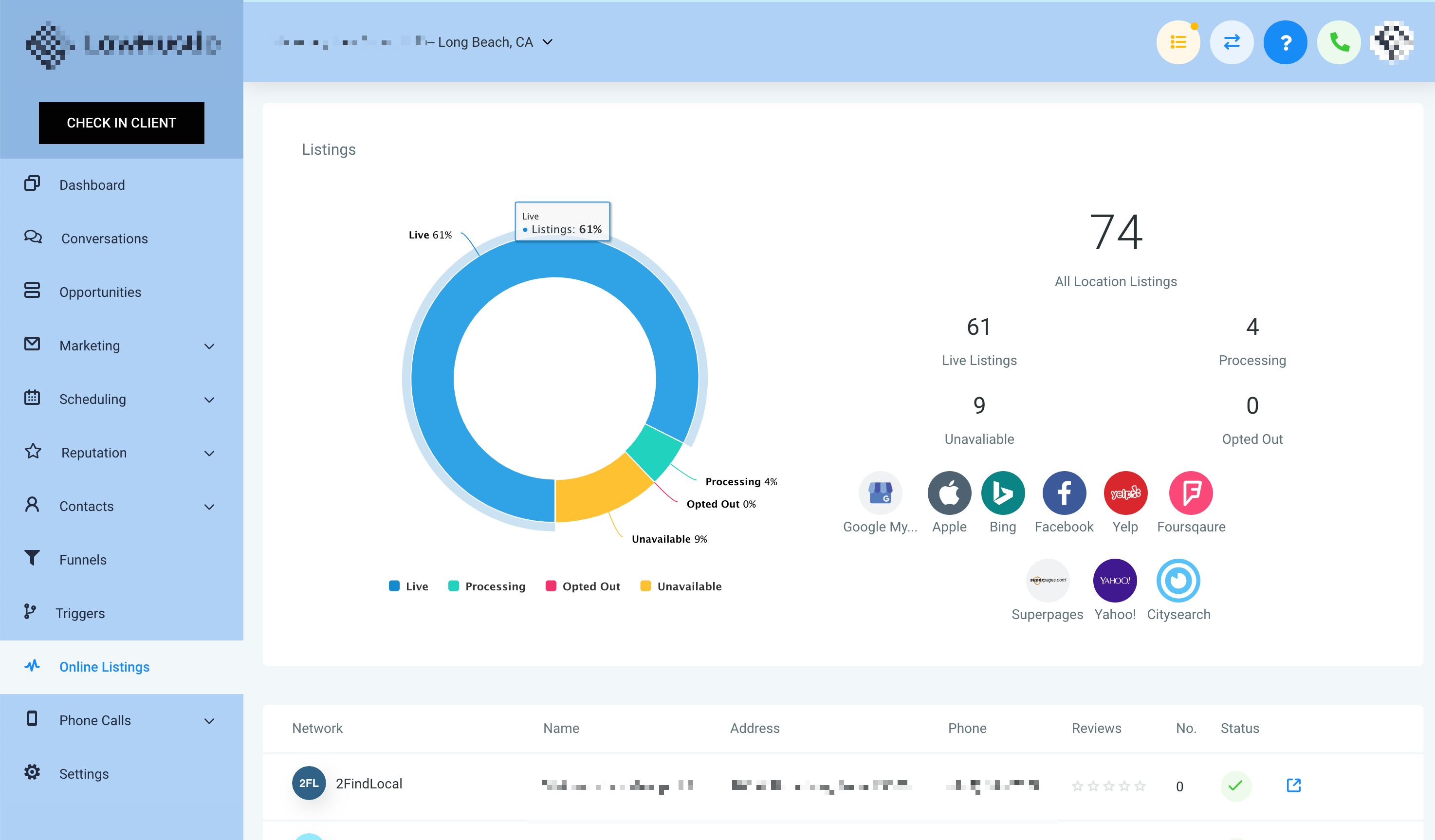
HighLevel Listings centralizes the publishing of business information to directories like Google, Yelp, and Bing. Once a location is enabled, any change made in the Listings tab pushes right away to all connected publishers, helping keep data accurate and improving local search presence.
The feature lives within the Agency account under the Marketplace section. After activation, a Listings tab appears in each location’s left hand menu, where agencies can view sources, edit details, review public suggestions, and see the status of each directory.
03How businesses use HighLevel Listings
- Digital marketing agency. The agency activates Listings for each client location through the Marketplace, sets a custom price in the Stripe SaaS Configurator, and includes the service in monthly retainers. Clients can later log in to see suggestions and request updates directly.
- Franchise chain. The chain’s marketing team enables Listings for all store locations, edits the address and phone fields once, and the platform distributes the changes to Google, Bing, and Yelp automatically, ensuring each franchise shows the same information online.
- Multi location business. The business adds Listings to each office profile, monitors public suggestions from publishers in the dashboard, and can stop the service for any office that no longer needs online presence, which stops syncing across all directories.
04The numbers and rules that matter
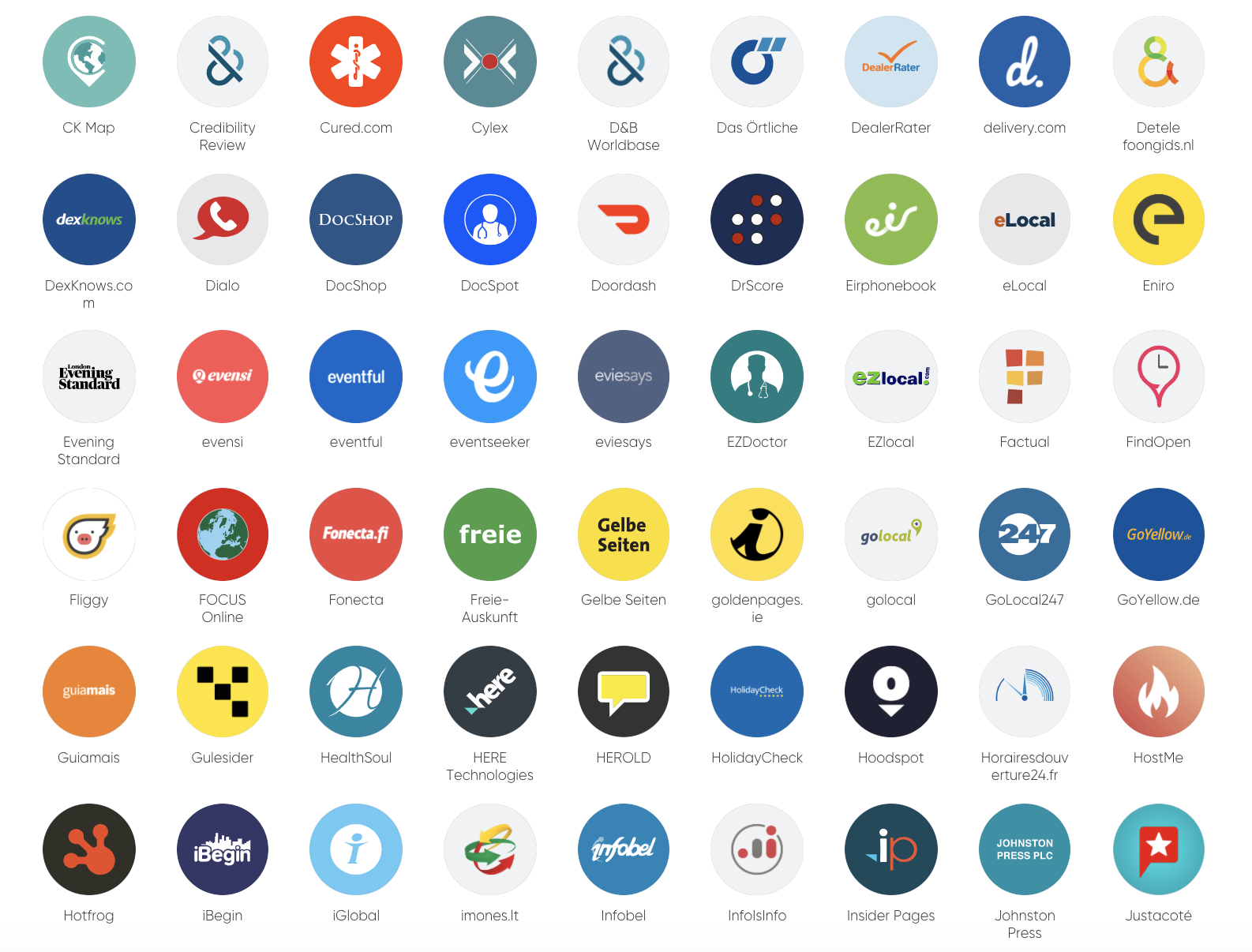
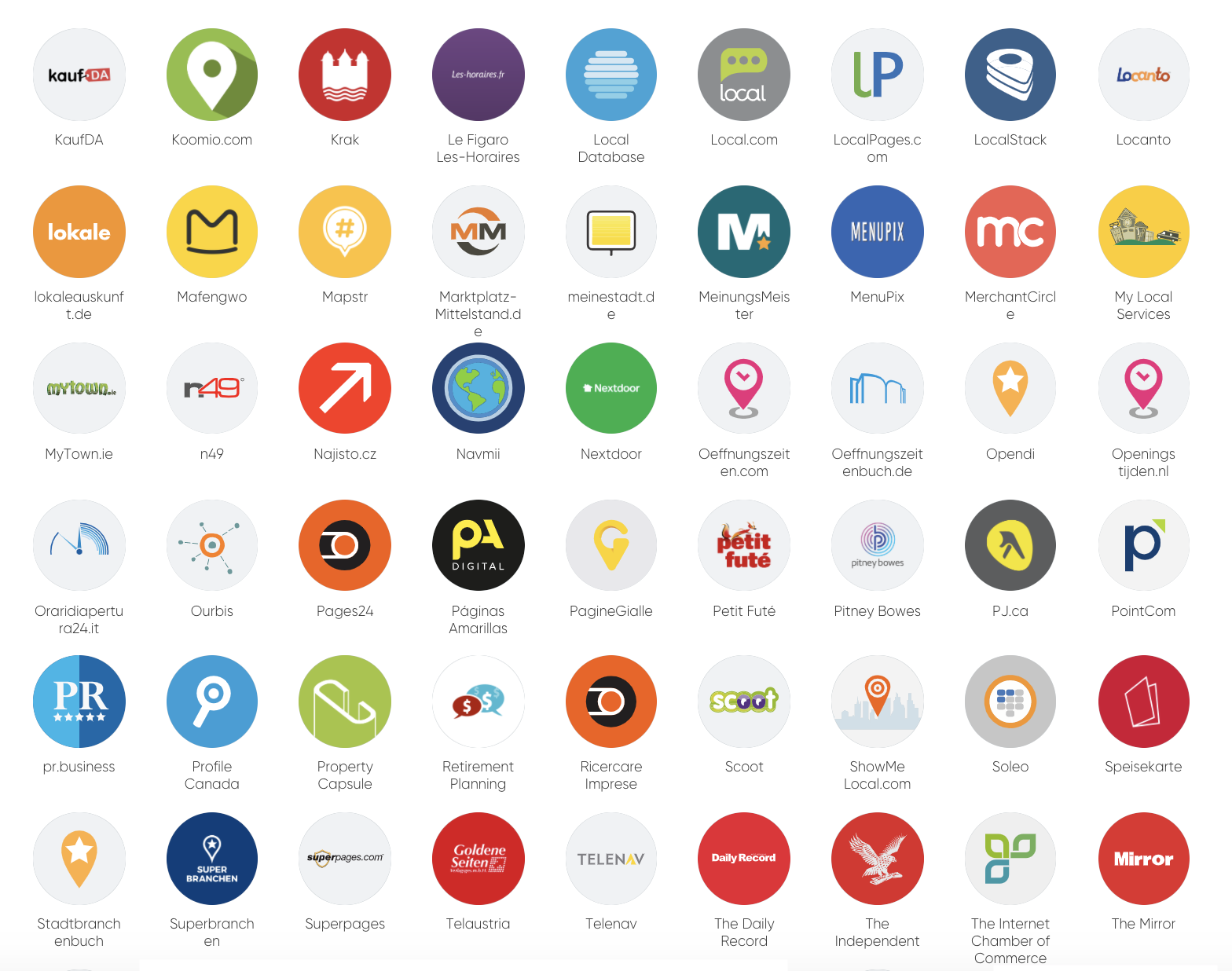
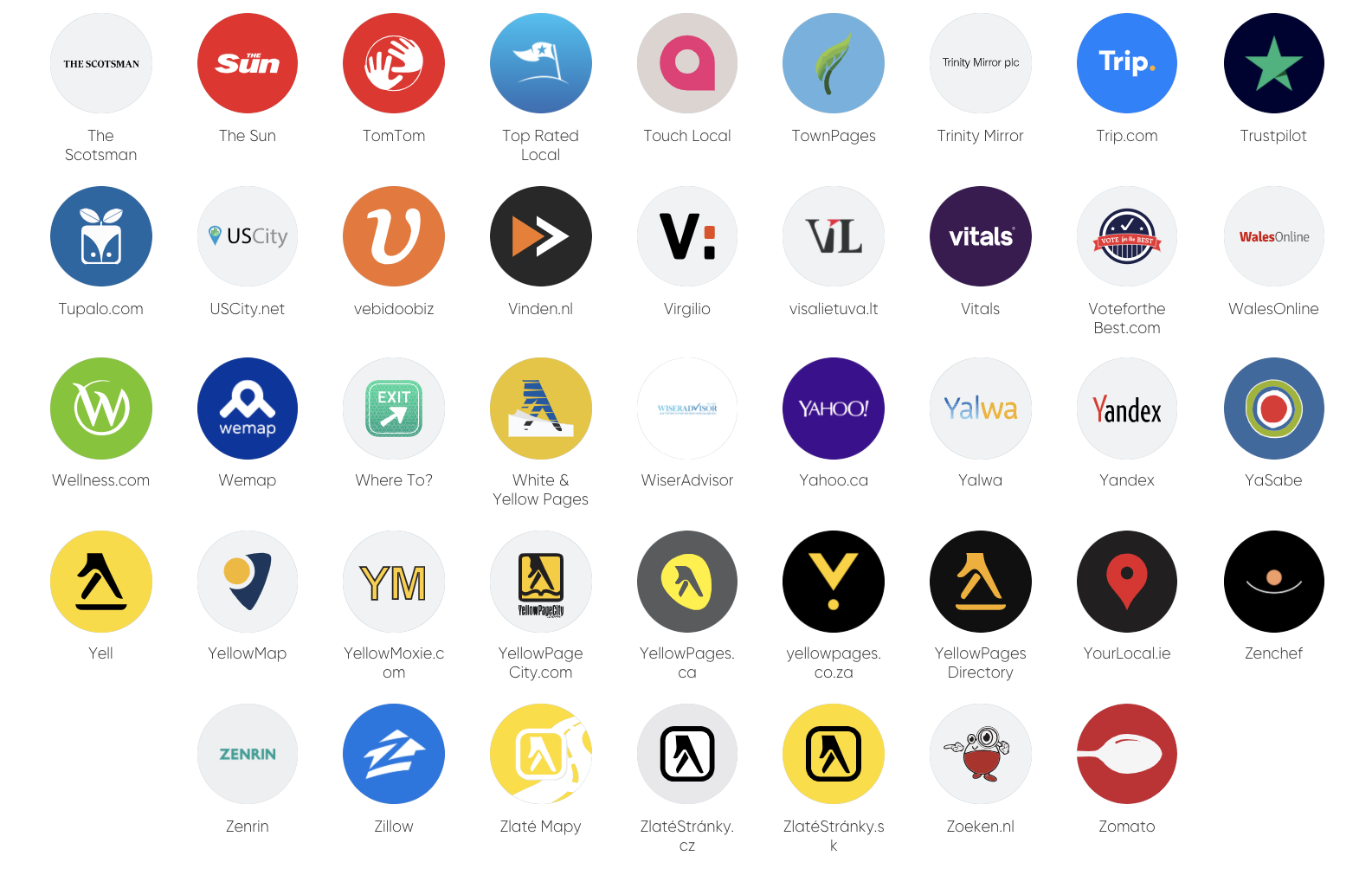
- Directories supported include Google, Yelp, Bing and more.
- Subscription options: Monthly Plan, Smart Saver Plan (6 months), Annual Advantage Plan (Yearly).
05Before you start
- An active Agency HighLevel account.
- Access to the Marketplace in the left hand sidebar.
06How to set up and use HighLevel Listings in HighLevel
Add listings to a client account
- Log into your Agency HighLevel account.
- Select Marketplace from the left hand sidebar.
- Click the "Find Out More" button under Listings Manager.
07What it looks like in HighLevel

08Settings that matter
- Stripe SaaS Configurator. Controls the markup price you set when reselling Listings to clients.
09Things to know before you rely on it
- Multiple subscription plans are available (Monthly, Smart Saver, Annual Advantage) and can be chosen based on client billing preferences.
10How it connects to the rest of HighLevel
- Getting started with Listings Getting Started
- How to set up and sell HighLevel Listings for local SEO Setup guide
- Online listings supported countries and coverage Supported countries
- HighLevel pricing and plans Pricing
- Start a 30 day HighLevel trial Free trial
Michael's take

Michael ReimerFounder of CRM Pros, HighLevel Commander and Certified Admin
Setting a markup in the Stripe SaaS Configurator lets you price the Listings service for your clients.
Get More InformationOpens on HighLevelPublished November 2, 2026 · Updated November 16, 2026