Home/HighLevel/Features/Reporting/Adding client spend to HighLevel ad reporting

Reporting and Dashboards

Adding client spend to HighLevel ad reporting

In short

Client Spend in HighLevel adds your management fees to ad costs, giving agencies a full view of total spend for each client.

AreaReporting · Tracking & Attribution
Used forInclude management fees in reports
Guide typeOverview
Last updatedNovember 3, 2026

01Client spend, explained

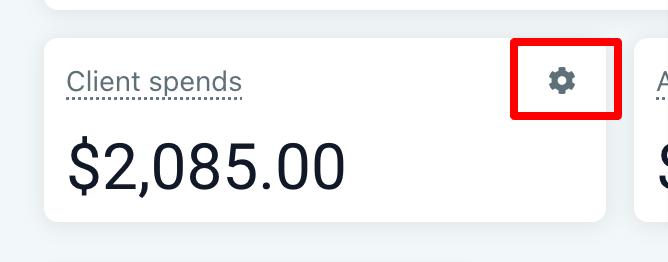
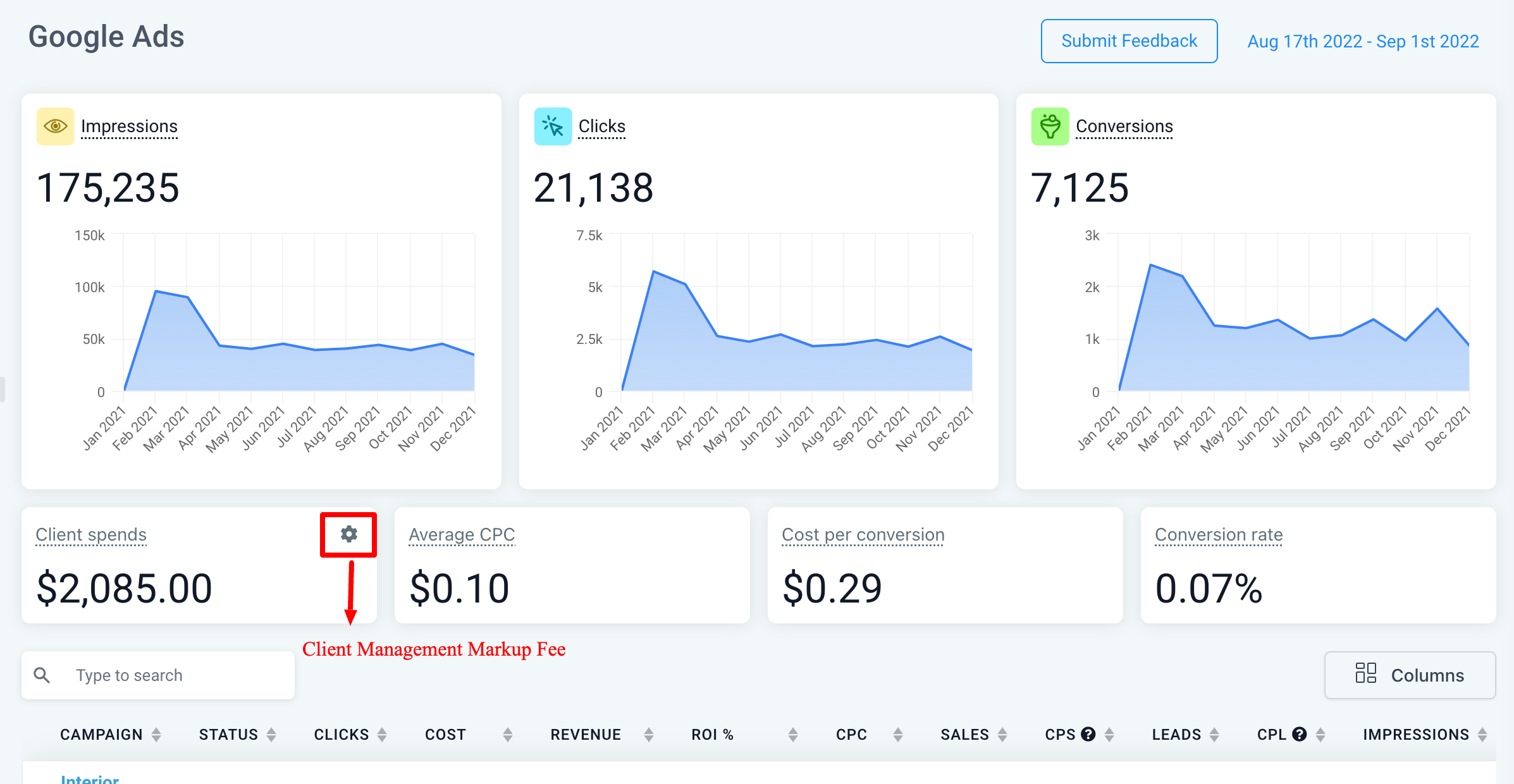
Client Spend is a setting that lets agencies include their management fees with the raw ad costs. It appears only for Agency Admin and Agency users.

When you enter a fee, the system adds it to all cost related metrics, so reports show the combined amount.

Client Spend equals the cost of all ads plus any management fees you set.

02How businesses use Client Spend

  • Include management fees in reports. An agency adds its monthly management fee in the Client Spend setting. The fee is added to the ad cost, so every report reflects the total amount the client is charged.

03What it looks like in HighLevel
04Settings that matter

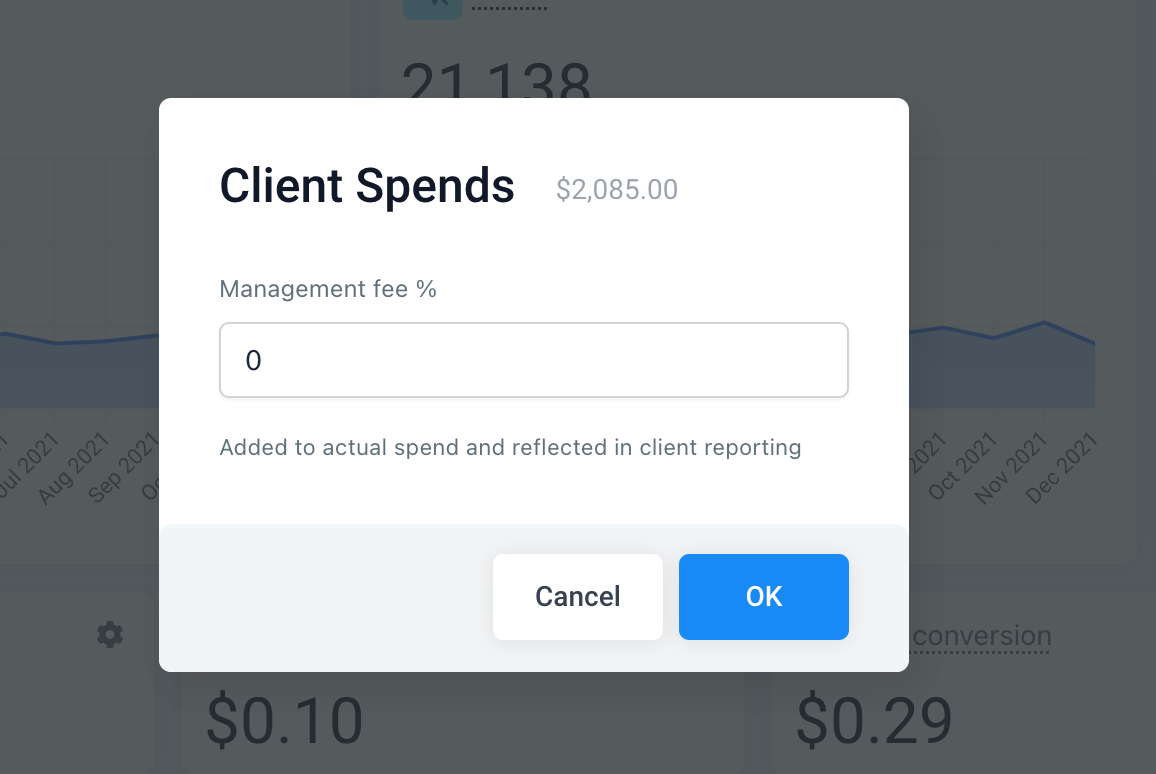
  • Markup value. The markup value is added to all cost related metrics, increasing the reported spend by the amount you specify.

Michael's take

Michael Reimer
Michael ReimerFounder of CRM Pros, HighLevel Commander and Certified Admin

Adding a management fee to ad spend is a small convenience that turns a simple cost report into a clearer picture of what each client actually pays. It doesn’t change how you run campaigns, but it does give you a quick way to show the full financial picture without juggling separate spreadsheets.

A marketing agency that bills a flat fee retainer fits this feature well. The agency can set the retainer once, and every client report will automatically include that amount, keeping the numbers consistent.

Get More InformationOpens on HighLevelPublished November 2, 2026 · Updated November 3, 2026

Common questions

Common questions about Client Spend.

How is Client Spend calculated?

Client Spend equals the cost of all ads plus any management fees you add in the setting.

Who can see the Client Spend setting?

Only Agency Admin and Agency users can view and edit the Client Spend setting.

How do I add a management fee?

Add your monthly management fee to your client's ad spend. The markup fee will be added to all cost related metrics.

Next step

Pick the features that matter. Then get the plan that unlocks them.

Explore the features you want, start with the five at the top, and upgrade through my link when you are ready. The bonuses and the team come with it.

The features directory explains every HighLevel feature in plain English. Browse it to see what the platform can do.

Back to the FeaturesSee the full details
⌃

Site preview

Explore the next page

This destination is reserved in the page inventory and is not built yet.