
01Who this is for
- Marketing agencies, need authenticated outbound numbers for client campaigns and to meet carrier requirements.
- Small business owners, want to protect their brand by proving the business owns the displayed phone number.
- Call center managers, must comply with industry standards and reduce the risk of number spoofing.
02SHAKEN/STIR, explained
SHAKEN/STIR authenticates the caller ID that appears on outbound calls. When a call is placed, the platform attaches a digital certificate that receiving carriers can validate. The authentication information is optional for the carrier but can lead to a trusted or verified indication if the carrier supports it.
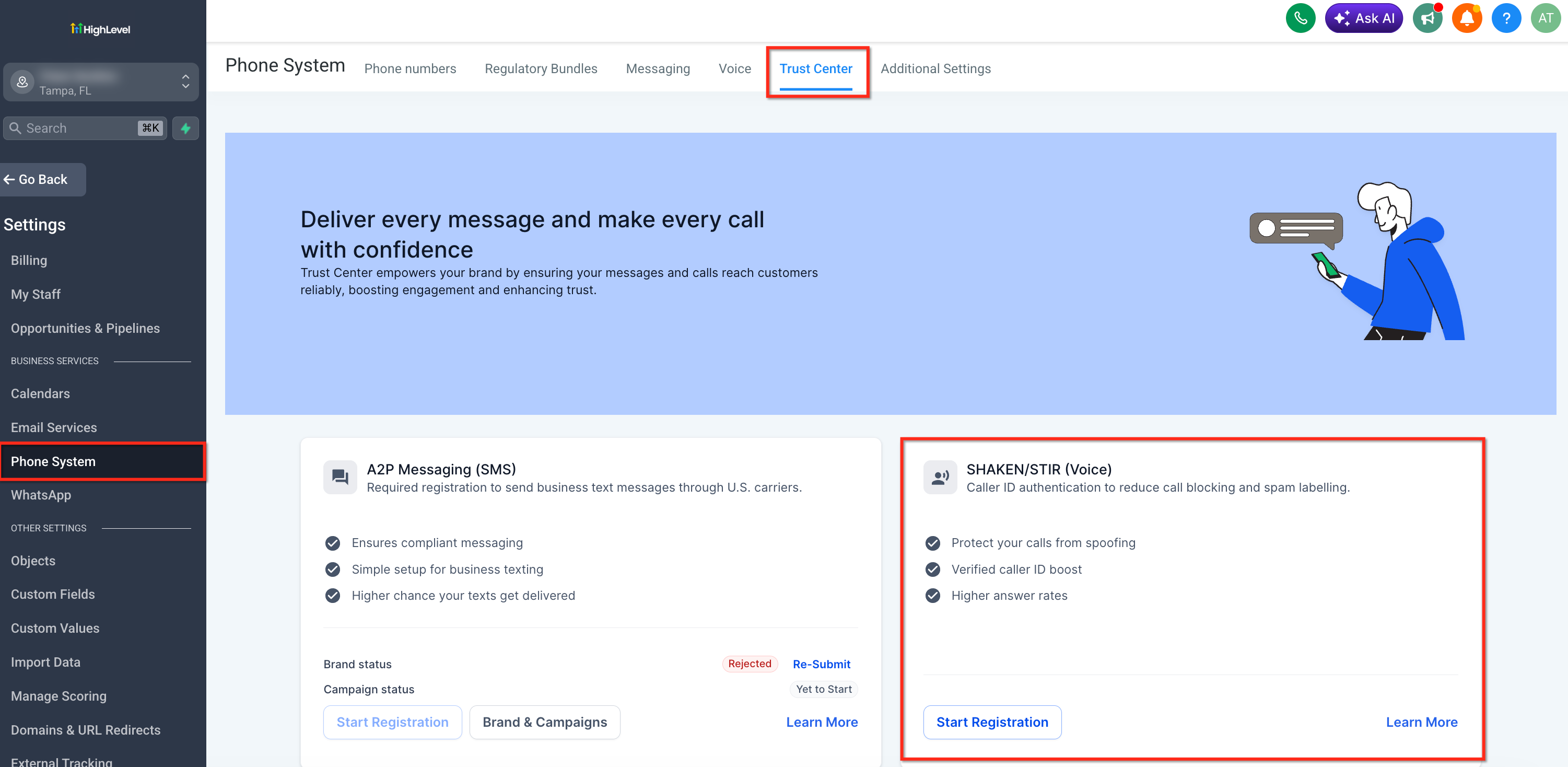
The feature lives in the Trust Center of each HighLevel subaccount. Eligible U.S. numbers can be enrolled automatically when a qualifying A2P SMS registration is completed, or they can be added manually through the Trust Center settings. Once registered, the numbers use the framework for all outbound calls made from the account.
The framework does not guarantee that a call will display as “Trusted” or that spam labels will disappear. It simply provides verification data to the downstream carrier, which decides how to present the call to the recipient.
03How businesses use SHAKEN/STIR
- Marketing agency. The agency opens its client subaccount, goes to Settings > Phone Numbers > Trust Center, and completes the SHAKEN/STIR registration form. This lets the agency’s outbound campaign calls carry authenticated caller IDs, helping carriers recognize legitimate traffic.
- Small business owner. The owner accesses their HighLevel account, navigates to the Trust Center, and submits the required business information with a valid EIN. After submission, all outbound calls from the business number are sent with authentication data.
- Call center manager. The manager reviews the Trust Center to confirm that each outbound line is enrolled in SHAKEN/STIR, either automatically via A2P registration or by manually entering the details, ensuring compliance with carrier authentication standards.
04The numbers and rules that matter
- Automatic enrollment applies to all new A2P applications submitted after April 23, 2025, and older subaccounts are also being updated automatically.
05Before you start
- A valid Employer Identification Number (EIN) is required for manual SHAKEN/STIR registration.
- Access to the appropriate HighLevel subaccount where the phone numbers are managed.
06How to set up and use SHAKEN/STIR in HighLevel
Manual SHAKEN/STIR registration
- Open the HighLevel subaccount you want to configure.
- Select Settings, then Phone Numbers, and open the Trust Center.
- Locate the SHAKEN/STIR registration option.
- Enter the required business information, including the EIN.
- Review the entered data for accuracy.
- Submit the registration form.
- Note that SHAKEN/STIR does not guarantee a trusted or verified display and does not remove spam labels.
07What it looks like in HighLevel
08Settings that matter
- SHAKEN/STIR registration option. Controls whether eligible phone numbers are enrolled in the SHAKEN/STIR authentication framework for outbound calls.
09Things to know before you rely on it
- SHAKEN/STIR does not remove spam related labels such as “Spam Likely.”
- The feature does not guarantee a “Trusted” or “Verified” display on the recipient’s device; presentation depends on the receiving carrier.
- Manual registration requires a valid Employer Identification Number (EIN).
- Automatic enrollment only occurs for numbers linked to qualifying A2P registrations submitted after April 23, 2025.
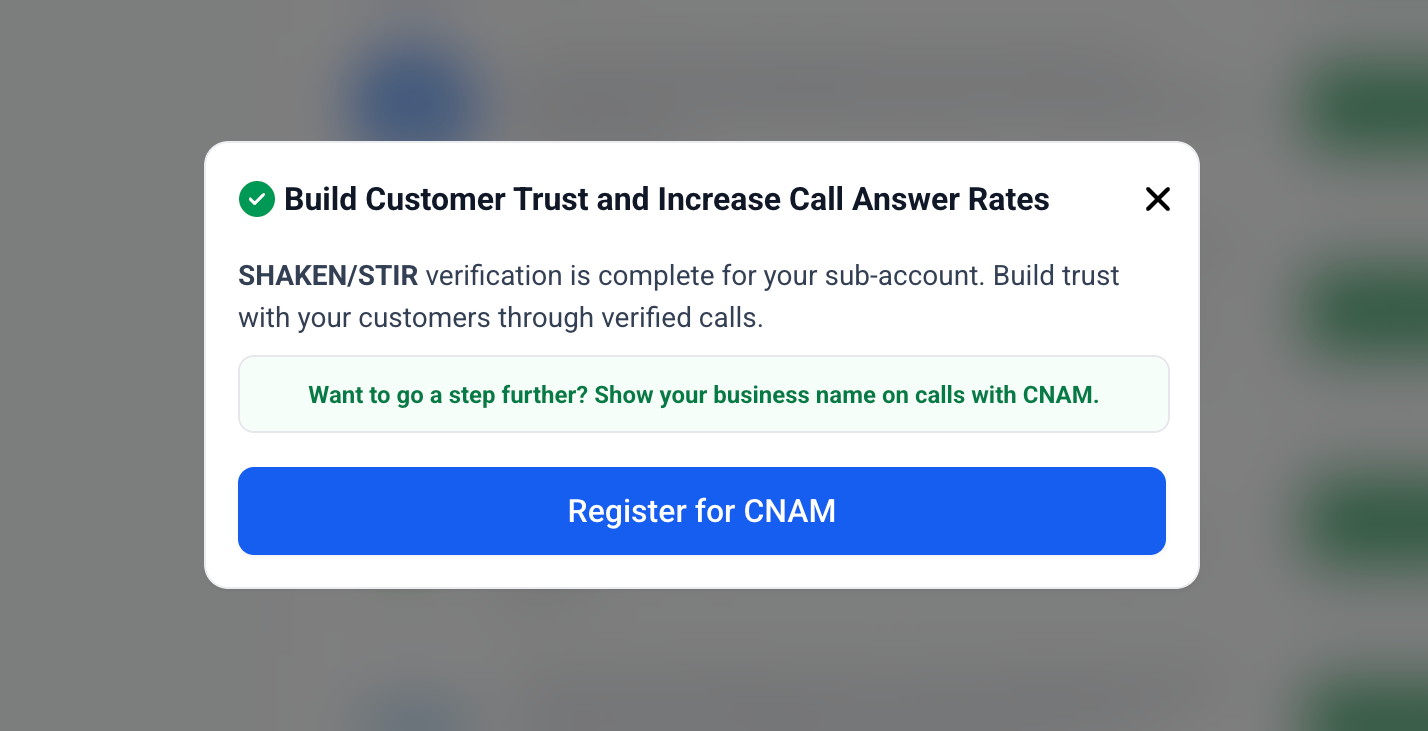
- SHAKEN/STIR does not replace CNAM, which only associates a name with a phone number.
- SHAKEN/STIR must be configured before a number can be submitted to Voice Integrity.
10If something goes wrong
- SHAKEN/STIR does not remove spam labels. Use Voice Integrity to submit the number for reputation review by supported analytics providers.
- No EIN available for registration. You cannot complete the documented SHAKEN/STIR registration; consider the Free Caller Registry as an alternative.
- Number still shows “Spam Likely” after registration. Review the number’s reputation via Voice Integrity and address any call pattern issues.
11How it connects to the rest of HighLevel
- Learn how to fix outbound calls that are labeled as spam Fix spam labeled outbound calls
- Guide to troubleshooting poor call quality in HighLevel Call quality troubleshooting
- Overview of all Phone System features in HighLevel Phone system feature list
Michael's take

Wondering if SHAKEN/STIR is worth the effort for your outbound calls? It’s a straightforward way to prove to carriers that the number you’re dialing from really belongs to you, which can help keep imposters off your brand’s line.
If I were setting it up, I’d start with the manual registration flow in the Trust Center, just to make sure the EIN and business details are spot on. After that, I’d keep an eye on the Trust Center status and use Voice Integrity for any lingering reputation issues.