
01Who this is for
- Founders who want to test voice calling before committing to a new number can start quickly with an existing line.
- Agency teams that need to demonstrate outbound calling to clients without provisioning a separate HighLevel number.
02Existing phone numbers, explained
The feature lets a user select a telephone number they already own and use it as the caller ID for outbound calls made through HighLevel. The platform verifies ownership by placing a call to the number and requiring a code entry. Once verified, the number appears in the dialer’s caller ID dropdown.
This capability resides in the Phone System section of Settings. After enabling the existing number option, the dialer can be opened and the verified number chosen for each call. No HighLevel managed number is required to start calling, though full phone system features still need a purchased or ported number.
03How businesses use existing phone numbers
- Real estate agency. An agent adds the office’s main landline as the existing number in Settings, verifies it, and then uses the dialer to call leads, showing the familiar office caller ID to recipients.
- Health clinic. The clinic inputs its patient service number, completes the verification call, and selects that number when reaching out to appointment reminders via the HighLevel dialer.
- Consulting firm. A consultant verifies the firm’s direct line, opens the dialer, picks the verified number from the caller ID list, and places outbound calls to prospects without buying a new HighLevel number.
04The numbers and rules that matter
- Verified Caller ID is not supported for domestic calls in India, Malaysia, Finland, Thailand, Taiwan, Greece and similar countries.
05Before you start
- Have an owned phone number that can receive a verification call.
- Be logged into the correct HighLevel subaccount where you want to place calls.
06How to set up and use existing phone numbers in HighLevel
Set up calling with your existing phone number
- Sign in to HighLevel and switch to the appropriate subaccount.
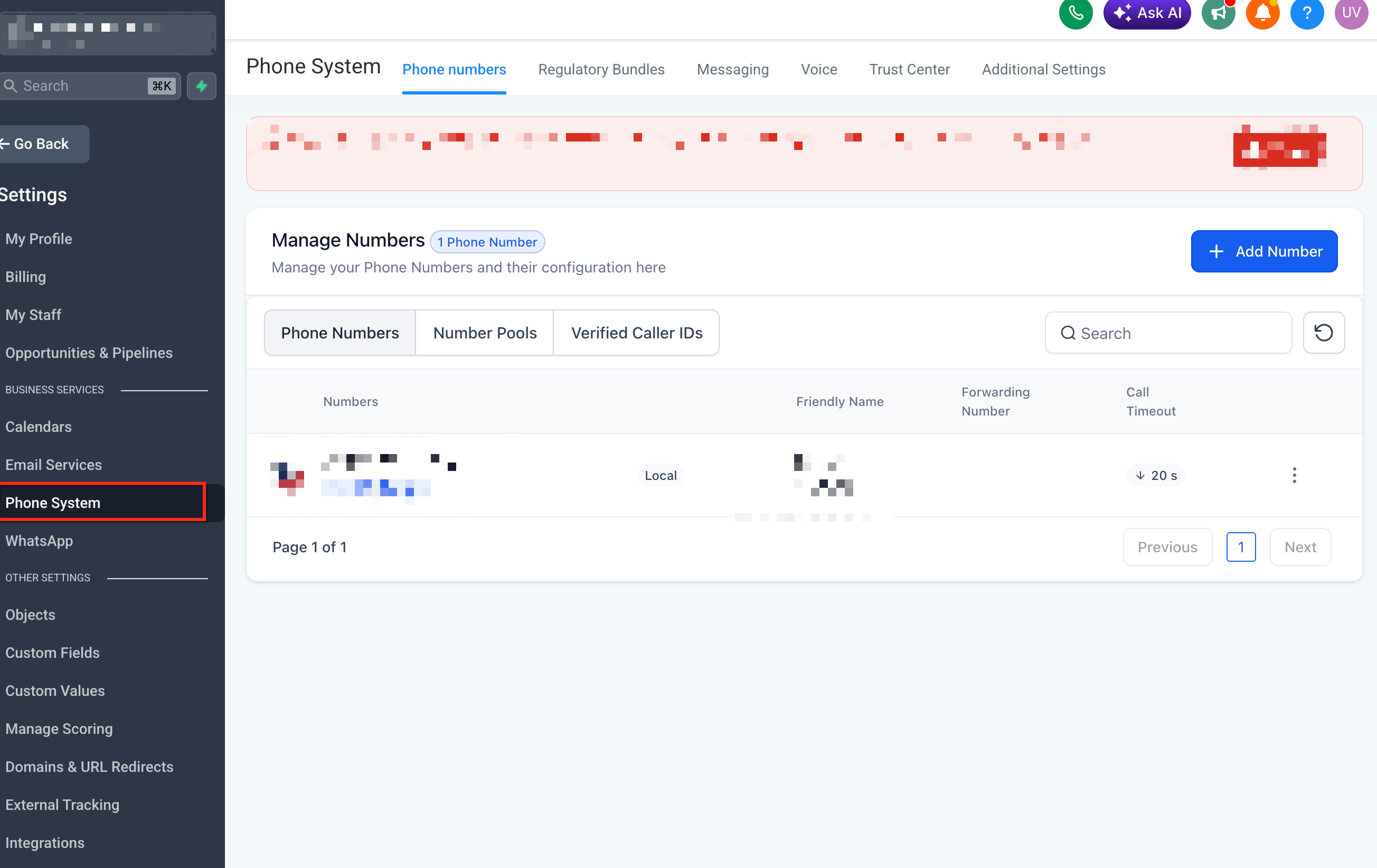
- In Settings, go to the Phone System section where outbound calls are configured.
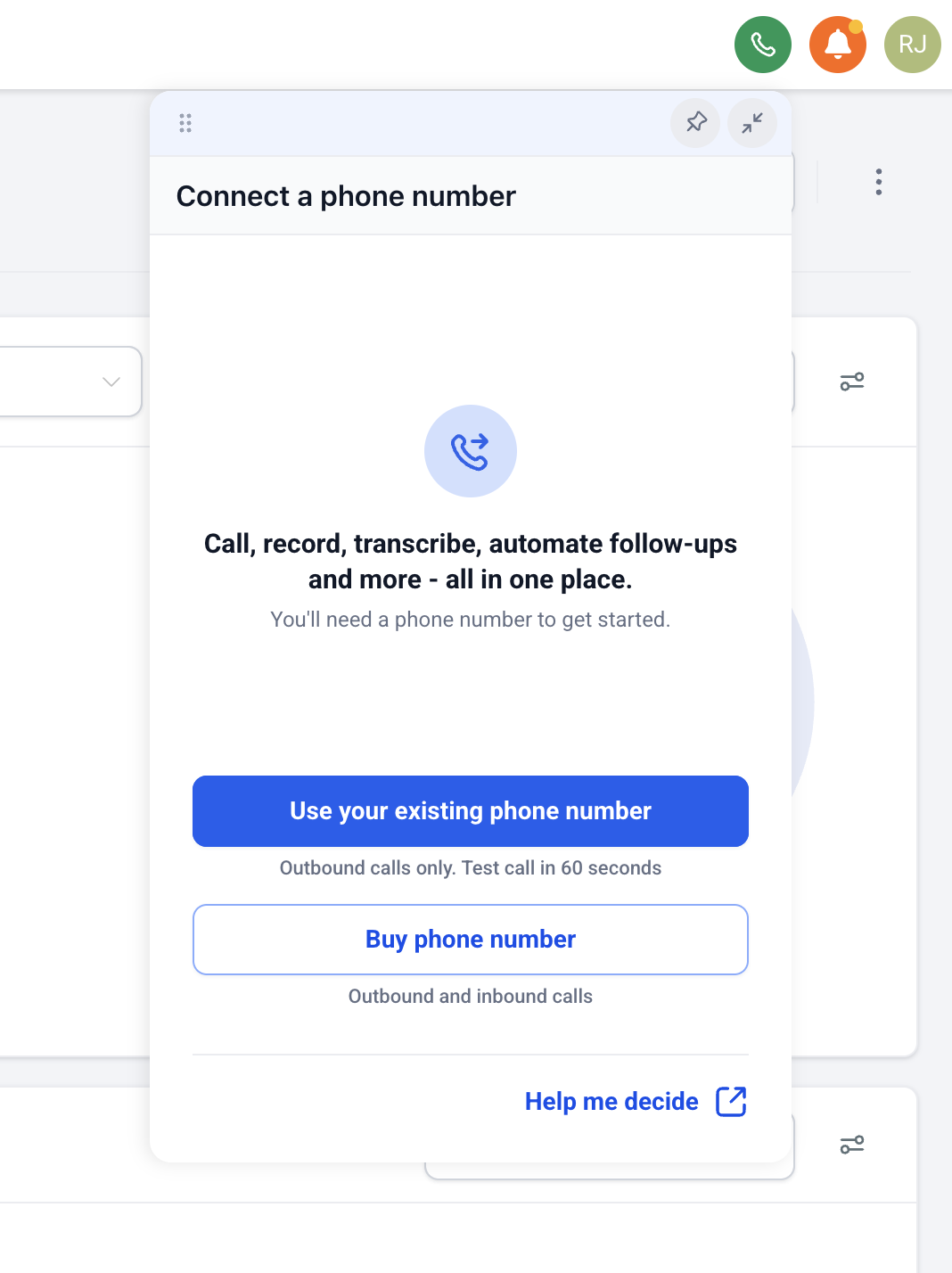
- Select the option to use an existing phone number when the choice appears.
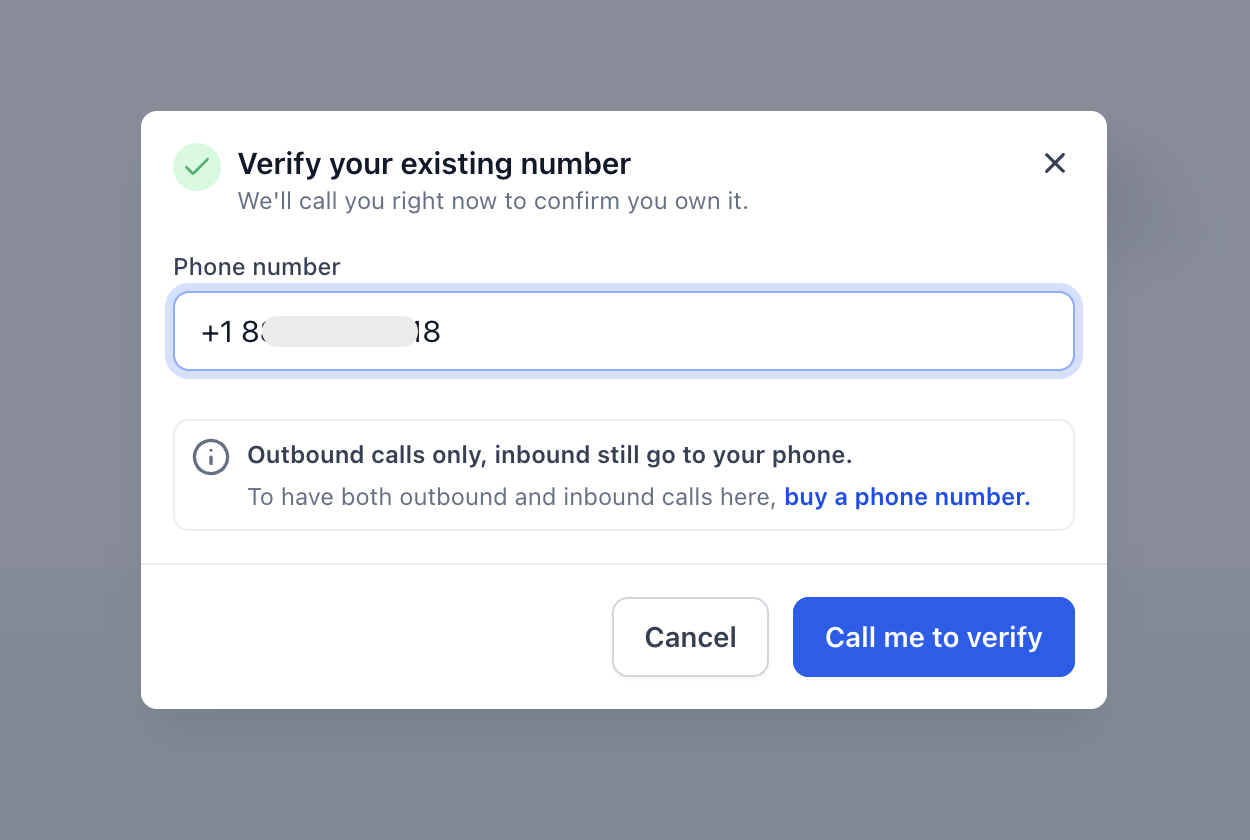
- Type in or pick the owned phone number you want to use.
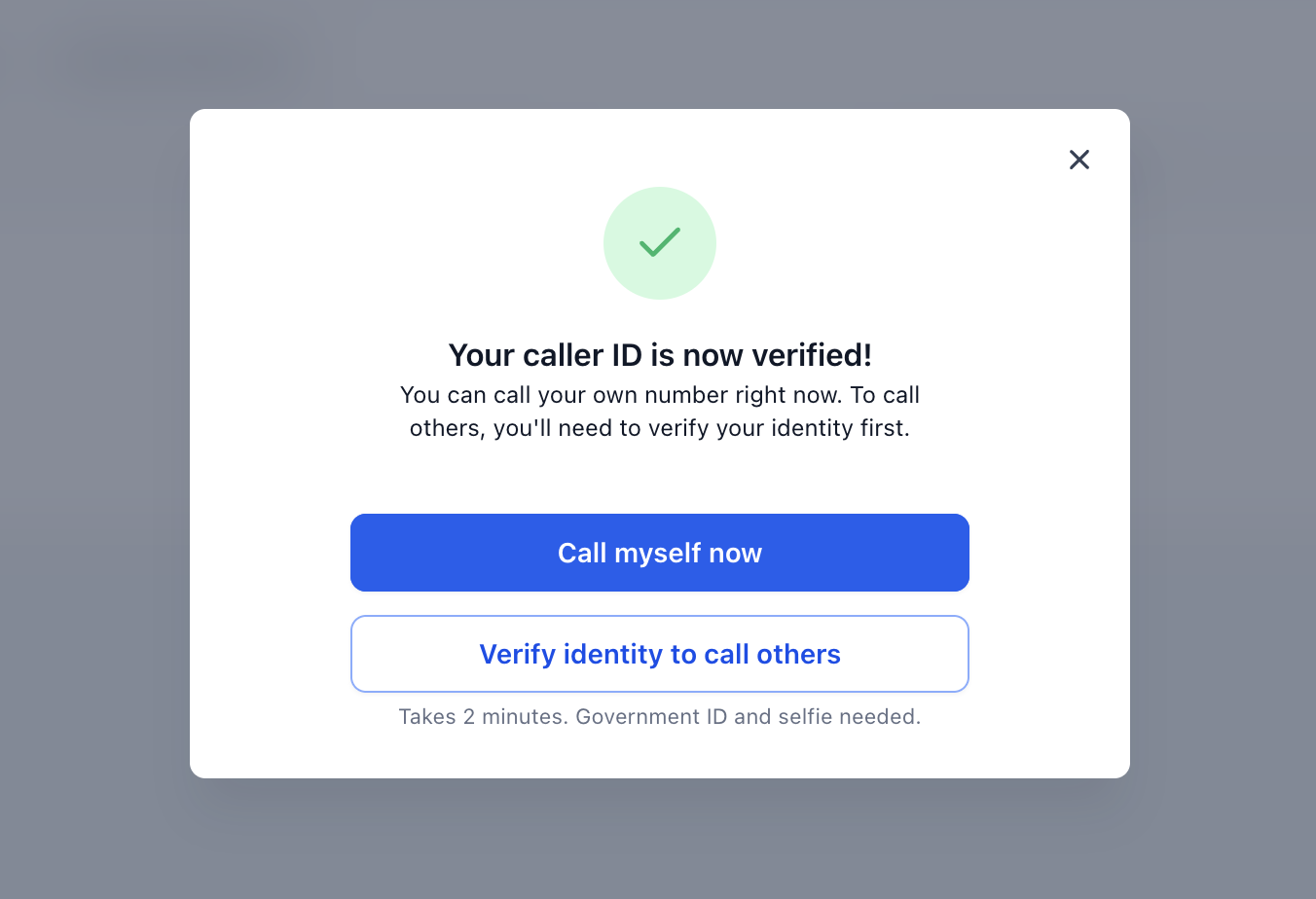
- Follow the on screen verification process.
- If a verification call is required, answer the call and enter the code that is read to you.
- Open the HighLevel dialer.
- Choose the owned number from the “Calling From” or caller ID dropdown.
- Enter a lead’s phone number or pick a contact from the database.
- Click the call button to start the outbound call.
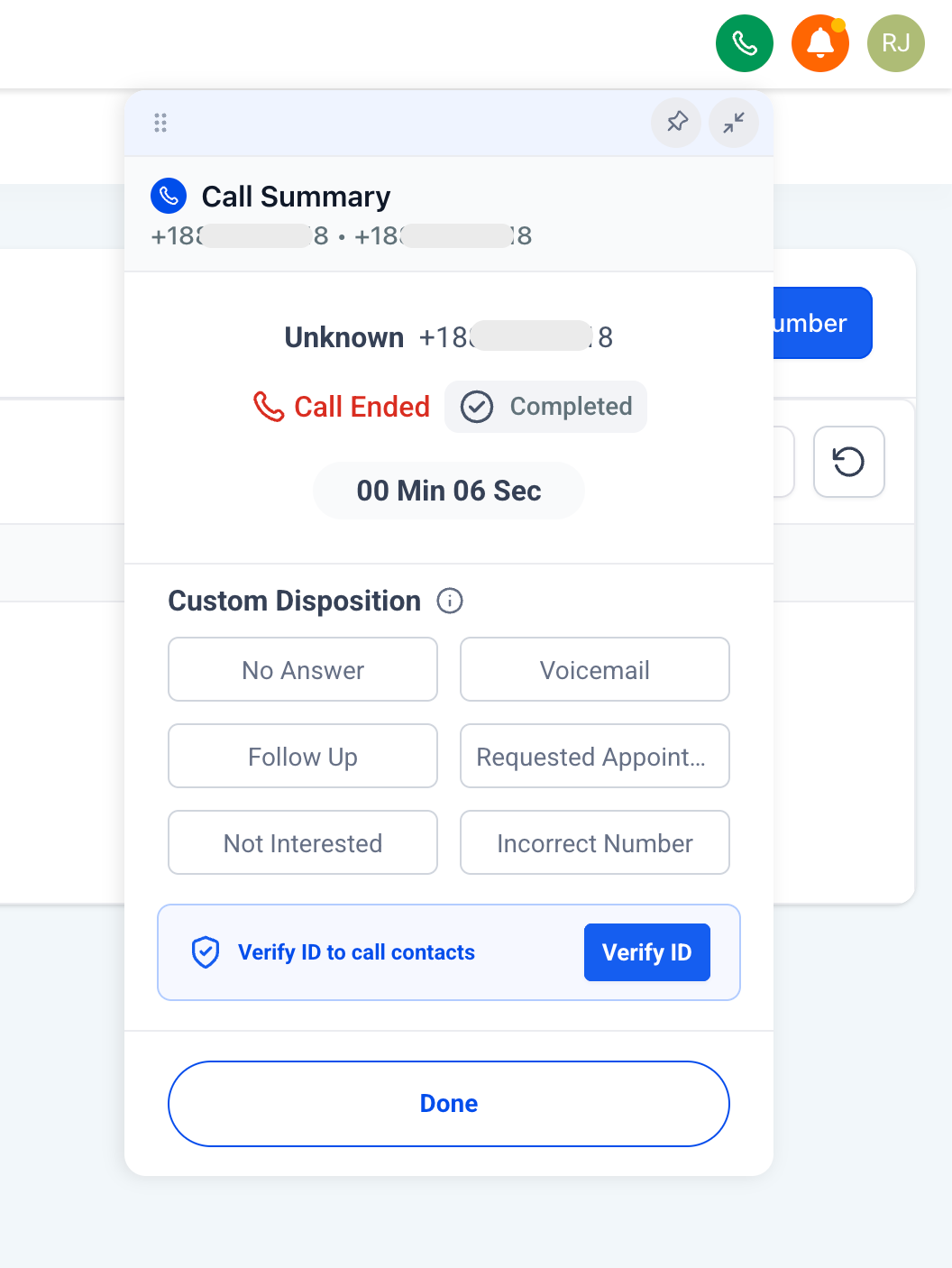
07What it looks like in HighLevel
08Settings that matter
- Phone System. Controls where outbound calling options are set, including the choice to use an existing number.
- Calling From. Dropdown that lets you select which verified number appears as the caller ID for each call.
09Things to know before you rely on it
- Purchasing a HighLevel number is not required before making outbound calls with an existing number.
- Voice call usage may still generate charges according to LC Phone rates.
- Inbound call routing is not confirmed for an existing owned number; a HighLevel managed number may be needed for that.
- Verified Caller ID is not supported for domestic calls in several countries, such as India, Malaysia, Finland, Thailand, Taiwan, and Greece.
- Using an existing number does not replace the need to port or purchase a number for full phone system functionality.
10How it connects to the rest of HighLevel
- Edit phone number settings for subaccounts Phone number configuration
- Review LC Phone pricing and billing details Pricing guide
- Start a 30 day HighLevel trial Free trial
Michael's take

Getting voice calling off the ground can feel like a hurdle when you have to wait for a new number to arrive. Being able to use the phone line you already own removes that waiting period and lets you start reaching prospects right away.
The first thing I would get right is the verification step. Answer that call and enter the code promptly so the number is approved as your caller ID. Once that’s locked in, you can test campaigns without any extra purchases.