
01Who this is for
- Agency owners who resell phone services can control markup and ensure subaccounts are billed correctly.
- Founders running a single location can see the exact cost of numbers, SMS, MMS and voice without hidden fees.
- Small businesses that need to budget for call recordings, transcriptions or conference calls benefit from transparent per minute pricing.
02Phone System pricing, explained
The Phone System pricing follows Twilio rates for number rental, SMS/MMS, voice minutes and optional services such as call recording. Monthly fees apply to local and toll free numbers, while each message or call is charged per segment or per minute.
Pass through charges like carrier surcharges, A2P registration fees and verified Caller ID can receive a 5 % location markup when rebilling is enabled. The markup is applied at the subaccount (location) level, then any agency multiplier is added to produce the final invoice amount.
All these pricing elements live under the Agency View. Reselling options are found in the Core Services section, where you set the rebilling multiplier and custom pricing for marketplace apps.
03How businesses use Phone System pricing
- Digital marketing agency. The agency enables rebilling, sets a multiplier in Agency View > Reselling > Core Services, and then charges client locations a 5 % markup on carrier fees and A2P costs.
- Real estate office. The office turns on rebilling, defines a multiplier for voice and messaging services, and bills each branch for its own call minutes and SMS usage with the added markup.
- Healthcare clinic. The clinic configures rebilling, applies the 5 % markup to verified Caller ID and call recording fees, and ensures each clinic location sees the adjusted price on its invoice.
04The numbers and rules that matter
- $1.15 per month for US/Canada local numbers (per HighLevel's help center, checked November 2026).
- $2.15 per month for US/Canada toll free numbers (per HighLevel's help center, checked November 2026).
- SMS US outbound $0.00747 per segment (per HighLevel's help center, checked November 2026).
- SMS US inbound $0.00747 per segment (per HighLevel's help center, checked November 2026).
- MMS US outbound $0.0220 per segment (per HighLevel's help center, checked November 2026).
- MMS US inbound $0.0165 (Local) / $0.0200 (Toll free) per segment (per HighLevel's help center, checked November 2026).
- MMS Australia outbound $0.3500 per segment (per HighLevel's help center, checked November 2026).
- Carrier fee AT&T SMS Out $0.0035 (per HighLevel's help center, checked November 2026).
- Carrier fee T-Mobile SMS Out $0.0045 (per HighLevel's help center, checked November 2026).
- Carrier fee Verizon SMS Out $0.0050 (per HighLevel's help center, checked November 2026).
- Outbound USA voice $0.0126/min (10% discount on $0.014 list) (per HighLevel's help center, checked November 2026).
- Client minutes $0.004/min (per HighLevel's help center, checked November 2026).
05Before you start
- You must be an agency owner with access to Agency View.
06How to set up and use Phone System pricing in HighLevel
Configure rebilling for the Phone System
- Open Agency View and navigate to Reselling > Core Services.
- Enter the desired Resell Amount multiplier for supported platform services.
- Add custom pricing for Marketplace Apps or adjust the pricing your locations will pay.
07What it looks like in HighLevel
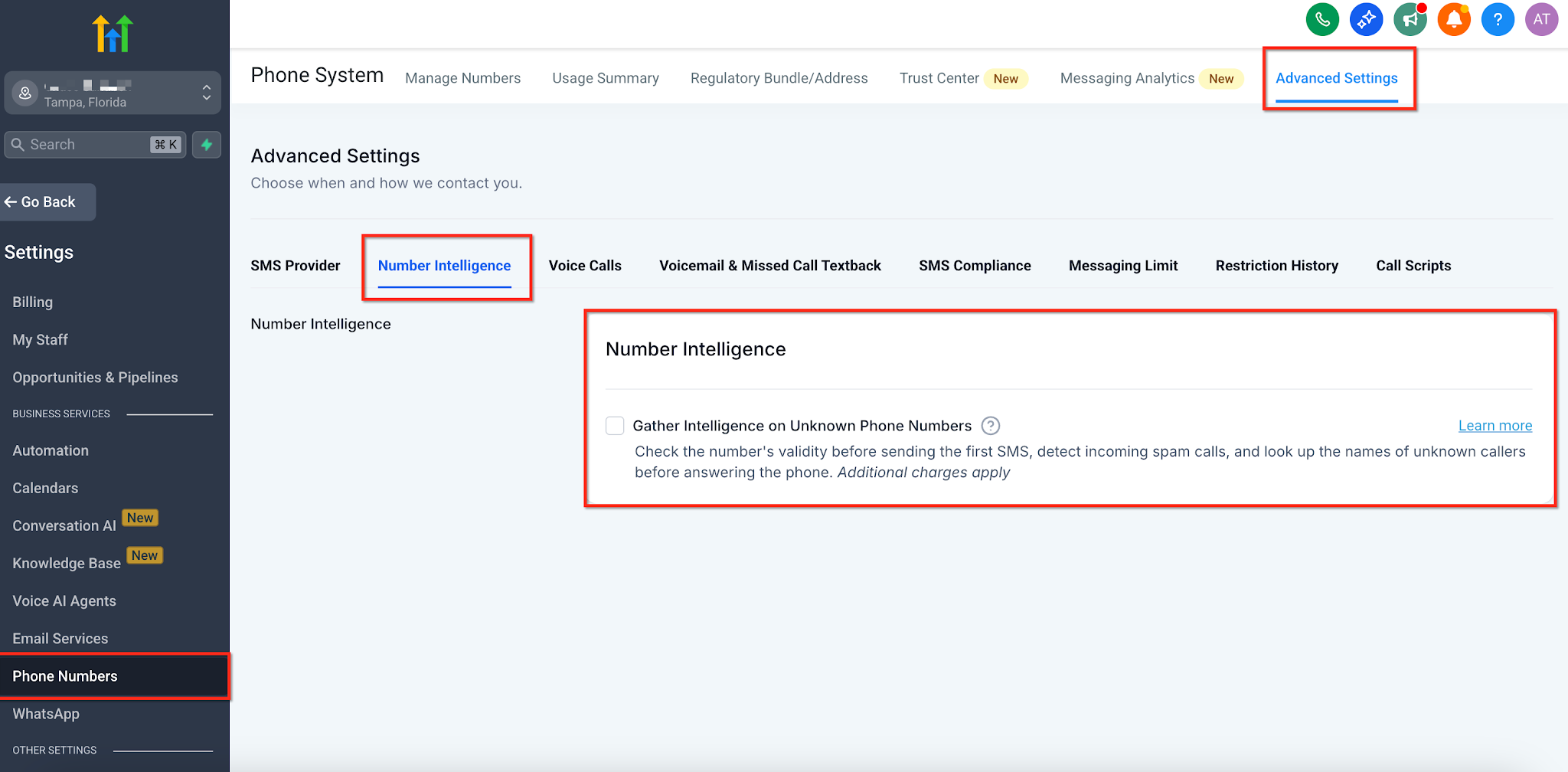
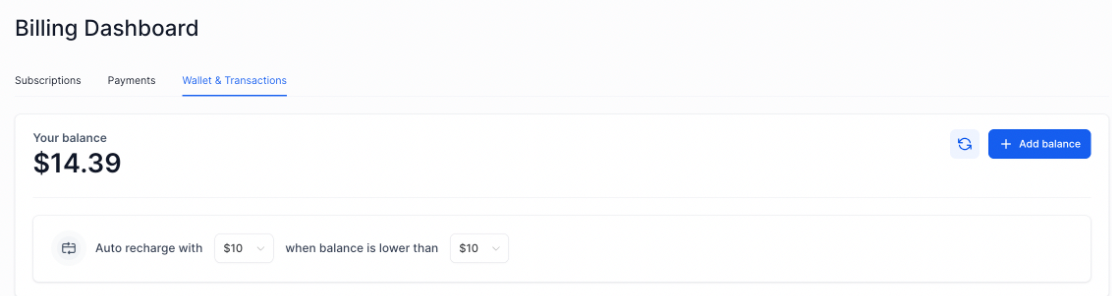
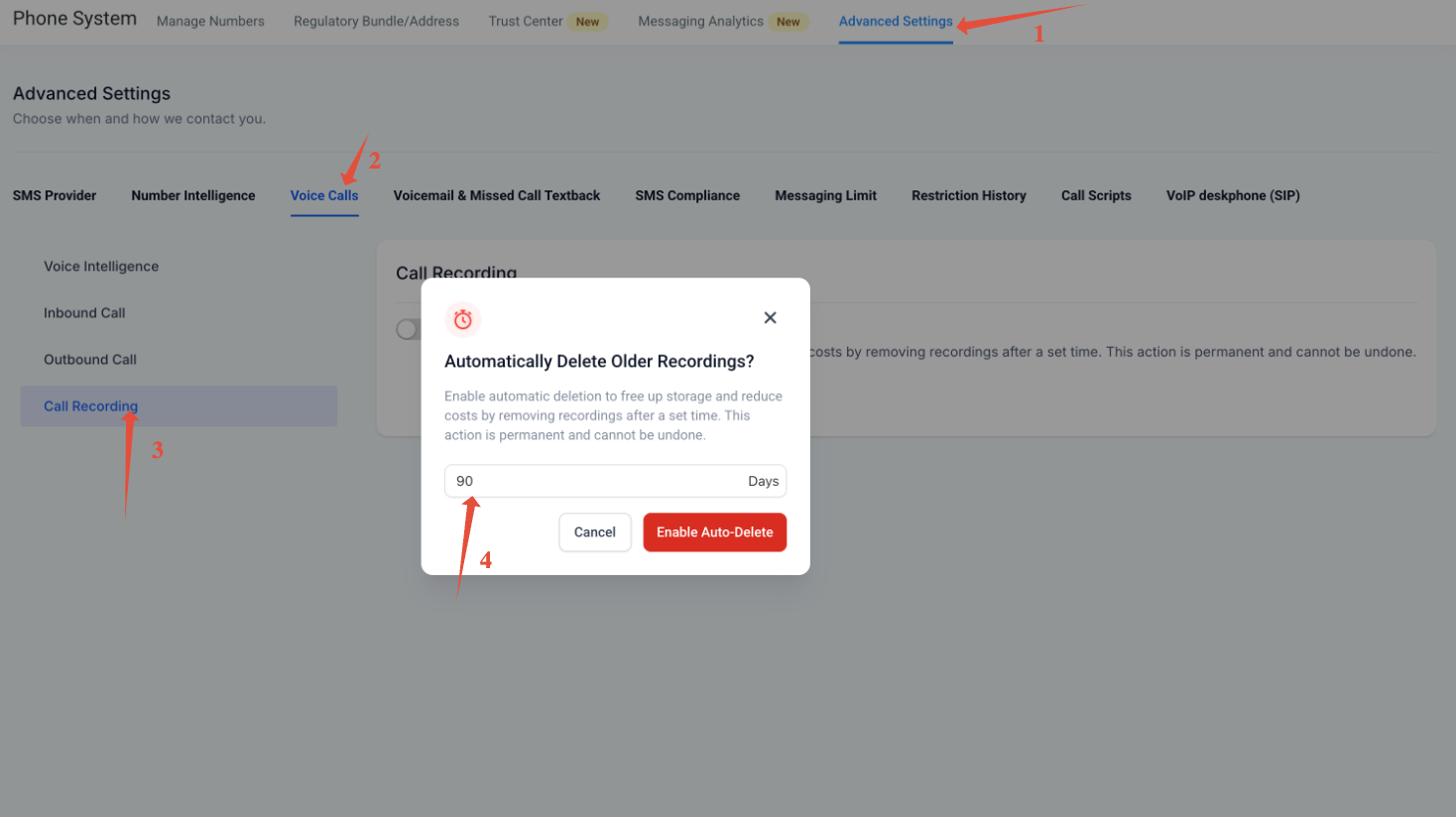
08Settings that matter
- Resell Amount. Controls the multiplier applied to base costs for supported Phone System services when rebilling is active.
09Things to know before you rely on it
- A fixed 5 % markup is added only to the categories listed in the pass through table and only when rebilling is enabled.
- The 5 % markup applies at the location (subaccount) level, not at the agency level.
- Discounts of 10 % are applied to number rental, SMS and voice rates for US and Canada only.
10How it connects to the rest of HighLevel
- Review overall Phone System capabilities Phone System overview
- Check HighLevel pricing and plan options Pricing page
- Start a free trial to test rebilling settings 30 day trial
Michael's take

I find the detailed rate tables useful when estimating client costs.