
01Who this is for
- Agency owners who need to move client numbers into the platform gain control without downtime.
- Small business Founders can keep their existing number while switching to HighLevel for calls and texts.
- IT managers handling multiple wireless lines benefit from a single form that collects PINs and carrier details.
02Phone number porting, explained
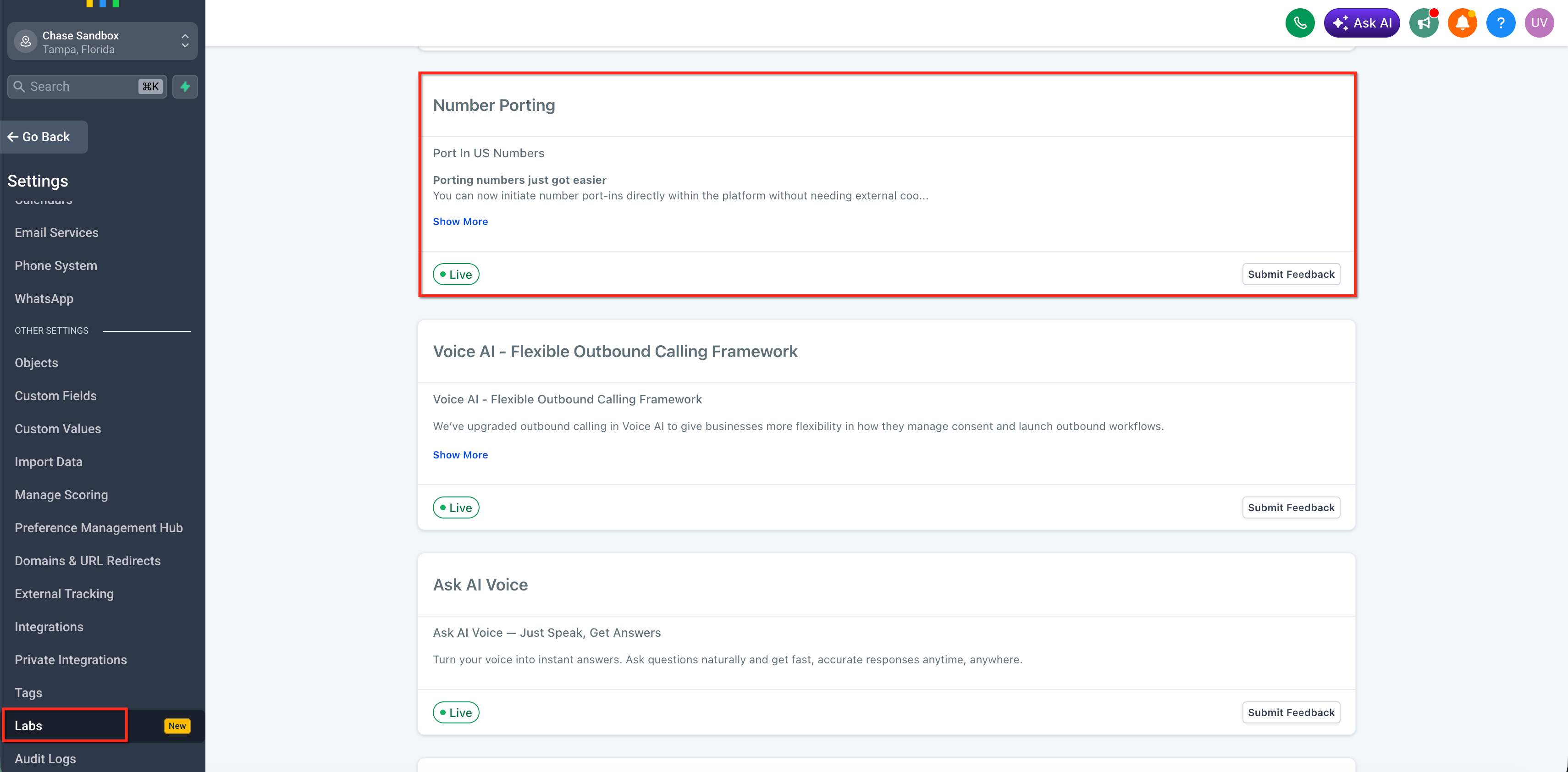
The manual US porting feature moves a telephone number from an external carrier into a chosen HighLevel subaccount. You provide proof of ownership and carrier credentials, then HighLevel coordinates the transfer with the current provider. The process does not interrupt service, and the number remains active throughout.
Porting occurs via a dedicated form accessible from the phone system area. After submission, HighLevel sends email status updates and eventually receives a Firm Order Commitment (FOC) window from the carrier. When the FOC is reached, the number switches to the HighLevel destination.
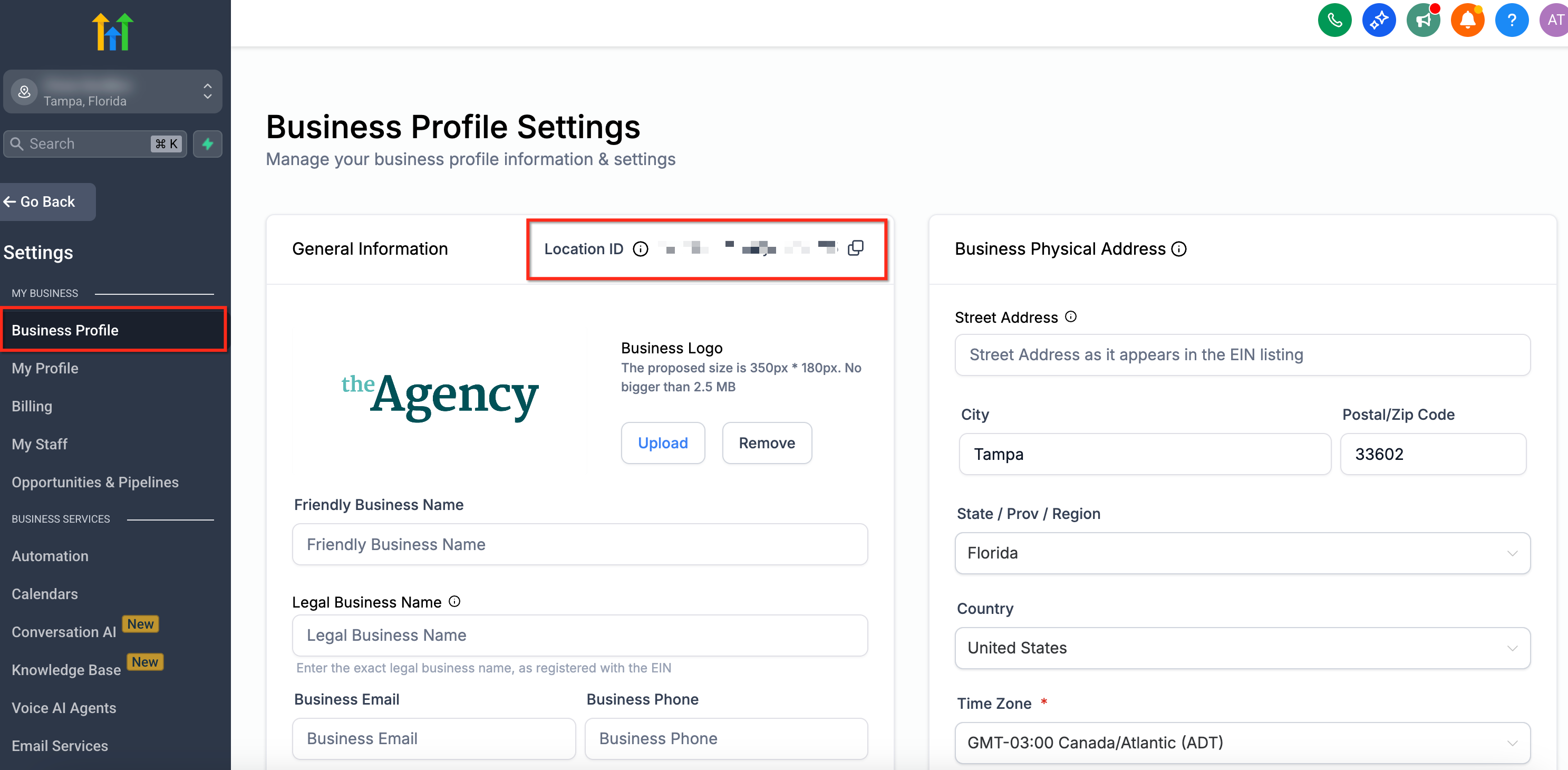
All activity lives within the HighLevel platform under the phone system section. The destination is identified by a Location ID, which is found in Settings > Business Profile of the target subaccount.
03How businesses use phone number porting
- Digital marketing agency. The agency gathers LOAs and recent bills for each client number, completes the porting form with the agency’s Location ID, and monitors email updates until the carrier confirms the move, allowing calls and SMS to be handled within HighLevel.
- SaaS startup. The startup prepares its corporate phone bill and PIN for its wireless line, enters the startup’s subaccount Location ID, uploads the documents to the form, and tracks the approval email to ensure the number points to the new HighLevel environment.
- Local retail store. The store owner collects the latest bill and a signed LOA, notes the store’s Location ID, fills out the manual port request, and keeps the old carrier active until the email confirms the number has been ported to HighLevel.
04The numbers and rules that matter
- Porting takes 2 to 4 weeks for fewer than 50 numbers.
- Porting takes 6 to 8 weeks for larger, more complex ports.
- Billing statements must be PDF, clear, and not older than 90 days.
- PDF files cannot exceed 4 MB.
05Before you start
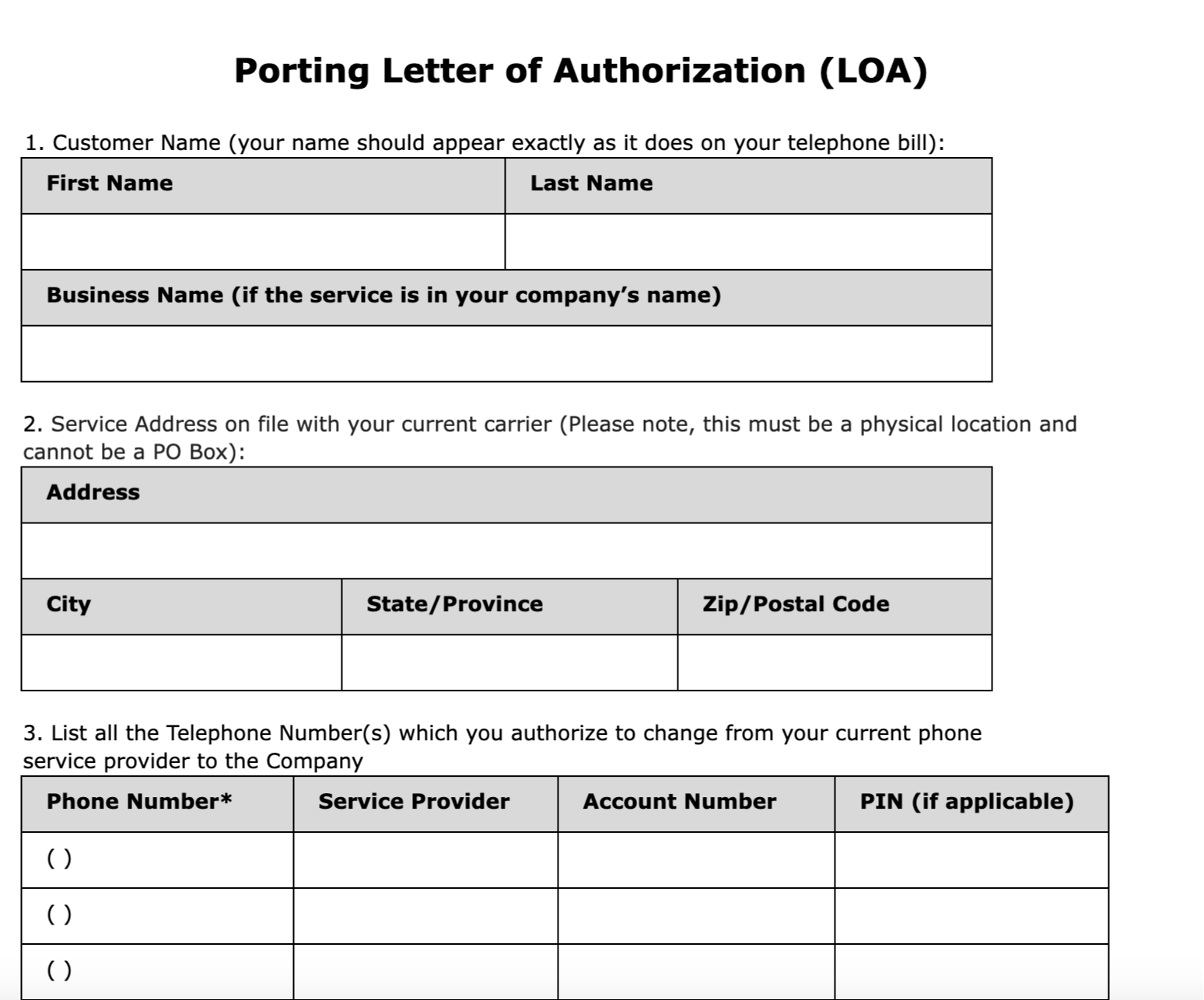
- A signed Letter of Authorization (LOA) must be ready.
- A recent (≤90 days) phone bill PDF showing number, owner, and provider is required.
- For wireless lines, the carrier account number and correct PIN must be known.
- The destination subaccount Location ID must be identified in Settings > Business Profile.
06How to set up and use phone number porting in HighLevel
Manually port a US phone number into a HighLevel subaccount
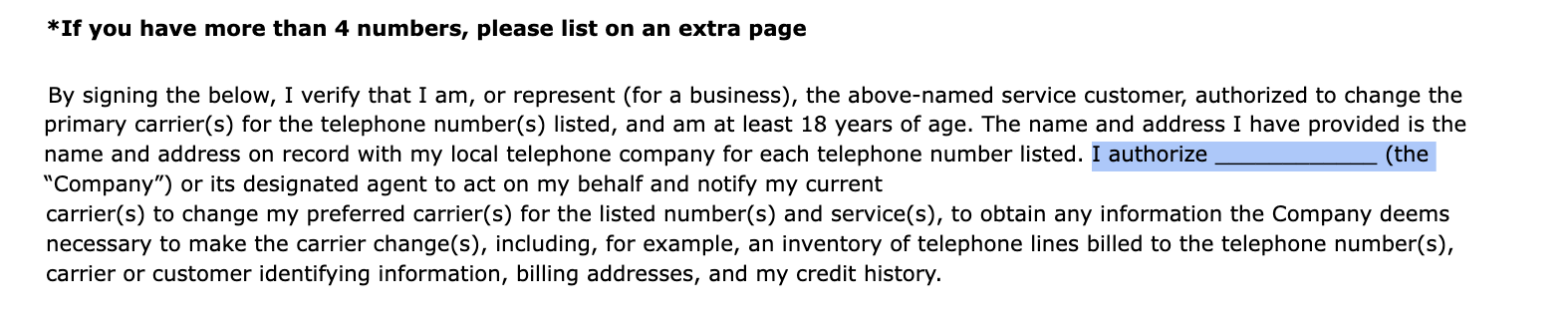
- Collect a signed Letter of Authorization; the company name field can be left blank.
- Obtain a clear PDF of the latest phone bill that is no older than ninety days.
- Compile the list of numbers in E.164 format and locate the destination Location ID in Settings > Business Profile.
- Record the carrier account number and the required PIN (or last 4 SSN) for any wireless numbers.
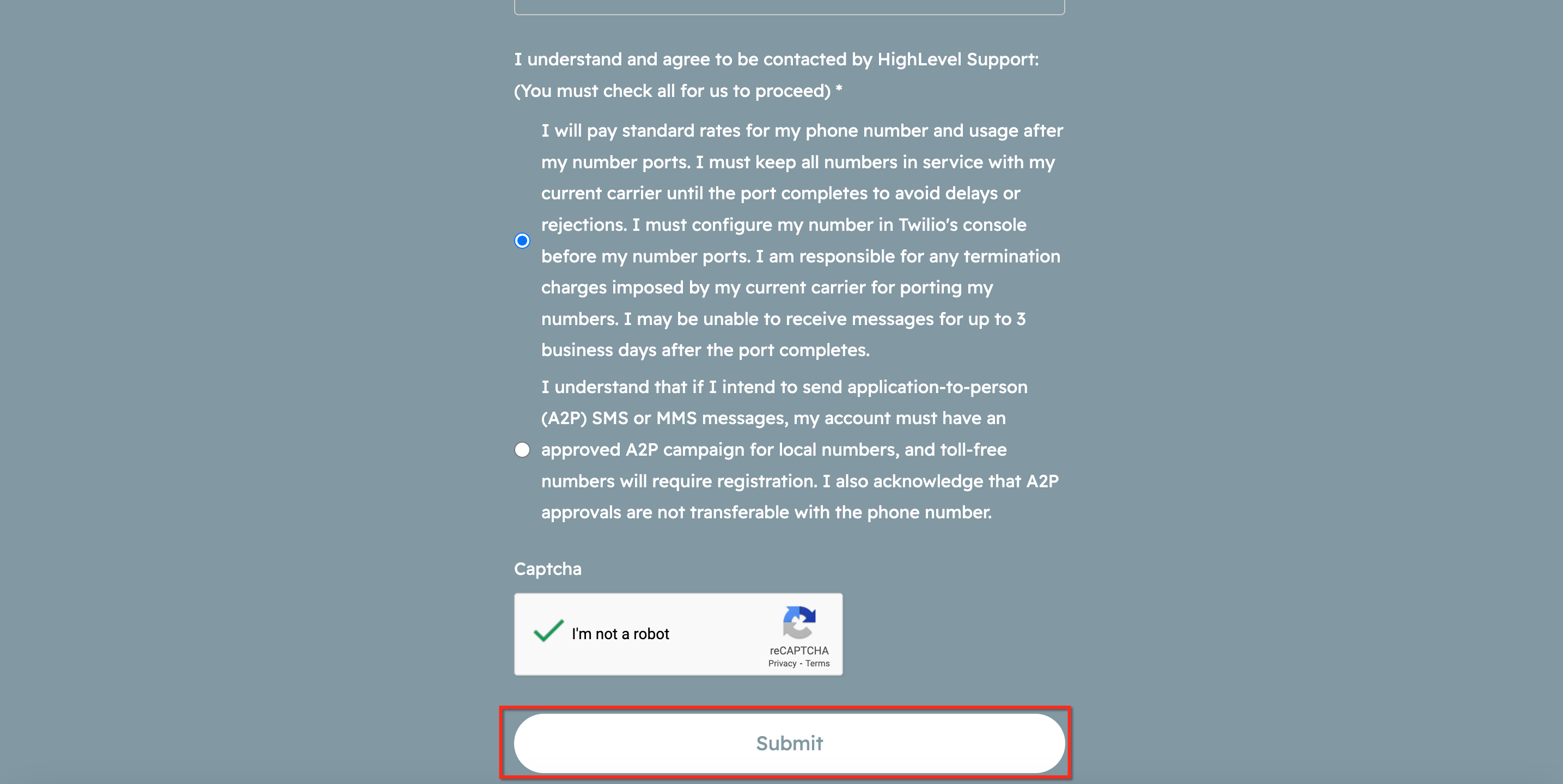
- Complete the HighLevel porting form with agency details, upload the LOA and billing PDFs (each max 4 MB), check the consent boxes, and submit.
- Watch email notifications for approval and the carrier’s Firm Order Commitment window; keep the previous carrier active until the port is confirmed complete.
07What it looks like in HighLevel
08Settings that matter
- Location ID. Identifies the destination subaccount for the incoming number; find it under Settings > Business Profile.
09Things to know before you rely on it
- All wireless numbers require a correct PIN; an incorrect or missing PIN causes the port request to be rejected.
- The name and service address must match the carrier’s records exactly; PO Boxes are not accepted.
- PDF uploads for the LOA and billing statements cannot exceed four megabytes each.
- The manual porting form supports only United States numbers; international numbers must be handled by support.
- Carriers do not guarantee a specific date or time for the port; they provide a Firm Order Commitment window instead.
10If something goes wrong
- Port request was rejected. Review the rejection reason in the email or the Port In Numbers tab, correct the invalid details, delete the existing request, and submit a new one with accurate information.
- Incorrect or missing PIN for a wireless number. Confirm the correct PIN with the current carrier, then include it in the carrier account details field before resubmitting.
11How it connects to the rest of HighLevel
- Edit phone number configuration after the port completes Phone number configuration
- Migrate numbers across HighLevel accounts Move numbers between accounts
- Move numbers between subaccounts within the same agency Subaccount number transfer
Michael's take

Porting a number looks simple until you hit the paperwork and carrier quirks. A missed PIN or a PO Box in the address can stall the whole process and waste weeks.
Once you have the right LOA, a recent bill, and the correct PINs, it’s a solid way to bring your existing number into HighLevel and keep the brand continuity you’ve built.