
01Who this is for
- Agency owners who rely on the built in HighLevel phone system because the API keys keep every call and message functional for their entire staff.
- Contact center managers using the in app dialer because a key change would stop inbound and outbound calls for all agents.
- Small business Founders who run SMS and picture message campaigns since the keys secure the messaging flow for every team member.
02Phone System API keys, explained
The API keys are secure identifiers that let HighLevel’s phone system talk to the underlying telephony provider. Each time a call is placed, received, or a picture message is sent, the key is used automatically to verify the request belongs to the account.
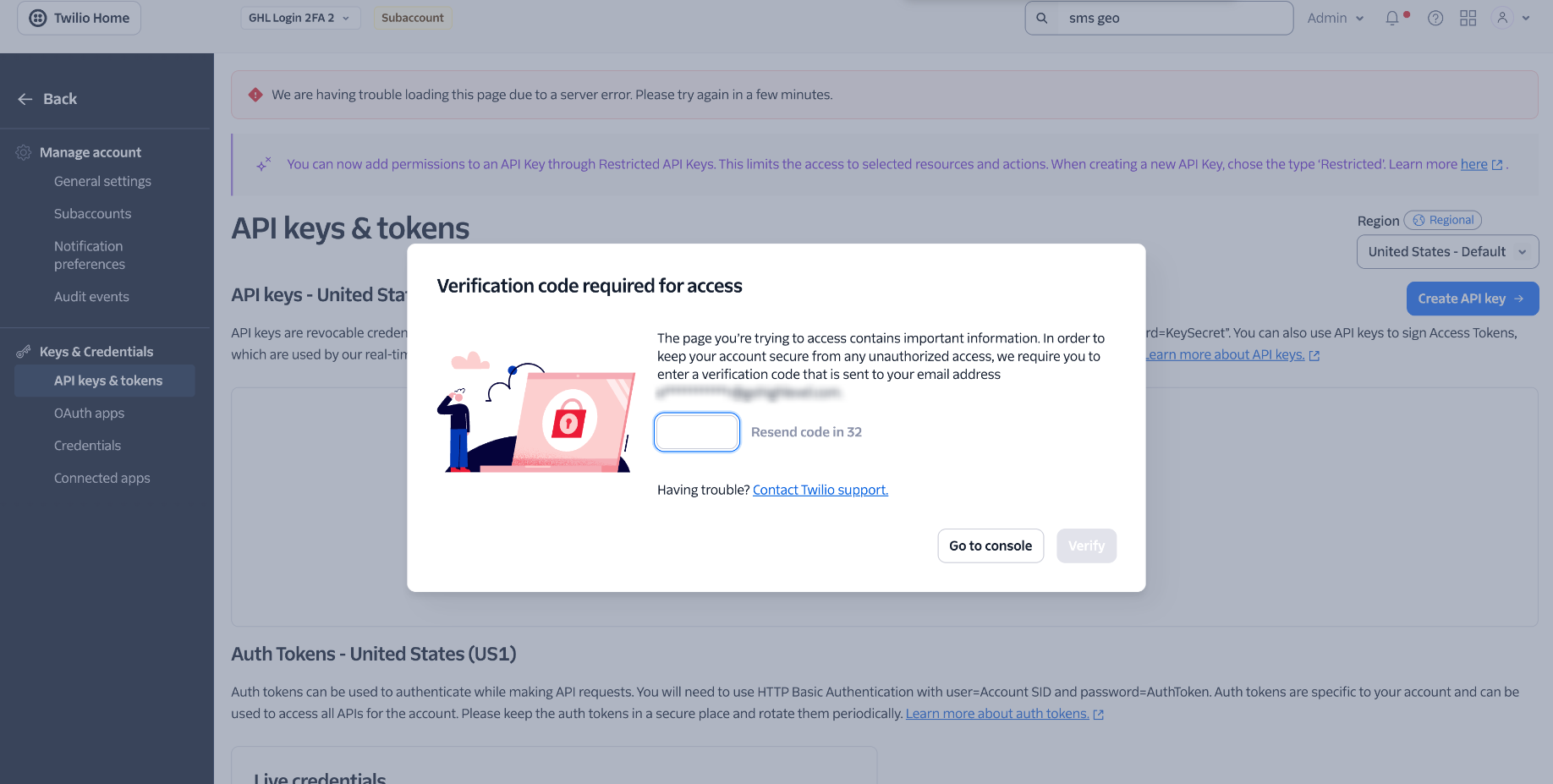
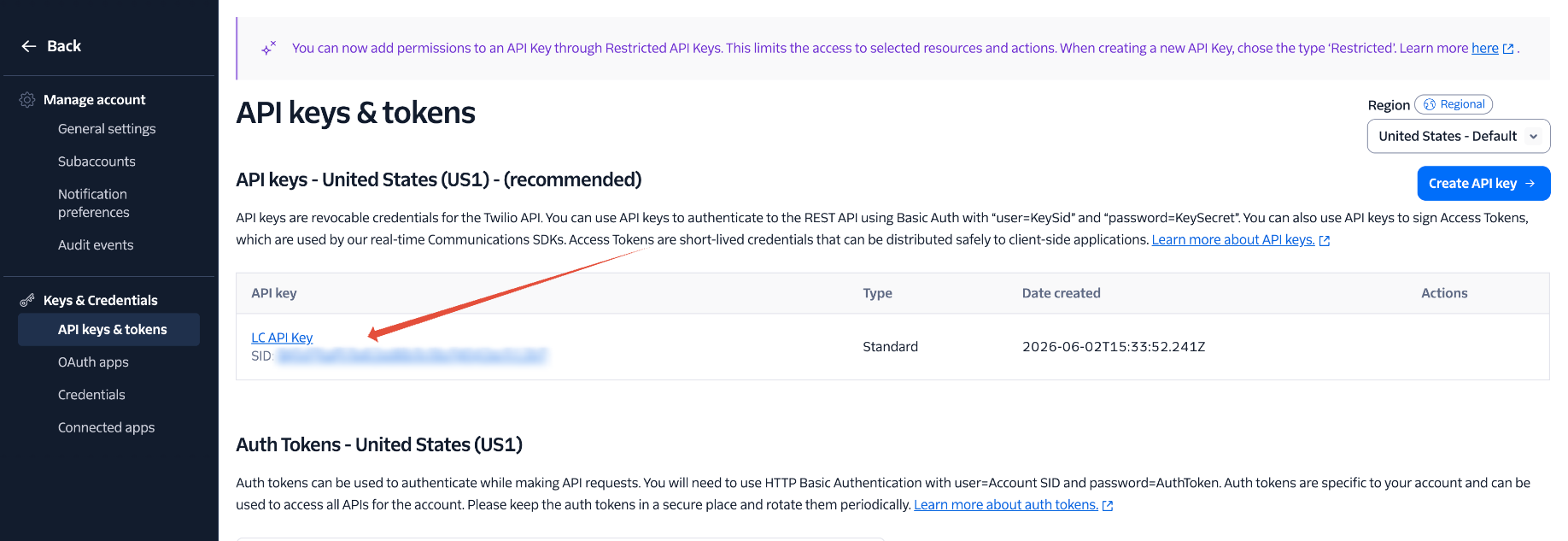
These keys are created and maintained by HighLevel; they are not visible in a settings panel that users can edit. Because the same keys are shared across the whole account, any alteration affects every user and every phone related feature.
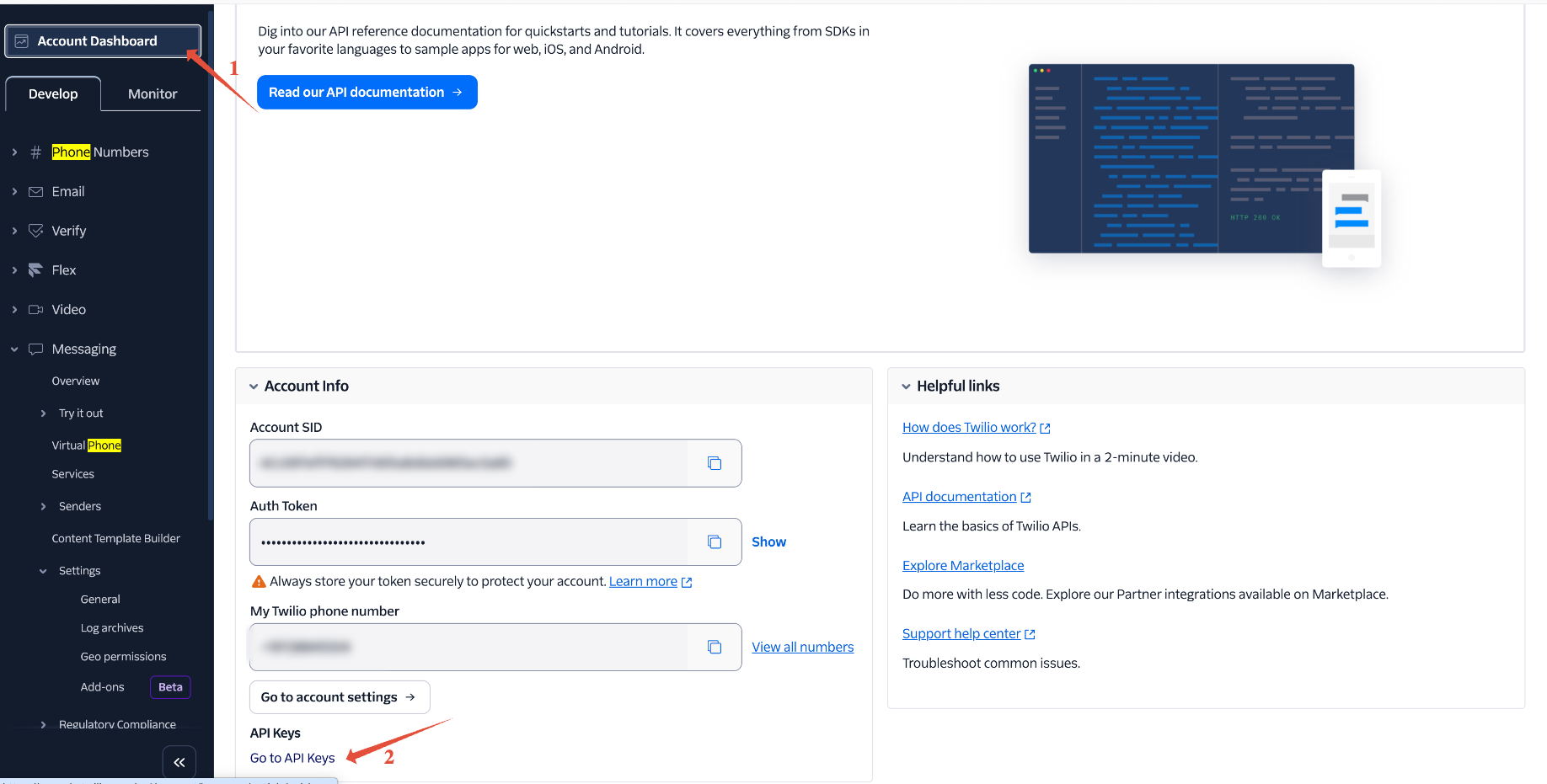
The keys live within the Phone System feature of the platform. They are generated when a phone service is attached to a location and remain hidden unless support intervenes.
03How businesses use Phone System API keys
- Real estate agency. The agency uses the built in dialer to contact leads. It leaves the auto created API keys untouched and, if calls stop, opens a support ticket to have the keys regenerated and re synced.
- Dental practice. The practice sends picture messages to patients for appointment reminders. It does not manage the API keys itself; instead, it contacts support whenever a messaging error appears to restore the keys.
- Online coaching business. The coaching team runs webinars over the phone system. They keep the keys as is and, if outbound calls fail, they request the support team to rotate the keys safely.
04Before you start
- You must be a location holder that uses HighLevel’s built in phone system.
05How to set up and use Phone System API keys in HighLevel
Restore service after a phone system API key has been changed
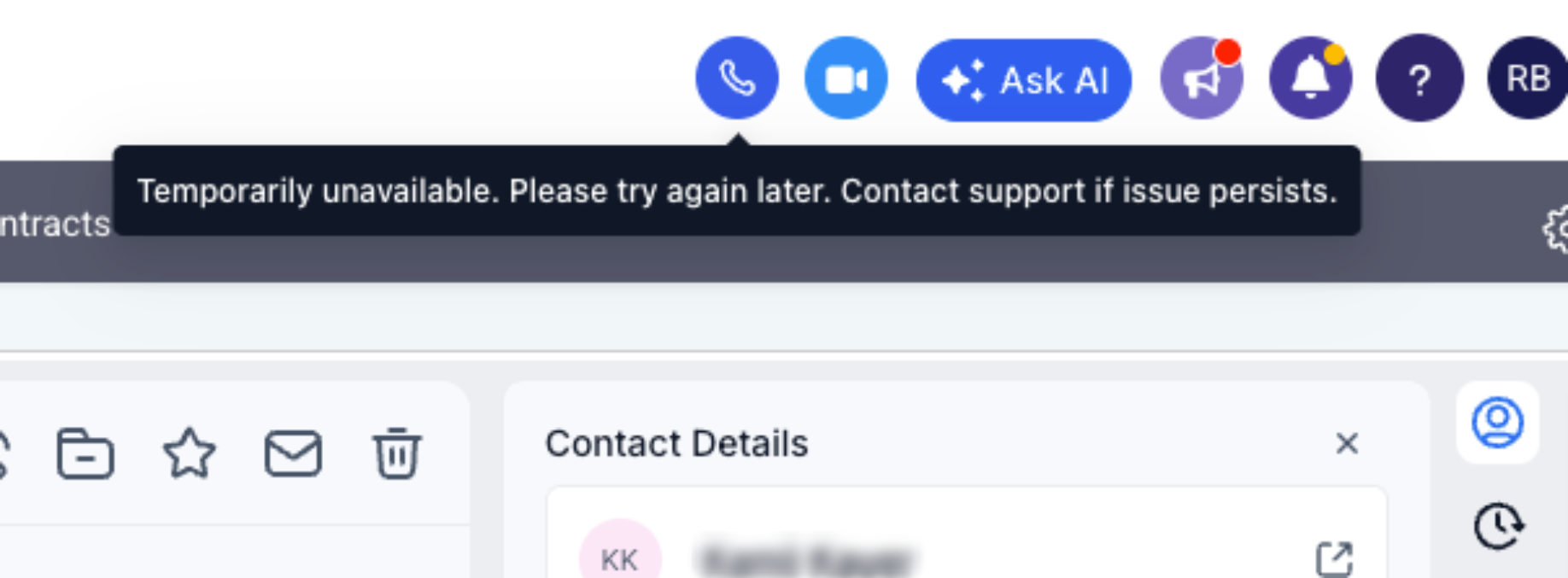
- Notice that calling or picture messaging stopped working.
- Contact HighLevel support through the appropriate ticket channel.
- Support regenerates the API keys and re syncs them with your account.
- Confirm that the dialer, inbound/outbound calls, and picture messages work again.
06What it looks like in HighLevel
07Things to know before you rely on it
- Editing, regenerating, rotating, or deleting the auto created keys can interrupt calling and messaging for the entire account.
- The same keys are shared across all users, so a change affects every team member.
- Deleting or closing the connected phone account also removes the keys, causing an outage.
08If something goes wrong
- Calling or picture messaging stopped after a key was edited or deleted.. Reach out to HighLevel support; they will regenerate and re sync the keys to bring the services back online.
09How it connects to the rest of HighLevel
- LC Phone overview HighLevel’s LC Phone
- Phone system pricing and billing guide Pricing guide
- Migrate agency and subaccounts to LC Phone Migration guide
Michael's take

When you rely on HighLevel’s built in Phone System, the API keys run silently in the background. Leaving them untouched ensures your team can make and receive calls and send picture messages without interruption.
If you’re not required by a compliance audit to rotate keys, changing them yourself can halt the entire phone operation, and you’ll need to contact support to have the keys regenerated and resynced.