
01Who this is for
- Agency owners who want all client phone numbers in a single HighLevel account for streamlined support.
- Founders of SaaS or subscription businesses that use SMS for verification and need a unified billing source.
- Service based businesses such as clinics or salons that rely on call tracking and want to manage routing inside HighLevel.
02Phone number migrations, explained
Phone number migration transfers ownership of a US local or toll free number from Twilio to HighLevel’s LC Phone system. After the cutover the number routes all voice and SMS traffic through LC Phone, enabling native call tracking, workflows and messaging automation.
The migration does not copy historical call recordings, voicemails, contacts or conversation histories. A2P 10DLC registration and toll free verification must be re validated in HighLevel after the move. HighLevel Support handles the carrier level transfer once you submit the required identifiers.
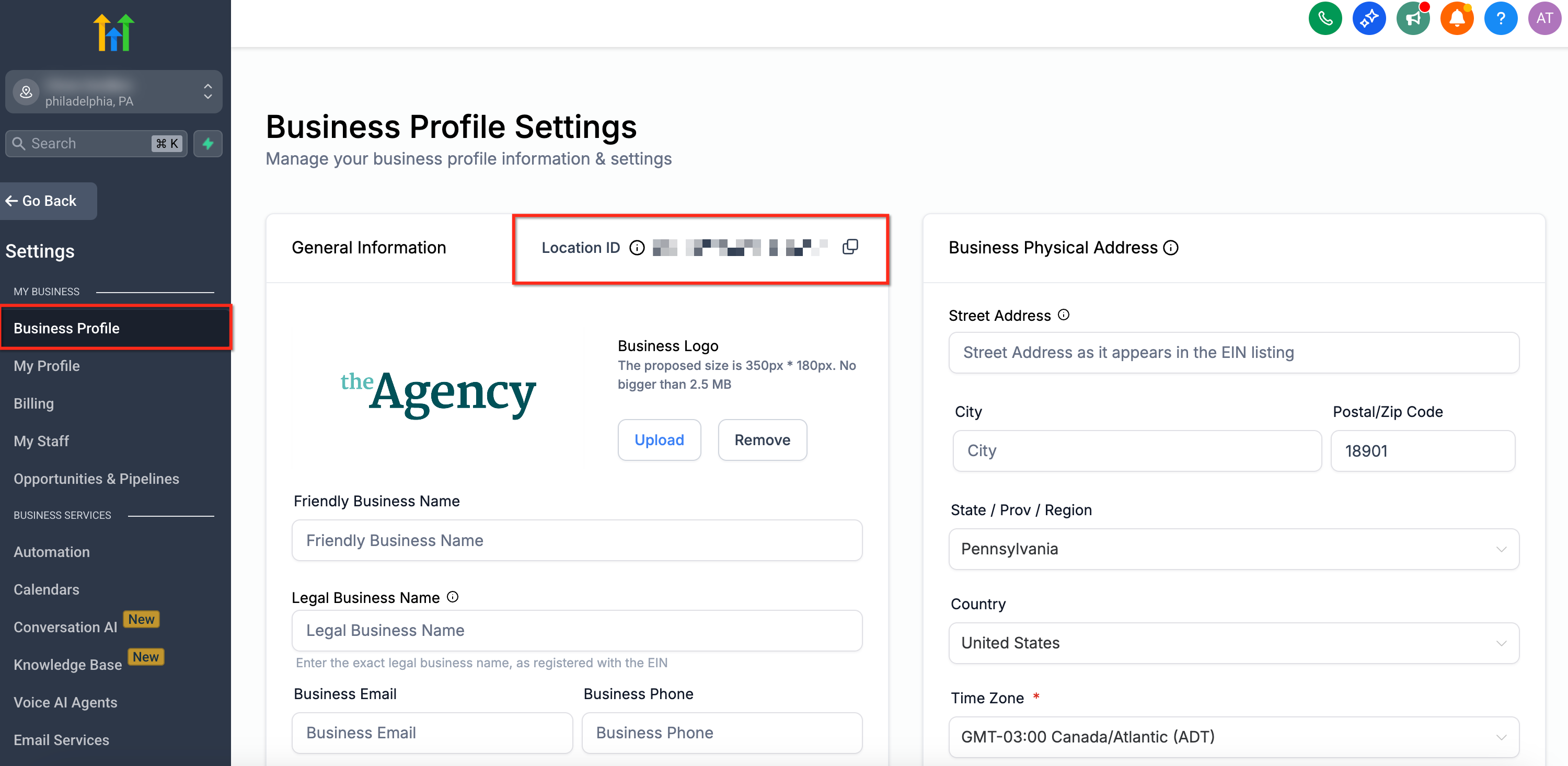
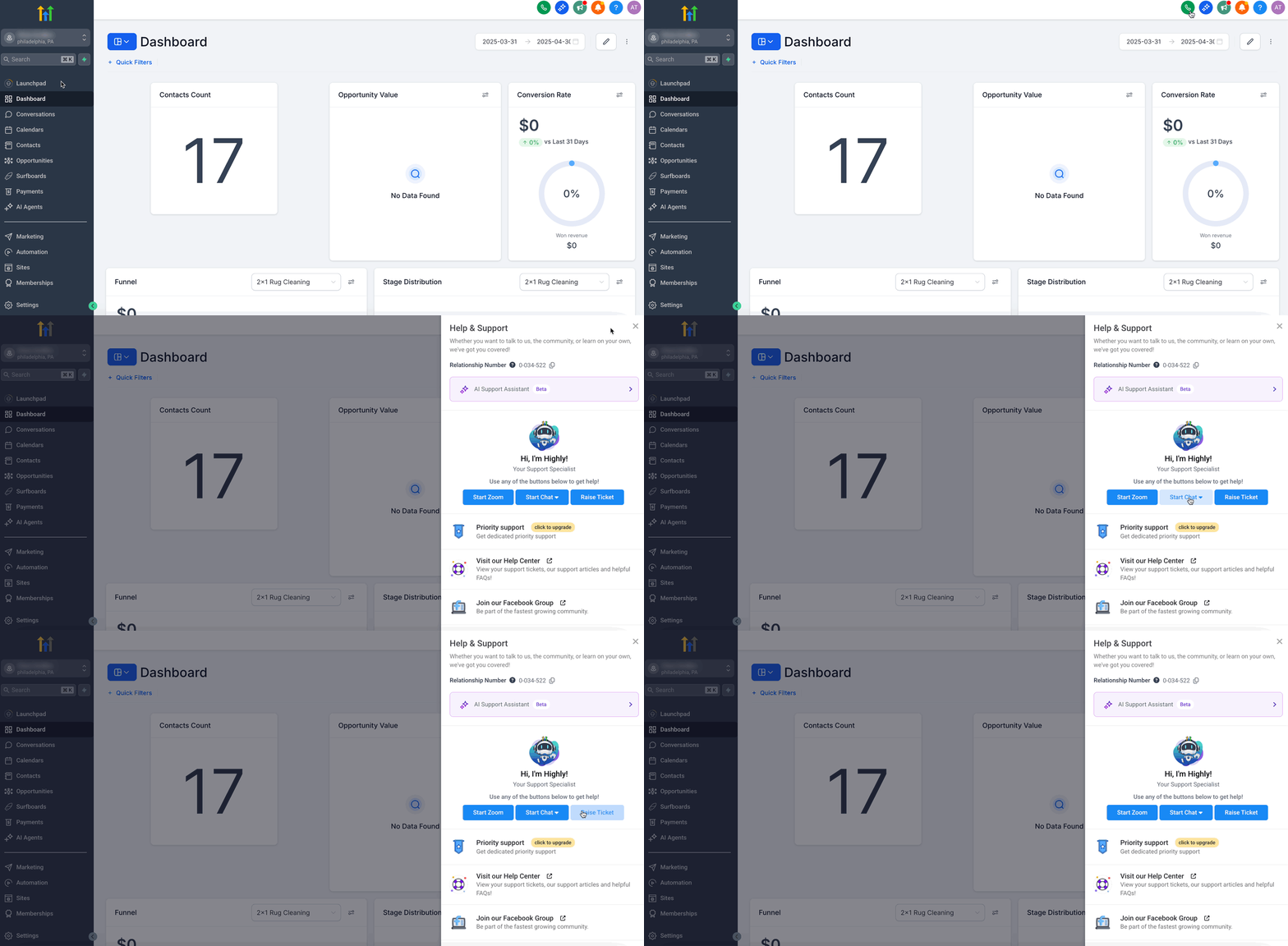
You initiate the process from the HighLevel Help Center by opening a support ticket. The ticket must include the Twilio Account SID, the destination subaccount ID (Location ID), the numbers in E.164 format and a preferred low traffic cutover window. After Support confirms the number is live, you test inbound and outbound calls and SMS.
03How businesses use phone number migrations
- Digital marketing agency. Create a support ticket with Twilio Account SID, target subaccount ID and the list of client numbers. After HighLevel confirms the migration, re assign each number to the appropriate user or team, rebuild call forwarding rules and validate A2P campaign association.
- Healthcare clinic. Gather the clinic’s toll free number, provide the Twilio SID and destination subaccount ID in a support request. Once the number appears in the clinic’s subaccount, run test calls and SMS, then confirm the toll free verification status before resuming patient messaging.
- Ecommerce startup. List the startup’s US local numbers, note their current A2P 10DLC campaigns and submit a migration request. After the numbers are in the startup’s HighLevel subaccount, verify each number’s association with the approved A2P campaign and test order confirmation SMS flows.
04The numbers and rules that matter
- A2P / Toll Free registration, Must be verified after migration and may require reregistration.
05Before you start
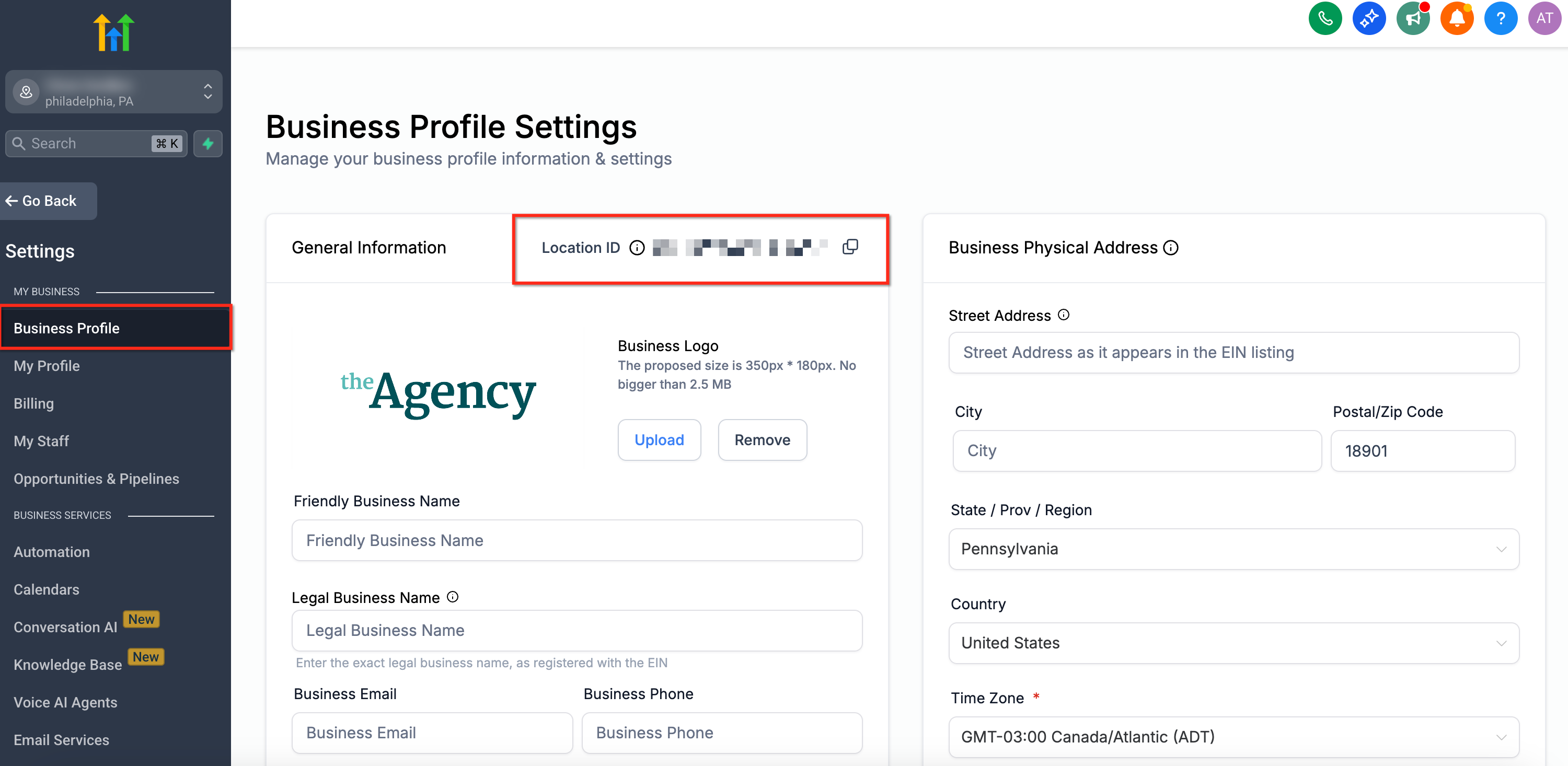
- Confirm the destination HighLevel Subaccount ID (Location ID).
- Identify the losing Twilio Account SID that holds the number.
- Create a list of numbers to migrate in E.164 format.
- Download any Twilio recordings or voicemails you need to keep.
- Review each number’s A2P 10DLC or toll free registration status.
- Document existing call forwarding or routing behavior.
- Identify any workflows or integrations that reference the number.
- Choose a low traffic cutover window to include in the support request.
06How to set up and use phone number migrations in HighLevel
Move a US number from Twilio to LC Phone
- Locate the Twilio Account SID that currently owns the phone number.
- Find the HighLevel Subaccount ID (Location ID) where the number will be placed.
- Open a HighLevel Support ticket and include the phone numbers, Twilio SID, destination Subaccount ID and preferred cutover window.
- Wait for HighLevel Support to coordinate the migration and confirm the number is live in LC Phone.
- Test inbound and outbound calling and SMS to ensure the number functions correctly.
07What it looks like in HighLevel
08Things to know before you rely on it
- Historical call recordings, voicemails, contacts and conversation histories do not migrate automatically.
- A2P 10DLC registration must be re verified in HighLevel after the move; it does not transfer from Twilio.
- Toll free verification status does not transfer automatically and must be confirmed post migration.
- The process applies only to US local and toll free numbers; international numbers require a different guide.
09If something goes wrong
- A2P registration did not transfer. Complete or verify A2P registration again in HighLevel and attach the number to the approved campaign before sending A2P messages.
- Toll free verification status missing. Check the toll free verification status in HighLevel and complete verification if needed before resuming messaging.
- Inbound or outbound calls fail after migration. Confirm the number appears in the correct subaccount, test call routing rules and re configure any call forwarding settings as documented before migration.
10How it connects to the rest of HighLevel
- Moving phone numbers across accounts (US and International) Phone number migration guide
- Edit phone number settings in HighLevel subaccounts Phone number configuration
- HighLevel phone system pricing and rebilling guide Phone system pricing
Michael's take

Phone number migrations are worth the effort only if you truly need everything inside HighLevel.
Skip it if you rely heavily on Twilio’s historical recordings, voicemails, or existing A2P campaigns that would be disruptive to reregister.