
01Who this is for
- Founders who run outbound sales calls benefit because the feature improves answer rates by presenting a familiar local caller ID.
- Agencies managing multiple client subaccounts can control which numbers are used automatically and keep reserved numbers for manual dialing.
- Small businesses with several phone numbers gain consistency as repeat calls to the same contact use the same matched number.
02Local Presence Dialing, explained
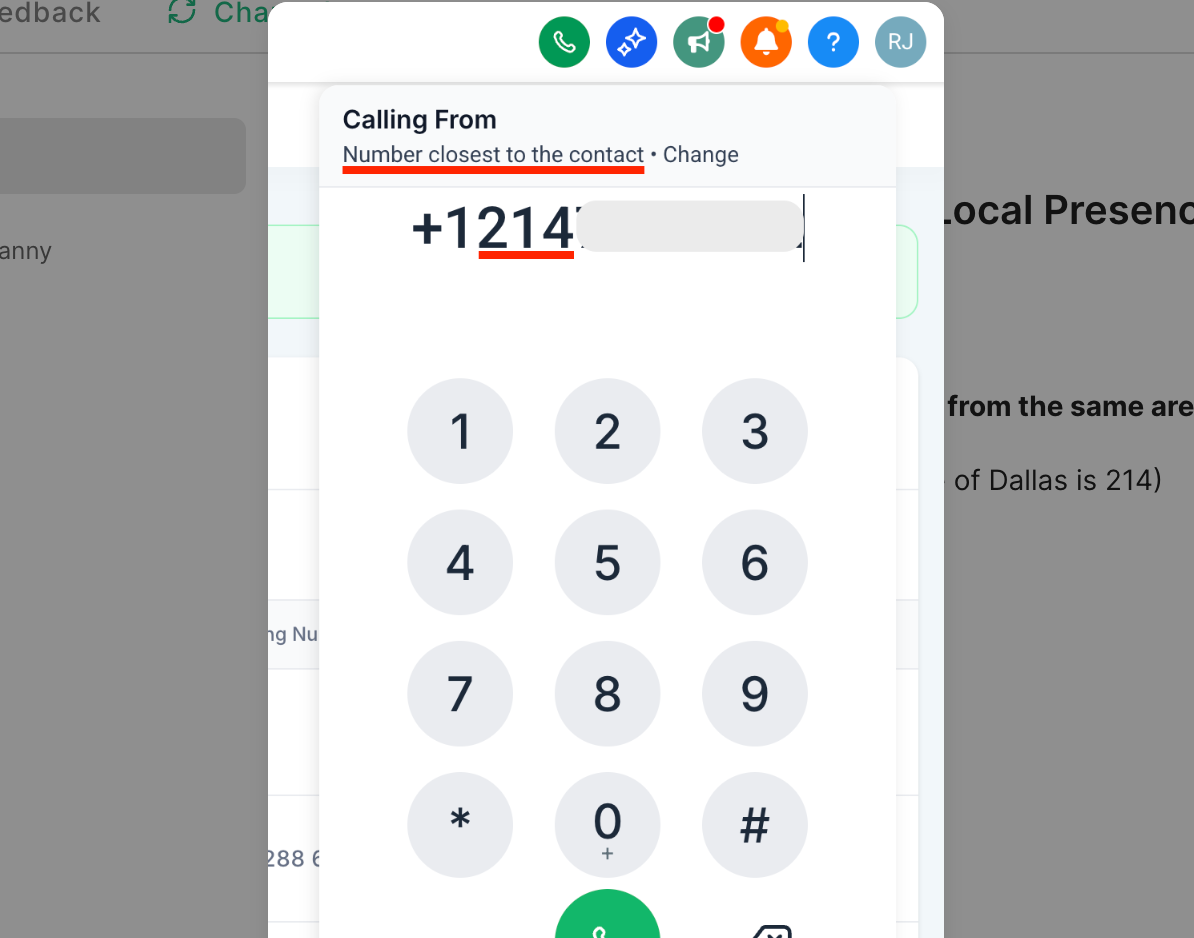
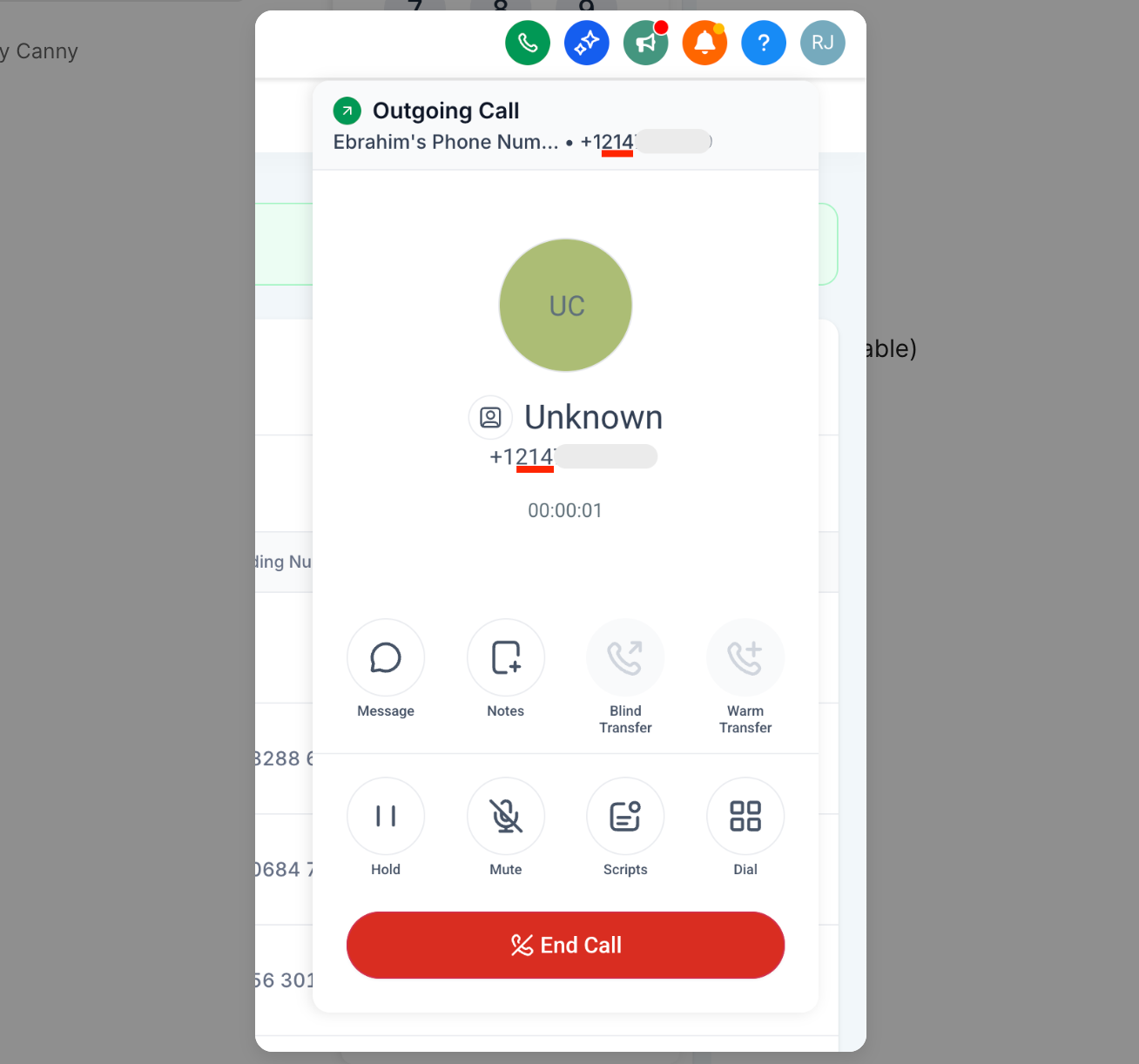
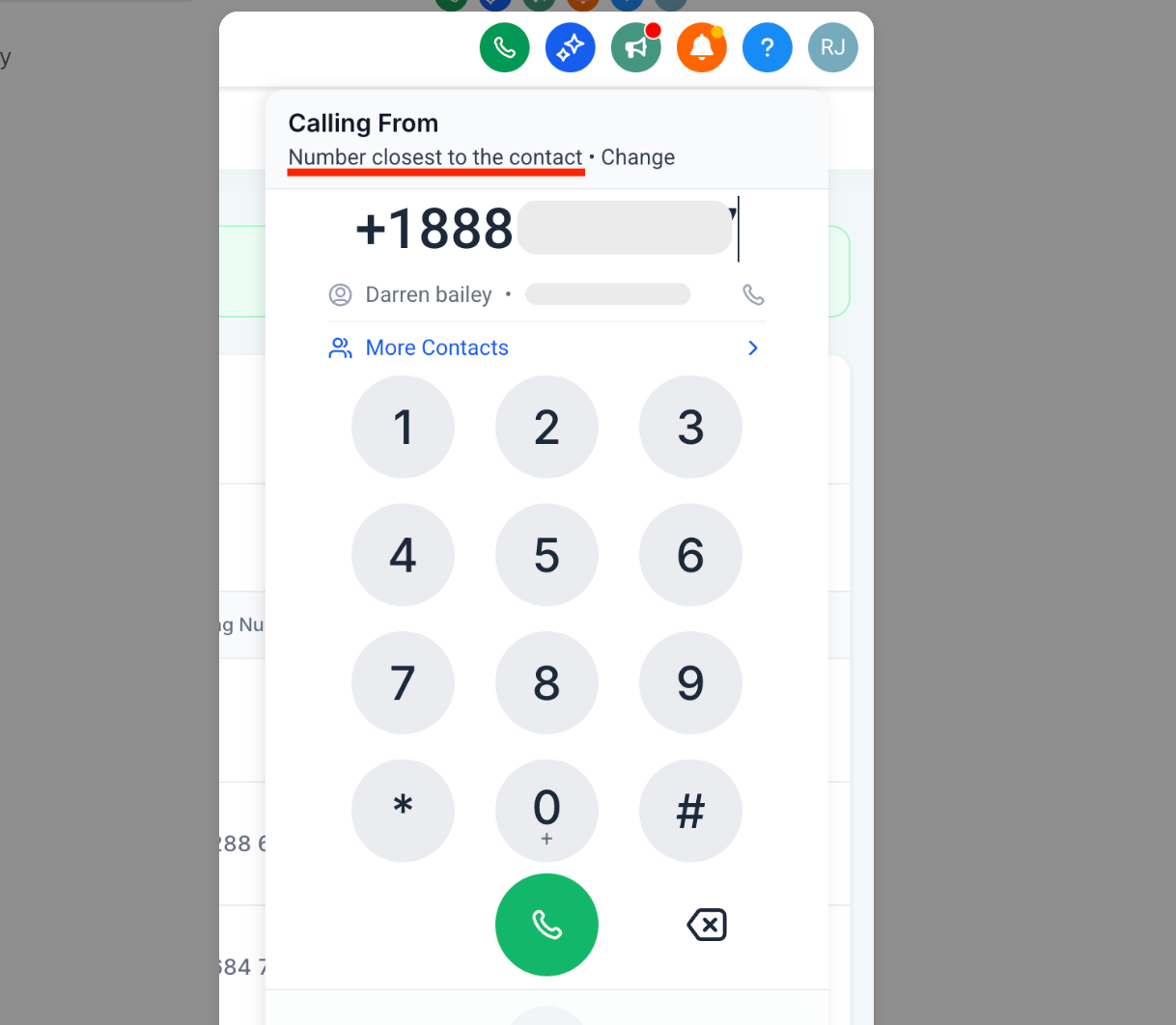
Local Presence Dialing automatically picks a caller ID that matches the contact’s location when you place an outbound call. It compares the contact’s area code to the numbers in the subaccount and selects an exact match if one exists. If no exact match is found, it looks for another number from the same geographic region and, if none are available, falls back to the subaccount’s default number.
The option is set at the subaccount level and works for calls made from the web dialer, the mobile app, and deskphones. Up to fifty numbers per subaccount can be marked as reserved; reserved numbers stay out of the automatic selection process but remain usable for manual dialing.
03How businesses use Local Presence Dialing
- Real estate agency. The agency enables Local Presence Dialing so calls to leads use a number with the same area code as the property location. They reserve a few premium numbers to keep for personal follow up calls that are not subject to automatic selection.
- Medical clinic. The clinic turns on the feature to present a local caller ID when reminding patients of appointments. It reserves the short code used for SMS alerts so it is not taken by the automatic dialing engine.
- IT support firm. The support team activates Local Presence Dialing for outbound outreach to clients in different cities, ensuring the caller ID appears local. They reserve the toll free number they use for inbound tickets so it stays available for manual dialing only.
04The numbers and rules that matter
- Reserve up to 50 numbers per subaccount.
- No separate limits on the number of phone numbers or Verified Caller IDs.
05How to set up and use Local Presence Dialing in HighLevel
Enable local presence dialing
- Open the target subaccount.
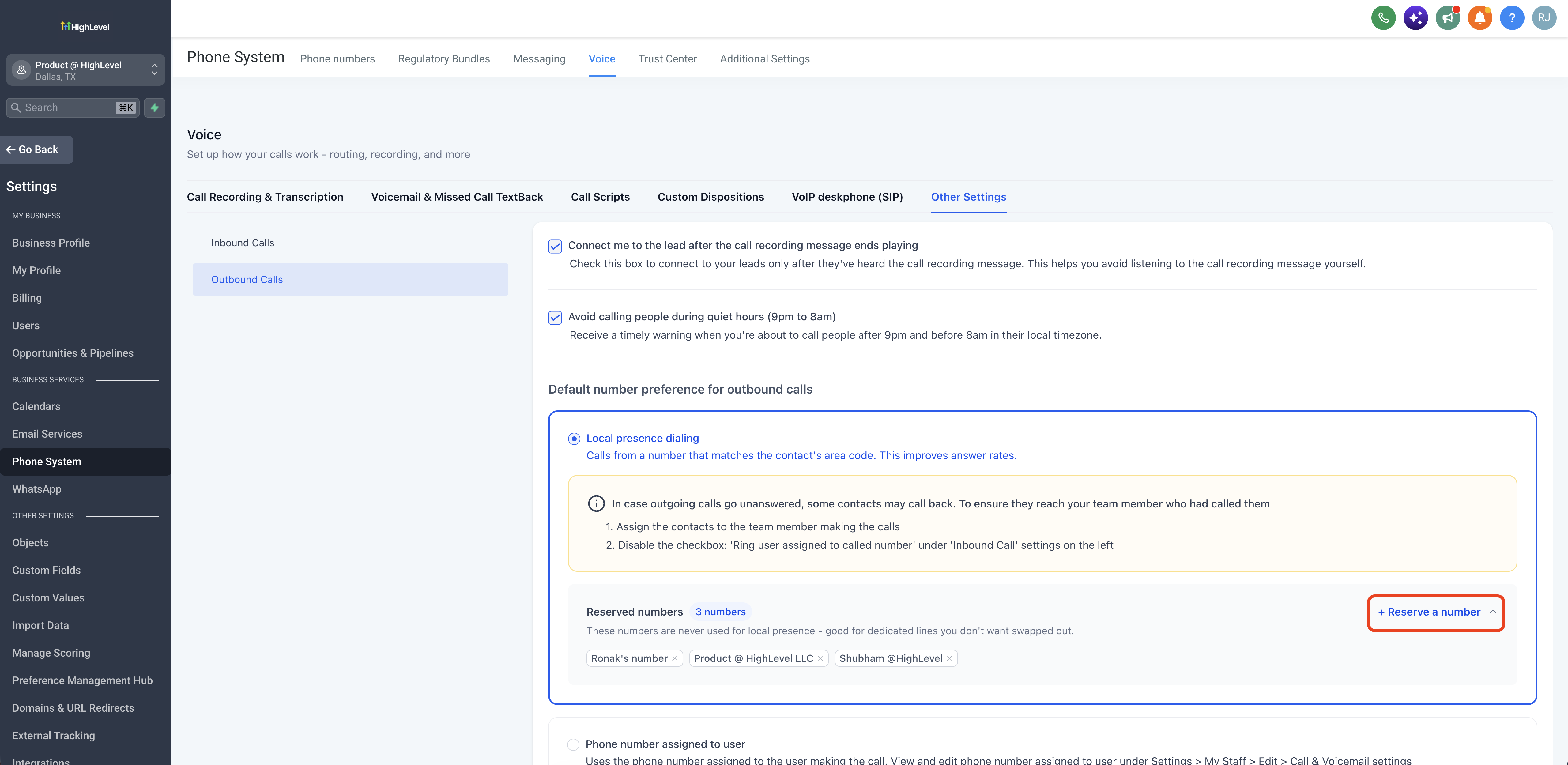
- Navigate to Settings > Phone System > Voice > Other Settings.
- Select the Outbound Calls option.
- Scroll down to the Default number preference for outbound calls field.
- Choose Local presence dialing.
Reserve numbers from local presence dialing
- Open Settings > Phone System > Voice > Other Settings > Outbound Calls.
- Find the Local presence dialing section.
- Click the + Reserve a number button under Reserved numbers.
- Pick the numbers you want to reserve.
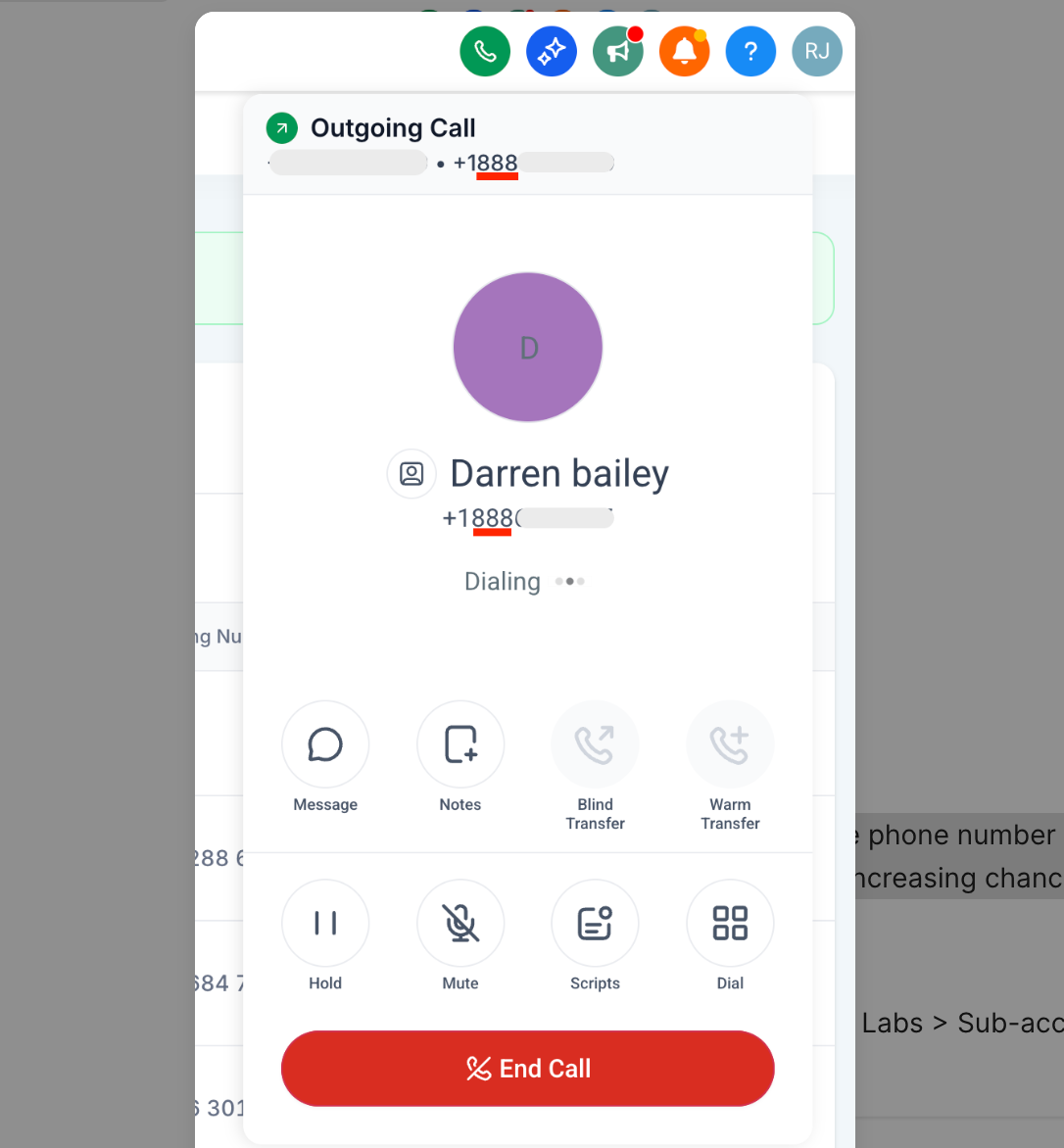
06What it looks like in HighLevel
07Settings that matter
- Default number preference for outbound calls. Controls which method the system uses to choose the caller ID for outbound calls.
- Local presence dialing. Activates automatic selection of a regional caller ID based on the contact’s area code.
08Things to know before you rely on it
- You can reserve up to 50 numbers per subaccount.
- Location based matching works in the United States, Canada, the United Kingdom, and Australia.
- The feature operates across the web dialer, mobile app, and deskphones.
- If no matching number exists, the subaccount’s default number is used.
- Repeat call attempts to the same contact use the same matched number.
09How it connects to the rest of HighLevel
- Make outbound calls with the web dialer Web dialer outbound calls
- Review HighLevel phone system pricing and rebilling Phone system pricing
- Fix spam labeled outbound calls Spam call fix
Michael's take

Local Presence Dialing is a solid way to make your outbound calls feel local without manual effort. Companies that never dial outside a single region can skip it.