
01Who this is for
- Agency owners who manage many client subaccounts need to enforce mandatory opt out language across all messages.
- Marketing managers at local businesses must include a sender ID so contacts know who is reaching out.
02Phone messaging policy, explained
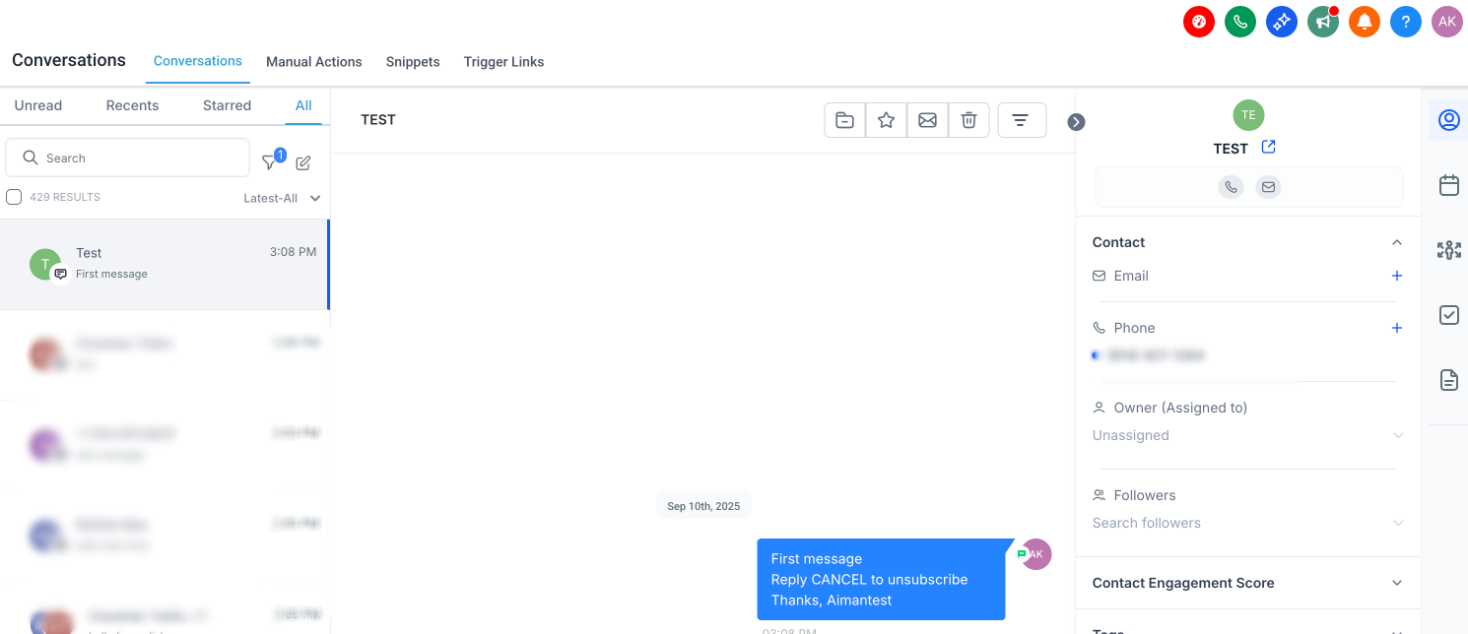
HighLevel enforces a messaging policy that applies to all SMS sent from LC Phone, regardless of number type. The policy adds an opt out line and a sender identification line to every initial text sent to a new contact. You can edit the exact wording of both lines in the subaccount settings.
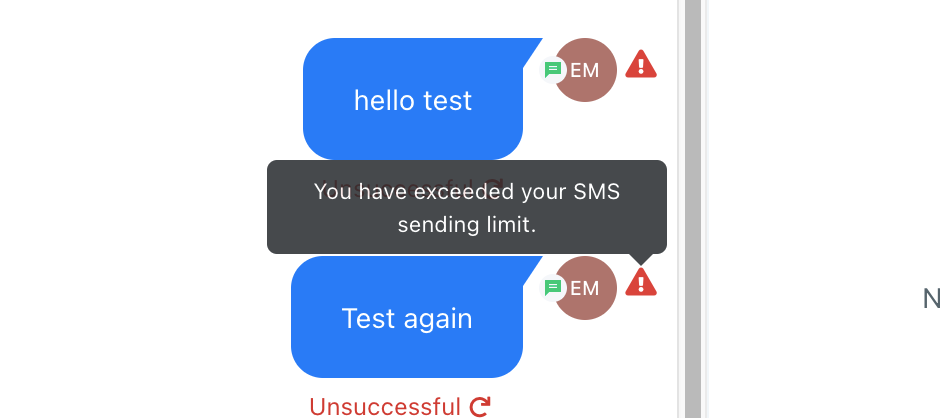
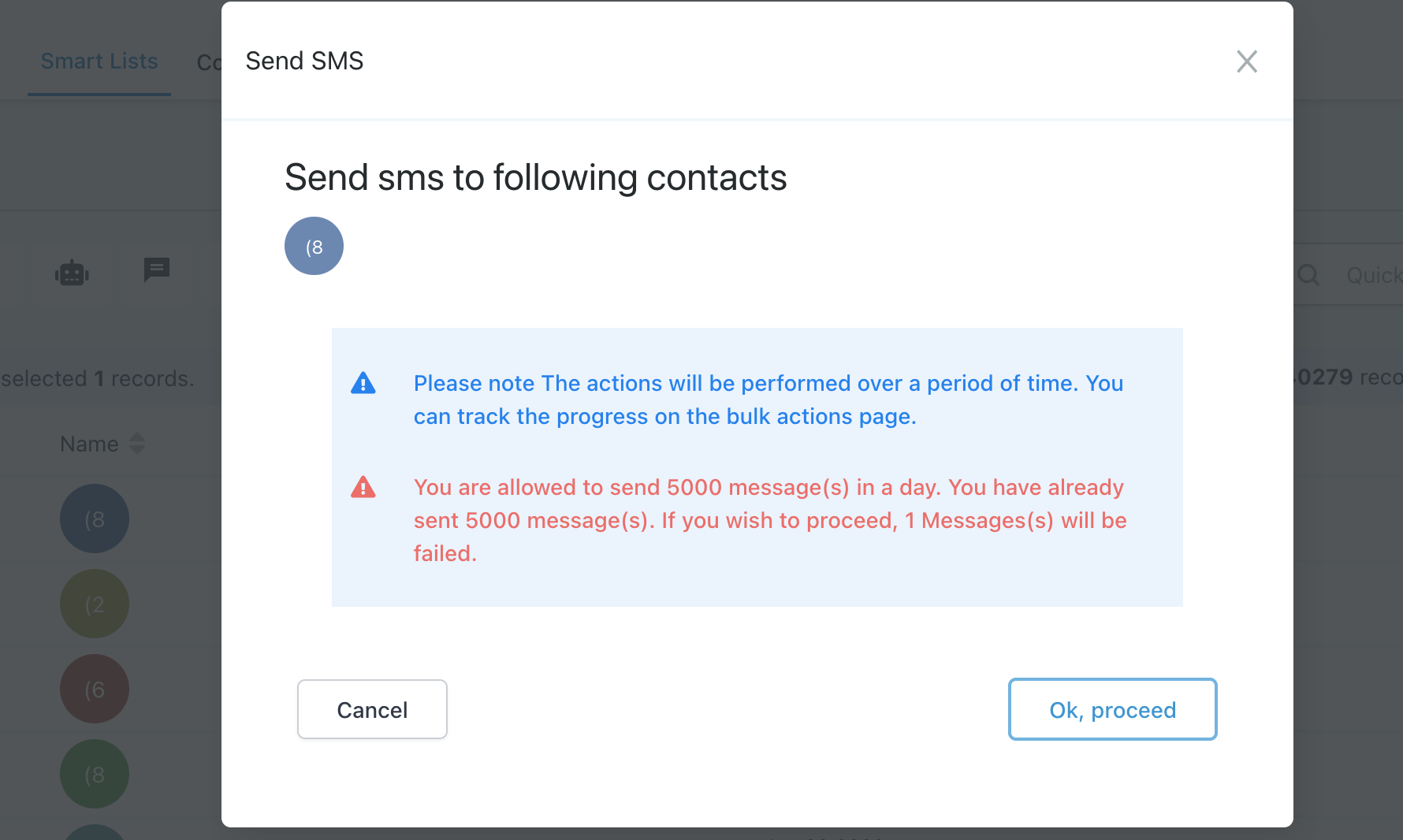
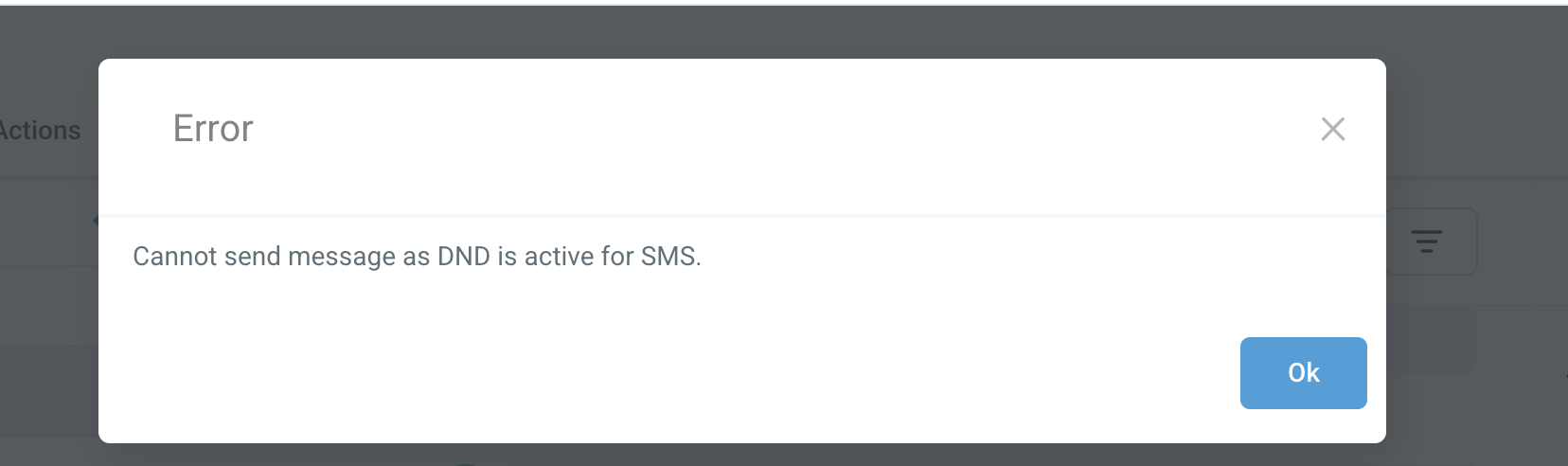
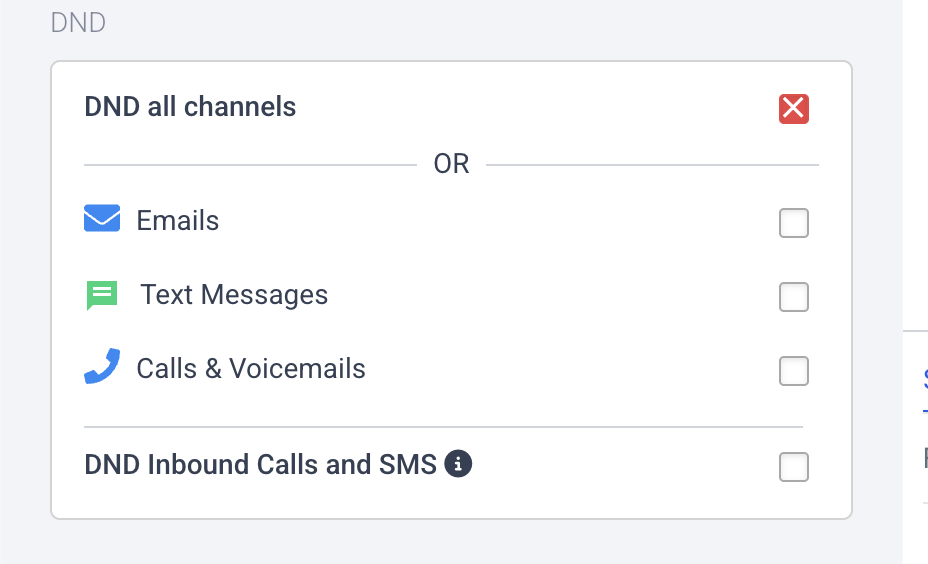
The platform also uses an eight level ramp model that limits how many SMS you can send each day. When you reach the limit for your current level, the account is blocked for 24 hours before the next level becomes available. Undelivered messages generate error codes that automatically set temporary or permanent do not disturb (DND) flags on contacts.
03How businesses use phone messaging policy
- Real estate agency. The agency edits the opt out message to match its branding and sets the sender ID to the office name. When a new lead receives the first text, the message includes the custom lines, satisfying compliance while informing the lead.
- Fitness studio. The studio customizes the sender ID so members see "Thanks, Main Street Gym" on their phone. The opt out line lets members reply STOP to stop receiving class reminders, keeping the studio within policy.
- Dental practice. The practice updates the opt out wording to "Reply STOP to unsubscribe" and adds its practice name as the sender ID. This ensures every appointment reminder sent to a new patient complies with the required language.
04The numbers and rules that matter
- Level 1 limit: 500 SMS per 24 hours.
- Level 2 limit: 750 SMS per 24 hours.
- Level 3 limit: 1000 SMS per 24 hours.
- Level 4 limit: 1500 SMS per 24 hours.
- Level 5 limit: 2000 SMS per 24 hours.
- Level 6 limit: 3500 SMS per 24 hours.
- Level 7 limit: 5000 SMS per 24 hours.
- Level 8 limit: 5000+ SMS per 24 hours.
- Response code 30005: User Inactive / Number does not exist, Enable Temporary DND.
- Response code 30003: Unreachable, Out of Service, Enable Temporary DND.
- Response code 30004: Do not want SMS / DND enabled, Enable Permanent DND.
- Response code 30006: Landline / incapable of receiving SMS, Enable Temporary DND.
05How to set up and use phone messaging policy in HighLevel
Customize the opt out message that is auto added to first texts
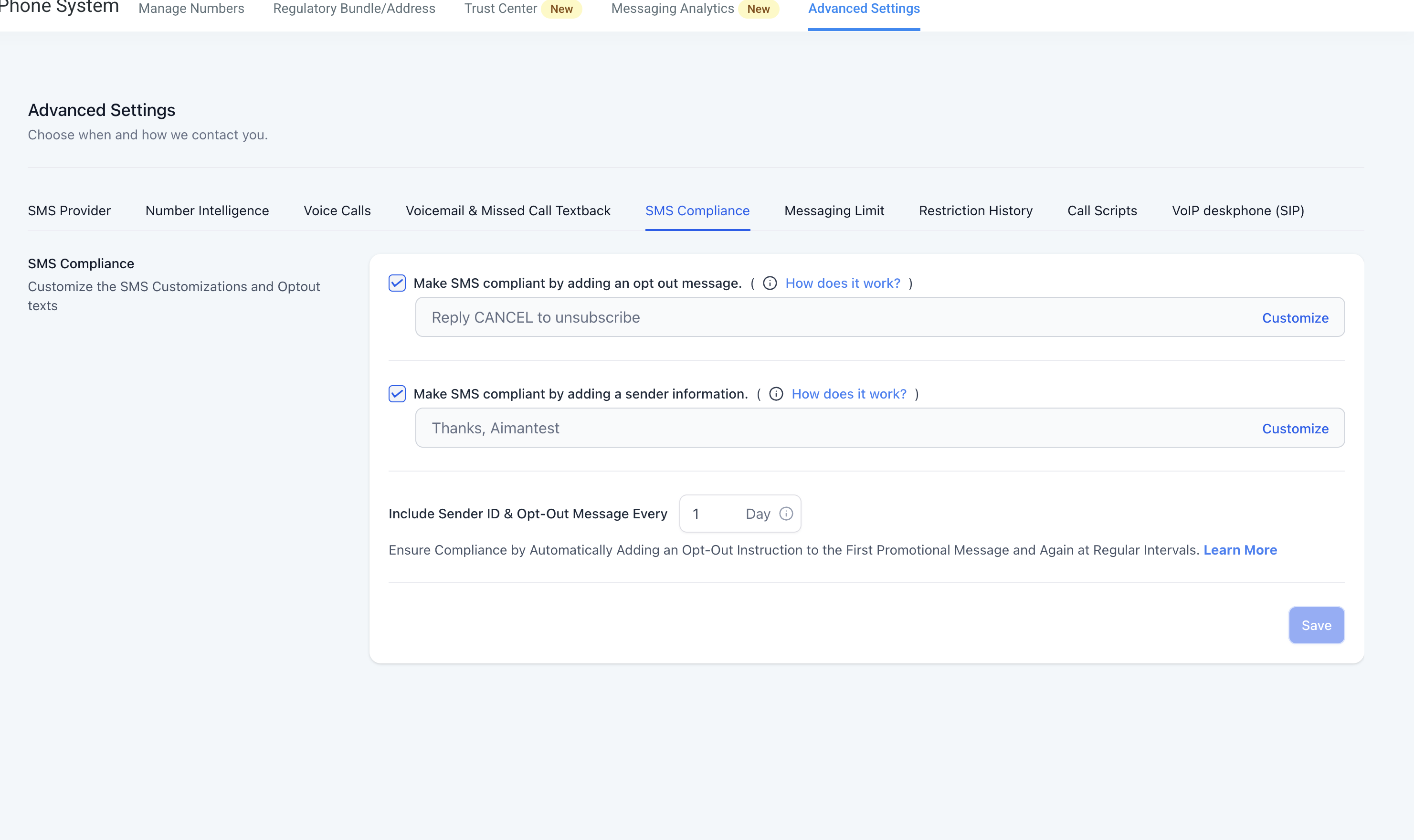
- Open the subaccount and go to Settings > Phone Numbers > Advanced Settings > SMS Compliance.
- Locate the Opt Out Message field and type the desired wording.
- Save the changes so future initial messages include the new opt out line.
Customize the sender ID that appears in first texts
- Open the subaccount and go to Settings > Phone Numbers > Advanced Settings > SMS Compliance.
- Find the Sender ID field and enter the name you want recipients to see.
- Save the changes so the custom sender name is added to new outbound messages.
06What it looks like in HighLevel
07Settings that matter
- Opt Out Message. Controls the exact text that tells contacts how to revoke consent, such as "Reply STOP to unsubscribe".
- Sender ID. Controls the name that identifies the sender of the first message, for example "Thanks, My Business".
08Things to know before you rely on it
- The SMS ramp up model starts at Level 1 with a limit of 500 messages per 24 hours and increases through eight levels to 5000+ messages per day.
- After sending the full limit for a level, the account is blocked from sending SMS for the next 24 hours before the next level unlocks.
- One to one conversations, test SMS, resend messages, and Missed Call Text Back are still allowed during a temporary block.
- All initial messages automatically receive the opt out line and sender ID unless the message already contains a full opt out instruction.
- If a contact replies STOP, consent is revoked, upcoming messages fail, and a permanent DND flag is set on the contact.
09If something goes wrong
- DND does not clear after the contact replies START. Raise a support ticket.
10How it connects to the rest of HighLevel
- Best practices for keeping SMS deliverable and avoiding restrictions SMS deliverability best practices
- Details on pricing and rebilling for the phone system Phone system pricing guide
- Start a free trial to test SMS compliance settings 30 day trial
Michael's take

Most people think they can blast a large list of numbers right after a new account is created. The policy actually forces a gradual increase, so you end up with a 24 hour pause after each level’s cap is hit. I would let the ramp up run its course and focus on quality contacts rather than volume.
Once the limit is stable, I’d enable a clear sender ID and double check the opt out line to avoid accidental violations. A quick test of a single outbound message to a known opt in contact confirms everything is set before scaling up.