
01SEO audit reports, explained
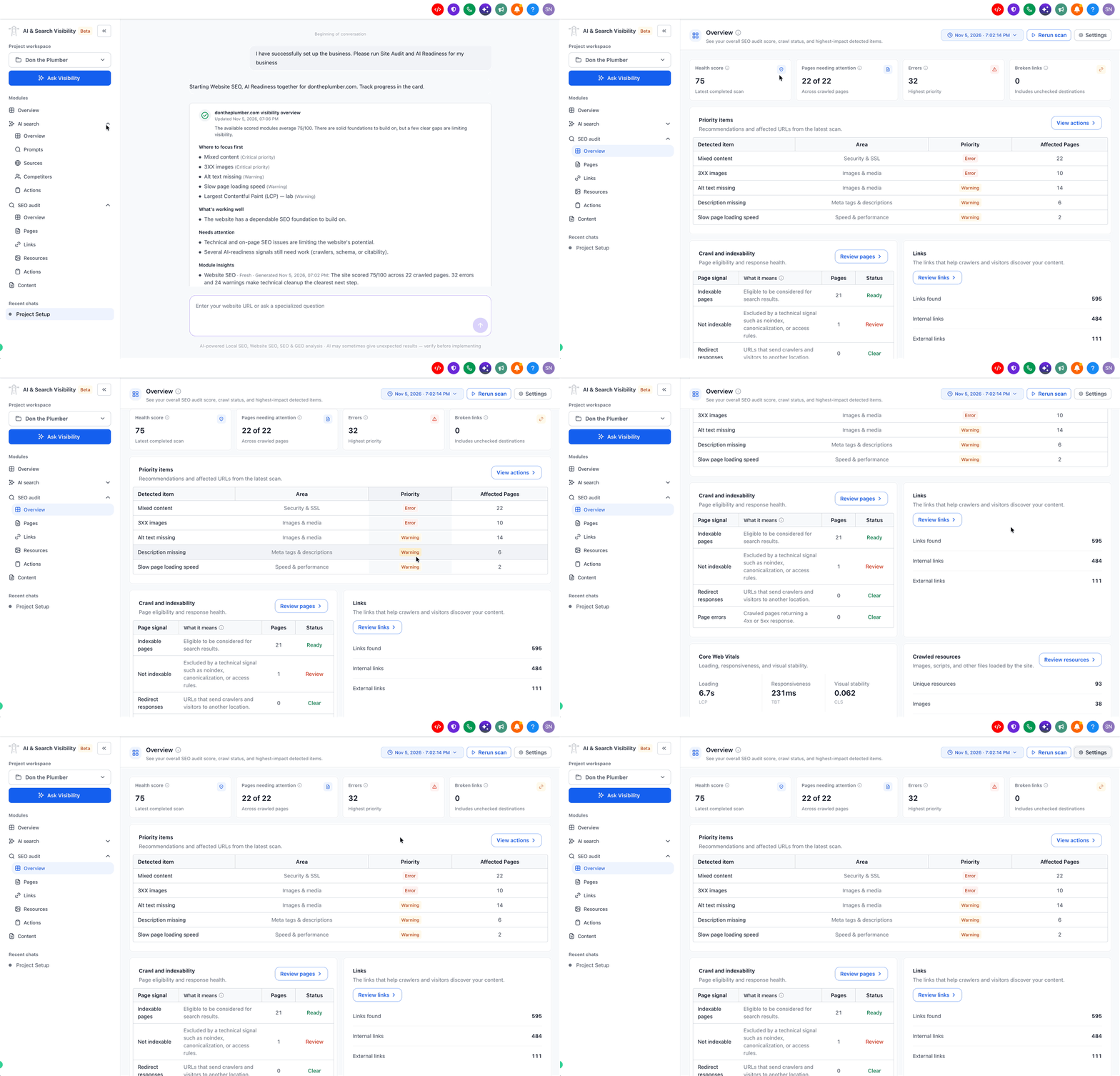
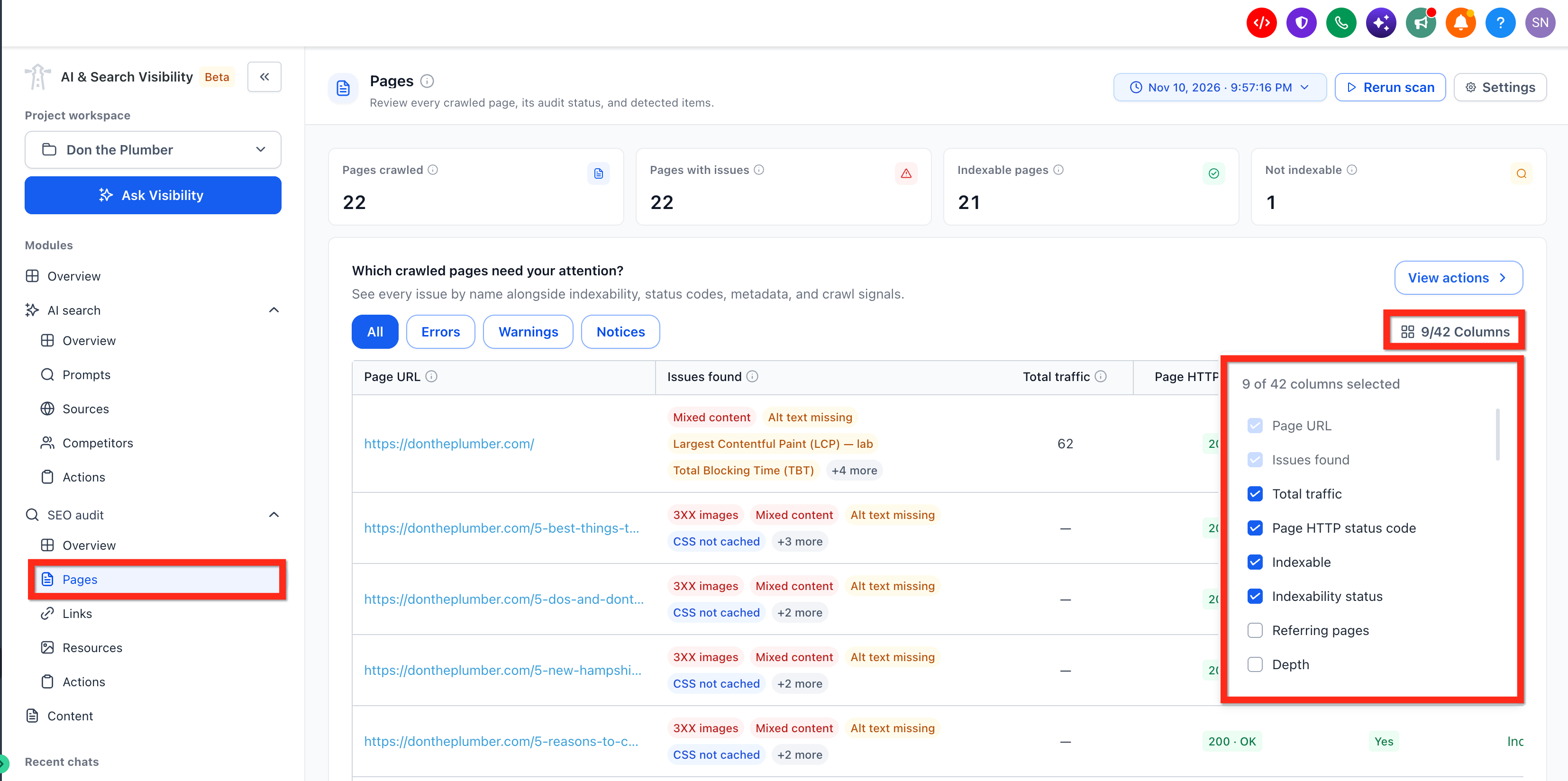
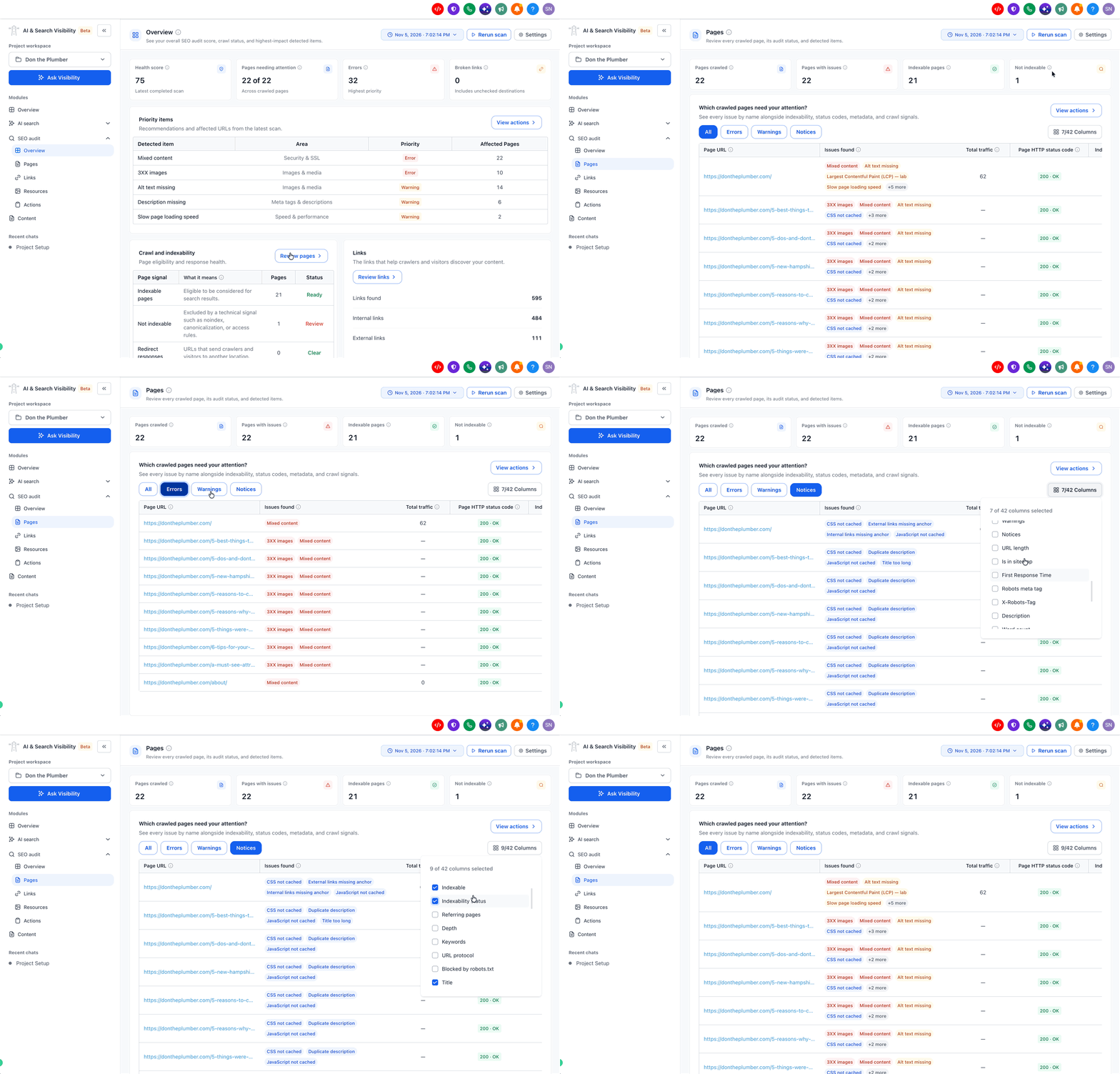
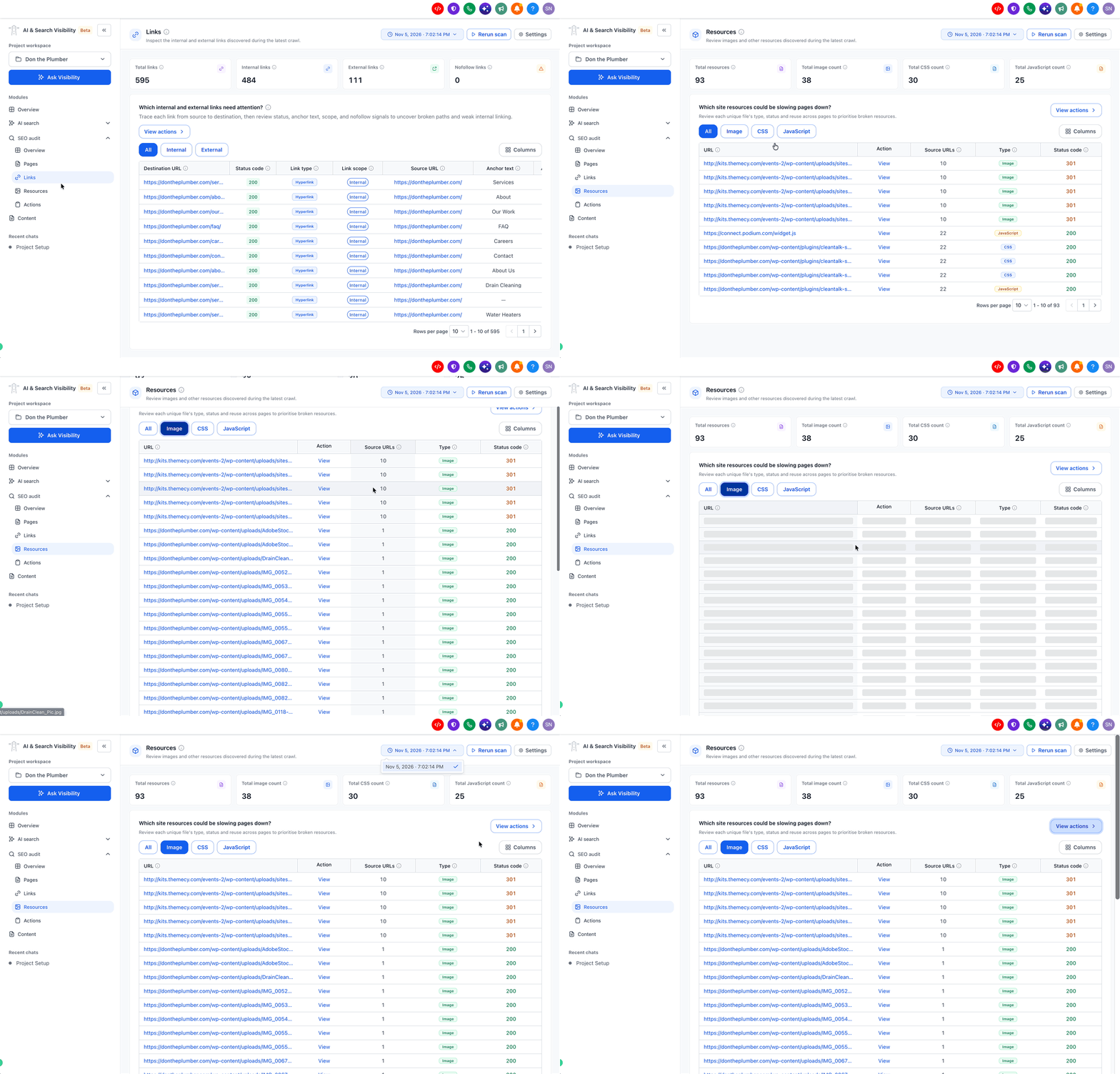
The SEO audit report supplies a detailed breakdown of your site’s technical SEO health. It lists crawled pages, internal and external links, discovered resources and any detected issues, then organizes those findings into actionable items.
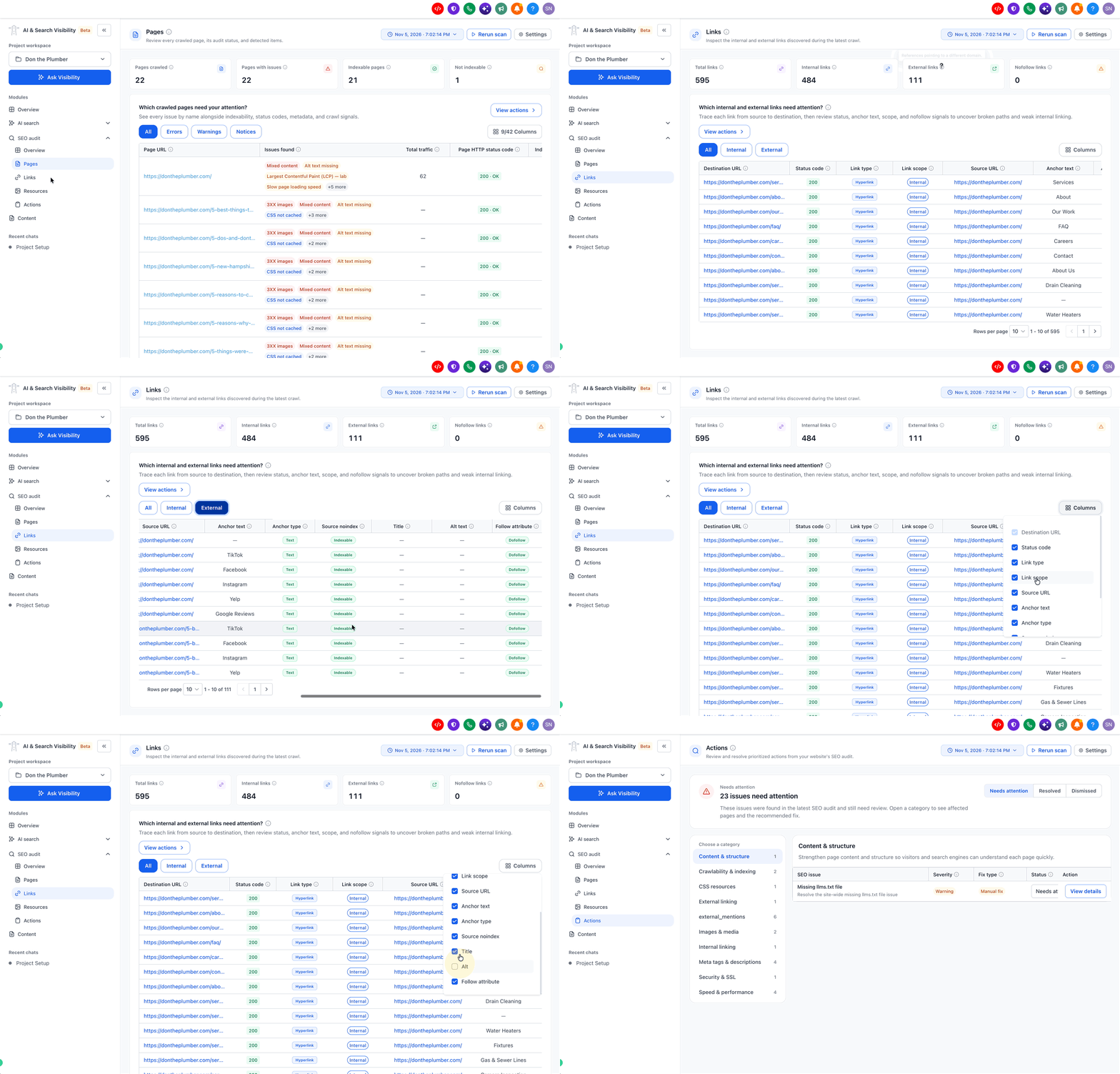
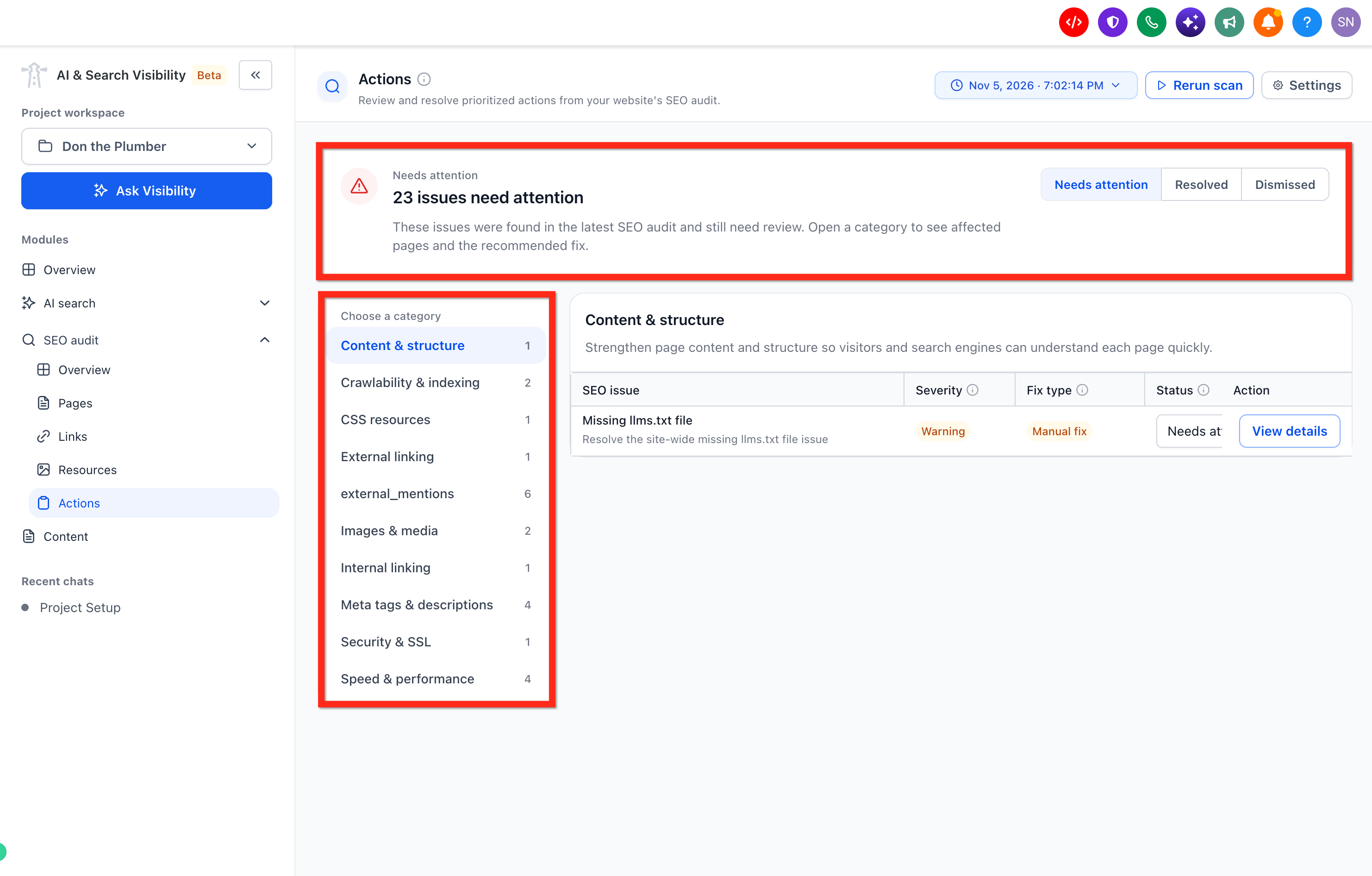
Each action item includes the identified problem, its severity level, the type of fix available, and its current status.
02How businesses use the SEO audit report
- Identify critical SEO problems. Review the Overview to see the Health Score and Priority Items. Focus on high severity issues that affect many pages before tackling lower priority notices.
- Prioritize fixes. When deciding which items to address first, consider the Severity and the affected page count. Higher severity issues affecting important pages generally deserve attention before lower severity notices.
- Apply recommended fixes. For each action item, note the Fix Type. Use Auto Fix or Assisted Fix to apply changes directly, or copy Manual Fix recommendations into your website builder.
03The numbers and rules that matter
- Links summary includes Total Links, Internal Links, External Links, and Nofollow Links.
04What it looks like in HighLevel
Michael's take

It helps you see where your site may have SEO issues, such as missing meta tags or broken resources, and shows the urgency of each problem.
If I were using it, I’d start with the Overview to spot the highest severity items that affect the most pages, then work through the Action items using the Auto or Assisted fixes wherever possible. I’d also double check any Manual or Advisory recommendations before implementing them on the live site.