
01Who this is for
- SaaS Founders who bill customers through Stripe can rely on accurate refund tracking without manual updates.
- Ecommerce owners using Stripe for sales see correct refund statuses on HighLevel, avoiding duplicate actions.
- Online coaches managing subscription payments can trust that refunds processed in Stripe appear right away in their HighLevel reports.
02Stripe refund status sync, explained
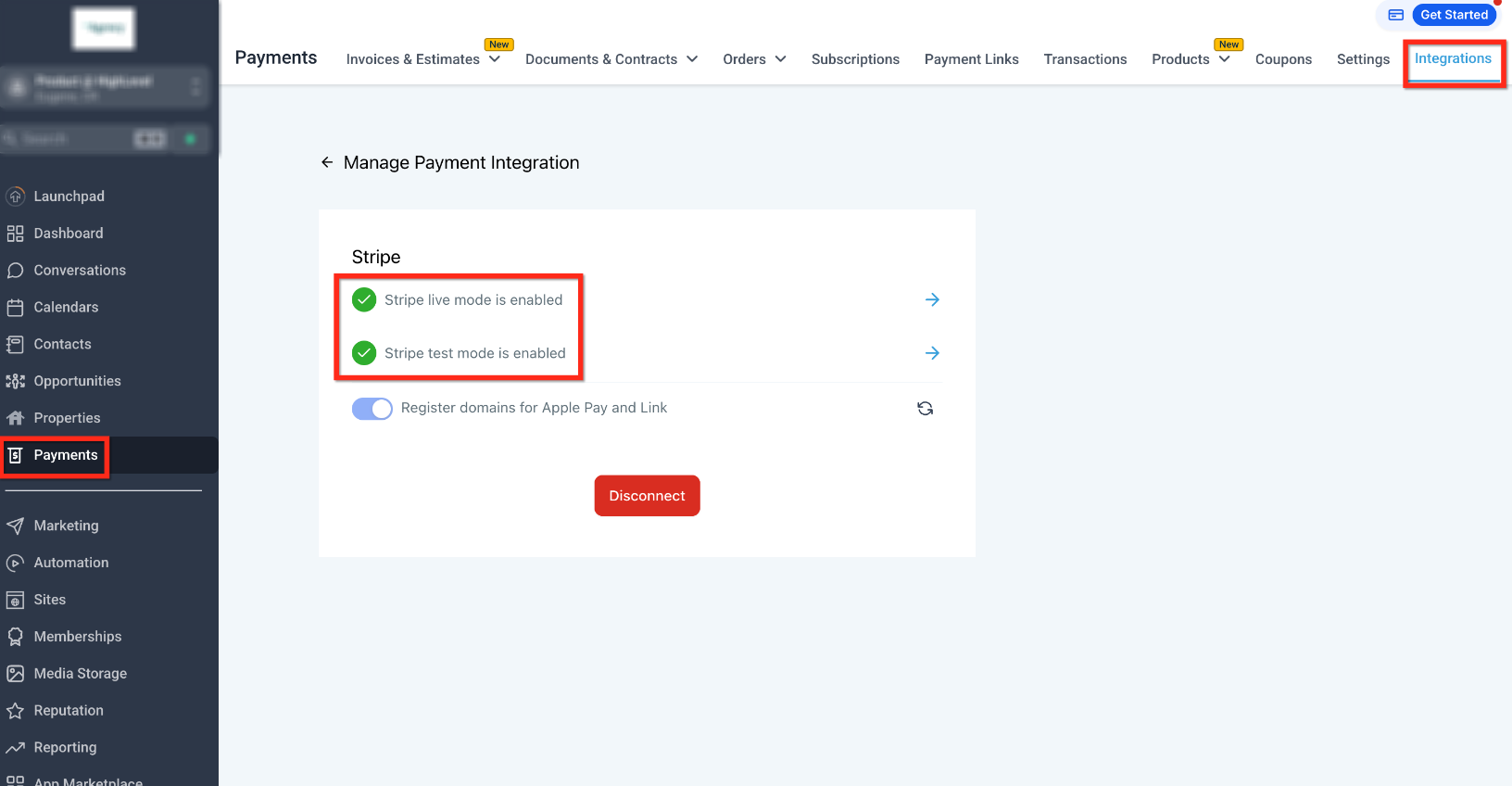
When a payment is reversed in Stripe, the platform updates the corresponding transaction record inside HighLevel. This happens behind the scenes, so the dashboard shows the new status without any user interaction. The feature lives within the payment integration area of HighLevel where Stripe is linked.
The synchronization runs continuously for any account that already has a Stripe connection. No extra settings or re authorizations are required. For the most reliable data, the guide recommends creating refunds from the HighLevel interface whenever possible.
03How businesses use Stripe refund status sync
- SaaS subscription business. The team issues a refund in Stripe when a subscriber cancels. HighLevel picks up the change and marks the payment as refunded, so the billing overview stays correct.
- Ecommerce store. After a customer returns a product, the store processes the refund through Stripe. The order record in HighLevel automatically reflects the refund, preventing duplicate refund attempts.
- Online coaching service. When a client’s session is cancelled, the coach refunds via Stripe. HighLevel updates the client’s payment history, keeping the coaching pipeline data accurate.
04Before you start
- A Stripe integration must already be active on the HighLevel account.
05How to set up and use Stripe refund status sync in HighLevel
Ensure refund status sync works correctly
- No action is required; the fix is applied automatically to accounts with an active Stripe integration.
- For consistent tracking, create refunds from the HighLevel dashboard whenever feasible.
- If a refund does not appear updated, verify that the Stripe connection is still present; otherwise, contact support.
06What it looks like in HighLevel
07If something goes wrong
- Refund does not appear updated in HighLevel. Check that the Stripe account remains connected to HighLevel. If the problem persists, reach out to support.
08How it connects to the rest of HighLevel
- Learn how to attach Stripe to a HighLevel subaccount Connect Stripe
- Explore all integration options available in HighLevel All integrations
- Review pricing and plan details for HighLevel Pricing
Michael's take

A small convenience that removes a headache. When refunds move between Stripe and HighLevel, you keep your books clean and avoid chasing phantom refunds.
A coaching studio that sells memberships online will love this. They can issue a cancellation refund in Stripe and see the change reflected in HighLevel, so their member status stays accurate.