
01Who this is for
- Agencies that deliver White Label solutions, because they can provide API docs without HighLevel branding.
- Consultancies building custom integrations for client environments, as they can share clean documentation links.
- Software vendors that develop Marketplace apps, enabling them to give partners a branded developer experience.
02Grey label API documentation, explained
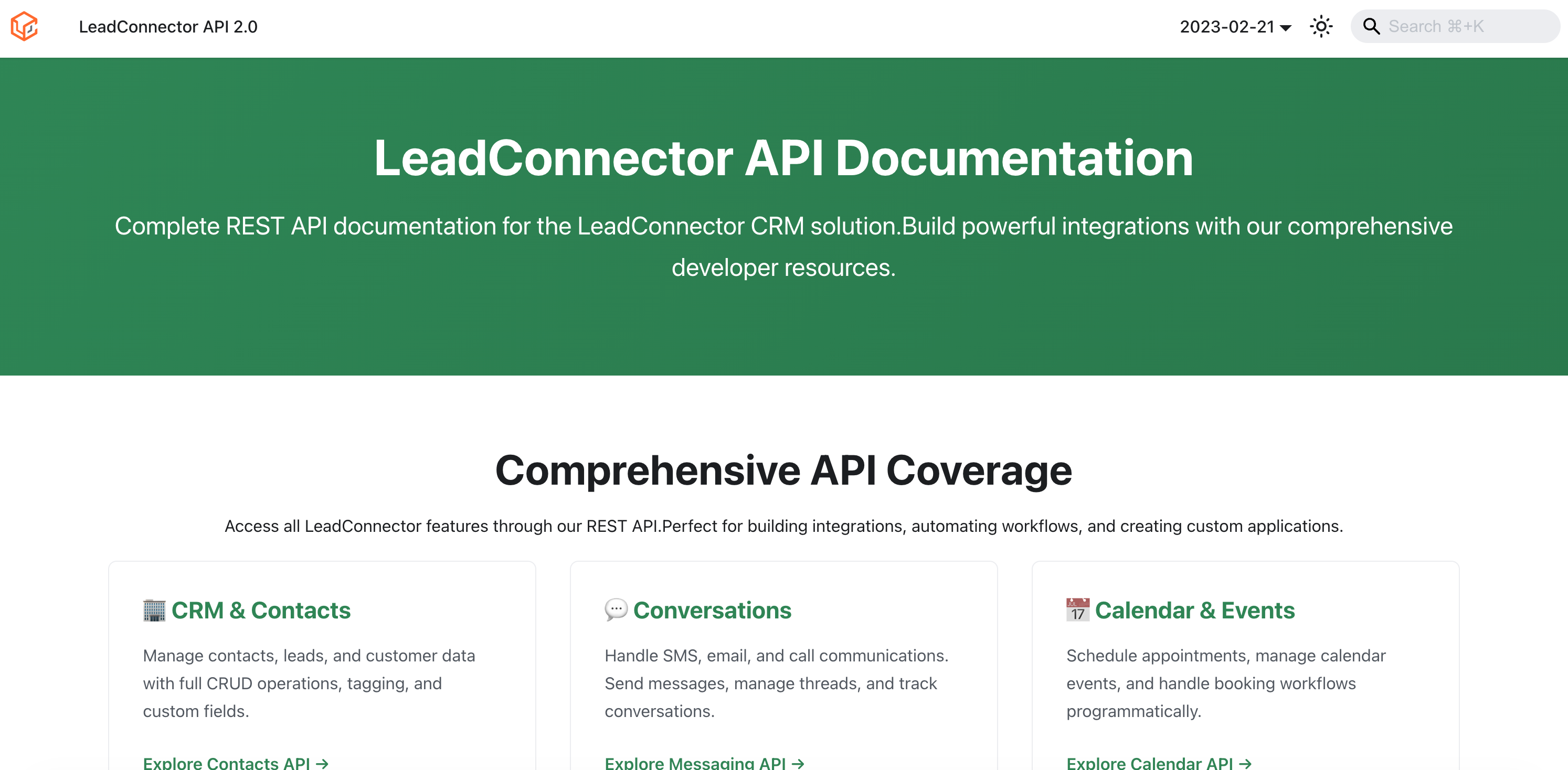
The grey label API documentation is the same technical reference as the standard HighLevel API docs, but it is hosted under the LeadConnector domain. It presents the same endpoints, authentication methods, and scopes while removing HighLevel specific branding from the pages.
The documentation lives outside the HighLevel platform. Partners simply open the provided LeadConnector URL, review the content, and share the link. No DNS records, custom domains, or additional setup steps are required to access it.
03How businesses use grey label API documentation
- Marketing agency offering White Label services. The agency opens the LeadConnector documentation link and reviews the API sections relevant to a client project. It then sends the link to the client’s technical team so they can view the API reference without seeing HighLevel branding.
- Integration consultancy building client integrations. Consultants open the LeadConnector URL, locate the authentication and endpoint details needed for a specific integration, and share that URL with the client’s developers. The developers use the grey labeled docs to understand the API while keeping the client’s branding consistent.
- Software vendor developing a Marketplace app. The vendor accesses the LeadConnector documentation, checks the API areas required for the app, and includes the link in internal developer guides. When presenting the app to partners, the vendor shares the same link to maintain a grey label experience.
04Before you start
- Be a White Label or Grey Label partner authorized to use the LeadConnector documentation.
- Have the LeadConnector API documentation URL available.
05How to set up and use grey label API documentation in HighLevel
Access and share grey label API documentation
- Open the LeadConnector API documentation link.
- Read the API reference that matches the intended integration or development use case.
- Copy the LeadConnector documentation URL and send it to customers, external developers, or integration partners.
- Reference the documentation together with relevant Help Center articles, such as Private Integrations or Developer Marketplace setup, when building custom solutions.
- Confirm with the recipient which API areas, authentication method, scopes, or endpoints are needed before starting implementation.
06What it looks like in HighLevel
07Things to know before you rely on it
- No DNS or custom domain configuration is required to view or share the LeadConnector documentation.
- The grey label documentation does not alter API behavior, authentication, scopes, or endpoint functionality.
08How it connects to the rest of HighLevel
- HighLevel API documentation (standard) Standard API docs
Michael's take

Grey label API documentation is a modest convenience that smooths the brand experience for clients. It quietly removes the HighLevel logo from the developer reference, so the documentation feels like it belongs to the partner’s own product.
A marketing agency that builds custom dashboards for multiple clients will find it useful. When the agency hands over a client’s integration guide, they can send the LeadConnector link and keep the whole package looking like the agency’s own white label solution.