
01Who this is for
- Marketing agencies that send data from forms or ads into HighLevel and want to ensure the payload format is correct.
- Developers building Zapier or Make automations that post to HighLevel and require a safe place to view raw requests.
- Custom app developers integrating with HighLevel who need to see exact request data before deployment.
02Webhook.site, explained
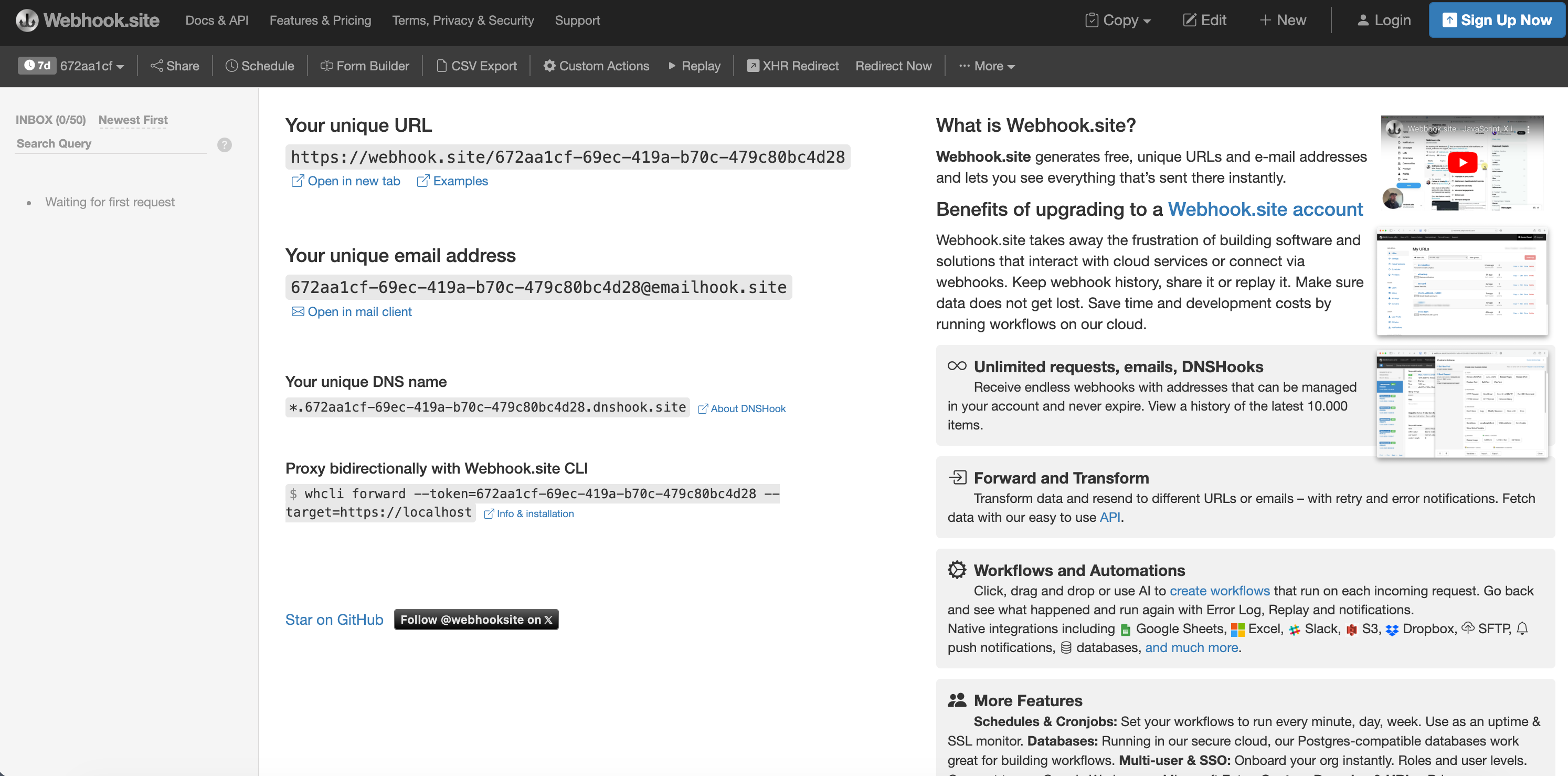
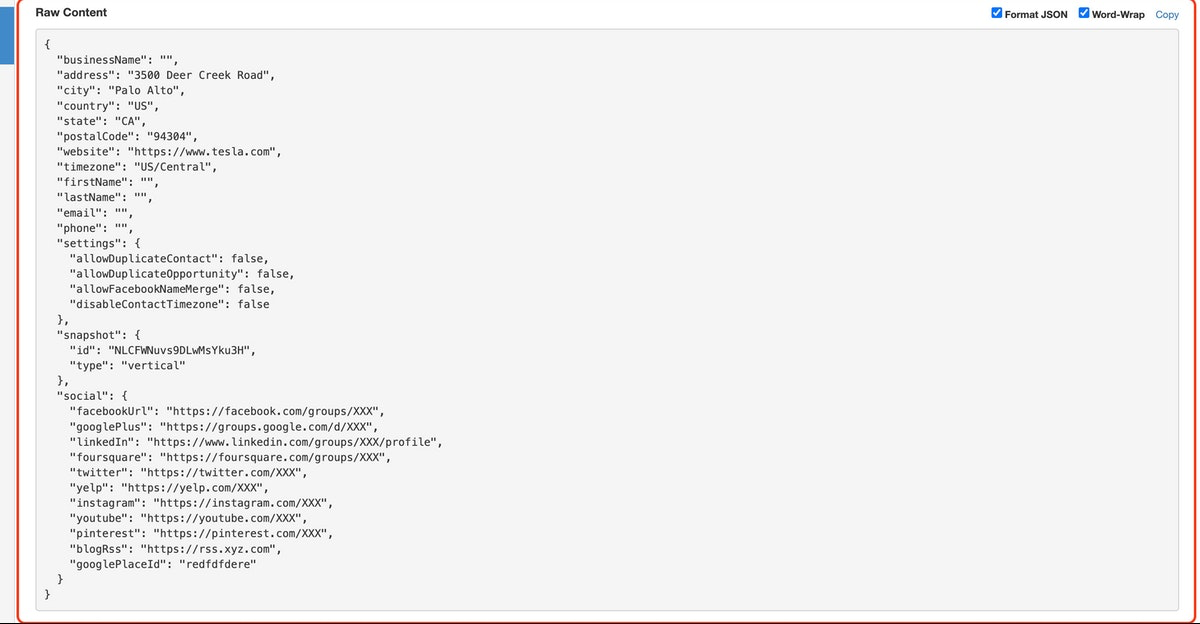
Webhook.site is a free external tool that right away creates a unique URL to collect incoming webhook traffic. When a request reaches that address, the service shows the full HTTP payload, method, headers and body, in real time.
The URL acts as a stand in for any HighLevel endpoint you are testing. By replacing the HighLevel API address with the Webhook.site address, the integration sends its data to the test site instead of the live API. After the request is captured, you can compare the raw data with the HighLevel API documentation to confirm correct formatting.
The feature lives outside the HighLevel interface. You access it through a web browser, copy the generated URL, and paste it into the webhook configuration of your integration tool.
03How businesses use webhook.site
- Digital marketing agency. An agency configures a Zapier action that posts form submissions to HighLevel. By using the test URL, they submit a real form entry, view the raw request in Webhook.site, and confirm the data matches the campaign’s specifications.
- Integration developer. The developer creates a custom API call from an external CRM to HighLevel. They replace the endpoint with the test URL, run a live transaction, capture the request, and copy the raw payload for debugging with the HighLevel support team.
- Custom app builder. When building a new application that posts data to HighLevel, the builder swaps the production endpoint with the Webhook.site URL, triggers the app’s functionality, and reviews the captured payload to verify required fields are present.
04How to set up and use webhook.site in HighLevel
Set up webhook testing
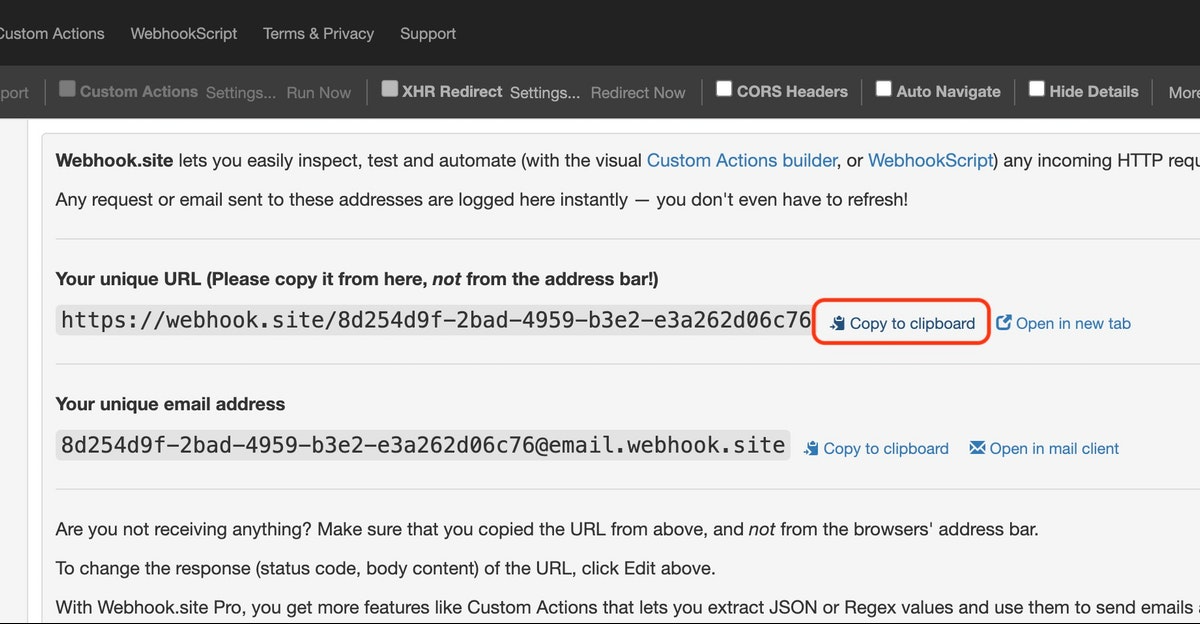
- Open https://webhook.site in a web browser; the site generates a unique test URL automatically.
- Click the “Copy to clipboard” button located next to the generated URL.
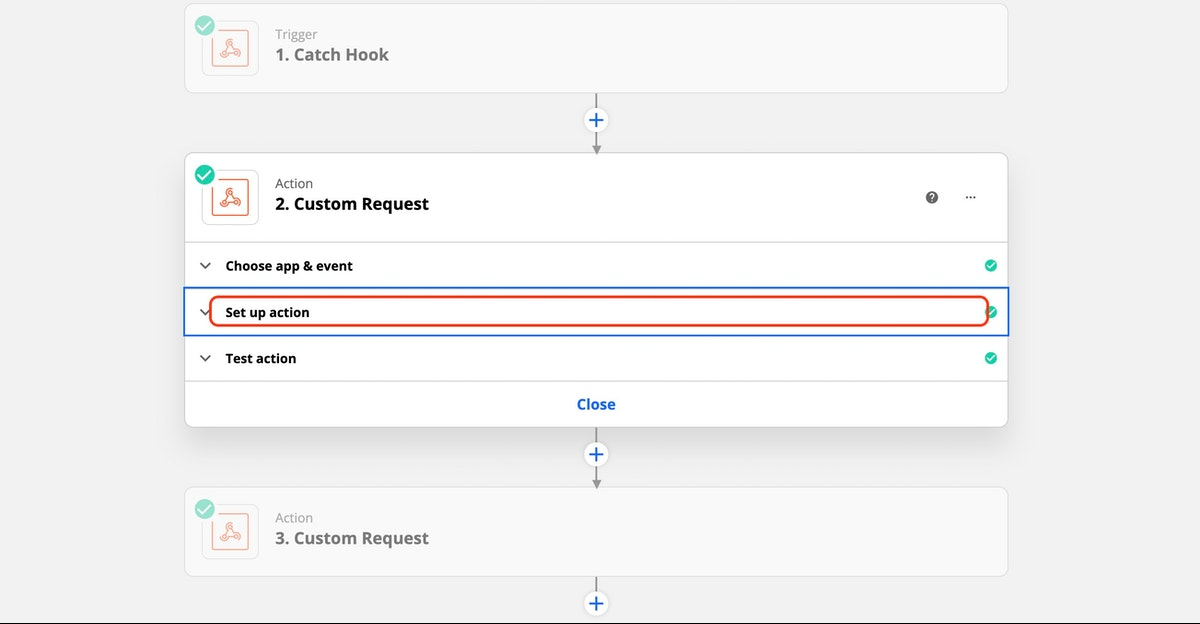
- Navigate to the external integration you are testing, such as a Zapier action, and open its setup screen.
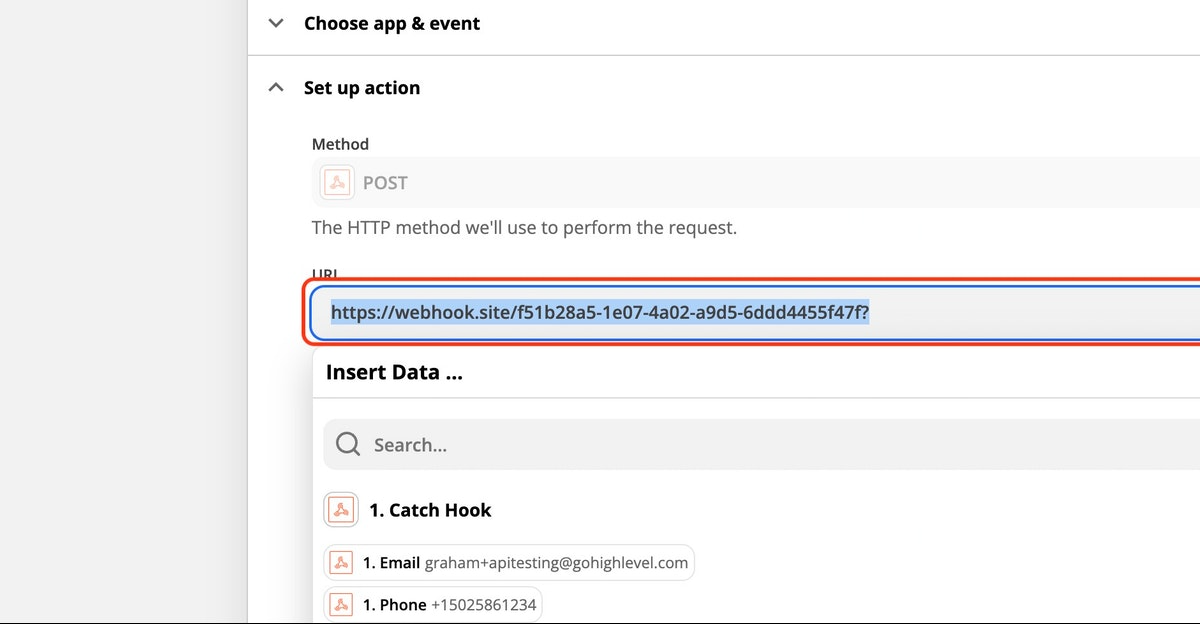
- Replace the original HighLevel API endpoint with the copied Webhook.site URL.
- Save the integration settings and trigger the workflow using a real world example instead of the built in test function.
- Return to the Webhook.site page and examine the displayed raw request data.
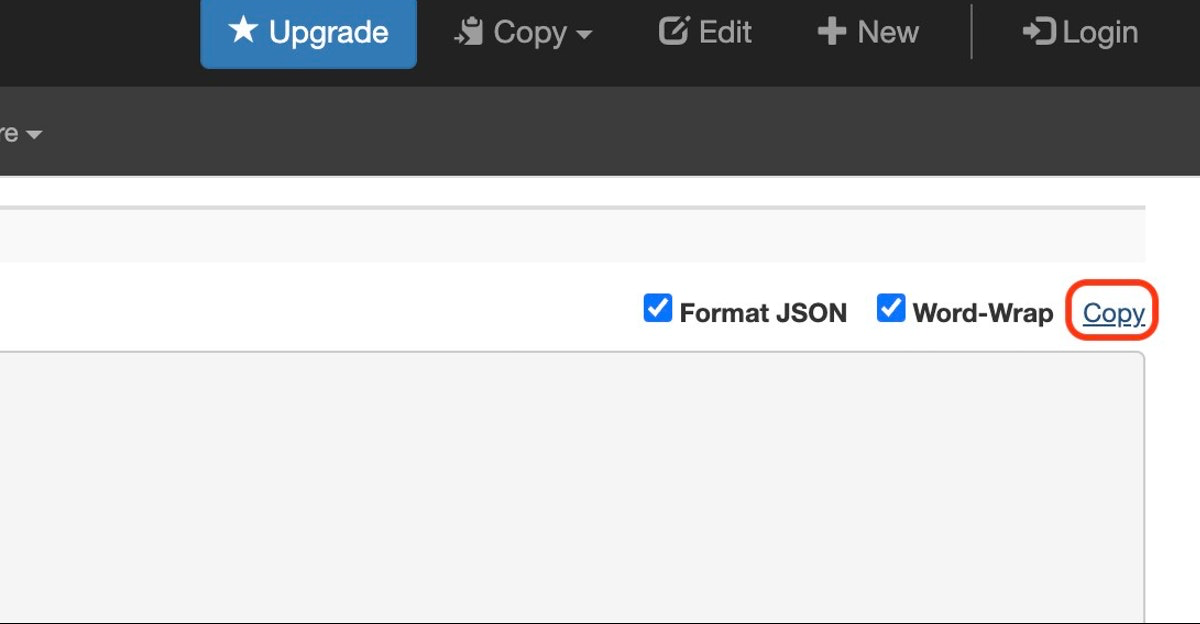
- Click the “Copy” button in the upper right corner of the raw data box to copy the full payload.
05What it looks like in HighLevel
06How it connects to the rest of HighLevel
- HighLevel API documentation for reference when comparing payloads API docs
- Guide to setting up webhooks for your app with HighLevel OAuth V2 OAuth webhook setup
- All Developer Resources features overview Developer resources
Michael's take

Wondering if you need a separate tool just to see what your Zapier or custom app is sending to HighLevel? The short answer is yes, Webhook.site gives you a quick window into raw request data without touching your live endpoint.
I’d set it up first, send a real form submission, and grab the payload. That copy gives you a solid reference when you talk to developers or the HighLevel support team.