
01Who this is for
- Teams that need real time data from external services during chat interactions.
- Developers building integrations that require the agent to send or receive data from APIs.
02Custom API calls, explained
Custom API Calls are a feature inside the Managed Agent editor. They enable the agent to send HTTP requests to any external endpoint while a chat is in progress. You configure the method, URL, parameters, headers, body and the type of authentication required. The agent can then use selected fields from the API response to continue the dialogue.
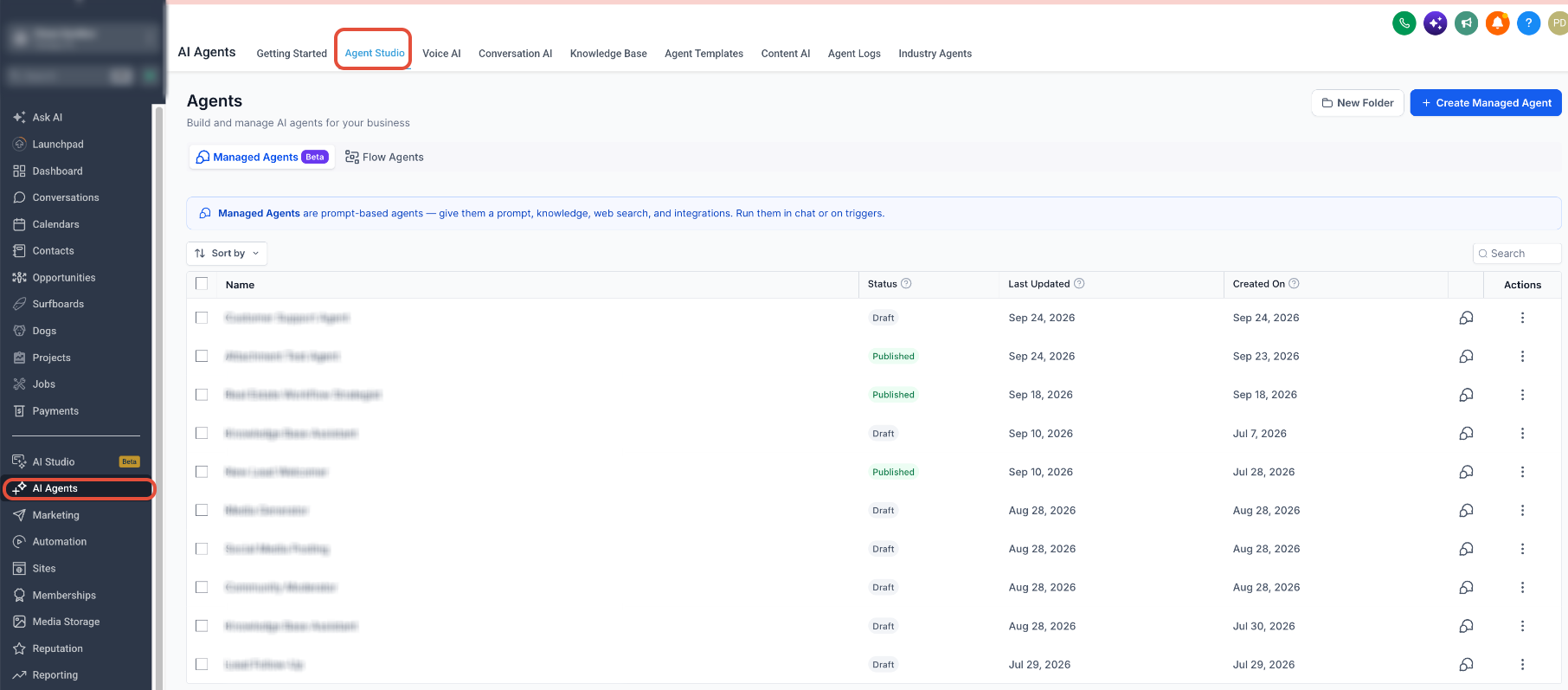
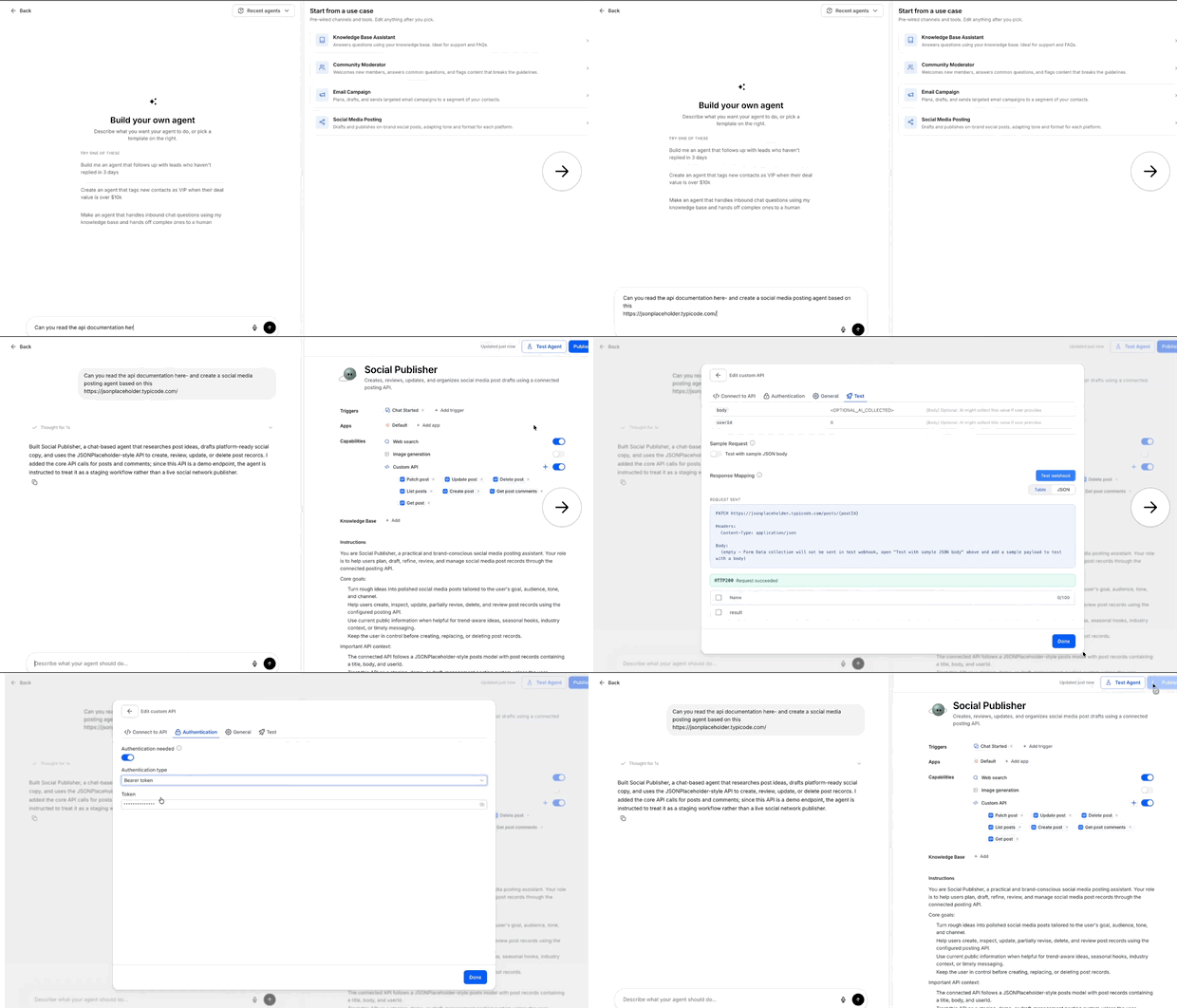
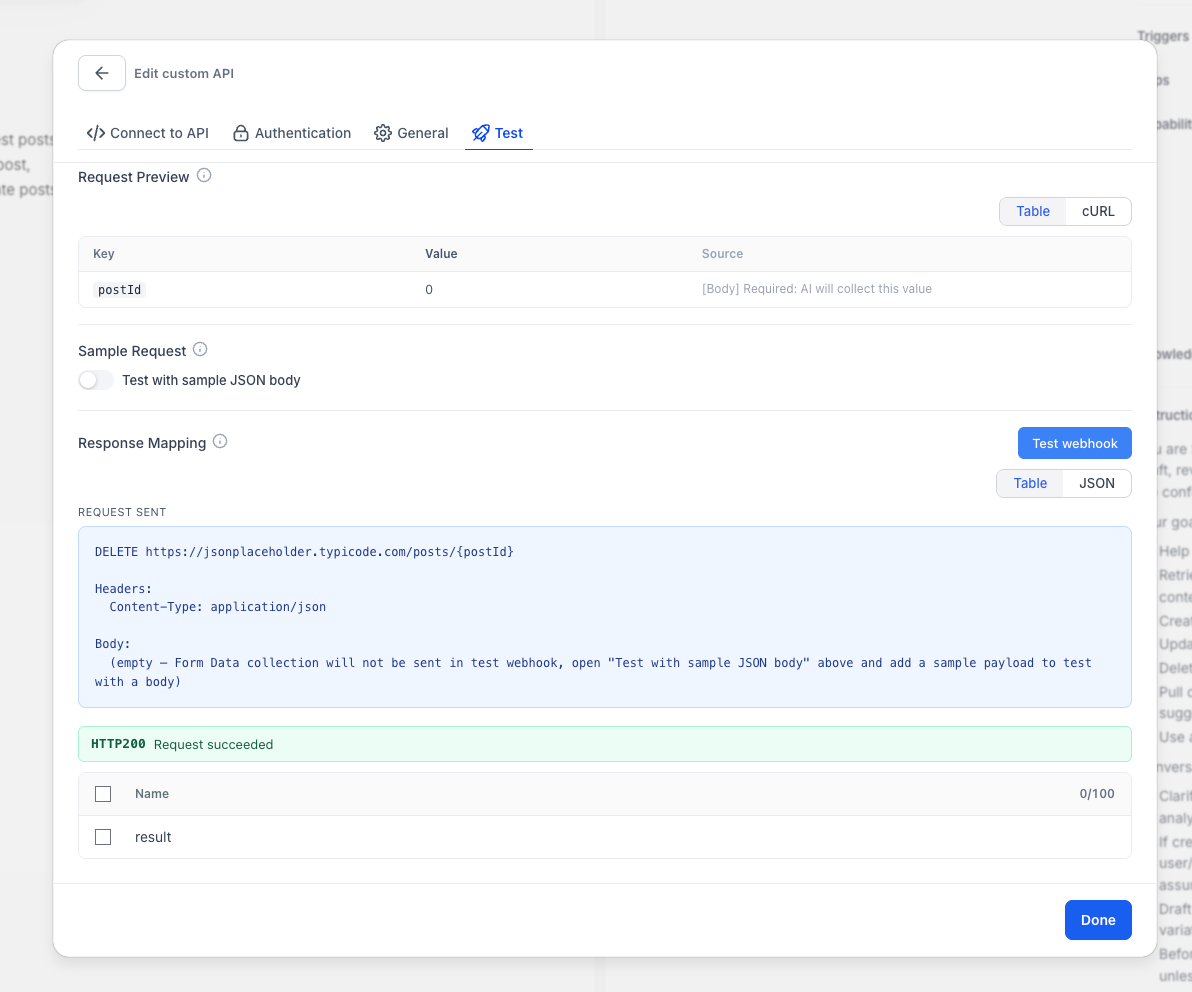
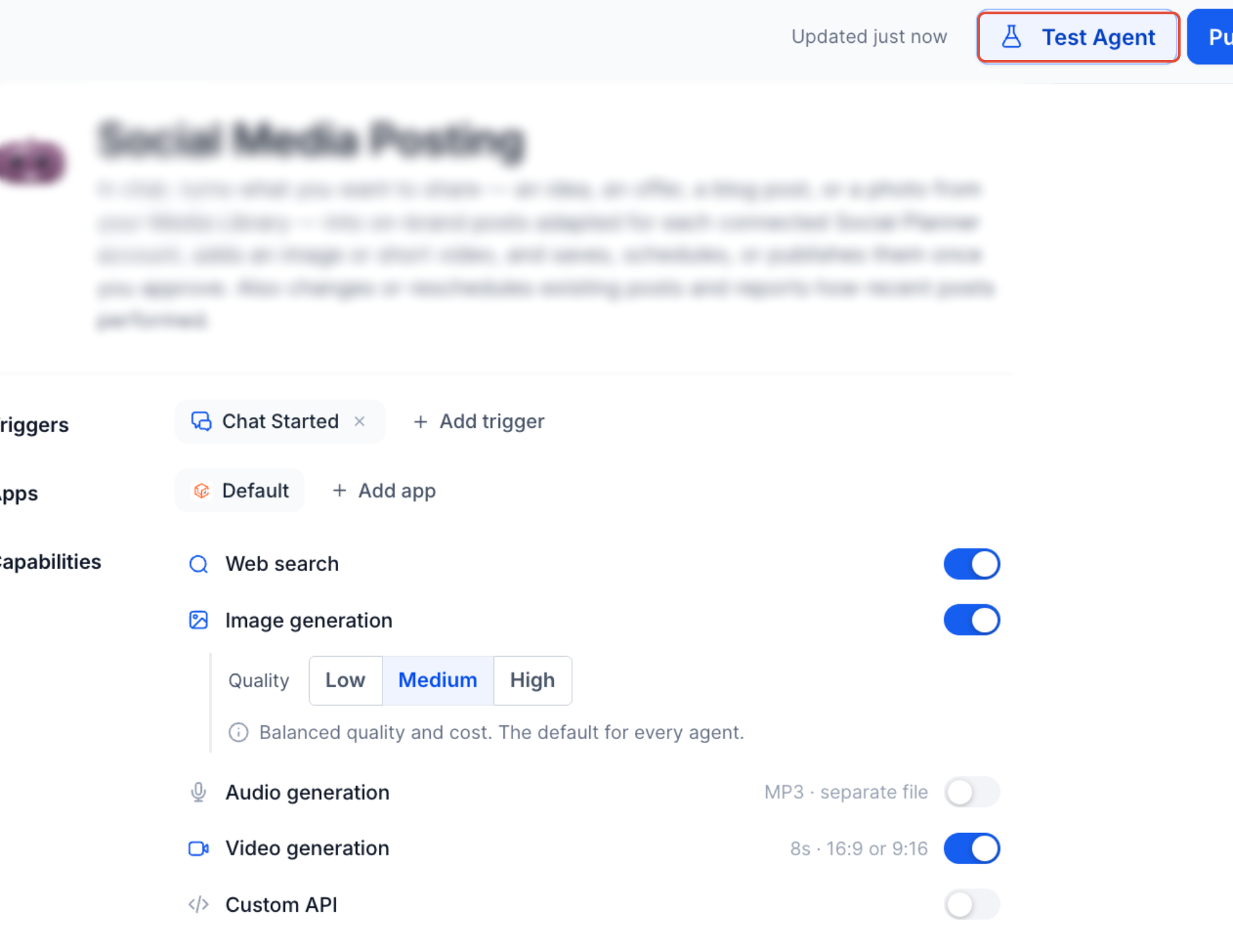
The configuration lives under AI Agents > Agent Studio > Managed Agents. After opening a specific agent, you add a Custom API Call, fill in the request details, write usage instructions and choose which response fields the agent may read. A test interface lets you run the request with sample values and see the raw response or a cURL preview.
When the agent determines that the call is needed, it gathers any missing information, injects the values into the prepared request, sends it using the defined authentication, and extracts the chosen fields to shape its reply. The feature supports GET, POST, PUT, PATCH and DELETE methods and four authentication types.
03How businesses use custom API calls
- Real estate brokerage. The brokerage adds a Custom API Call that queries a listings service for property availability. Inside the Managed Agent, the user selects a property, the agent fills the request parameters, runs the call and then uses the returned price and status to answer the client.
- Online fitness studio. The studio creates a Custom API Call to a scheduling platform. When a member asks to book a class, the agent prompts for the date, sends the request, receives the confirmation number and includes it in the reply.
- Ecommerce store. The store configures a Custom API Call that checks order shipping status. During a support chat the agent asks for the order ID, submits the request, and uses the tracking URL from the response to inform the customer.
04The numbers and rules that matter
- Supported request methods: GET, POST, PUT, PATCH, DELETE.
- Supported authentication methods: API Key, Bearer Token, Basic Authentication, No Authentication.
05Before you start
- Have the external API documentation ready.
- Gather any required credentials such as API keys or tokens.
06How to set up and use custom API calls in HighLevel
Open the Managed Agent
- Navigate to AI Agents > Agent Studio.
- Select Managed Agents.
- Choose the Managed Agent you want to edit.
Configure the API request
- Add a new Custom API Call or edit an existing one.
- Select the request method (GET, POST, PUT, PATCH, DELETE).
- Enter the full endpoint URL.
- Define any path or query parameters required by the API.
- Add required header fields.
- Provide request body fields if the method needs a payload.
- Choose the authentication type and supply the credentials.
Define when the API should be used
- Write clear usage instructions that tell the Managed Agent under which conditions to invoke the API call.
Select response fields
- Choose the specific parts of the API response that the Managed Agent is allowed to read and use.
Test the request
- Input test values for all required parameters.
- Run the test request from the interface.
- Review the request status and examine the API response.
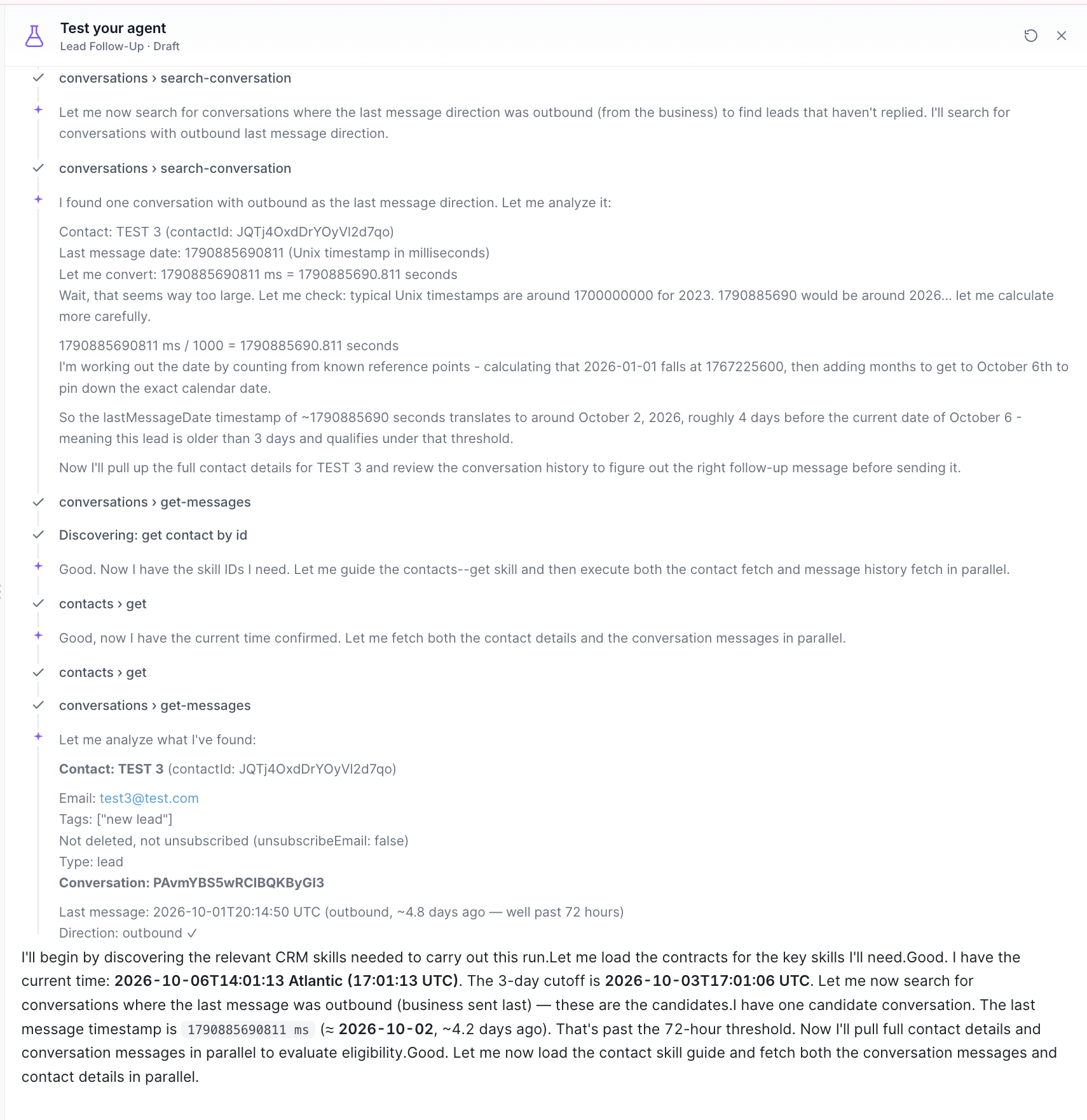
Save and test the Managed Agent
- Save the Custom API Call configuration.
- Run a test conversation with realistic inputs.
- Verify that the correct API is selected and the expected response fields are used before publishing.
07What it looks like in HighLevel
08Settings that matter
- Request method. Specifies the HTTP verb the call will use, such as GET or POST.
- Endpoint URL. The full address of the external API endpoint.
- Path or query parameters. Variables inserted into the URL path or query string.
- Headers. Key value pairs sent in the HTTP header section.
- Request body. Data sent in the body of POST, PUT, PATCH or DELETE requests.
- Authentication. Method used to authorize the request, such as API Key, Bearer Token, Basic Authentication, or none.
- Usage instructions. Text that tells the Managed Agent when to trigger this API call.
- Response fields. Specific parts of the API response that the agent is allowed to read and use.
09Things to know before you rely on it
- Supported request methods are limited to GET, POST, PUT, PATCH and DELETE.
- Authentication can only be API Key, Bearer Token, Basic Authentication, or none.
- Only the response fields you select are available to the agent.
- Multiple Custom API Calls can be added to a single Managed Agent, but each must have its own usage instructions.
10How it connects to the rest of HighLevel
- Select the correct API version for your integration API version guide
- Set up webhooks if your external service needs callbacks Webhook setup
- Review HighLevel pricing and plan options Pricing page
Michael's take

How do I let a chatbot pull live data without building a whole new integration? In HighLevel you can add a Custom API Call to a Managed Agent, point it at any external endpoint, and the agent will ask for missing inputs, call the service, and use the response to keep the chat flowing.
If I were setting one up, I’d first copy the API docs into a quick checklist, then create the call in Agent Studio and test it with realistic values. Watching the cURL preview can provide a reference for the request before you hand the bot over to customers.