
01Who this is for
- Developers building Marketplace apps, they receive early alerts for policy violations.
- Product teams creating white label solutions, the tool spots restricted branding references.
- Marketing managers preparing app listings, AI assists with tagline and description drafts.
02AI preflight checks, explained
AI powered preflight checks run in the background while you create a Marketplace app listing. The system reviews the app name, tagline, description, logo and preview images for potential policy or branding conflicts. When it finds a concern, a notification appears with guidance on how to correct the item.
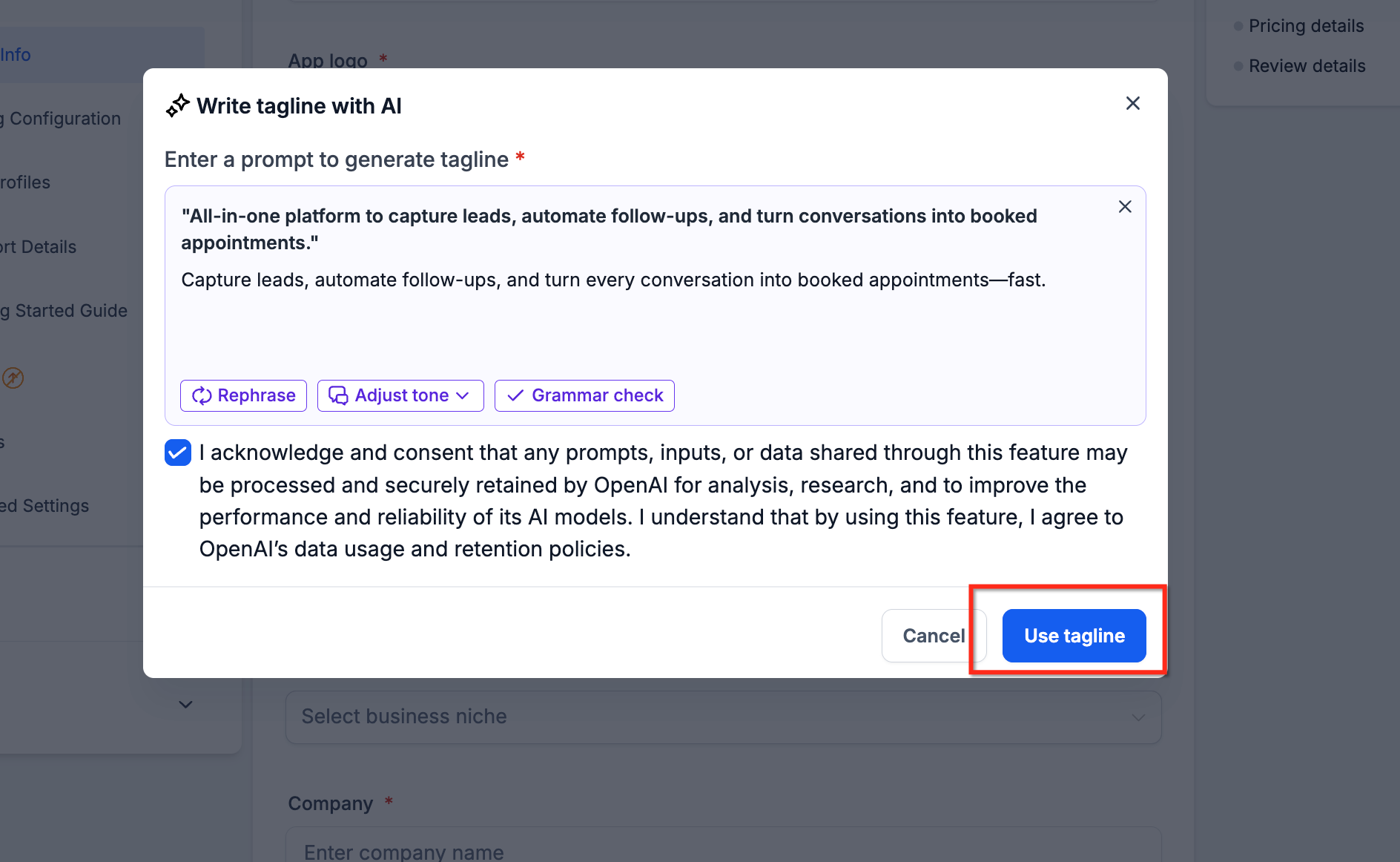
The feature also includes AI Content Enhancements that can generate new taglines, improve existing ones, draft full descriptions, or refine current text. You must review any AI generated content for accuracy and compliance before you submit the listing.
All checks and AI tools are accessed from the app listing editor inside the HighLevel Developer Marketplace. They operate automatically; you do not need to trigger a separate validation step.
03How businesses use AI preflight checks
- SaaS tool developer. The developer opens the app listing editor, enters the app name and uploads branding assets. The AI preflight checks flag any prohibited wording or image issues, and the AI tagline generator creates a concise description that meets marketplace standards.
- Marketing agency offering white label client portals. While configuring a white label listing, the agency receives warnings about restricted references such as "HighLevel" or "GoHighLevel". The agency uses the provided correction guidance to rewrite the tagline with brand neutral language.
- Integration platform vendor. The vendor drafts a detailed app description, runs the AI content improvement tool, and applies the suggested edits. The platform then checks the final listing for any residual compliance concerns before submission.
04How to set up and use AI preflight checks in HighLevel
Use AI preflight checks
- Sign in to the HighLevel Developer Marketplace.
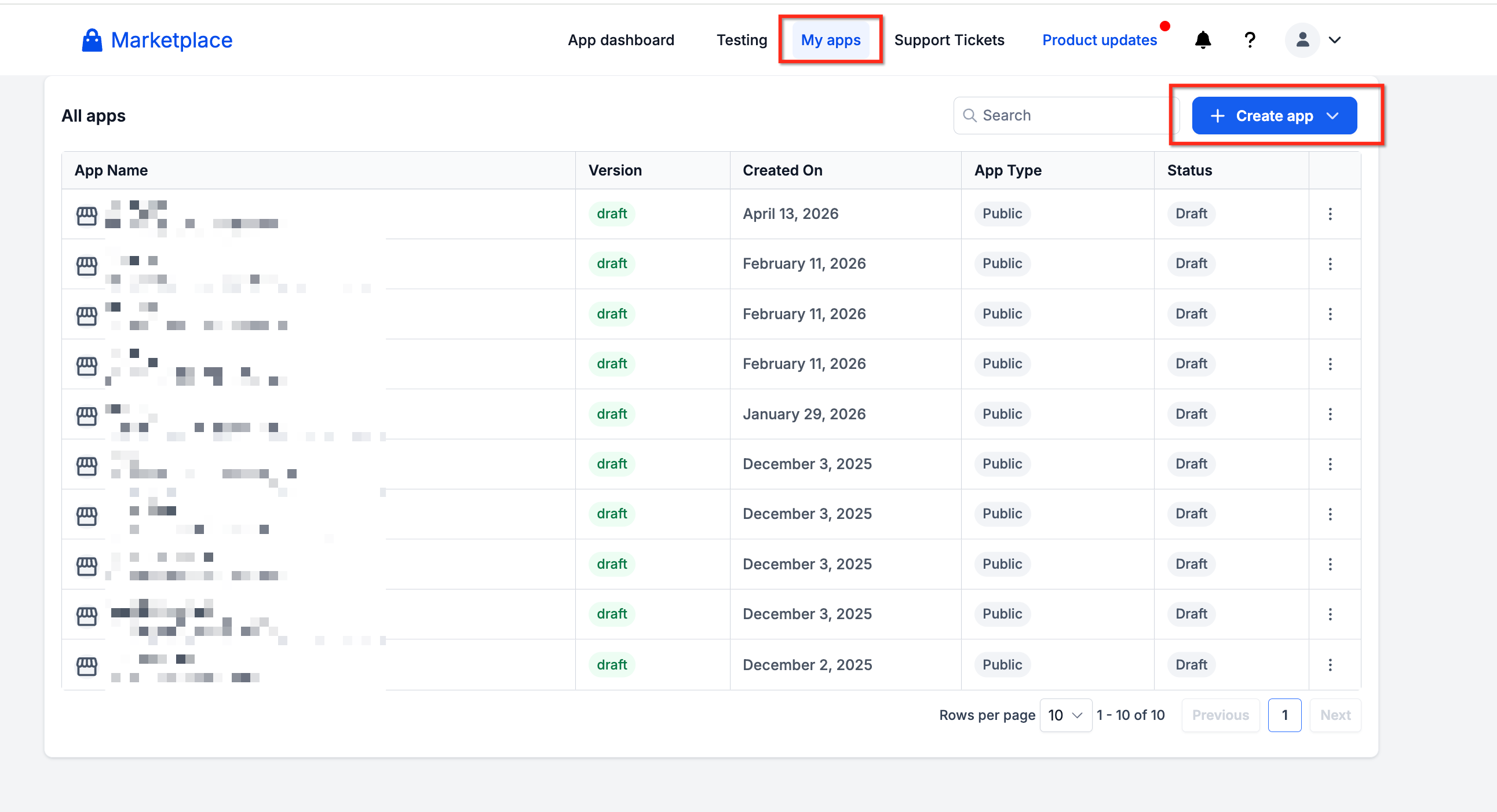
- Navigate to the My Apps section.
- Choose an existing app or click “Create App”.
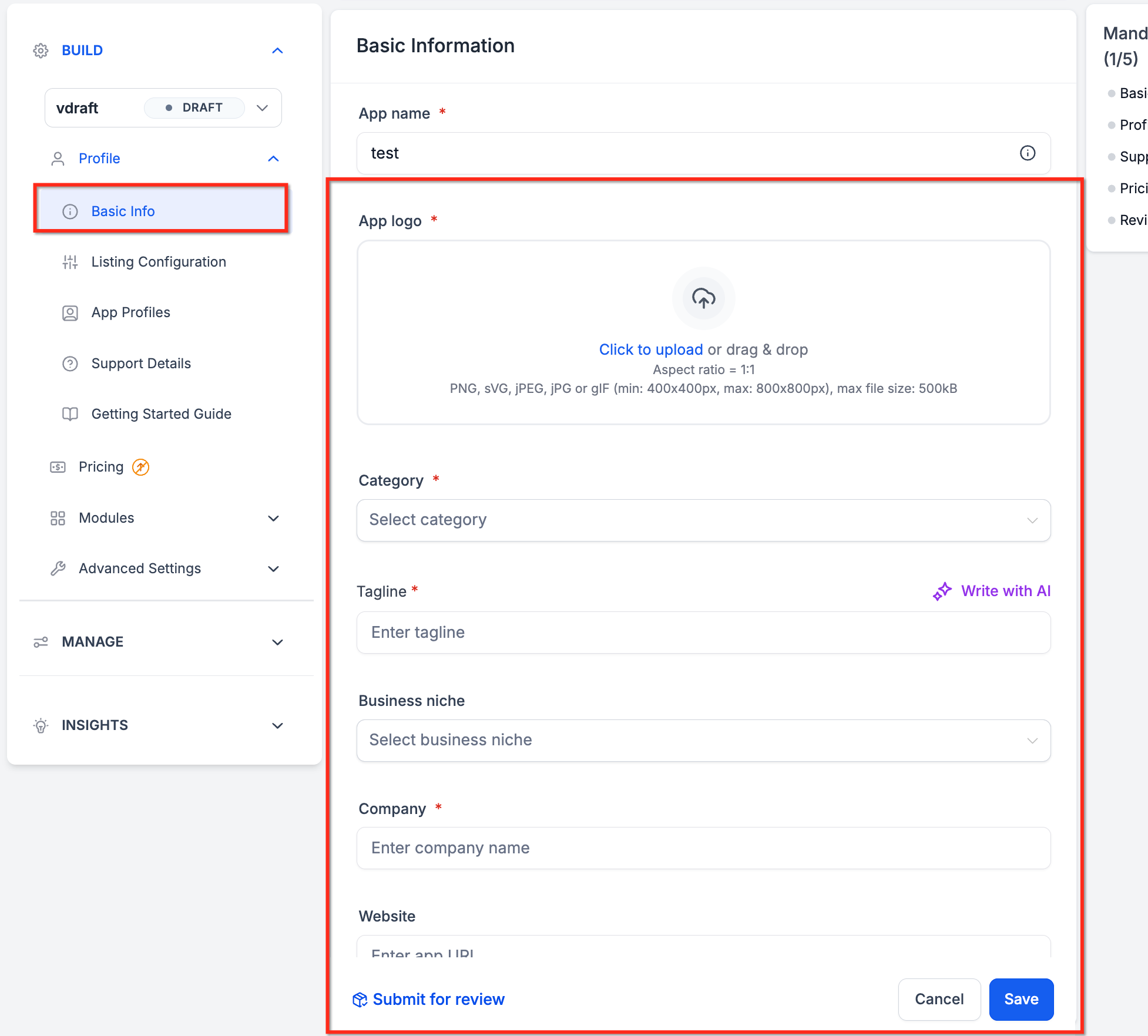
- Enter the app name in the listing form.
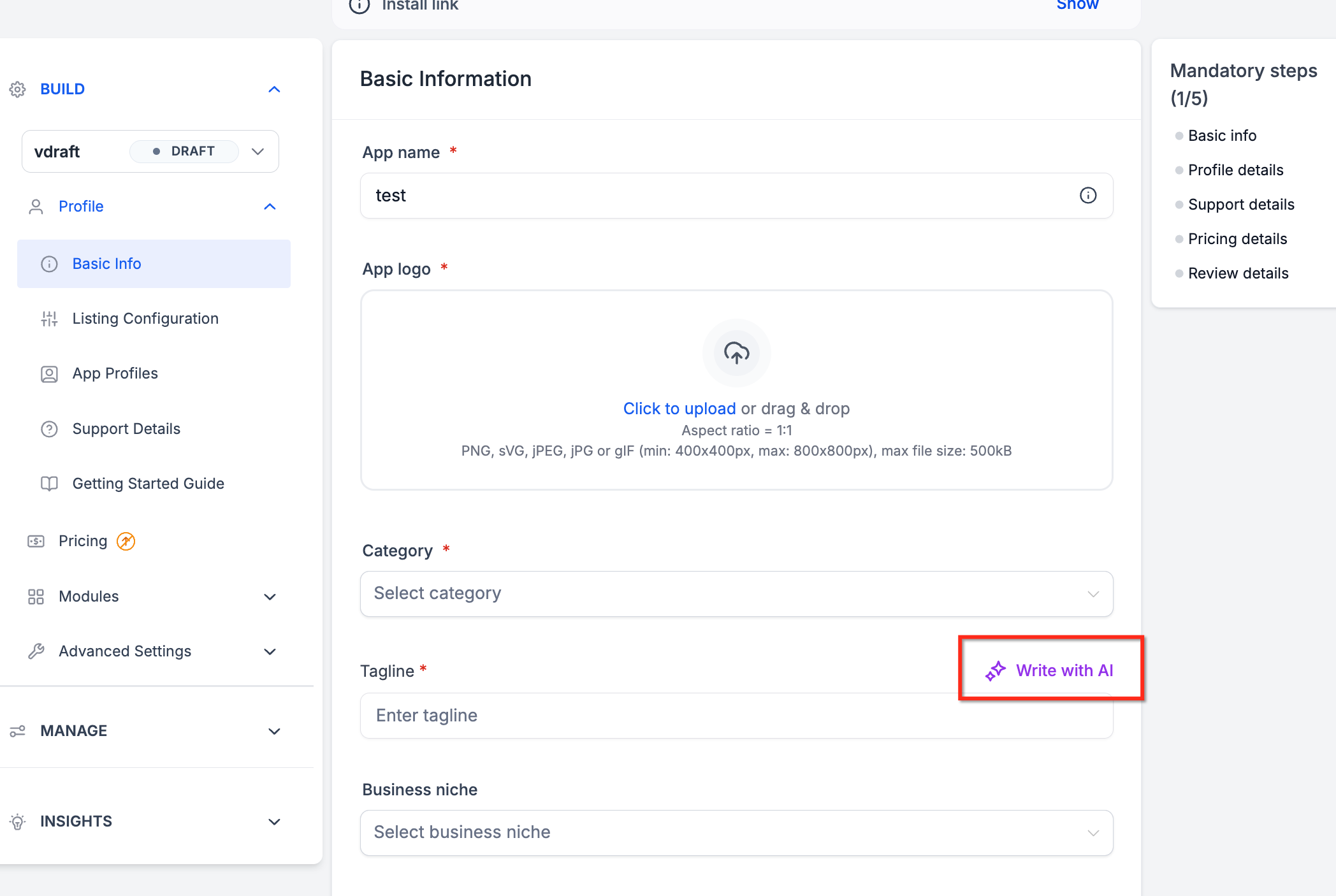
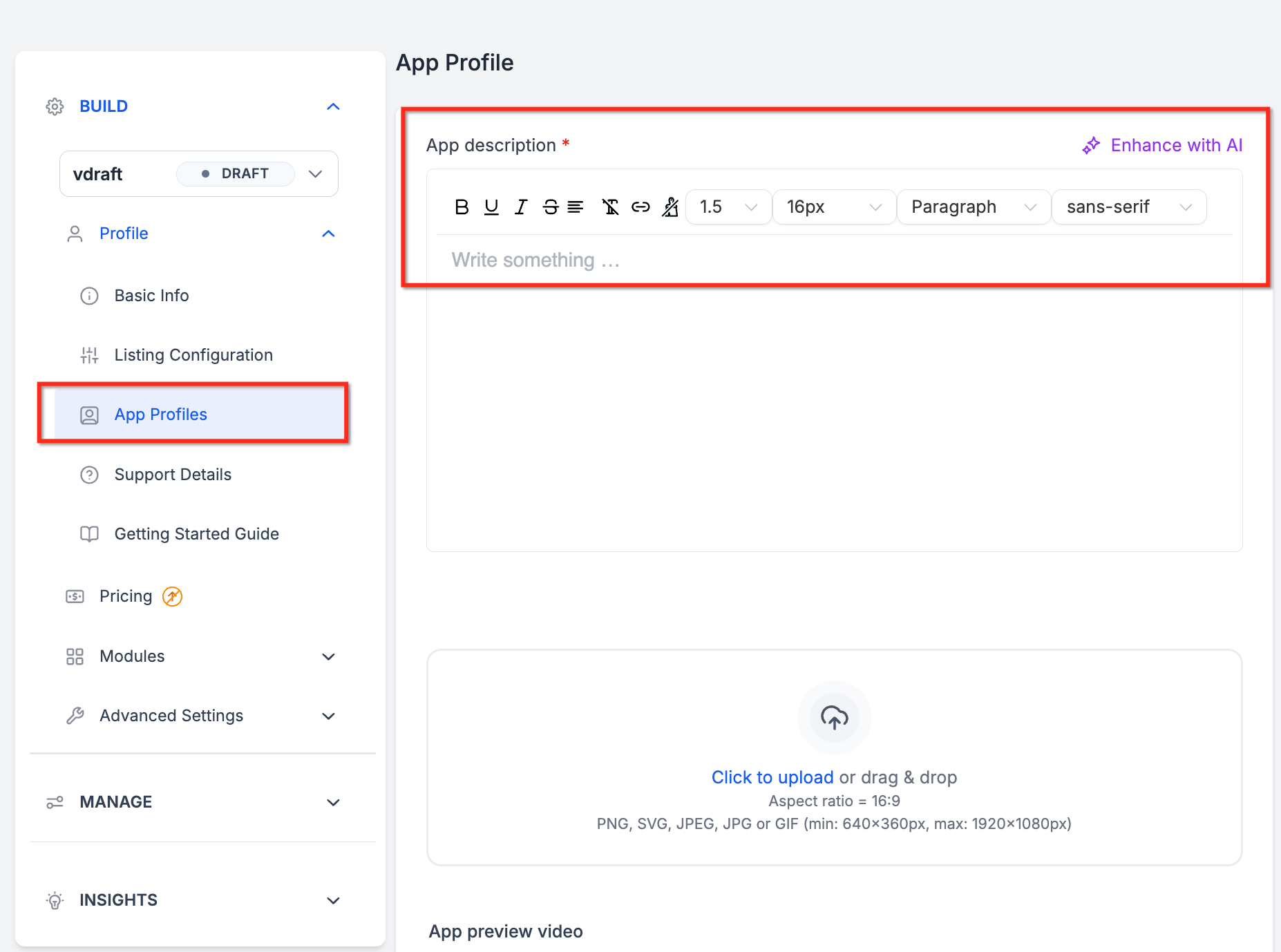
- Fill in the tagline and description fields.
- Upload a logo image for the app.
- Upload preview images for the app.
- Review any AI preflight notification that appears and correct the flagged items as guided.
- Use the AI enhancement tool to generate or improve the tagline or description.
- Review AI generated content for accuracy and compliance.
- Confirm all details and submit the app for Marketplace review.
05What it looks like in HighLevel
06Things to know before you rely on it
- AI preflight checks do not guarantee Marketplace approval; apps still undergo the normal review process.
- White label detection only flags references to HighLevel, GoHighLevel, or HighLevel.
- The feature runs automatically during listing creation; no manual activation is required.
07How it connects to the rest of HighLevel
- Configure the listing type for white label compliance. Listing type guide
- Set up pricing for your Marketplace app. Pricing setup
- Explore distribution settings for Marketplace apps. Distribution settings
Michael's take

Wondering whether the AI preflight feature is worth the time for your app listing? It catches policy and branding slip ups before you hit submit, so you avoid the back and forth of a rejected review. The AI also drafts taglines and descriptions, which can help you create the copy more efficiently.
If I were setting up a new Marketplace app, I would run the preflight checks as I type each field, then use the AI to polish the tagline. A quick look at the suggestions lets you keep the tone on brand while staying compliant. It’s a small step that can help prepare a more complete, review ready listing.