
01Contact followers, explained
The workflow actions "Add Contact Followers" and "Remove Contact Followers" update the follower list for a contact when a workflow runs.
02How businesses use contact followers
- Add followers. Use the "Add contact Follower" action to add followers to a contact.
- Remove followers. Use the "Remove Contact Follower" action to remove chosen or all followers of a contact, and utilize the toggle to remove all followers.
03How to set up and use contact followers in HighLevel
Add or remove contact followers
- Select workflow action, "Add Contact Follower" / "Remove Contact Follower" in the "Contact" Category.
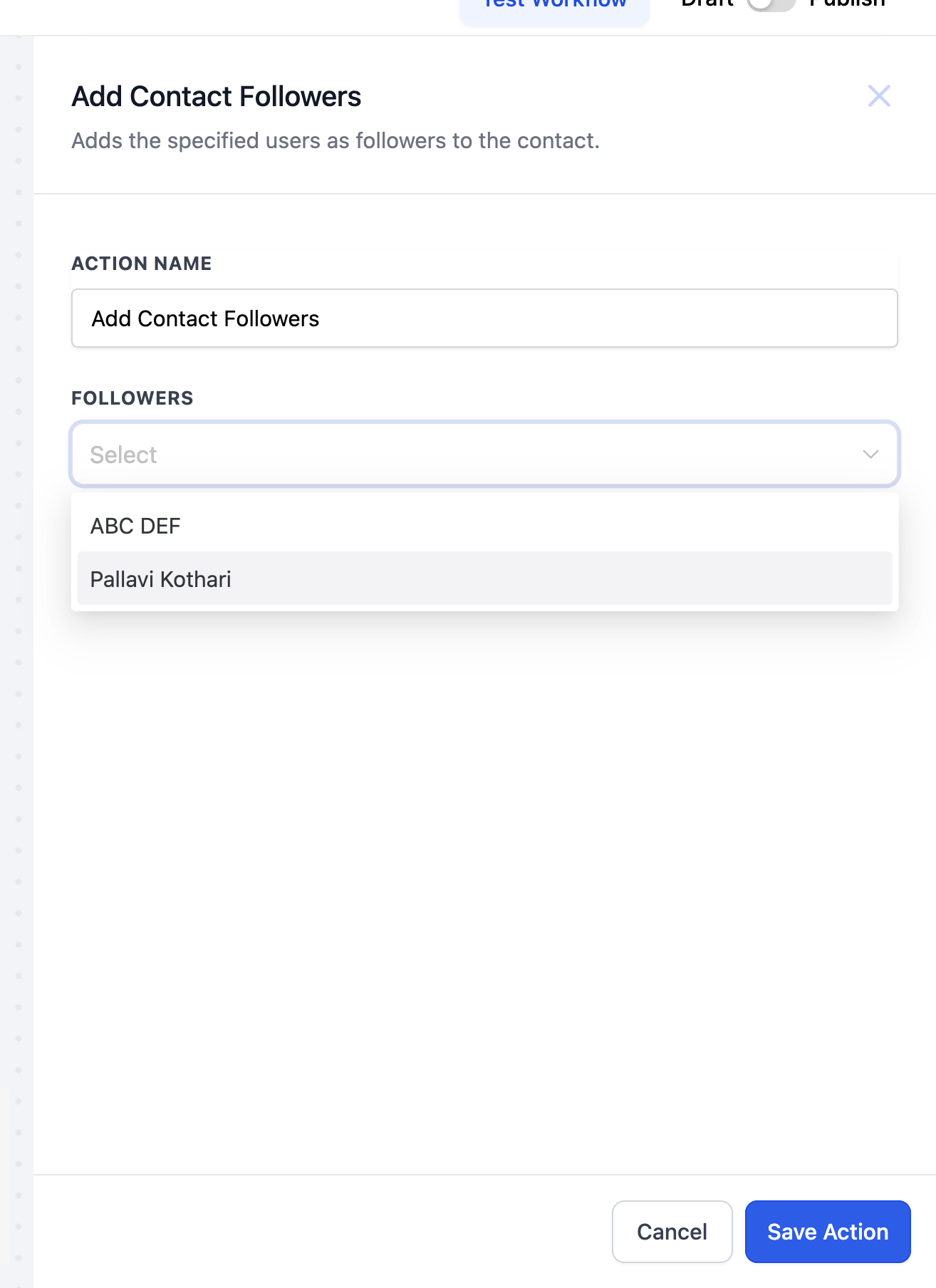
- Use the "Add contact Follower" action to add followers to a contact.
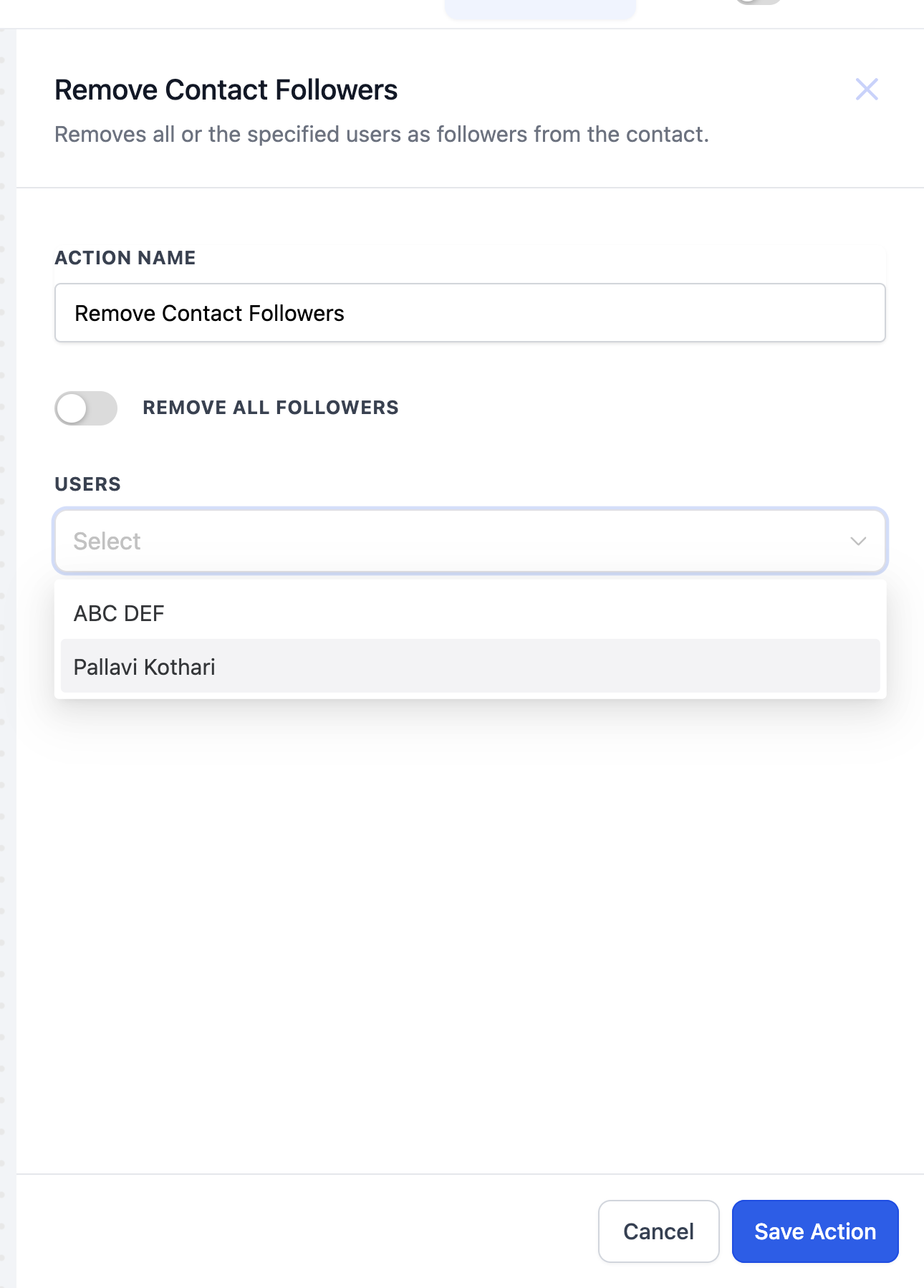
- Use the "Remove Contact Follower" action to remove chosen or all followers of a contact.
- Utilize the toggle to removes all followers from a contact.
04What it looks like in HighLevel
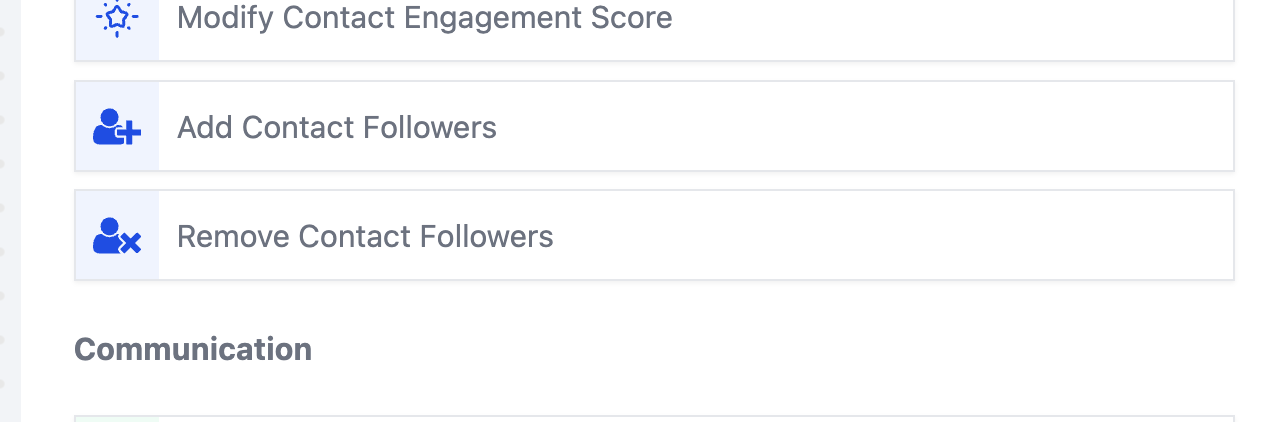
05Add Contact Follower workflow action in HighLevel
Add Contact Follower in HighLevel lets you automatically add one or more followers to a contact’s profile.
The Add Contact Follower action enables users to add one or more followers to a contact's profile.
Michael's take

Michael ReimerFounder of CRM Pros, HighLevel Commander and Certified Admin
Most people think the follower list is static and try to edit it manually each time. Instead, I set up a workflow that adds or strips followers automatically, so the right people are always in the loop without extra clicks.
If I were building a new lead capture flow, I would add the Add Contact Follower step right after the lead is created.
Get More InformationOpens on HighLevelPublished November 2, 2026 · Updated November 3, 2026