
01Who this is for
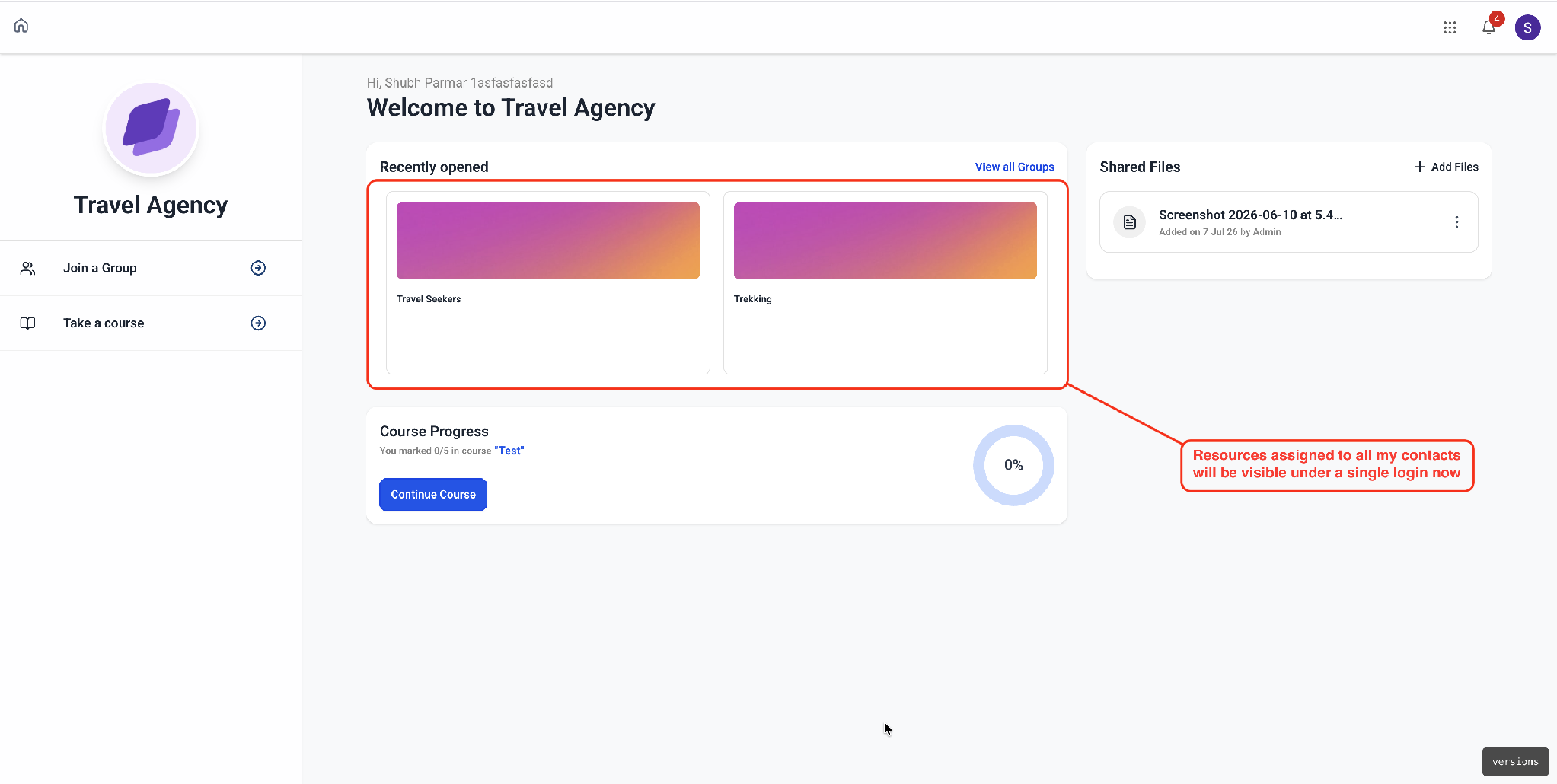
- Agencies that host multiple client subaccounts benefit because their members no longer need to switch profiles to see all resources.
- Course creators and membership sites gain a cleaner experience as students access all content from one portal without juggling logins.
- Businesses that use custom CSS or JavaScript on the portal can preview the new design and adjust code before rolling it out.
02Unified client portals, explained
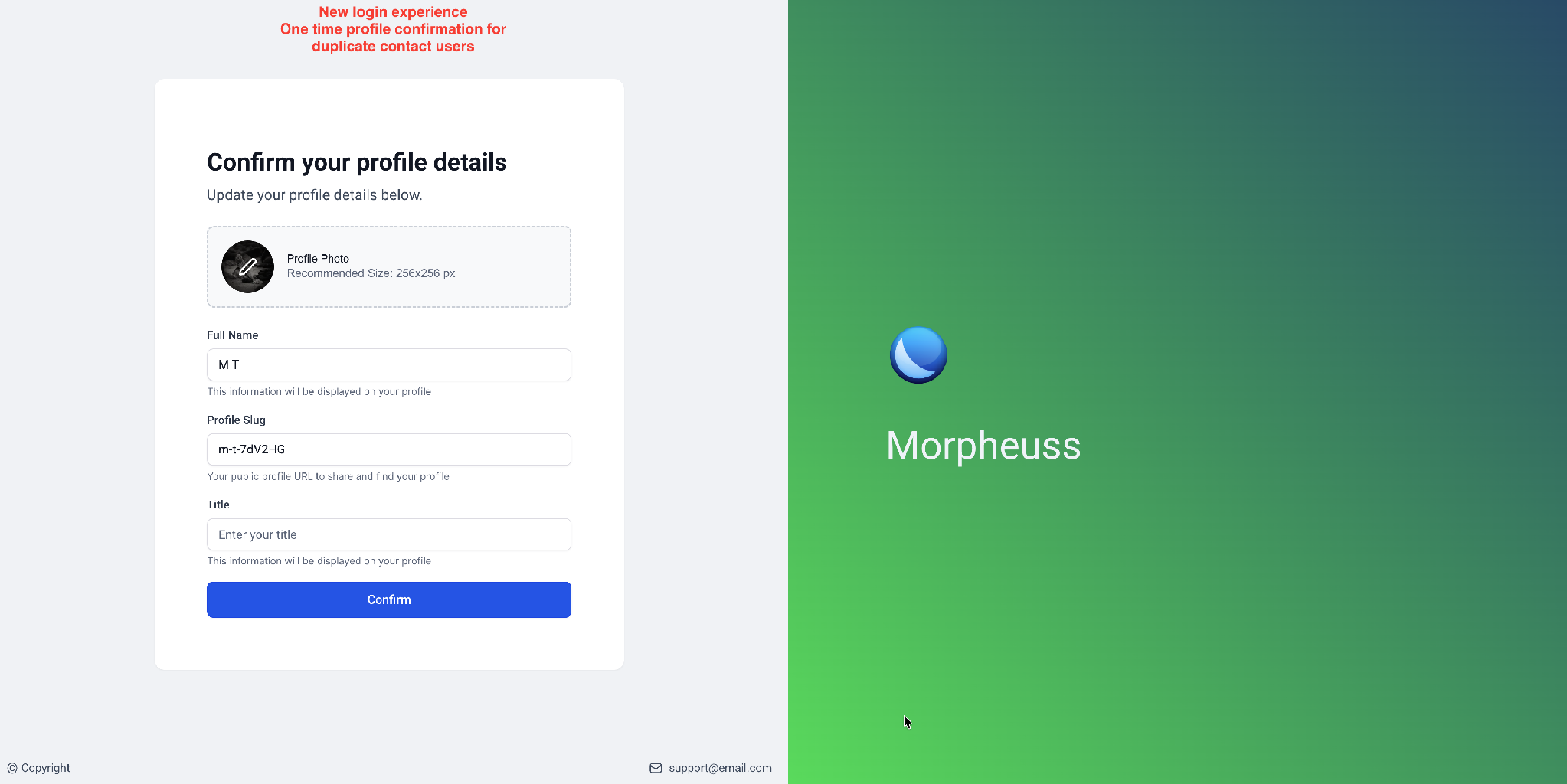
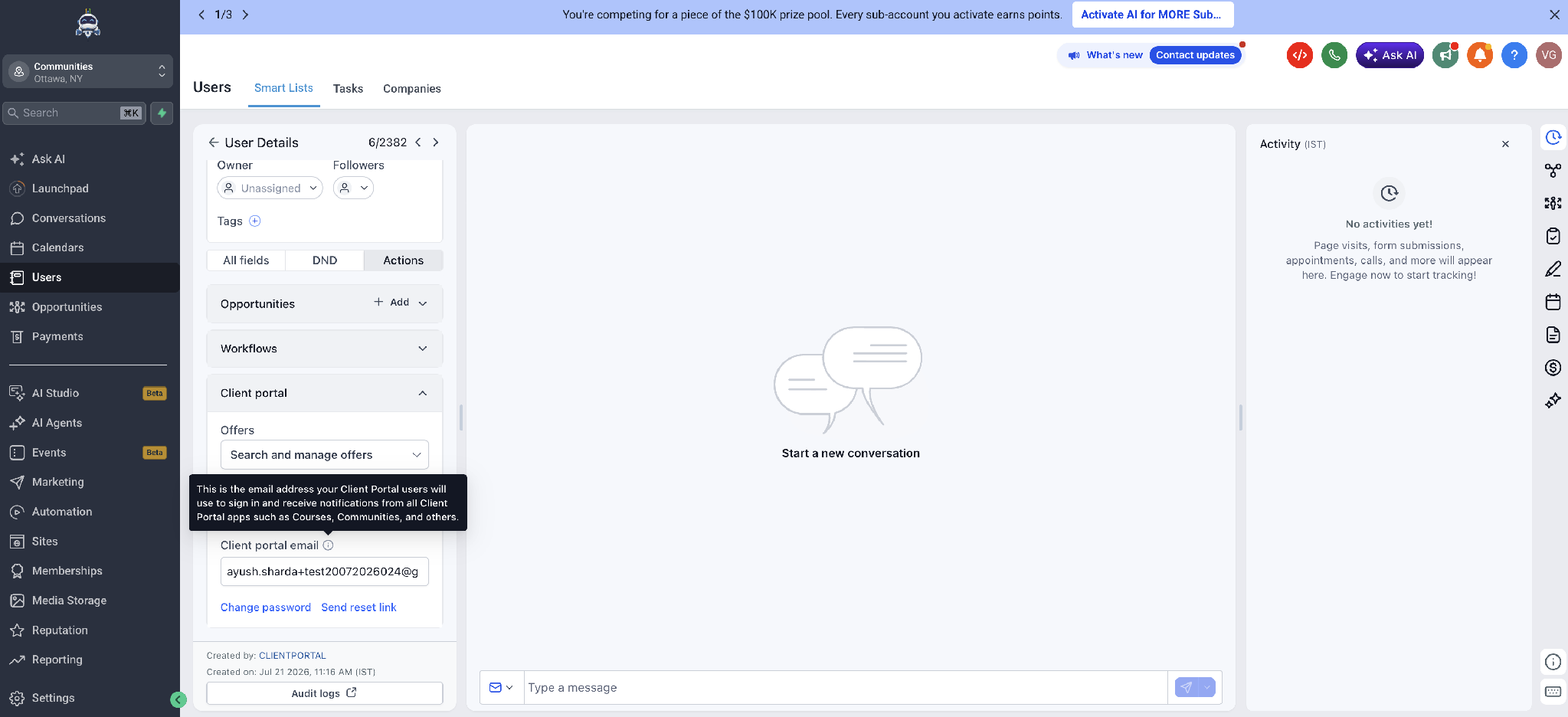
The feature consolidates a member’s resources under one login, even when duplicate contacts exist in HighLevel. When a member signs in, the system shows courses, communities, memberships and billing together. A new dedicated Client Portal email field on the contact record keeps the login identity independent from the primary email, preventing accidental login breaks.
The experience lives in the Client Portal dashboard of each subaccount. Opening the dashboard triggers a background migration that upgrades the portal to the new Compass interface. No manual configuration is required, and the classic portal can be restored at any time. Custom CSS or JavaScript should be tested against the preview before enabling the new look.
03How businesses use Unified Client Portal
- Digital marketing agency. The agency opens the Client Portal dashboard for each client subaccount, previews the new Compass design, updates any custom styling, and then enables the unified portal for all client users.
- Online course platform. The platform updates the dedicated Client Portal email field for each learner, ensuring that changing a learner’s primary email does not affect portal access, then lets learners log in as usual to view all their courses.
- Membership community site. The site administrator merges duplicate HighLevel contacts manually, then uses the unified login so members with previously split accounts see all community posts and membership benefits in one place.
04The numbers and rules that matter
- Updated UI can take up to 5 minutes to appear for all members.
05How to set up and use Unified Client Portal in HighLevel
Enable unified client portal experience
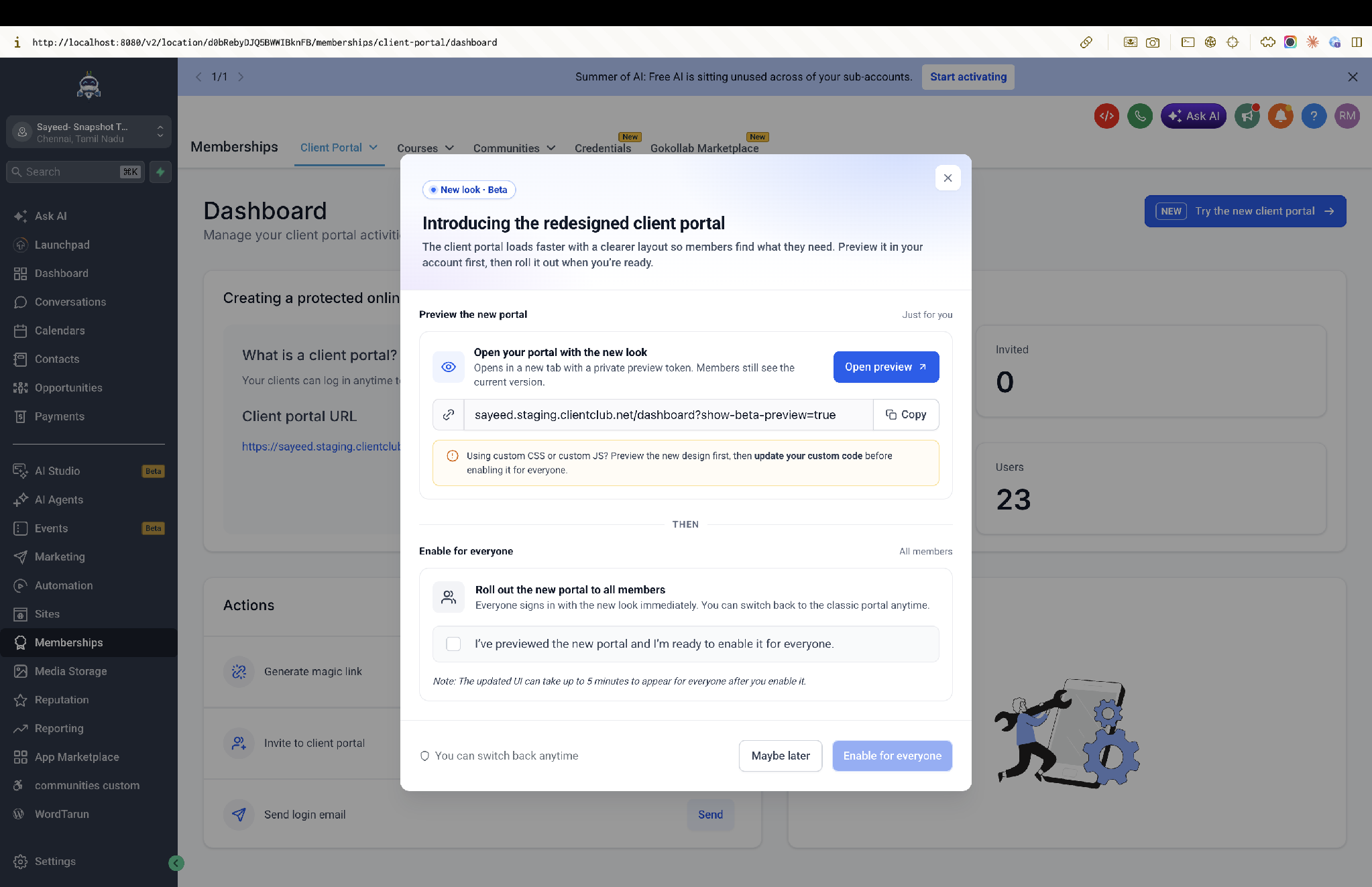
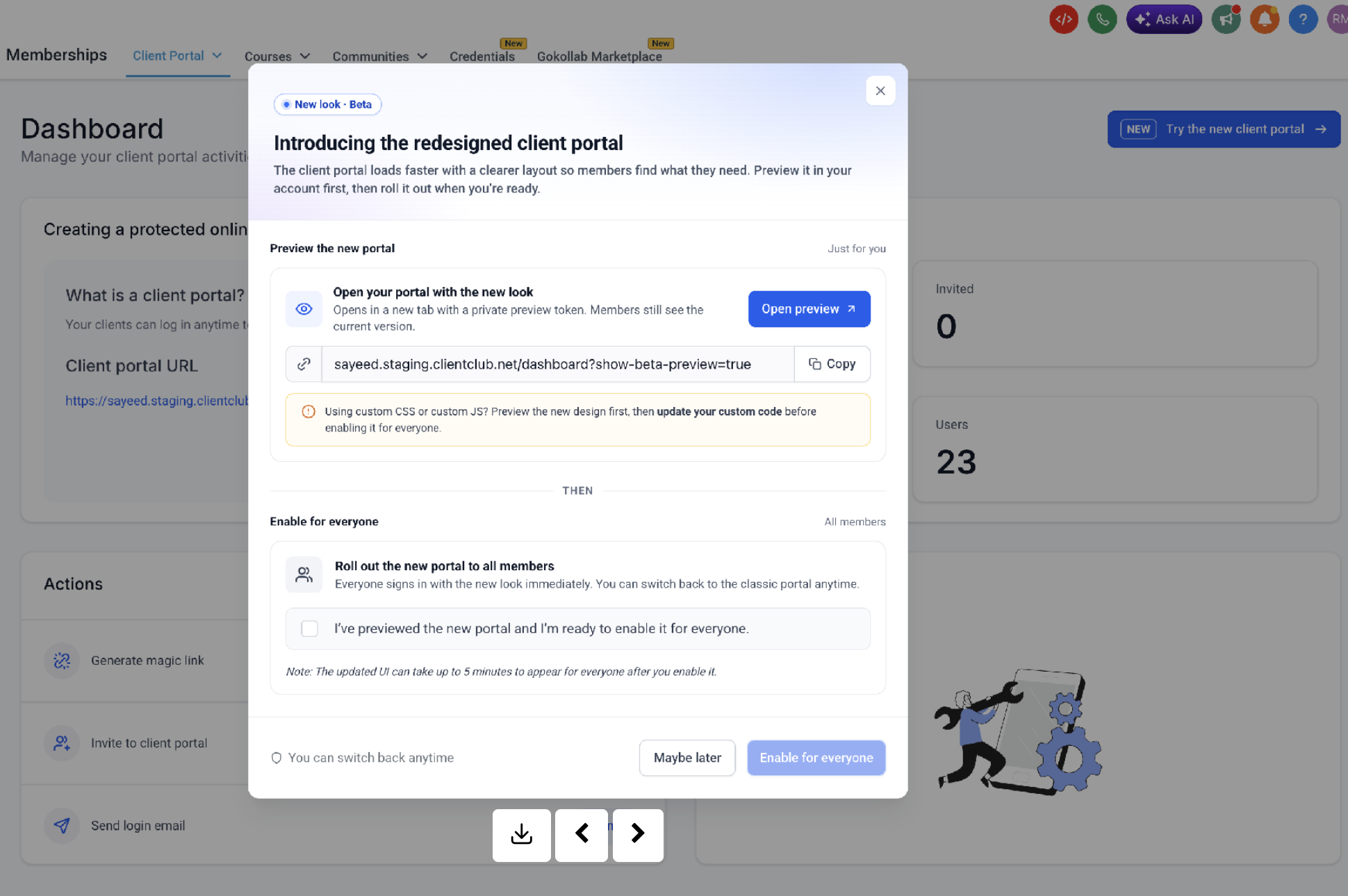
- Navigate to Memberships › Client Portal › Dashboard in the subaccount.
- Click the preview link to open a private preview of the new Compass design.
- After confirming the preview, click “Enable for everyone” to activate the new portal for all members.
- If custom CSS or JavaScript is used, adjust the code against the preview before enabling the new experience.
Complete migration process
- Close the dialog after enabling; the platform queues the location for migration.
- Wait while the portal migrates in the background, no further action is required.
- Allow members to sign in as they normally do; they will see all resources under the single login.
06What it looks like in HighLevel
07Settings that matter
- Client Portal email field. Specifies the email address that a contact uses to sign in to the Client Portal and receive notifications, separate from the contact’s primary email.
08Things to know before you rely on it
- Duplicate HighLevel contacts are not merged automatically; they must be merged manually by the agency or subaccount owner.
- The updated UI may take up to five minutes to appear for all members after enabling.
- Migration runs in the background and typically finishes within a few minutes.
09If something goes wrong
- Member reports missing resources after upgrade. Check that the contacts share the same Client Portal email; resources unify by portal login identity, not by HighLevel contacts record.
- Login breaks after changing a contact’s primary email. Verify the Client Portal email field on the contact record; this field is now the source of truth for portal login.
- Styling issues appear immediately after enabling the new look. Update any custom CSS or JavaScript to be compatible with the Compass interface before enabling the portal for everyone.
10How it connects to the rest of HighLevel
- Manage portal invites and magic links in the dashboard. Portal dashboard
- See how customers can access the HighLevel client portal. Customer access
- Learn about subscription management inside the client portal. Subscription management
Michael's take

When members have several logins, the unified portal provides a single sign in and a new Compass design.
If your agency’s contacts are already clean and you don’t have members complaining about multiple accounts, the upgrade may feel like a cosmetic change. The core benefit is the single login, so you may or may not notice a big impact depending on your situation.