
01Who this is for
- Founders of SaaS companies, they can give clients a unified place to see subscriptions, invoices and course content.
- Coaches and course creators, the portal lets members reach training modules and community groups without juggling separate logins.
02Client portals, explained
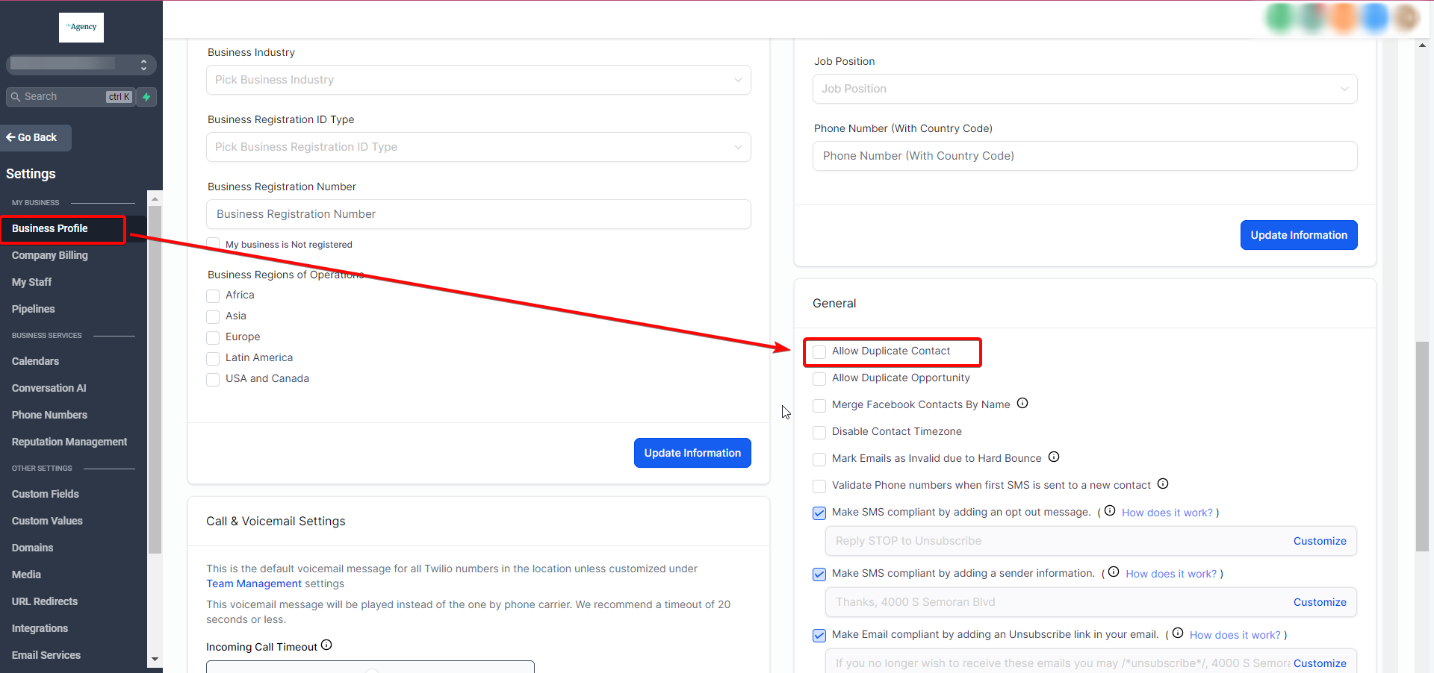
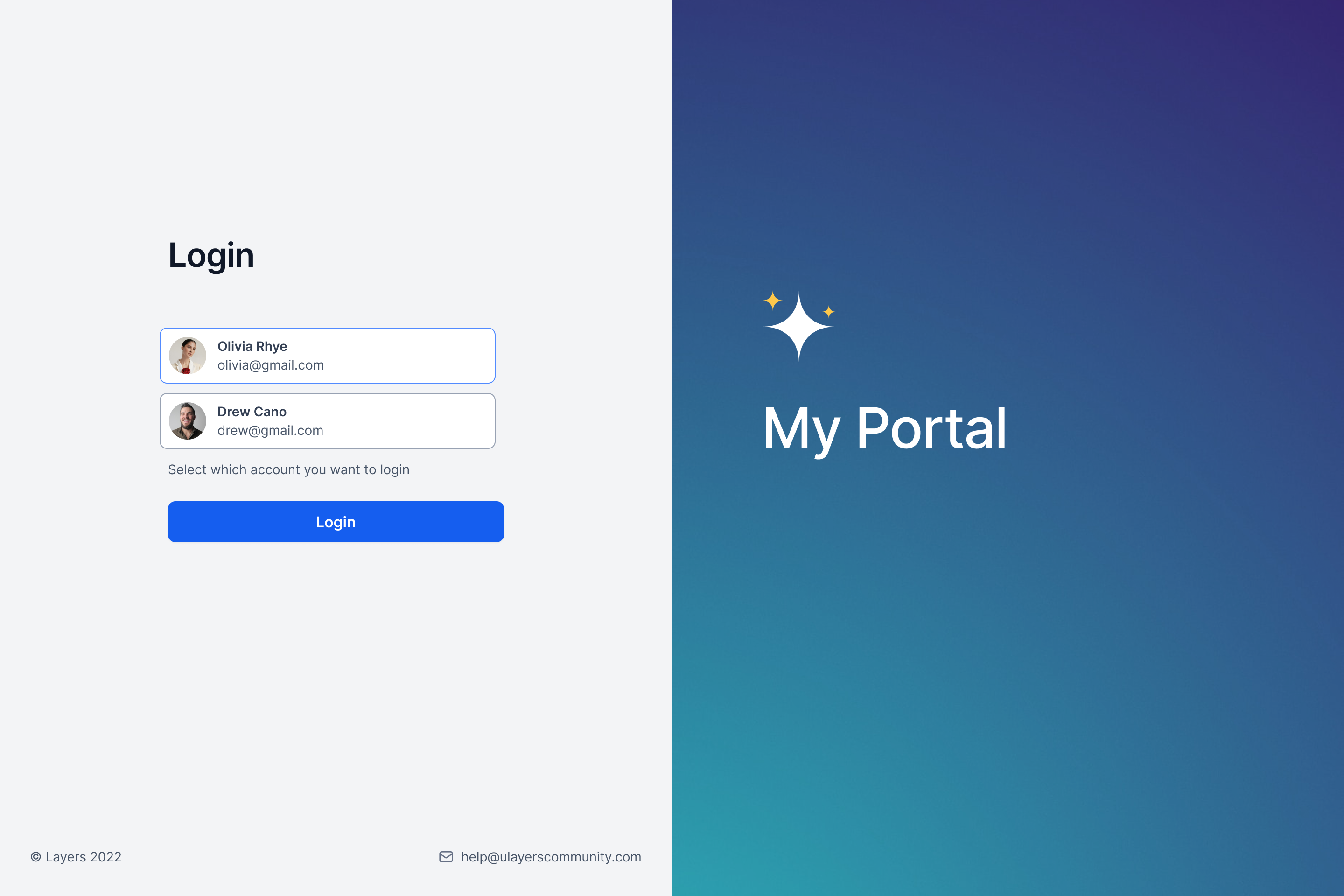
The Client Portal aggregates all child apps, membership courses, community groups, affiliate dashboards, invoices and more, into one web interface. When a client signs in, the platform pulls resources tied to the login email, even if duplicate contact records exist in HighLevel. The portal lives under the main HighLevel account and is accessed via its dedicated login URL.
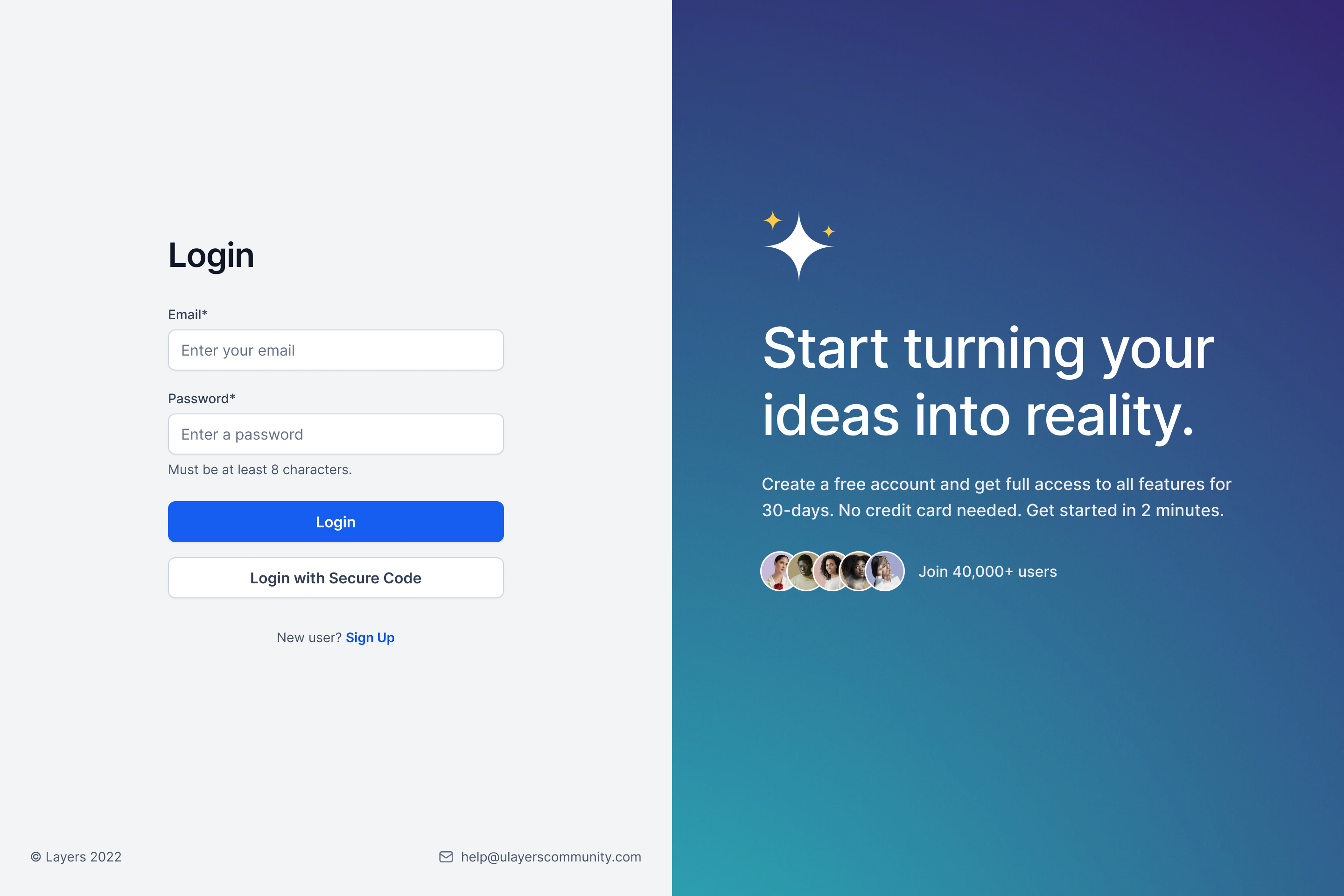
Clients can register with a standard form or through a secure code flow. After email verification, they may set a password from their account settings or continue using email codes. Google sign in is available when the business enables it. Once logged in, the left navigation menu provides quick entry to each section.
03How businesses use the Client Portal
- Dental practice. A dental office adds its patient education courses and community forums to the portal. Patients log in, view the courses, check invoices and see any affiliate referral earnings directly within the same screen.
- Online course provider. The provider publishes its training modules as Membership Courses and hosts a discussion Community. Learners register, verify their email, set a password, and then use the portal’s navigation to track progress and access materials.
- Affiliate marketer. An affiliate program enables members to view commission totals and payout history in the Affiliates section of the portal. Users can sign up, verify via secure code and monitor earnings without leaving the platform.
04The numbers and rules that matter
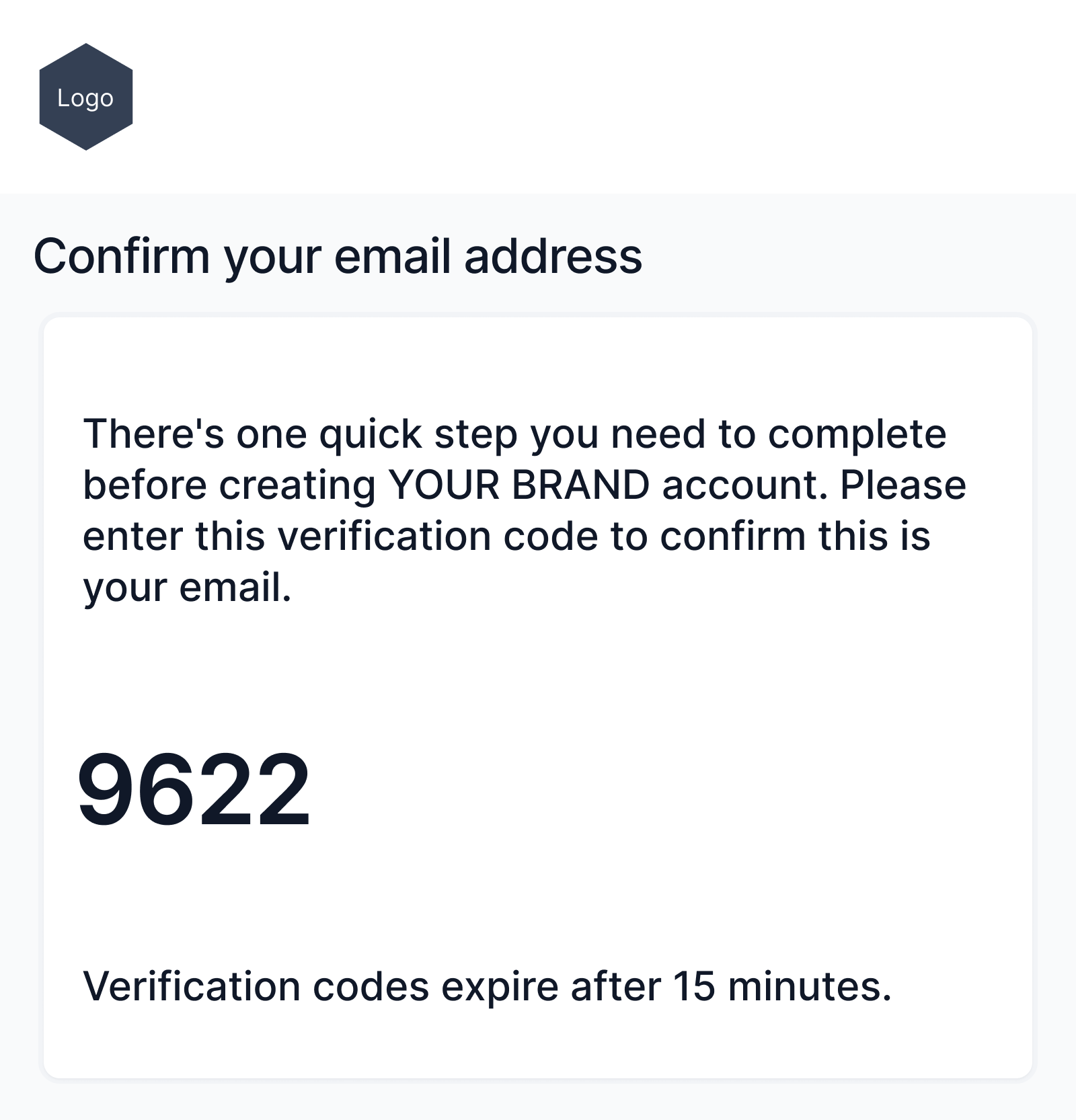
- Verification codes expire after 15 minutes.
05Before you start
- Clients must be unable to access child apps (Membership Courses, Affiliate Manager, Communities) before they need to go through the sign up flow.
06How to set up and use the Client Portal in HighLevel
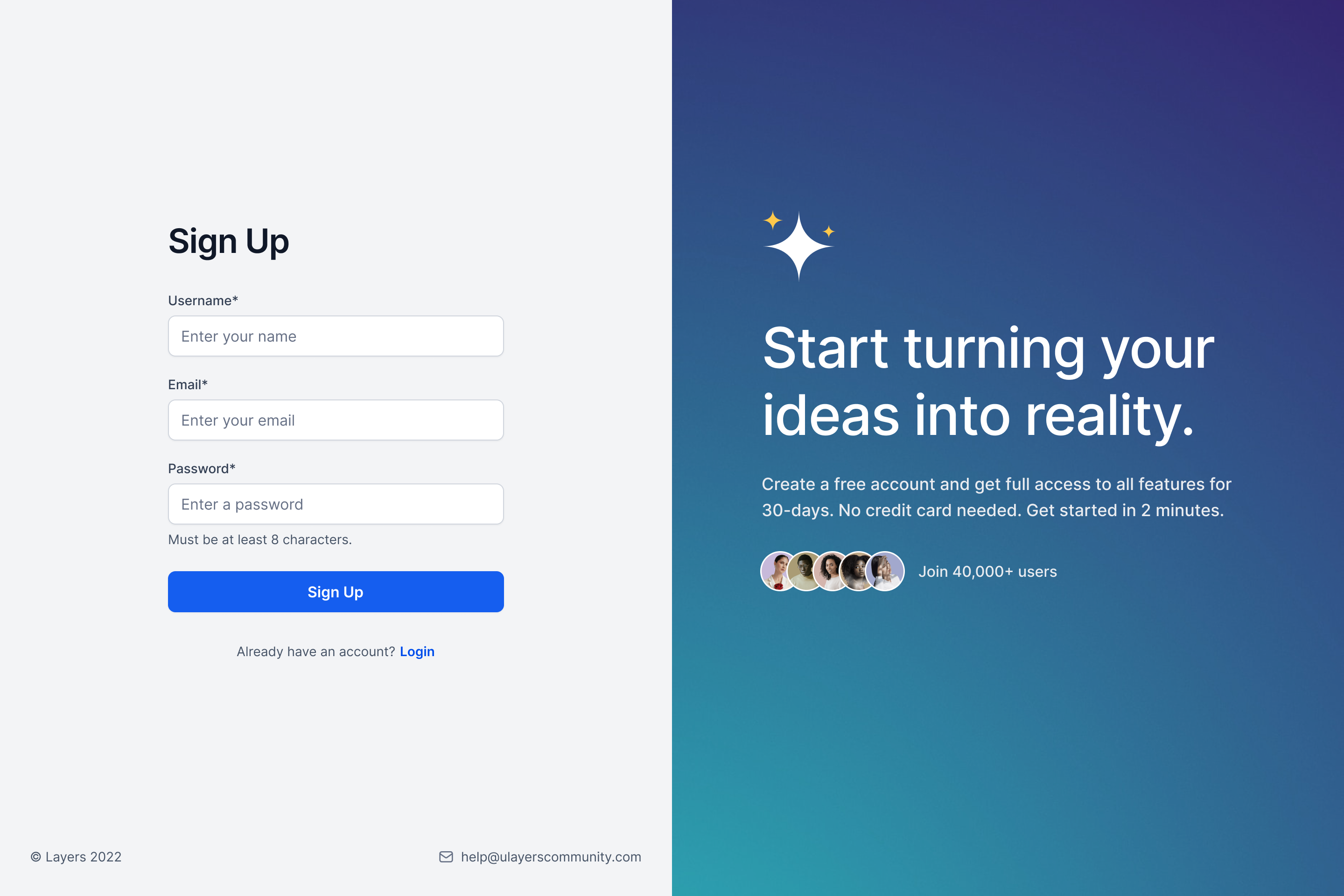
Client Portal signup
- Check whether the client lacks access to child apps and therefore must sign up.
- Enter the client’s full name, email address and chosen password on the registration form.
- Wait for a verification code to arrive in the client’s email inbox.
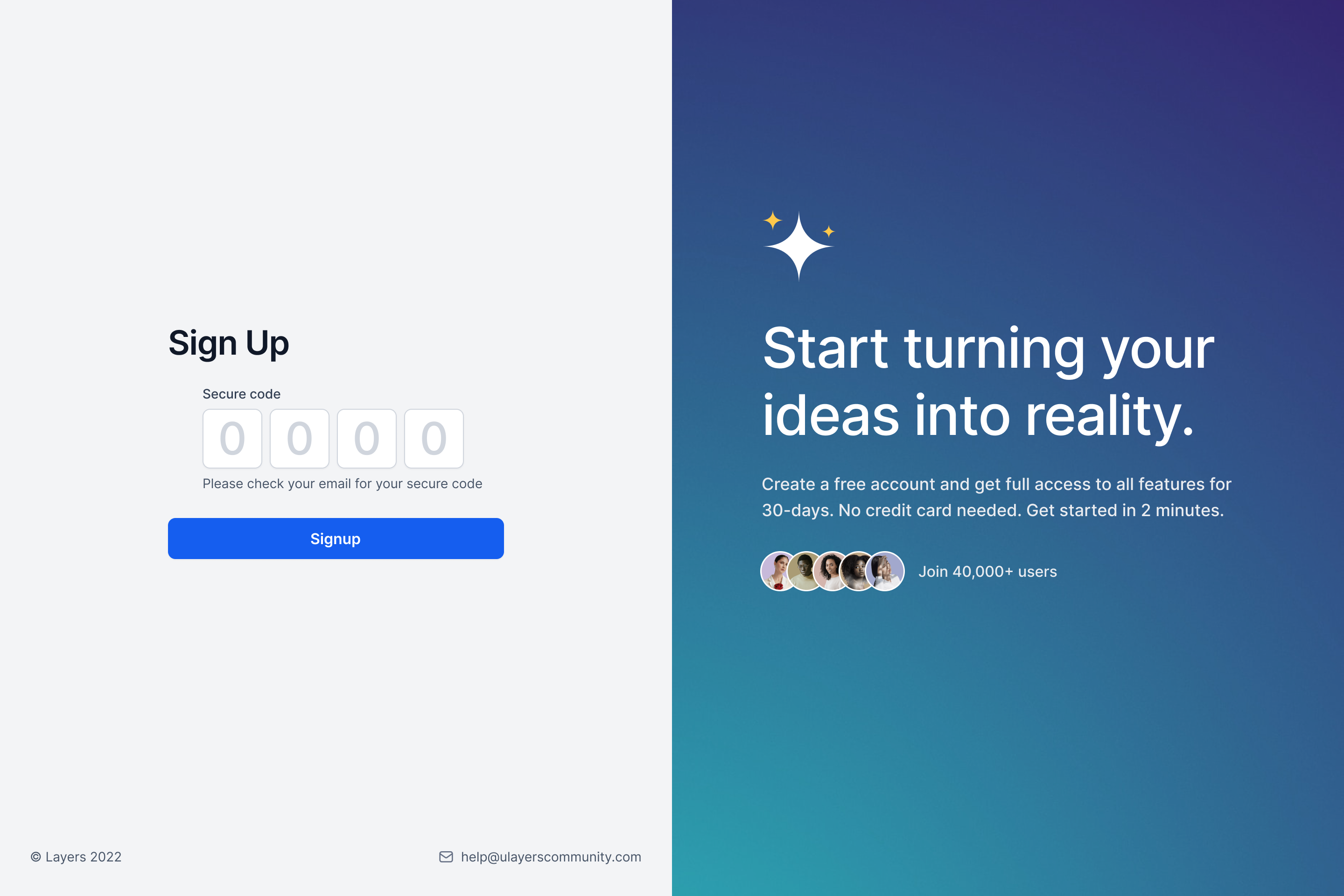
- Enter the received code to confirm the email (codes expire after 15 minutes) and complete the account creation.
Register using secure code
- Open the portal login page and type the client’s email address.
- Click Generate secure code to send a verification code by email.
- Enter the code on the screen to validate the email address (code expires after 15 minutes).
- Provide the client’s name and a new password on the same form.
- Finish the registration to gain portal access.
Set a password from account settings
- Log in to the Client Portal using any supported method.
- Navigate to Account Settings.
- Select the Account tab.
- Click the Set Password button.
- Follow the password setup link received by email to create a new password.
Login to the Client Portal
- Open the Client Portal login screen.
- Choose a login option: password, secure code, or Google.
- Enter the required credentials or generate and type a secure code.
- Enter the portal after the system confirms the authentication.
07What it looks like in HighLevel
08Settings that matter
- Set Password. Enables a user who signed in with a secure code or Google to create a password for future password based logins.
- Generate secure code. Creates a time limited code sent to the user’s email, which is used to verify ownership of the address during registration or login.
- Google Sign, In. Allows users to sign up for or log into the portal with their Google account when the business has activated this option.
09Things to know before you rely on it
- Verification codes sent by email are valid for only 15 minutes.
- Duplicate HighLevel contacts records are not merged automatically; they stay separate even though the portal provides a unified login.
- Newly created locations cannot use magic links inside the portal yet; the feature is pending future release.
- Clients only need to register if they cannot already access child apps directly.
10How it connects to the rest of HighLevel
- Manage portal users and actions from the dashboard. Portal dashboard
- Set up subscription plans and billing options inside the portal. Subscription management
- Enable one click SSO magic links for quicker access once the feature is available. Magic links
Michael's take

Most people assume every app needs its own login, then they end up juggling passwords and forget which credentials belong to which service. The unified portal removes that friction, letting users sign in once and see courses, communities, invoices and affiliate data together.
If I were setting this up, I would enable the secure code login as the default entry point so new members never hit a "user not found" error. I’d also double check HighLevel duplicate contact rules before turning the portal on, just to keep the data tidy.