
01Client App Builder, explained
Client App Builder is an AI powered tool that generates custom web portals or Android mobile apps based on a natural language description of the experience you want. It creates pages, navigation, and connects to existing HighLevel features such as courses, communities, appointments, and CRM data.
You describe your business, answer setup questions, choose branding, and the AI builds a functional app. You can then refine the design through chat or visual editing, preview the app, and publish it as a web portal or an installable Android APK.
02How businesses use client app builder
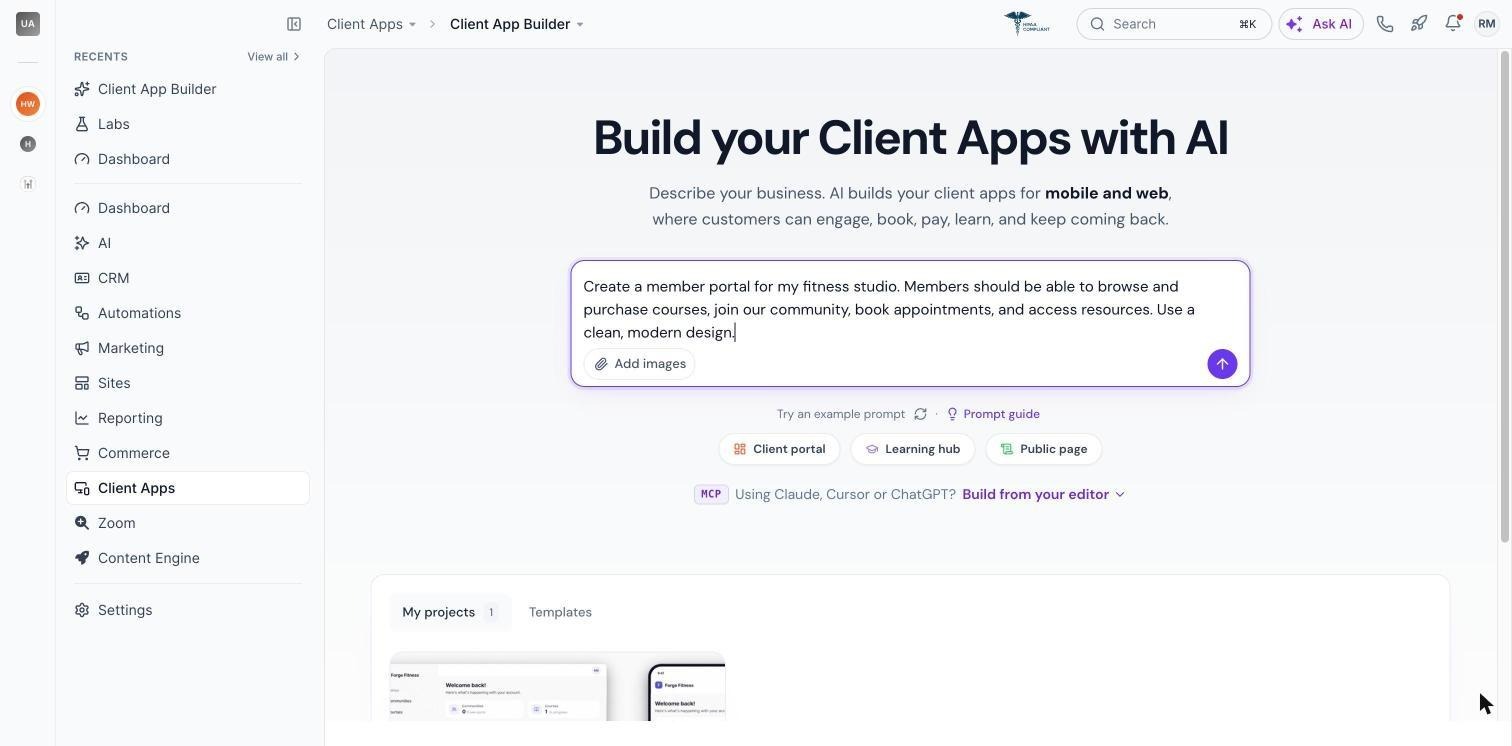
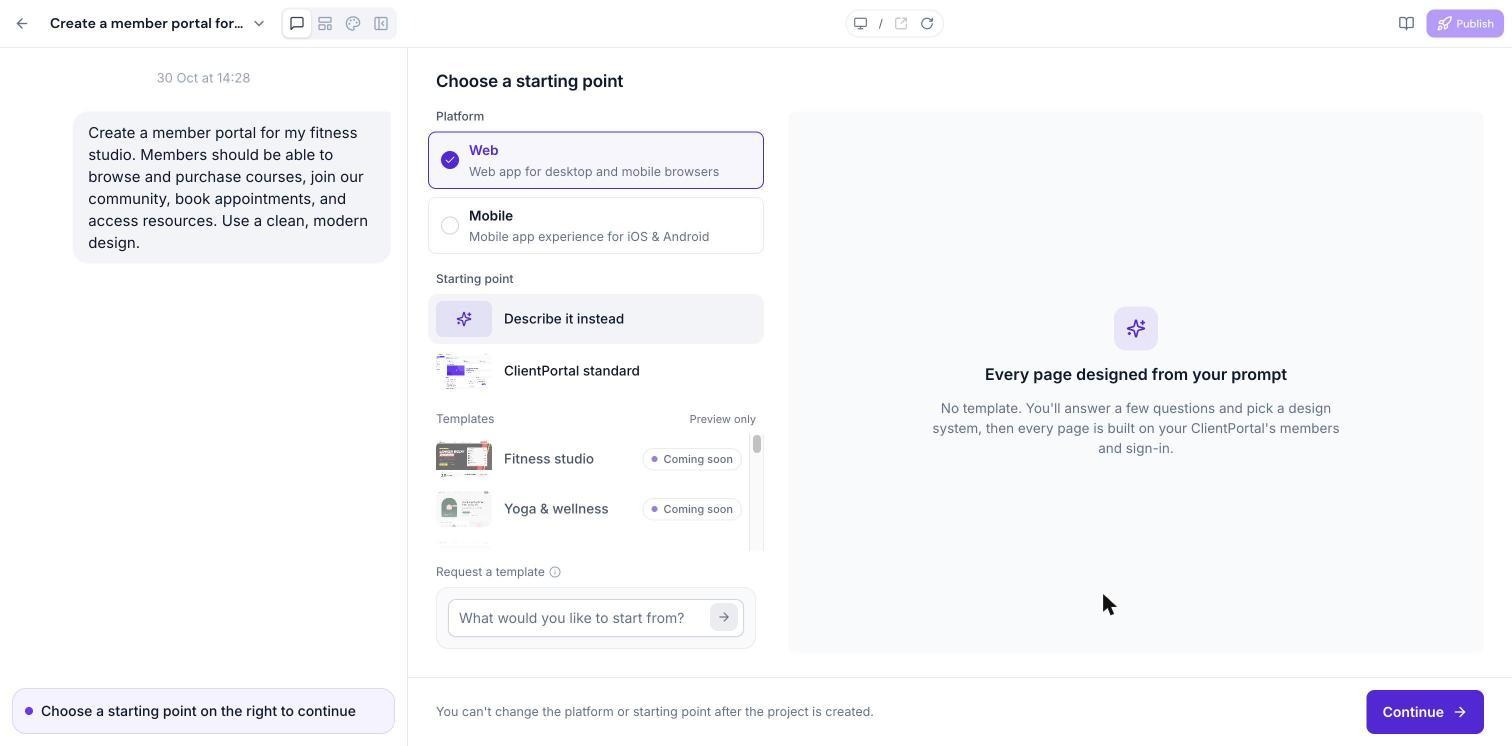
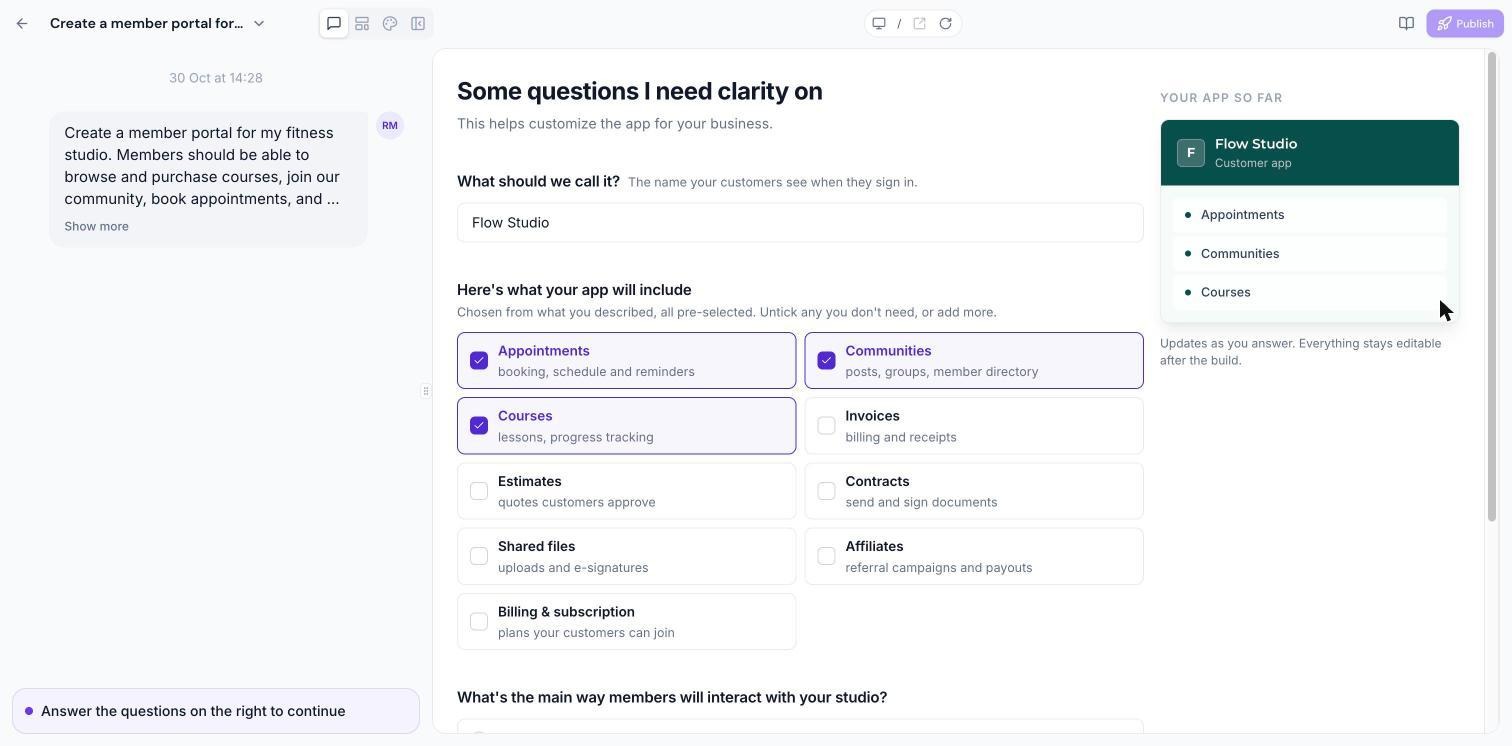
- Building a member portal. Describe the desired portal, select Web as the app type, answer the setup questions, and let AI generate the pages. After preview you can publish the web app on a HighLevel subdomain or connect a custom domain.
- Creating a branded Android app. Choose Mobile when describing the app, provide required assets such as app name and icons, and let AI build the Android experience. When ready, generate a signed APK, download it, and distribute the file manually. Only one signed APK can be generated per app at this time.
- Adding custom forms with Custom Objects. Specify the information members should submit, approve the AI proposed data structure, and the builder creates the Custom Objects and associated screens. Members can then view or submit records according to the visibility settings.
03The numbers and rules that matter
- Up to 5 apps can be created per subaccount.
- Up to 10 custom domains can be connected to a web app.
- Custom Objects support up to three objects per change, subject to the CRM limit of ten Custom Objects per subaccount.
- APK build takes approximately 15, 25 minutes.
- App icon must be PNG 1024 × 1024 px, up to 5 MB.
- Splash screen must be PNG 1080 × 1920 px, up to 5 MB.
- App name 1, 30 characters.
- You can select up to 20 elements in a single visual edit request.
04Before you start
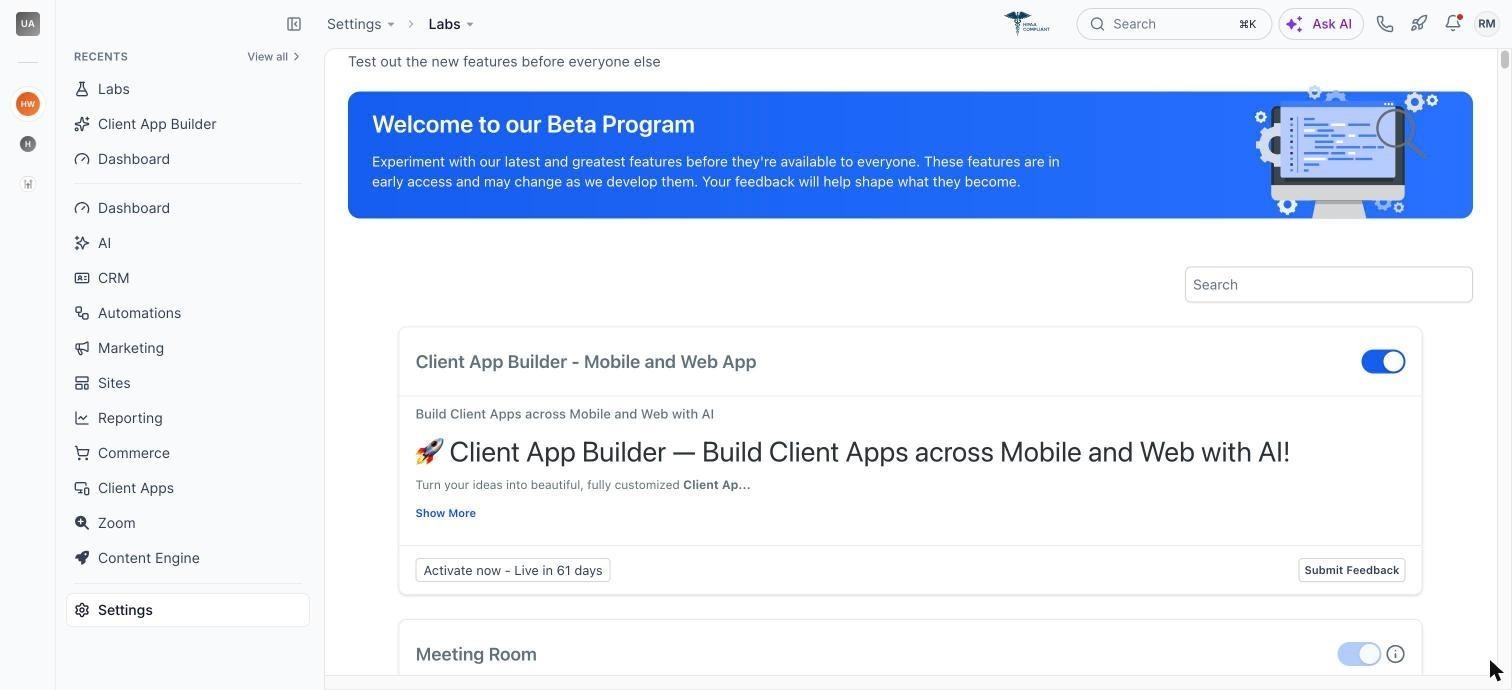
- Enable Client App Builder in Labs for the subaccount.
05How to set up and use client app builder in HighLevel
Enable client app builder
- Open your HighLevel account.
- Navigate to Labs.
- Find Client App Builder.
- Enable the feature for your subaccount.
Create a new app
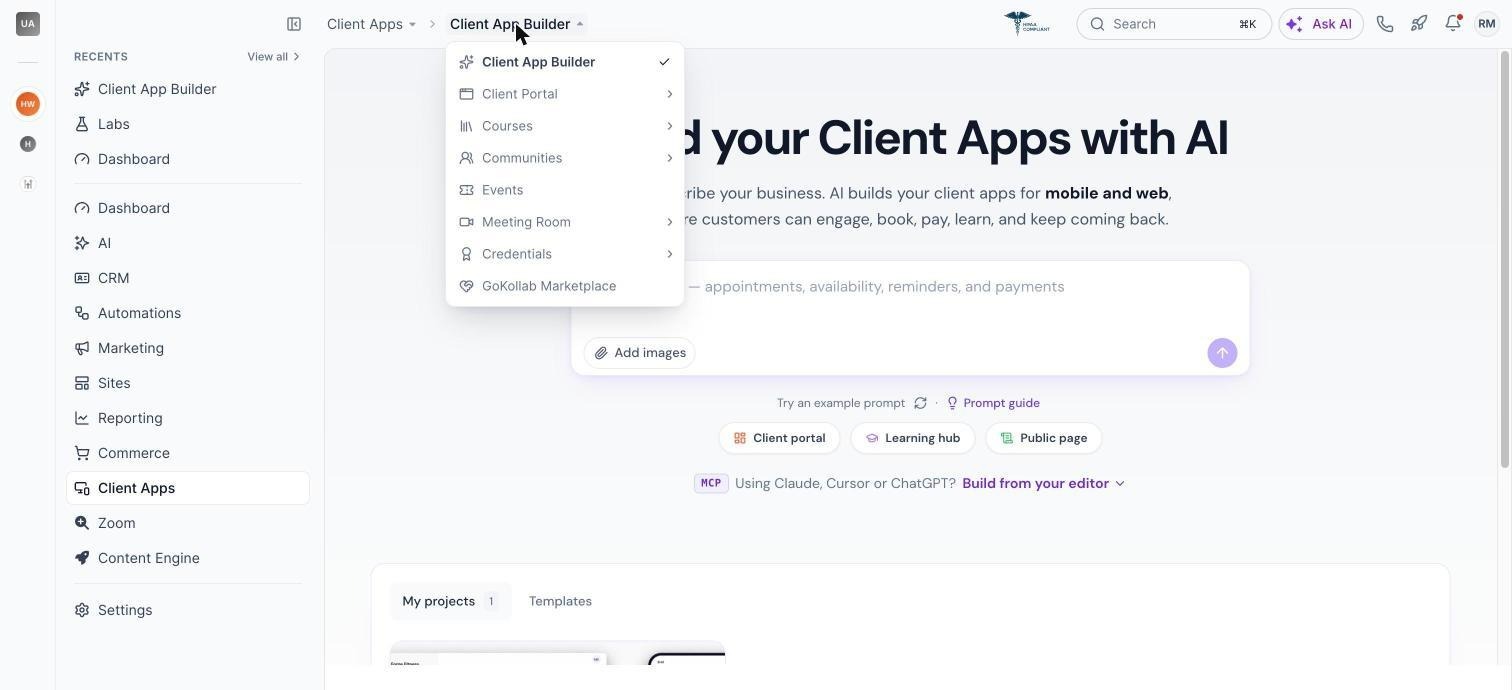
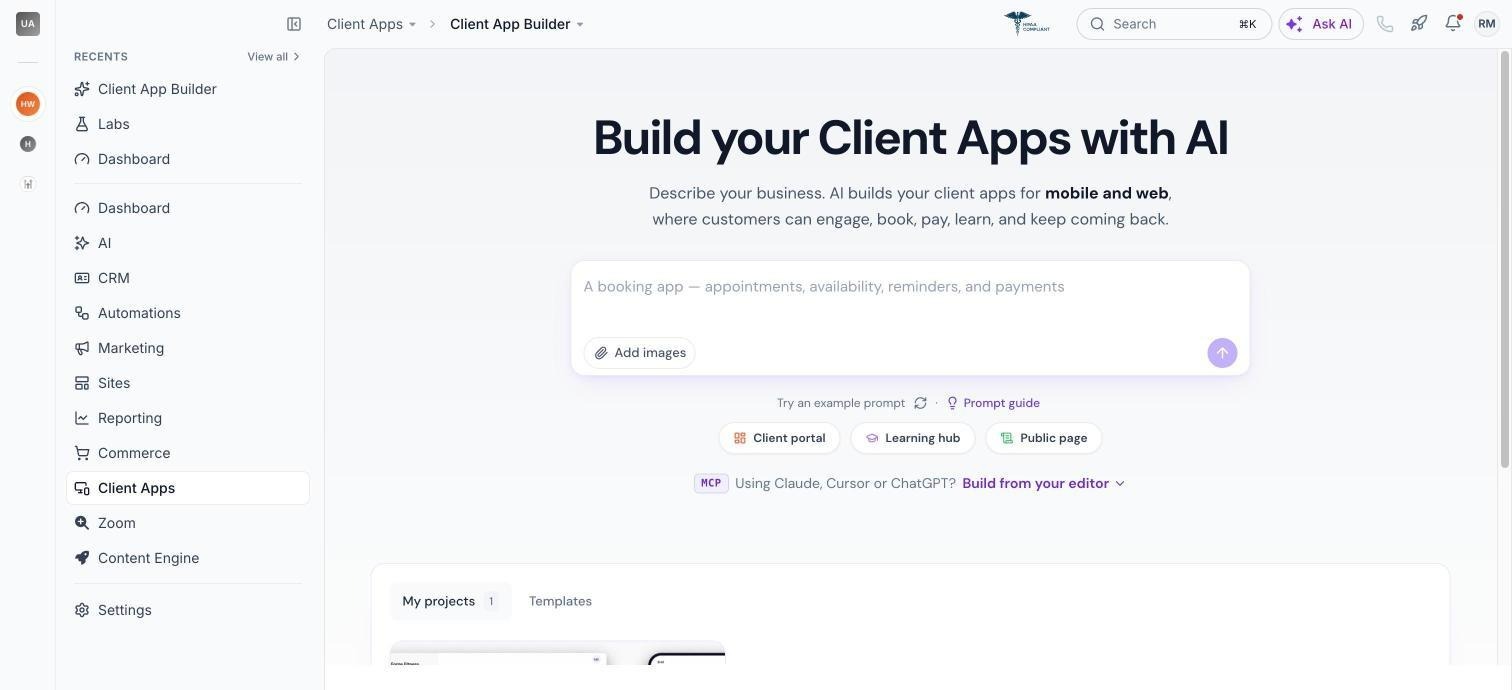
- Open Memberships > Client App Builder (or Client Apps > Client App Builder).
- Enter a description of the app you want to build.
- Choose Web or Mobile.
- Answer the setup questions.
- Select design preferences.
- Review the AI plan and approve & build.
- Wait for the build to finish and preview the app.
Publish a web app
- Open publishing controls.
- Choose an address on app.clientclub.net.
- Review warnings about missing pages.
- Build missing pages or proceed.
- Publish the app.
- Optionally connect a custom domain.
Generate an Android APK
- Open the mobile app’s publishing controls.
- Provide app name, icon, splash screen, and optional Firebase config.
- Start the Android APK build.
- Monitor the build status.
- Download the signed APK when ready.
06What it looks like in HighLevel
07Things to know before you rely on it
- Once an app has been created, you cannot switch it between Web and Mobile.
- Only one signed APK can be generated per app at this time.
- Web app duplication is not currently available.
- Web version history and restore are not currently available.
- Custom server side code and databases are not supported.
- Third party npm package installation is not supported.
- Custom payment checkout is not supported; payments use HighLevel invoices.
- Desktop apps and PWA generation are not yet available.
- Builder interface language is English.
- Deleted apps cannot be restored through the interface.
- IOS app creation is not yet available.
- Publishing to Google Play or Apple App Store is not currently available.
- Mobile apps built with Describe It Instead require a new APK for new AI generated screens, which is not currently supported.
08If something goes wrong
- Preview pauses after inactivity. Return to the builder to resume the preview; published apps are not affected.
- AI build stops or fails. Review the build status or error details and send another prompt to continue or fix the issue.
Michael's take

Michael ReimerFounder of CRM Pros, HighLevel Commander and Certified Admin
Client App Builder is a niche feature. If you don’t need a custom branded portal, you can skip it.
Get More InformationOpens on HighLevelPublished November 3, 2026 · Updated November 3, 2026