
01Who this is for
- Users who have added the older service widgets need to update them to continue seeing service data.
- Administrators who manage dashboard widgets should replace the retired widgets with the new Services (v2) widgets.
02Services (v2) widgets, explained
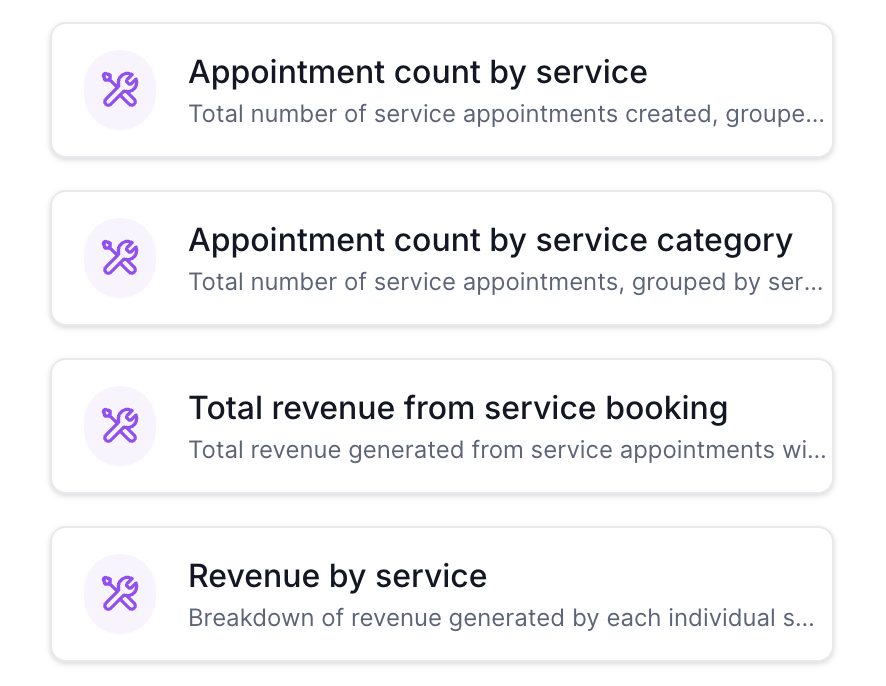
The Services (v2) module introduces a set of widgets that surface detailed service related metrics such as appointment totals, revenue by service, average order value, and top grossing staff. These widgets appear in the Reporting Dashboard under a purple icon group, separate from the older Calendars/Meetings area.
When the update went live, the platform moved the two original service widgets into this new module and disabled their former versions. The data behind the reports stays unchanged, but the visual components must be replaced to continue displaying information.
The module lives inside the platform’s Reporting Dashboard, accessible from the main navigation. Users add or remove widgets through the dashboard’s widget manager.
03How businesses use services (v2) widgets
- Service based business. Opens the Reporting Dashboard, deletes the legacy appointment count widgets, and adds the new Services (v2) widgets to see revenue per service and top performing staff.
- Multi location organization. Removes the old widgets, selects the new widgets that track performance by service location, and saves the dashboard to monitor each site’s results.
- Promotion focused team. Replaces outdated widgets with the Services (v2) coupon related widgets to view coupon redemption counts and revenue generated by coupons.
04How to set up and use services (v2) widgets in HighLevel
Update dashboard widgets
- Open the Reporting Dashboard.
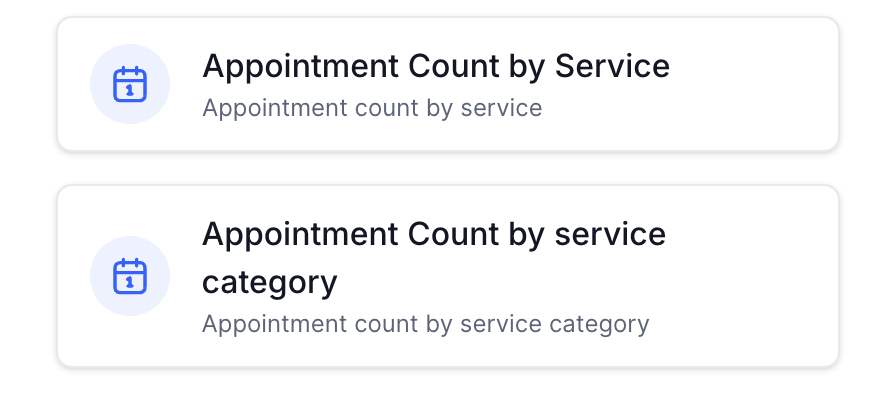
- Locate the widget titled Appointment Count by Service and delete it.
- Locate the widget titled Appointment Count by Service Category and delete it.
- Click the button to add a new widget.
- Choose the Services (v2) section marked with purple icons.
- Select the desired new widgets, then save the dashboard.
05What it looks like in HighLevel
06How it connects to the rest of HighLevel
- Enable Services for subaccounts before adding widgets Enable Services
- Learn how to create and manage services that feed the widgets Create services
- Review plan options that include Reporting features Pricing
Michael's take

The new Services (v2) widgets give a clear picture of how each service performs, from bookings to revenue and staff output.
Remember to delete the old widgets because they will stop displaying data after the release.