
01Rich text editor, explained
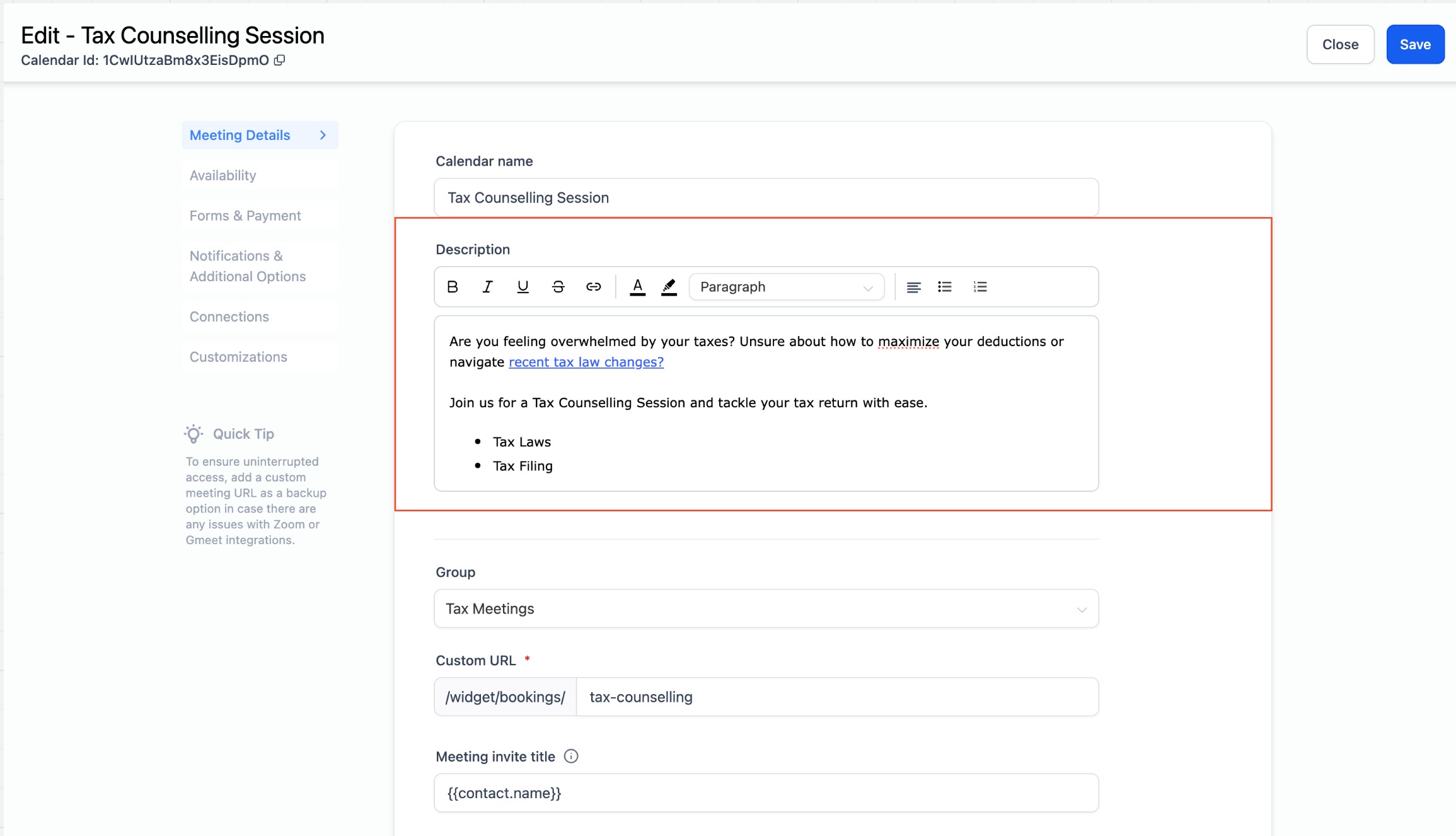
The rich text editor is a new tool for calendar descriptions. It provides formatting options such as bold, italics, underline, strikethrough, bullet and numbered lists, hyperlinks, text and background colors, paragraphs and headings, and text alignment.
When you open a calendar’s Meeting Details section, the description field shows the rich text editor options. You can choose any formatting command, type your content, and then save the calendar.
02How to set up and use rich text editor in HighLevel
Edit calendar description
- Go to the calendar settings and select the calendar you want to edit.
- Navigate to the 'Meeting Details' section.
- Under the calendar description, you will find the rich text editor options.
- Use the available formatting options to create your desired description.
- Click "Save" to apply the changes.
03What it looks like in HighLevel
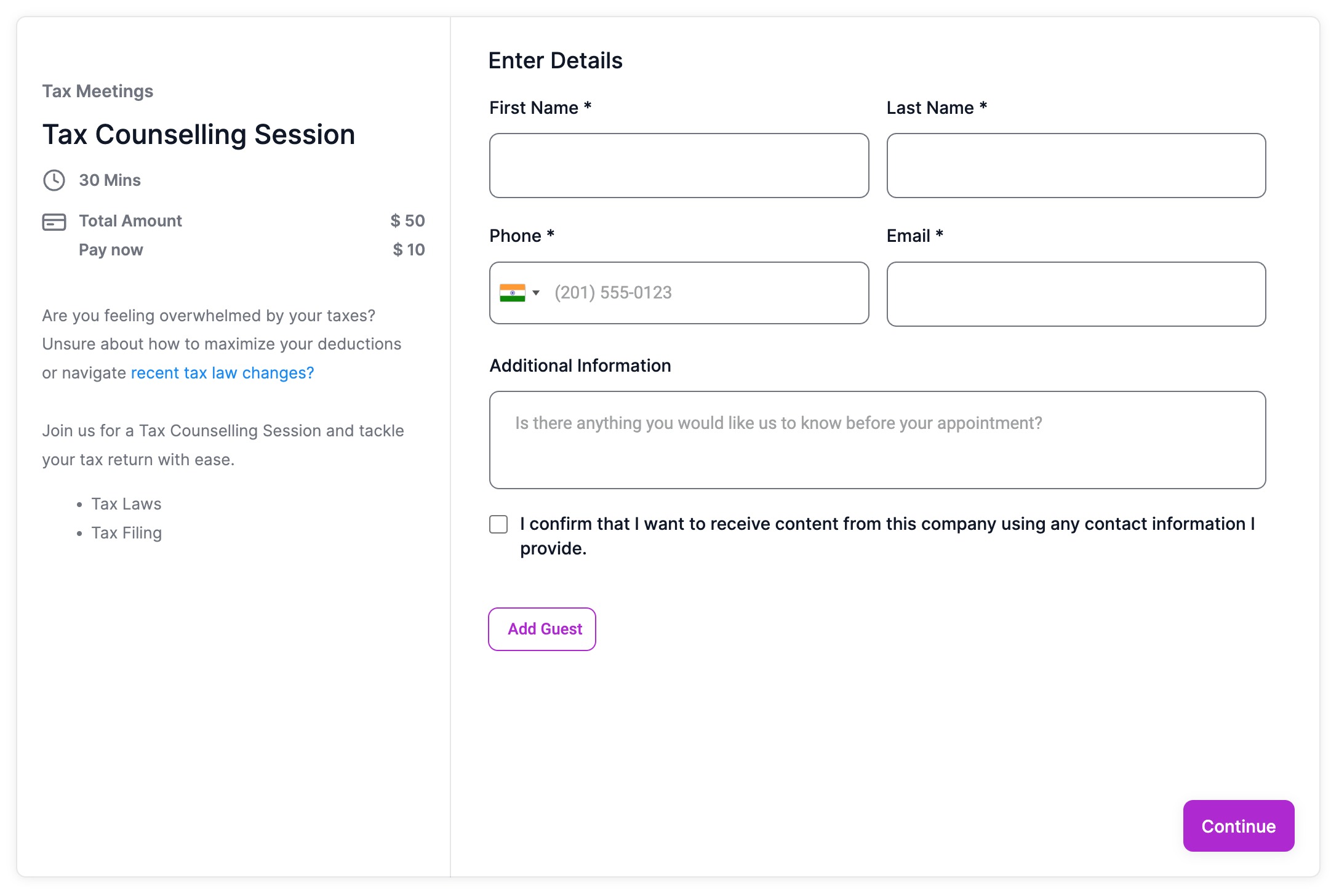
Michael's take

Adding extra flair to a booking page can backfire if it distracts from the core call to action. Too many colors or heavy formatting can make the description hard to scan, especially on mobile devices.
When used sparingly, the rich text editor lets you call out important details, reinforce brand colors, and give prospects a clean, professional look.