
01App pricing plans, explained
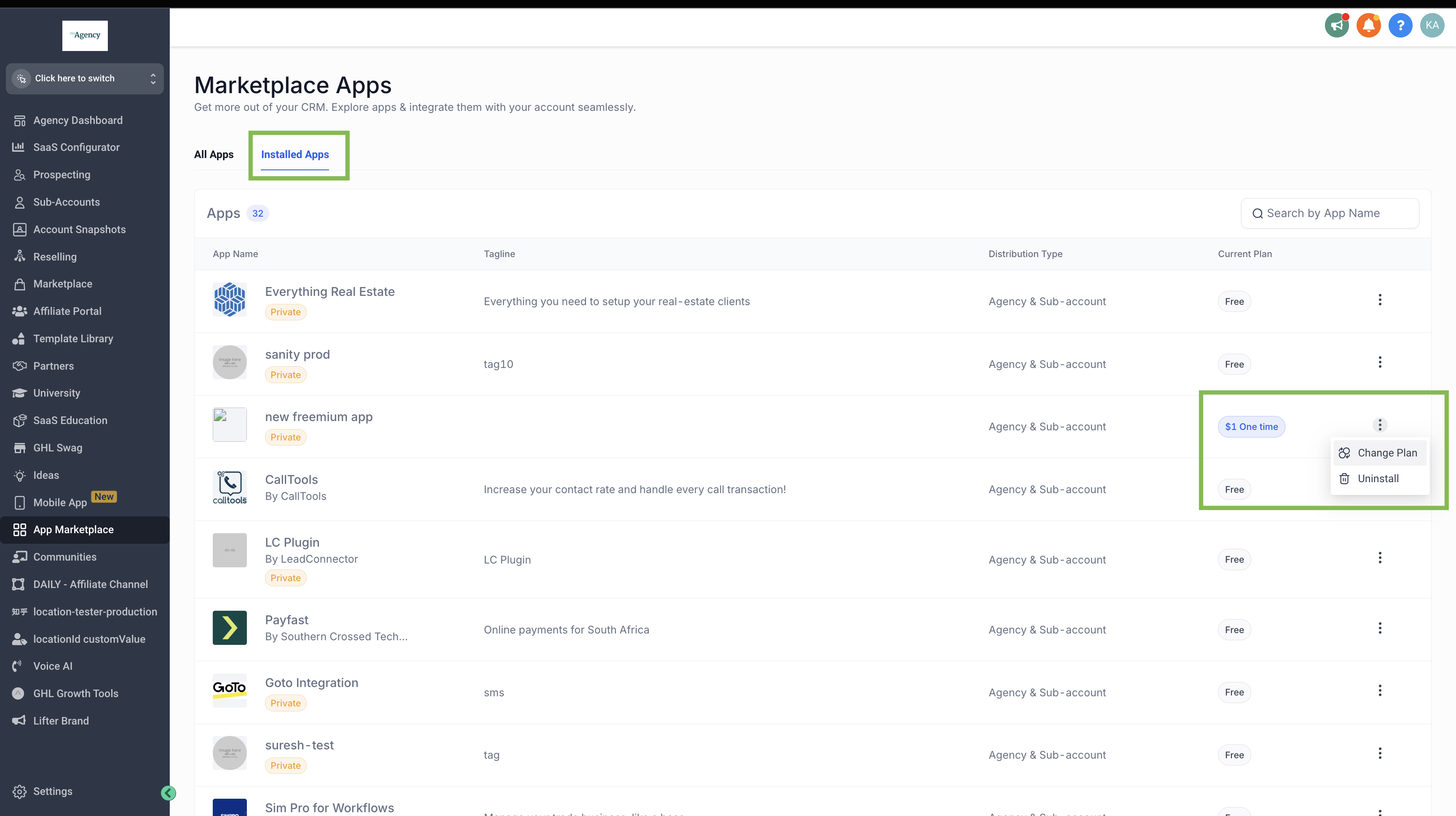
The App Marketplace includes a feature that lets you change the pricing plan of any app you have installed. You access it from the Installed Apps list and select the Change Plan option for the specific app you want to upgrade or downgrade.
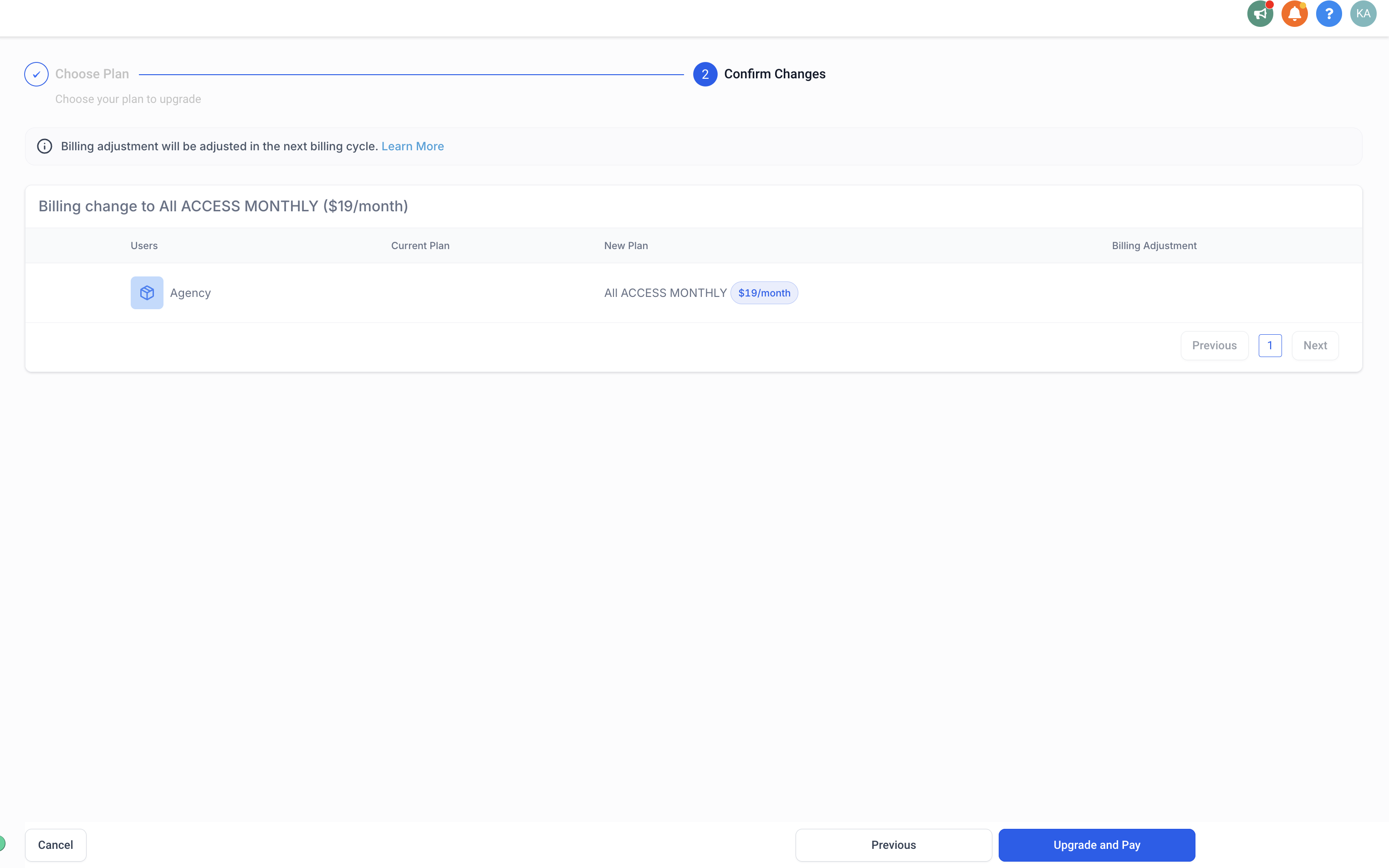
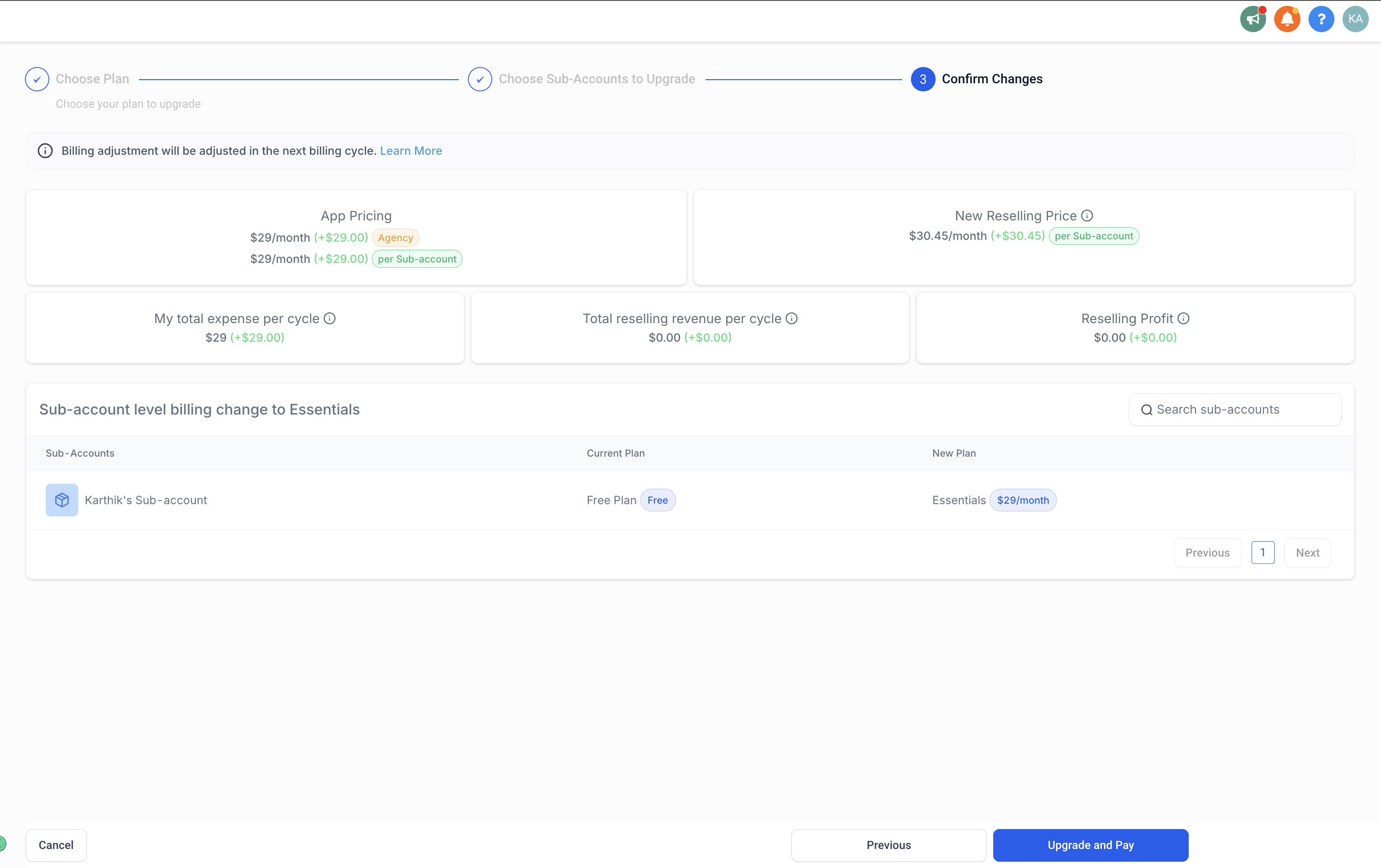
When you change a plan in the middle of a billing cycle, billing adjustments are calculated on a pro rated basis and can be additional charges or refunds. The adjustments are applied in the next billing cycle.
02How businesses use app pricing plans
- Upgrade an agency only app. Select the app in Installed Apps, choose Change Plan, pick the new tier, review the details, and confirm payment.
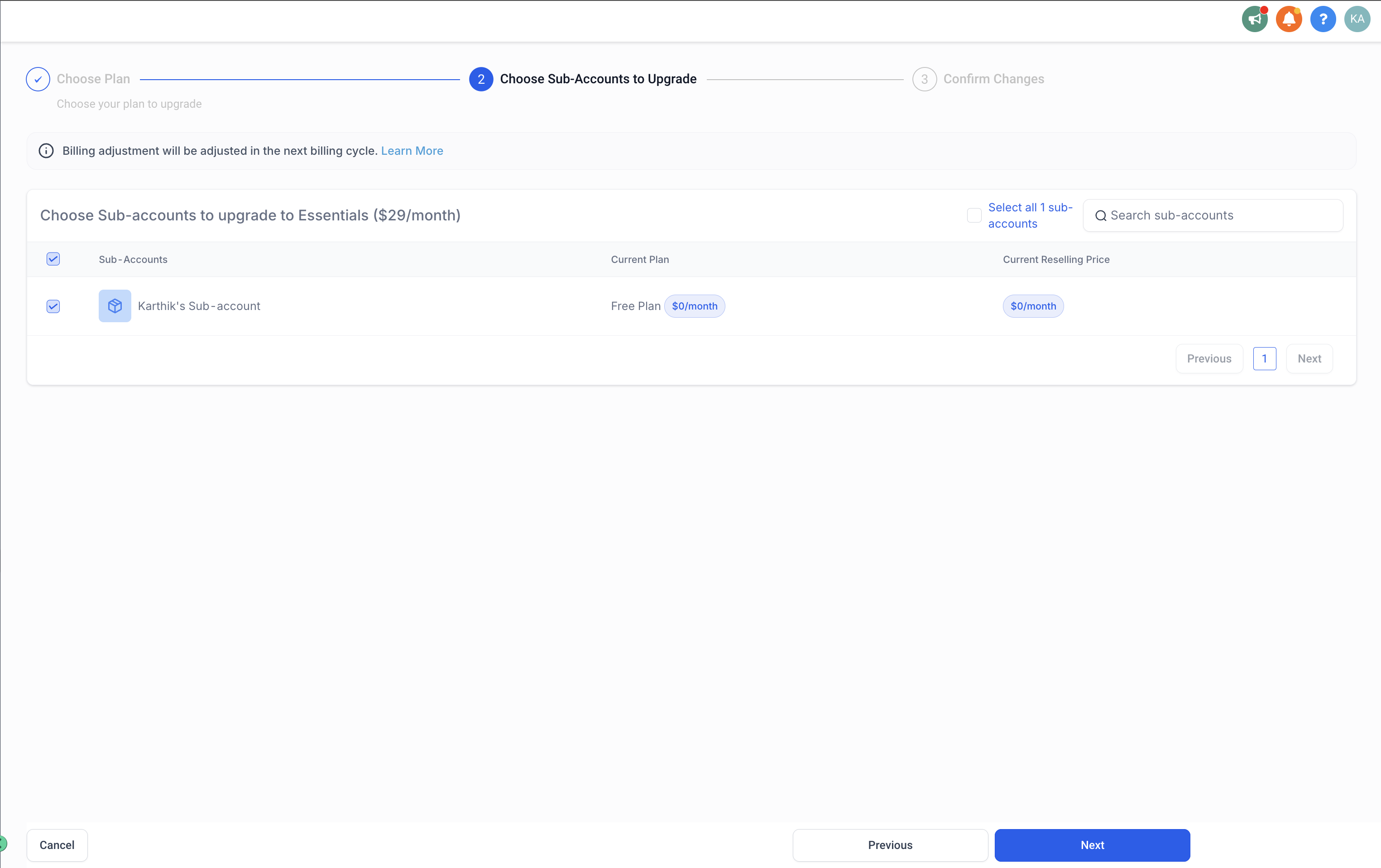
- Change plan for agency and subaccount apps. After selecting Change Plan, choose the new tier, then pick which subaccounts should receive the new pricing, review the summary, and complete payment.
03How to set up and use app pricing plans in HighLevel
Change plan for agency only app
- Go to App Marketplace > Installed Apps.
- Select the app and click Change Plan.
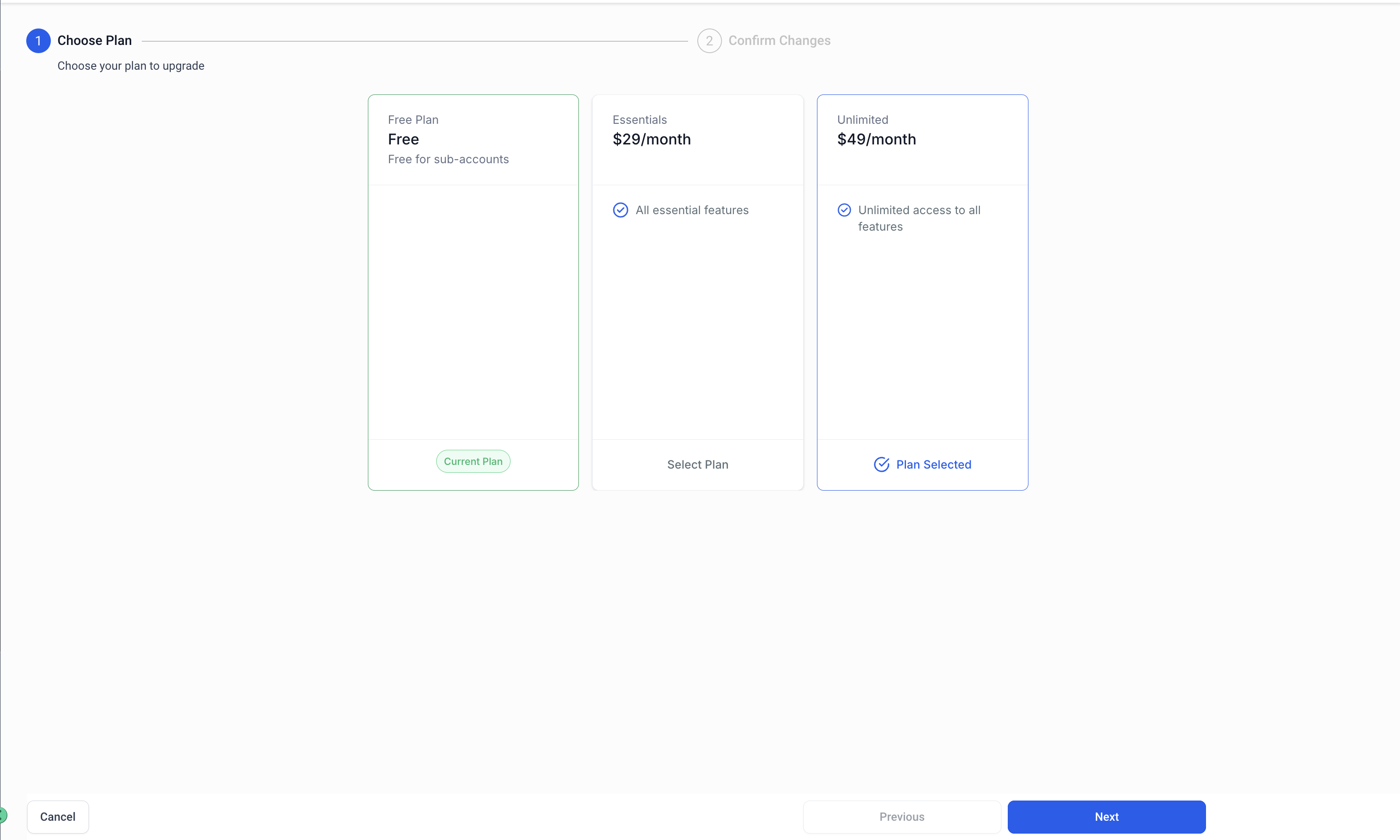
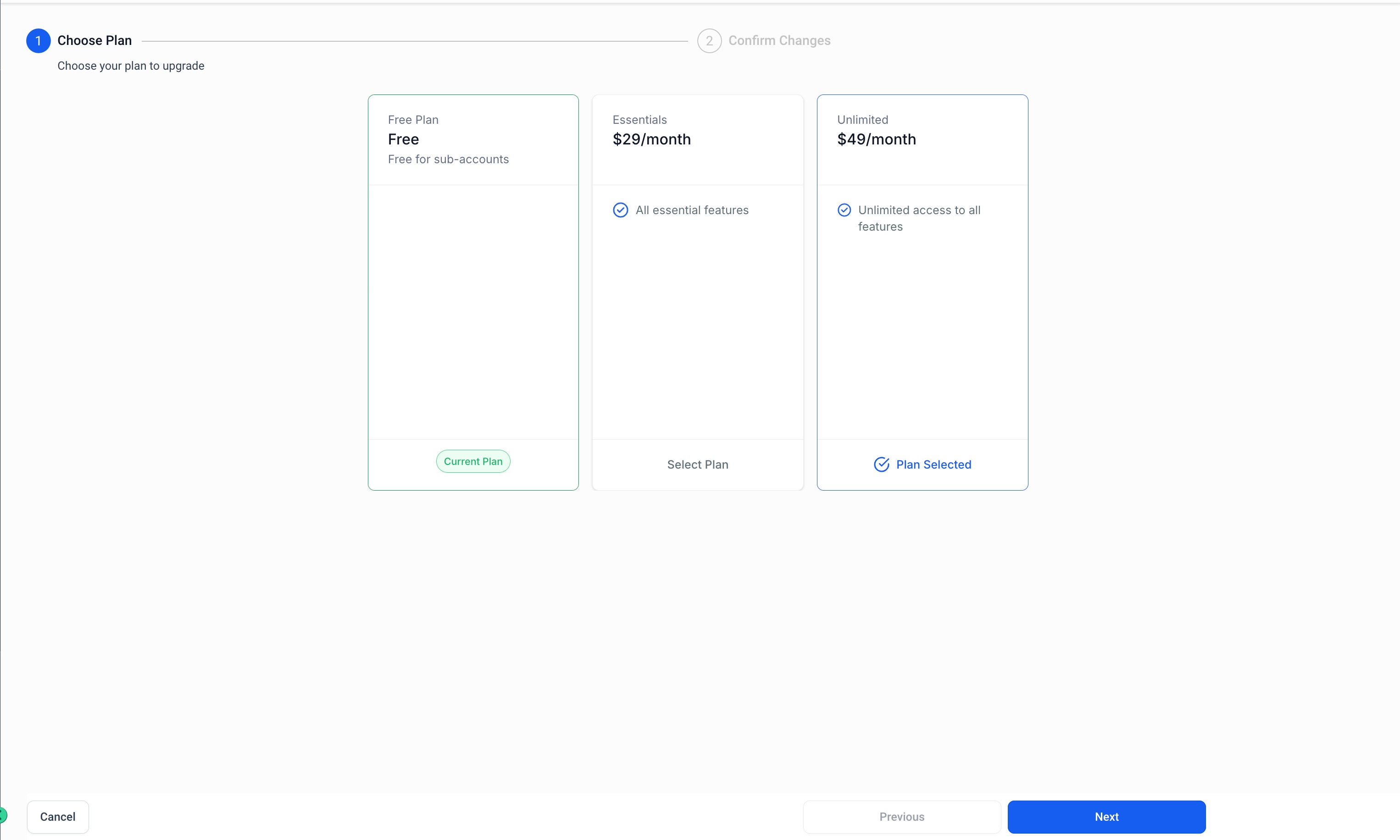
- Choose the new plan.
- Review the changes.
- Proceed to upgrade and pay for the new plan.
Change plan for agency & subaccount app
- Go to App Marketplace > Installed Apps.
- Select the app and click Change Plan.
- Choose the new plan.
- Select the list of subaccounts for the pricing plan change.
- Review the changes.
- Proceed to upgrade and pay for the new plan.
04What it looks like in HighLevel
Michael's take

Michael ReimerFounder of CRM Pros, HighLevel Commander and Certified Admin
Changing app pricing plans can be messy if you miss the pro rated billing nuance; a surprise charge or delayed refund can throw off cash flow. Make sure you understand that the adjustment won’t appear until the next cycle.
Get More InformationOpens on HighLevelPublished November 2, 2026 · Updated November 3, 2026