
01Who this is for
- Marketing managers at SaaS companies, can launch lead magnet or appointment funnels without design work.
- Coaches and consultants, benefit from quick appointment type funnels that pull in calendar widgets.
- Small retail owners, use the agent to create branded sales funnels while reusing product images.
02Funnel creation agents, explained
The Funnel Creation Agent lives inside the Ask AI section of HighLevel. When you ask it to generate a funnel, it suggests a template, asks guided questions, and builds the funnel pages automatically.
The agent applies your brand colors, inserts uploaded or Google Business Profile images, and can use a pre configured Brand Voice to write copy. After generation it provides a direct Builder link and preview URLs so you can edit or review each page.
All of the work is performed inside HighLevel, so the resulting funnel is ready to publish with native integrations such as calendar booking widgets, static forms, and review displays.
03How businesses use the Funnel Creation Agent
- SaaS company. The team asks Ask AI to generate an appointment funnel, selects the Appointment Funnel template, answers the Q&A, uploads their logo, and picks a brand color. The agent then returns a builder link where they attach their scheduling calendar and customize copy.
- Dental practice. The practice chooses the Lead Magnet Funnel, uploads patient focused images, and lets the agent pull additional photos from its Google Business Profile. Using the Brand Voice setting, the AI writes on brand headlines, and the practice adds a static contact form via the native integration.
- Online coach. The coach selects a template, answers the smart questions about session types, and uploads a personal photo. With a Brand Voice active, the AI creates consistent messaging, and the coach integrates a calendar widget to allow clients to book calls directly from the funnel.
04Before you start
- Log in to your HighLevel account.
- Ensure Ask AI is accessible from the top right navigation bar.
- Optionally set up a Brand Voice profile to enable on brand copy generation.
- Optionally connect a Google Business Profile to allow automatic image fetching.
05How to set up and use the Funnel Creation Agent in HighLevel
Launch the Funnel Generator in Ask AI
- Log in to your HighLevel account.
- Click the Ask AI button in the top right navigation bar.
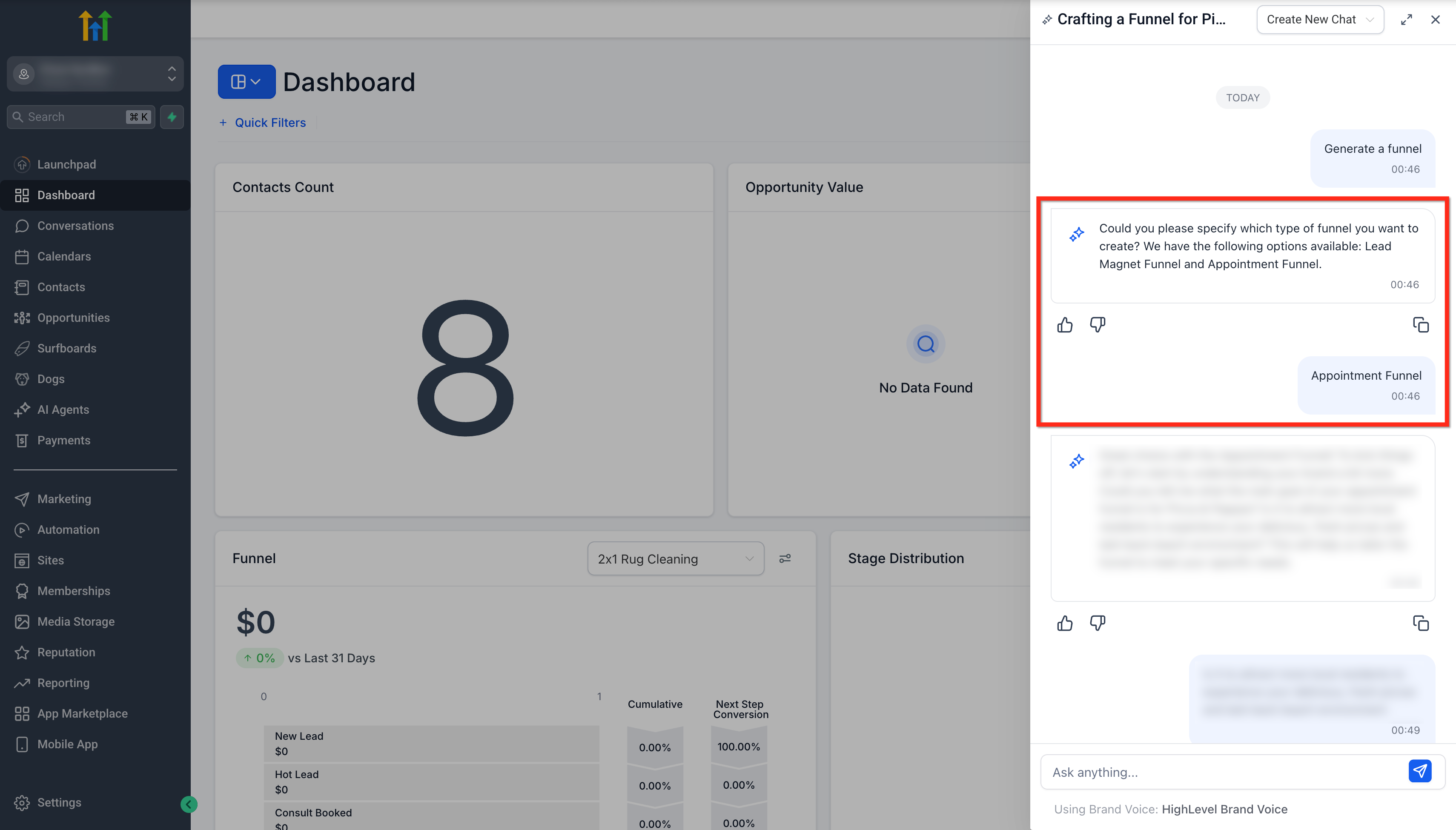
- Enter “Generate a funnel” into the Ask Anything input box or select the Generate Funnel button.
Select a Funnel Type
- Review the list of funnel types presented by Ask AI.
- Click the funnel type that matches your need, Lead Magnet Funnel or Appointment Funnel.
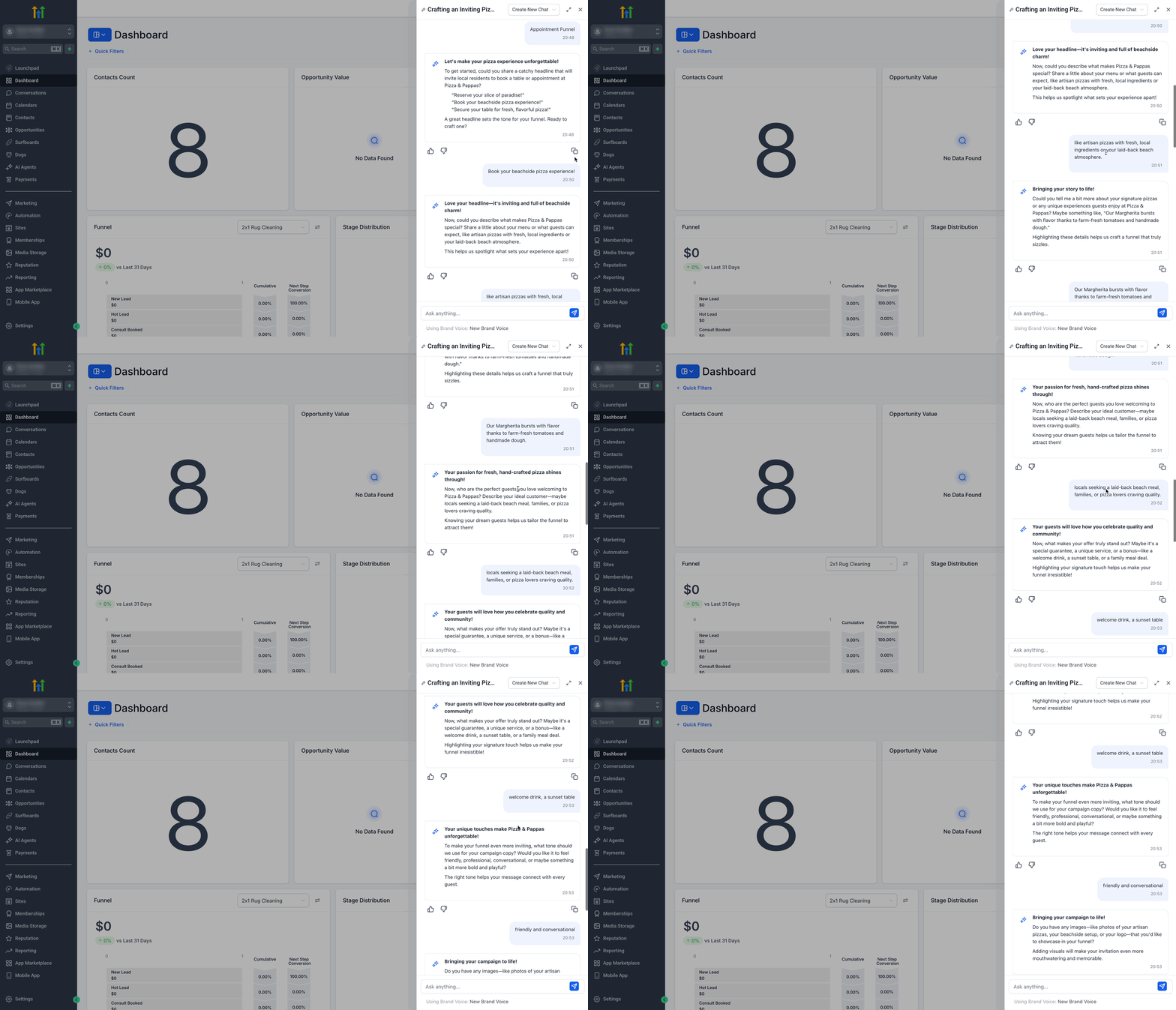
Answer Smart Q&A
- Respond to each context aware question asked by Ask AI to personalize the funnel.
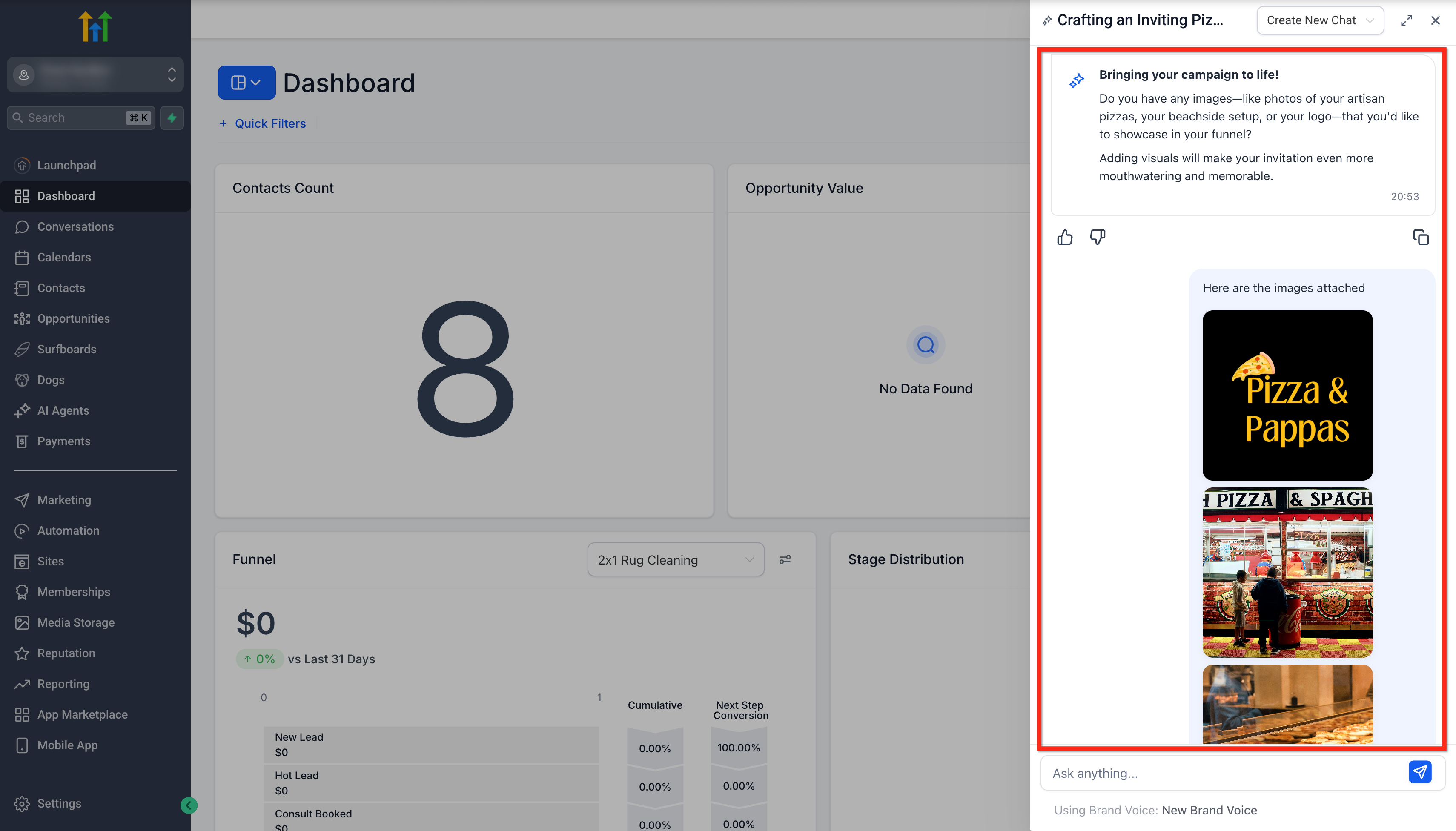
Upload Images and Logo
- Click the upload area to add product images, brand assets, and your logo.
- If a Google Business Profile is linked, confirm that images are fetched automatically.
- Review the uploaded visuals to ensure they reflect your brand.
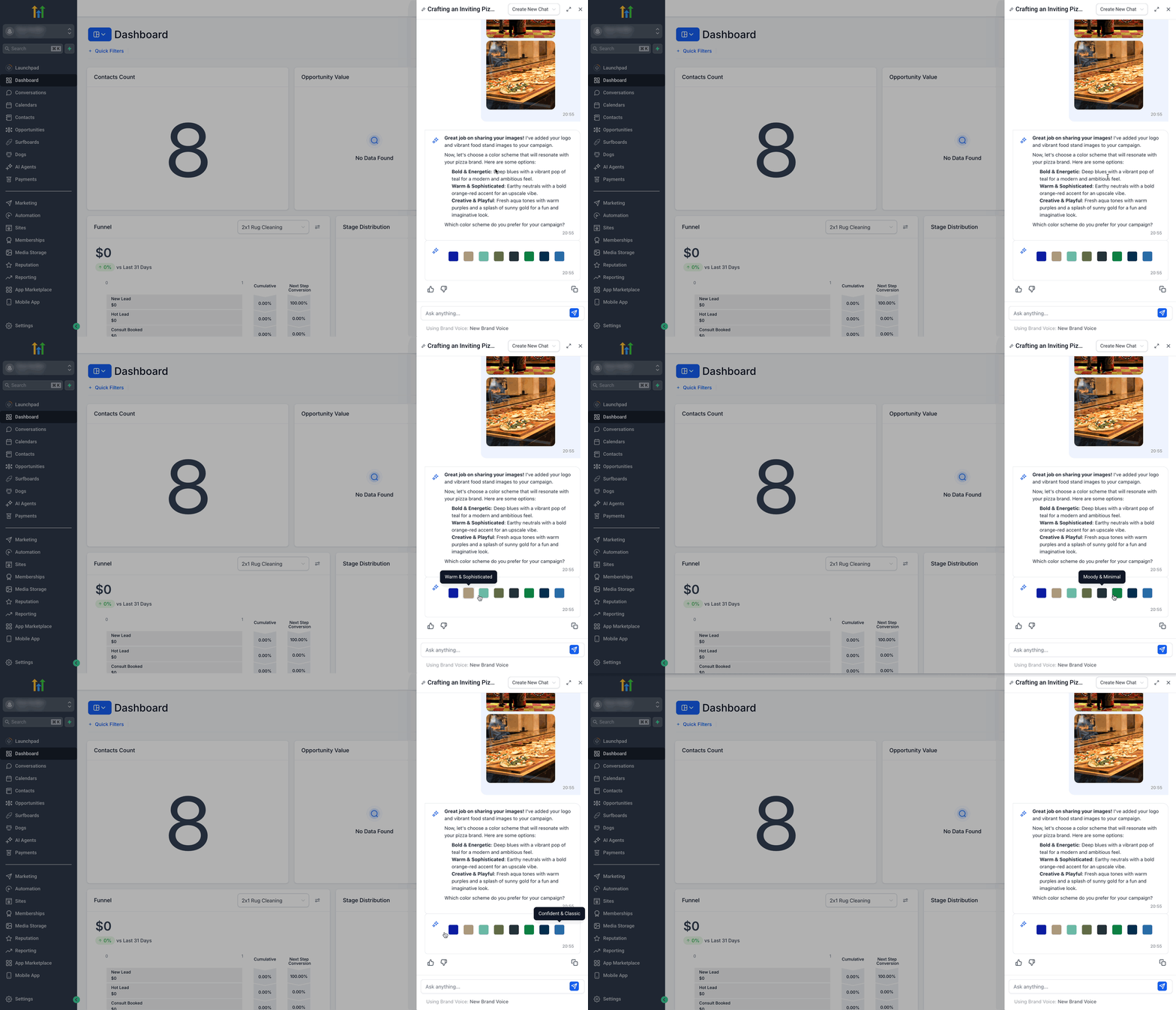
Personalize Your Funnel
- Select a Color Theme that aligns with your brand palette.
- If a Brand Voice is configured, allow the AI to generate on brand content.
Review and Access Your Funnel
- Receive the Builder link and preview links generated by Ask AI.
- Open the Builder link to edit the funnel further.
- Use the preview links to view each funnel page before publishing.
06What it looks like in HighLevel


07Settings that matter
- Brand Voice. Controls the tone and style of AI generated headlines, descriptions, and calls to action to match your brand.
- Google Business Profile. Enables the Funnel Agent to automatically retrieve images from the connected Google Business account.
- Color Theme. Sets the color palette applied to the funnel pages to keep the design consistent with your brand.
08Things to know before you rely on it
- Only two core funnel templates, Lead Magnet and Appointment, are available at this time.
- Additional templates are planned for future releases.
- Image auto fetch works only when a Google Business Profile is connected; otherwise images must be uploaded manually.
09How it connects to the rest of HighLevel
- How to generate a contact summary with HighLevel Ask AI Contact summary guide
- Create and attach knowledge bases with Ask AI in HighLevel Knowledge bases
- HighLevel pricing and plans Pricing
- Start a 30 day HighLevel trial Free trial
- The HighLevel Founder Plan Founder Plan
Michael's take

Wondering if an AI can really put together a sales funnel without you dragging and dropping every element? The Funnel Creation Agent lets you ask HighLevel to build a complete funnel in a few clicks, pulling in your branding, images and calendar widgets so you can focus on the offer.
If I were setting up a new lead magnet, I’d fire off a simple “Generate a funnel” request, pick the Lead Magnet template and let the agent fetch my Google Business images. A quick review of the Builder link would be enough before I push it live.